
Minecraft Forge 1.21.11
v 1.21.11
Windows
免費軟體
8.62/10 (79)
- 目前版本1.21.11
- 更新日期2026-02-13
- 檔案大小8.95 MB
- 檔案名稱forge-1.21.11-61.0.10-installer.jar
- 作業系統Windows 7 / Windows 8 / Windows 10 / Windows 11
- 支援語系English
- 授權型式免費軟體
- 開發商 Forge Development LLC
- 軟體分類Windows 軟體 / 遊戲
##
翻譯排程處理中,以下暫以英文原文呈現
軟體介紹
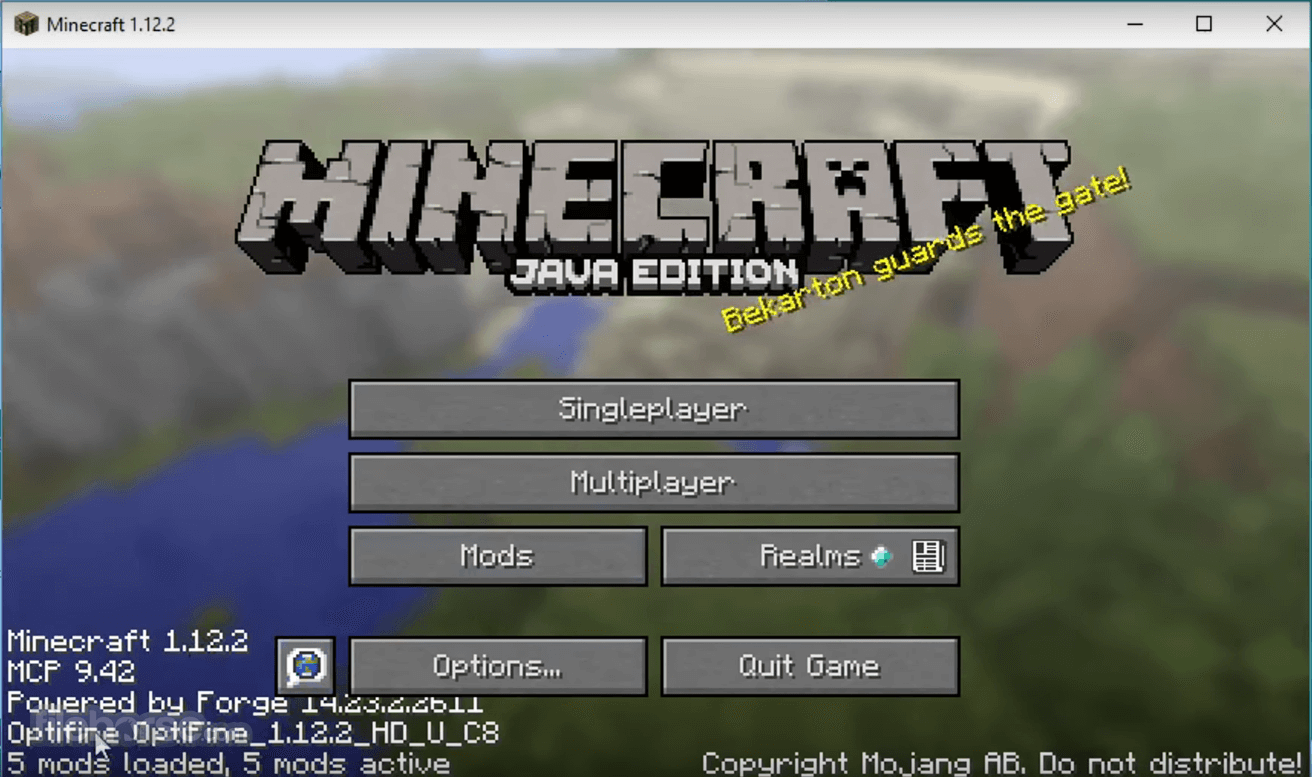
Minecraft Forge is a free modding utility that utilizes an open-source API and loader to provide comprehensive compatibility between numerous community-created mods and the exact version of Minecraft: Java Edition that is downloadable straight through the Minecraft Forge loader.
That game version is not some special customized game client, but instead usually just an older version of the game that maintains compatibility with this modding client.
In addition to the general mods that can be used in all regular versions of the game, users of the Minecraft Forge loader can also access a wide array of mods that are accessible only via the Forge client.
It is important to note that the Minecraft Forge loader does not feature any kind of graphical user interface, and instead it only installs on your PC all the necessary files that are needed for detecting and loading countless types of Minecraft mods.
Windows users can access Forge mods inside the “Minecraft/mods” folder, but to activate them first, they will have to download them manually from any of the available Internet sources and then place them inside that directory. Forge mods can be used on the version of Java Edition 1.1 or above.
Originally released to the public in the summer of 2011, it continues to be developed by the open-source community that regularly updates this popular modding API and loader utility with new features and expanded compatibility for advanced Minecraft modding.
Minecraft Forge is 100% FREE and can be used on all Windows OS versions that run the popular game Minecraft.
How to Use
That game version is not some special customized game client, but instead usually just an older version of the game that maintains compatibility with this modding client.
In addition to the general mods that can be used in all regular versions of the game, users of the Minecraft Forge loader can also access a wide array of mods that are accessible only via the Forge client.
It is important to note that the Minecraft Forge loader does not feature any kind of graphical user interface, and instead it only installs on your PC all the necessary files that are needed for detecting and loading countless types of Minecraft mods.
Windows users can access Forge mods inside the “Minecraft/mods” folder, but to activate them first, they will have to download them manually from any of the available Internet sources and then place them inside that directory. Forge mods can be used on the version of Java Edition 1.1 or above.
Originally released to the public in the summer of 2011, it continues to be developed by the open-source community that regularly updates this popular modding API and loader utility with new features and expanded compatibility for advanced Minecraft modding.
Minecraft Forge is 100% FREE and can be used on all Windows OS versions that run the popular game Minecraft.
How to Use
- Download Minecraft Forge from the official website or FileHorse.com
- Run the installer and select “Install Client.”
- Launch Minecraft and select the Forge profile
- Place mod files in the "mods" folder
- Start the game and enjoy the mods
##
畫面截圖
##
更新日誌
1.21.11- Official 1.21.11 release with major rendering updates (BackedQuad & IQuadTransformers)
- Removed deprecated model generators (switch to vanilla generators required)
- Removed JavaScript CoreMods and Nashorn; ASMAPI moved to a separate dependency
- Added support for multiple access transformer configs
- Optimized memory handling for entity fluid collision checks
- Fixed player sleep issue
System Requirements
- OS: Windows 11, 10, 8, or 7
- Processor: Intel Core i3 or equivalent
- RAM: 4GB minimum, 8GB recommended
- GPU: Integrated or dedicated with OpenGL support
- Storage: 2GB free space
- Expands modding capabilities
- Compatible with many mods
- Regular updates and support
- Easy installation process
- Strong community and documentation
- Can cause performance issues
- Some mods may conflict
- Requires Java installation
- Updates may break older mods
- Not supported in Minecraft Bedrock
Download Minecraft Forge Latest Version Why is this app published on FileHorse? (More info)