- 目前版本5.1
- 更新日期2026-02-20
- 檔案大小10.7 MB
- 檔案名稱mylockbox_setup.exe
- 作業系統Windows 10 / Windows 11
- 支援語系English
- 授權型式商業試用
- 開發商 FSPro Labs
- 軟體分類Windows 軟體 / 安全工具
##
翻譯排程處理中,以下暫以英文原文呈現
軟體介紹
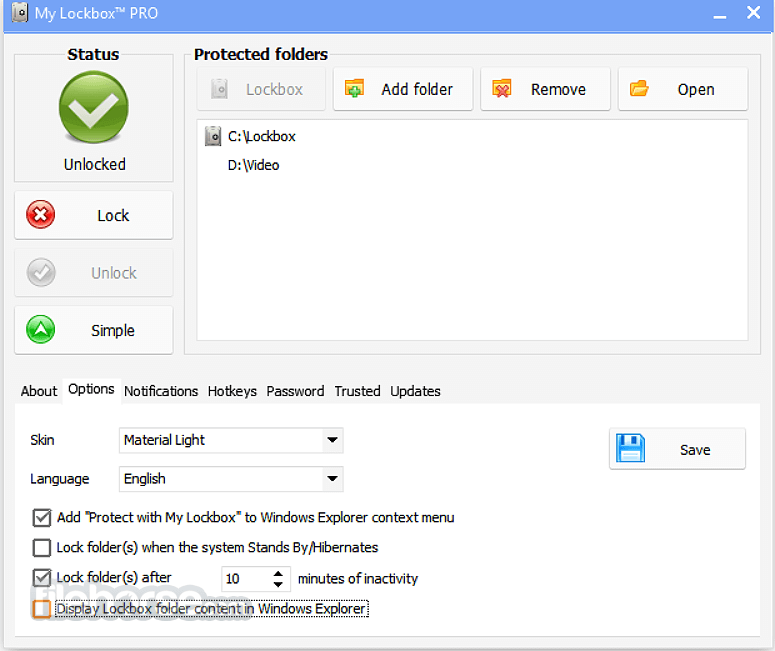
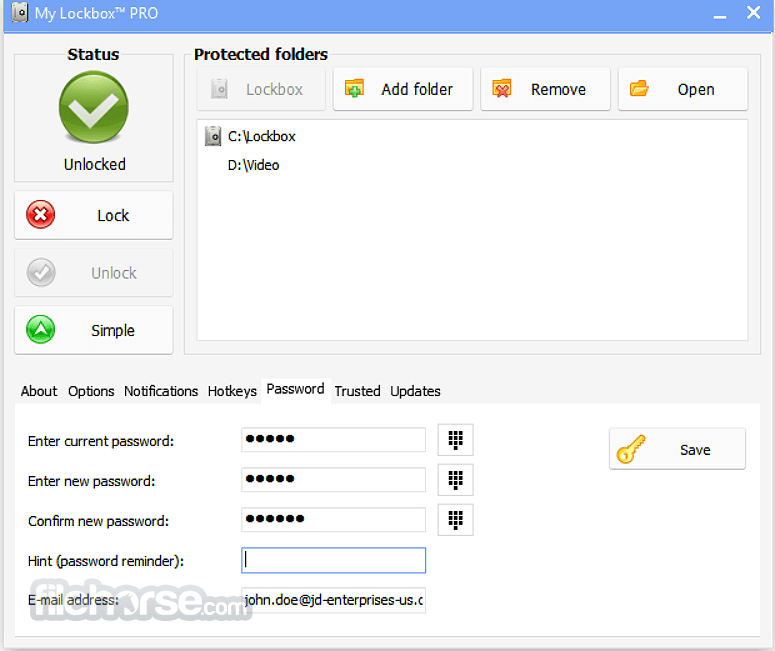
My Lockbox enables you to hide, lock, and password-protect almost any folder on your computer. You can use My Lockbox to hide your private data from prying eyes - your files will not be accessible to either local or remote users.
Right after the installation of My Lockbox for PC, you will be asked to provide the location of the protected folder. On completion of the installation, your folder will become hidden and locked.
Key Features
FAQs
What is My Lockbox used for?
My Lockbox is a Windows utility designed to password-protect and hide folders on your computer. Once a folder is locked, it becomes invisible and inaccessible to other users until the correct password is entered.
How does My Lockbox protect files?
Instead of encrypting files like full disk encryption software, My Lockbox restricts access to a selected folder by hiding and locking it at the system level. This makes it suitable for protecting personal files on shared computers, but it is not intended as enterprise-grade encryption software.
Is My Lockbox safe and reliable in 2026?
Yes, for basic local privacy protection. In 2026, My Lockbox remains relevant for users who need simple folder locking on Windows systems. However, for highly sensitive data, more advanced encryption solutions (such as BitLocker or dedicated encryption tools) may provide stronger protection.
Is My Lockbox free to use?
My Lockbox offers a free version with limited functionality (typically allowing protection of one folder) and a paid version that unlocks additional features. It is recommended to download it only from the official FSPro website to ensure authenticity.
Pricing
My Lockbox Home is intended for personal home use only. For office or professional environments, please consider purchasing My Lockbox Pro Standard or My Lockbox Personal.
Wise Folder Hider - A Windows utility that allows users to hide, lock, and password-protect files, folders, and USB drives to prevent unauthorized access.
Folder Lock - A data protection software that lets users encrypt files, lock folders, create secure lockers, and safeguard sensitive information with password protection.
PROS
Download My Lockbox Latest Version Why is this app published on FileHorse? (More info)
Right after the installation of My Lockbox for PC, you will be asked to provide the location of the protected folder. On completion of the installation, your folder will become hidden and locked.
Key Features
- Password Protection — Instantly lock folders with a secure master password.
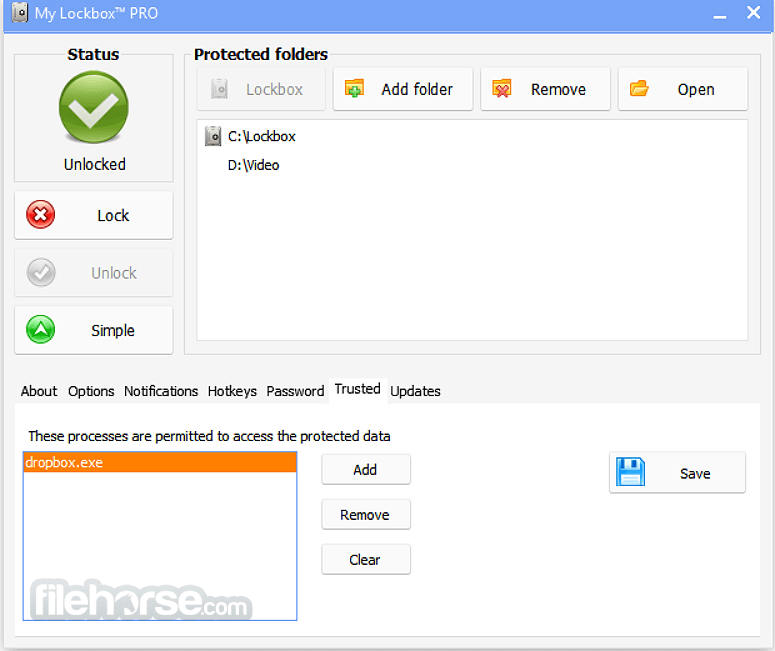
- Hide & Lock Folders — Protected folders become invisible and inaccessible to other users and programs.
- Lightweight & Fast — Minimal system resource usage with quick locking/unlocking.
- Explorer Integration — Manage protected folders directly from Windows Explorer.
- Automatic Protection — Folders remain locked even after a system reboot.
- Hotkey Support — Quickly hide or show folders using custom keyboard shortcuts.
- Single Protected Folder (Free Version) — Protect one folder at a time with the free edition.
- Pro Version Support — Protect unlimited folders with advanced options.
FAQs
What is My Lockbox used for?
My Lockbox is a Windows utility designed to password-protect and hide folders on your computer. Once a folder is locked, it becomes invisible and inaccessible to other users until the correct password is entered.
How does My Lockbox protect files?
Instead of encrypting files like full disk encryption software, My Lockbox restricts access to a selected folder by hiding and locking it at the system level. This makes it suitable for protecting personal files on shared computers, but it is not intended as enterprise-grade encryption software.
Is My Lockbox safe and reliable in 2026?
Yes, for basic local privacy protection. In 2026, My Lockbox remains relevant for users who need simple folder locking on Windows systems. However, for highly sensitive data, more advanced encryption solutions (such as BitLocker or dedicated encryption tools) may provide stronger protection.
Is My Lockbox free to use?
My Lockbox offers a free version with limited functionality (typically allowing protection of one folder) and a paid version that unlocks additional features. It is recommended to download it only from the official FSPro website to ensure authenticity.
Pricing
My Lockbox Home is intended for personal home use only. For office or professional environments, please consider purchasing My Lockbox Pro Standard or My Lockbox Personal.
- My Lockbox Personal - $5.99 /month (1 User 2 PCs)
- My Lockbox Home - $11.99 /month (5 Users 10 PCs)
- My Lockbox Standard - $29.95 /Lifetime (1 User 2 PCs)
Wise Folder Hider - A Windows utility that allows users to hide, lock, and password-protect files, folders, and USB drives to prevent unauthorized access.
Folder Lock - A data protection software that lets users encrypt files, lock folders, create secure lockers, and safeguard sensitive information with password protection.
PROS
- Simple and User-Friendly Interface
- Strong Password Protection
- Supports Hidden File Locking
- Lightweight and Fast Performance
- Free Version Available
- Limited Free Version Features
- No Multi-Folder Protection
- Weakness to Advanced Attacks
- Windows-Only Compatibility
- No Cloud Integration Support
Download My Lockbox Latest Version Why is this app published on FileHorse? (More info)
##
畫面截圖