⚠ 這是歷史版本頁面 — 查看 OpenCV 最新版本 →

- 目前版本4.4.0
- 更新日期2020-07-18
- 檔案大小203 MB
- 檔案名稱opencv-4.4.0-vc14_vc15.exe
- 作業系統Windows 7 / Windows 8 / Windows 10 / Windows 11
- 支援語系English
- 授權型式開源軟體
- 開發商 OpenCV Team
- 軟體分類Windows 軟體 / 開發者工具
##
編輯短評
OpenCV是一套開源的電腦視覺函式庫,專為即時影像處理與機器學習應用而設計。它涵蓋從基本圖像操作到物體偵測、人臉辨識、深度學習等廣泛功能,最初由Intel發起,如今已是該領域最廣為使用的框架之一。其最大特色在於提供高效且跨平台的開發環境,並持續獲得活躍維護,使用者評價普遍不錯,是開發者與研究人員的熱門選擇。
這套工具適合需要處理影像或視覺資料的開發者、研究人員與工程師,常見於機器人、擴增實境、監控系統與醫學影像等情境。相較於其他商業軟體,OpenCV完全開源免費,但需要具備程式設計基礎才能靈活運用。它支援Windows與macOS,介面為英文,中文使用者需留意文件與社群資源的語言門檻。整體而言,它提供了高度彈性與擴充性,是電腦視覺專案的可靠起點。
##
翻譯排程處理中,以下暫以英文原文呈現
軟體介紹
OpenCV (Open Source Computer Vision Library) is an open-source software library designed for real-time computer vision and machine learning applications.
Originally developed by Intel, OpenCV has grown into one of the most widely used frameworks for image processing, object detection, facial recognition, and deep learning tasks.
It provides a robust and efficient platform for developers, researchers, and engineers working in fields such as robotics, augmented reality, surveillance, and medical imaging.
Key Features
Extensive Computer Vision Capabilities – Offers a vast range of image processing techniques, including edge detection, segmentation, and feature extraction.
Machine Learning Integration – Supports deep learning models via frameworks like TensorFlow, PyTorch, and Caffe.
Multi-Language Support – Works with Python, C++, Java, and MATLAB, making it versatile for developers.
Cross-Platform Compatibility – Runs on Windows, Linux, macOS, iOS, and Android.
Optimized for Performance – Utilizes hardware acceleration via OpenCL, CUDA, and Intel’s MKL.
Video Processing – Features real-time video capture, processing, and motion detection.
3D Reconstruction – Offers tools for depth estimation, stereo vision, and point cloud generation.
Augmented Reality and Facial Recognition – Provides functionalities for AR applications and biometric identification.
User Interface
Since OpenCV is a library, it does not have a traditional graphical user interface (GUI).
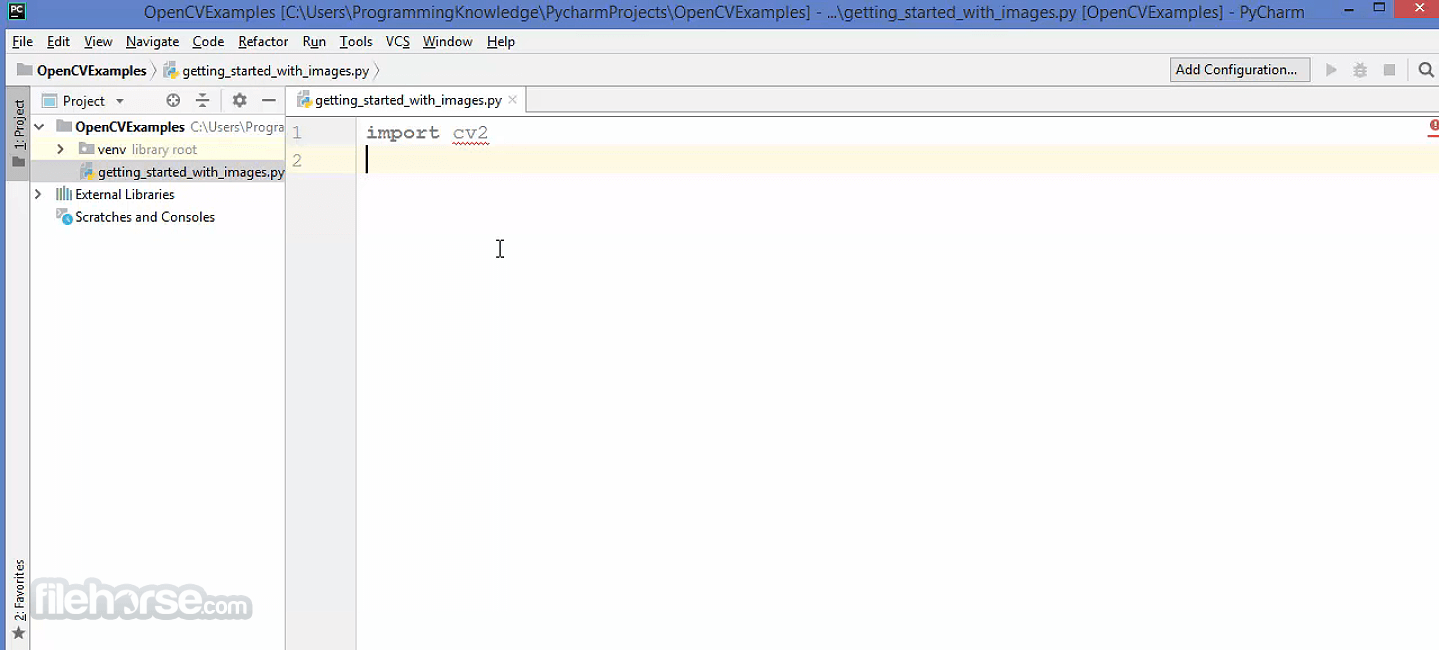
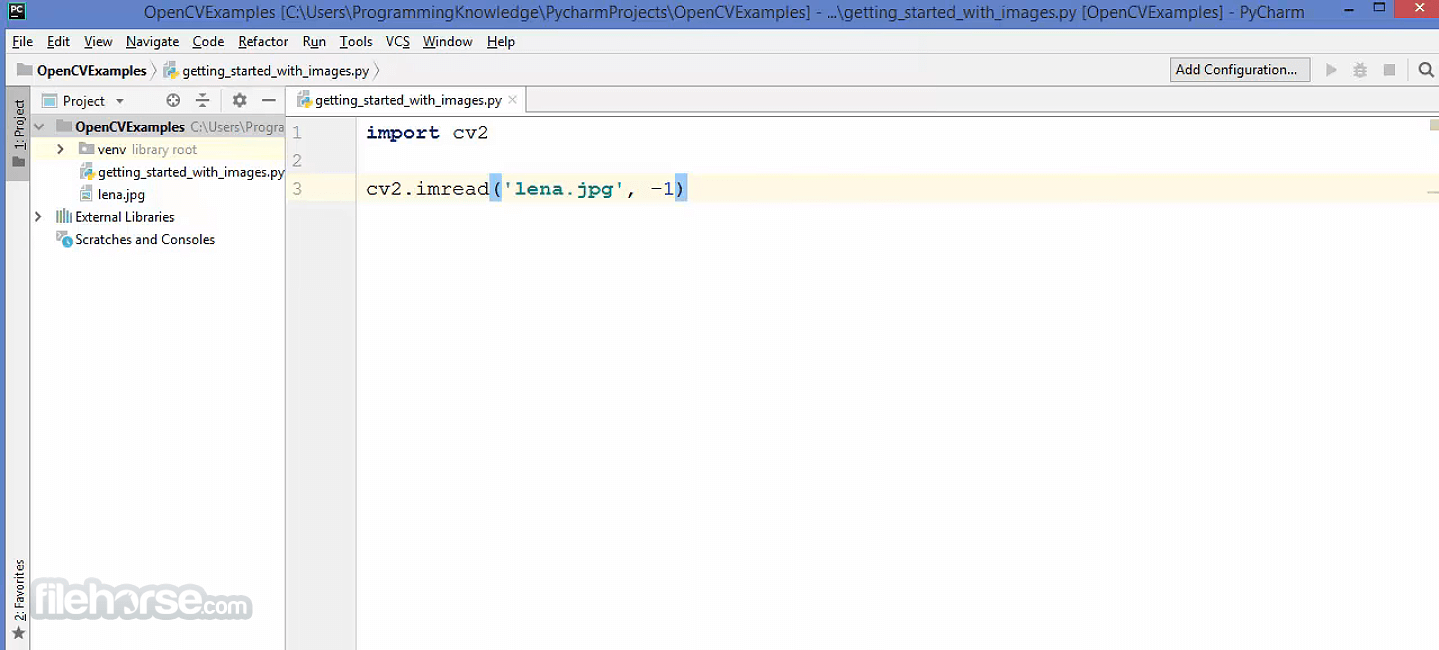
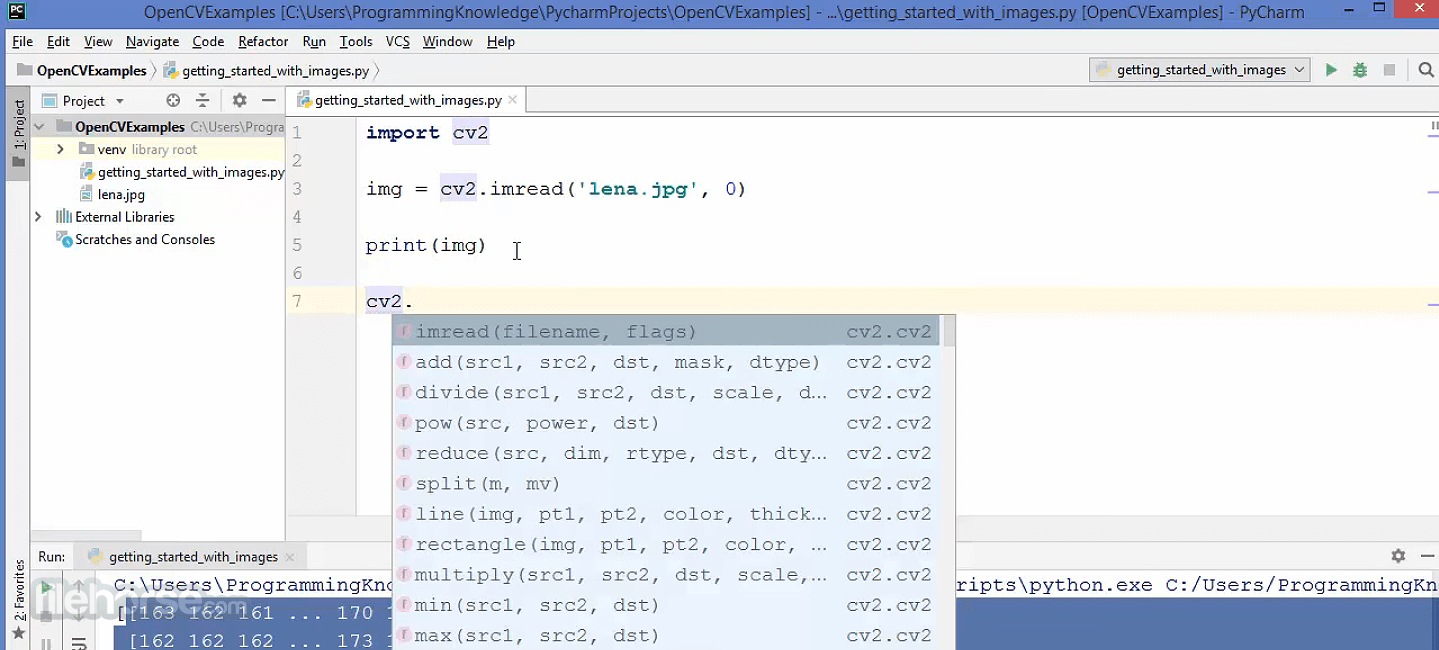
Instead, it is used via command-line interfaces and integrated into development environments such as Visual Studio, PyCharm, and Jupyter Notebook.
Various wrapper libraries, such as OpenCV GUI (Qt-based) and OpenCV-Python, enable visualization of image and video processing tasks.
Installation and Setup
Building from Source:
Is OpenCV free?
Yes, OpenCV is open-source and licensed under Apache 2.0, meaning it's free for both personal and commercial use.
What programming languages does OpenCV support?
It supports C++, Python, Java, and MATLAB, making it accessible for a wide range of developers.
Can OpenCV be used with deep learning models?
Yes, it integrates with TensorFlow, PyTorch, and Caffe for deep learning applications.
Does OpenCV support GPU acceleration?
Yes, it supports CUDA, OpenCL, and Vulkan for GPU acceleration.
What industries use OpenCV?
OpenCV is used in healthcare, robotics, security, automotive, and entertainment industries for tasks like facial recognition, autonomous driving, and AR applications.
System Requirements
OpenCV remains one of the most powerful and versatile tools for computer vision and machine learning applications on Windows. While it may not be the most user-friendly option for beginners, it offers unparalleled flexibility and performance for developers working on AI-driven image processing projects.
With its strong community support, cross-platform functionality, and continuous improvements, OpenCV is an essential tool for anyone involved in computer vision.
Also Available: Download OpenCV for Mac
Download OpenCV Latest Version Why is this app published on FileHorse? (More info)
Originally developed by Intel, OpenCV has grown into one of the most widely used frameworks for image processing, object detection, facial recognition, and deep learning tasks.
It provides a robust and efficient platform for developers, researchers, and engineers working in fields such as robotics, augmented reality, surveillance, and medical imaging.
Key Features
Extensive Computer Vision Capabilities – Offers a vast range of image processing techniques, including edge detection, segmentation, and feature extraction.
Machine Learning Integration – Supports deep learning models via frameworks like TensorFlow, PyTorch, and Caffe.
Multi-Language Support – Works with Python, C++, Java, and MATLAB, making it versatile for developers.
Cross-Platform Compatibility – Runs on Windows, Linux, macOS, iOS, and Android.
Optimized for Performance – Utilizes hardware acceleration via OpenCL, CUDA, and Intel’s MKL.
Video Processing – Features real-time video capture, processing, and motion detection.
3D Reconstruction – Offers tools for depth estimation, stereo vision, and point cloud generation.
Augmented Reality and Facial Recognition – Provides functionalities for AR applications and biometric identification.
User Interface
Since OpenCV is a library, it does not have a traditional graphical user interface (GUI).
Instead, it is used via command-line interfaces and integrated into development environments such as Visual Studio, PyCharm, and Jupyter Notebook.
Various wrapper libraries, such as OpenCV GUI (Qt-based) and OpenCV-Python, enable visualization of image and video processing tasks.
Installation and Setup
Building from Source:
- Install CMake, Visual Studio, and Ninja.
- Configure using CMake, enabling CUDA or OpenCL if necessary.
- Compile and integrate with Python or C++.
Is OpenCV free?
Yes, OpenCV is open-source and licensed under Apache 2.0, meaning it's free for both personal and commercial use.
What programming languages does OpenCV support?
It supports C++, Python, Java, and MATLAB, making it accessible for a wide range of developers.
Can OpenCV be used with deep learning models?
Yes, it integrates with TensorFlow, PyTorch, and Caffe for deep learning applications.
Does OpenCV support GPU acceleration?
Yes, it supports CUDA, OpenCL, and Vulkan for GPU acceleration.
What industries use OpenCV?
OpenCV is used in healthcare, robotics, security, automotive, and entertainment industries for tasks like facial recognition, autonomous driving, and AR applications.
System Requirements
- OS: Windows 10 or Windows 11
- Processor: Intel or AMD 64-bit CPU
- RAM: Minimum 4GB (8GB+ recommended)
- Storage: ~1GB for the base library; more for additional models and dependencies
- GPU: Optional, but NVIDIA CUDA-supported GPUs can improve performance
- Free and open-source with an active community.
- Extensive features for image processing, video analysis, and AI.
- High performance with GPU acceleration.
- Compatible with multiple programming languages.
- Works on various platforms including Windows, Linux, and macOS.
- No built-in GUI, making it challenging for beginners.
- Requires coding knowledge to utilize fully.
- Some features have a steep learning curve.
- GPU acceleration setup can be complex.
- Lacks official technical support (community-driven help only).
OpenCV remains one of the most powerful and versatile tools for computer vision and machine learning applications on Windows. While it may not be the most user-friendly option for beginners, it offers unparalleled flexibility and performance for developers working on AI-driven image processing projects.
With its strong community support, cross-platform functionality, and continuous improvements, OpenCV is an essential tool for anyone involved in computer vision.
Also Available: Download OpenCV for Mac
Download OpenCV Latest Version Why is this app published on FileHorse? (More info)
##
畫面截圖
- 2026-07-19 OpenCV 4.14.0 194 MB
- 2026-06-06 OpenCV 5.0.0 186 MB
- 2026-01-01 OpenCV 4.13.0 185 MB
- 2025-07-02 OpenCV 4.12.0 178 MB
- 2025-01-10 OpenCV 4.11.0 177 MB
- 2024-06-03 OpenCV 4.10.0 174 MB
- 2023-12-29 OpenCV 4.9.0 172 MB
- 2023-09-28 OpenCV 4.8.1 168 MB