Oracle SQL Developer 24.3.1 (32-bit)
v 24.3.1 (32-bit)
Windows
免費軟體
7/10 (20)
- 目前版本24.3.1 (32-bit)
- 更新日期2025-12-28
- 檔案大小560.38 MB
- 檔案名稱sqldeveloper-24.3.1.347.1826-no-jre.zip
- 作業系統Windows 7 / Windows 8 / Windows 10 / Windows 11
- 支援語系English
- 授權型式免費軟體
- 開發商 Oracle
- 軟體分類Windows 軟體 / 開發者工具
##
翻譯排程處理中,以下暫以英文原文呈現
軟體介紹
Oracle SQL Developer is a free, integrated development environment that simplifies the development and management of Oracle Database in both traditional and Cloud deployments.
Free SQL Developer offers complete end-to-end development of your PL/SQL applications, a worksheet for running queries and scripts, a DBA console for managing the database, a reports interface, a complete data modeling solution, and a migration platform for moving your 3rd party databases to Oracle.
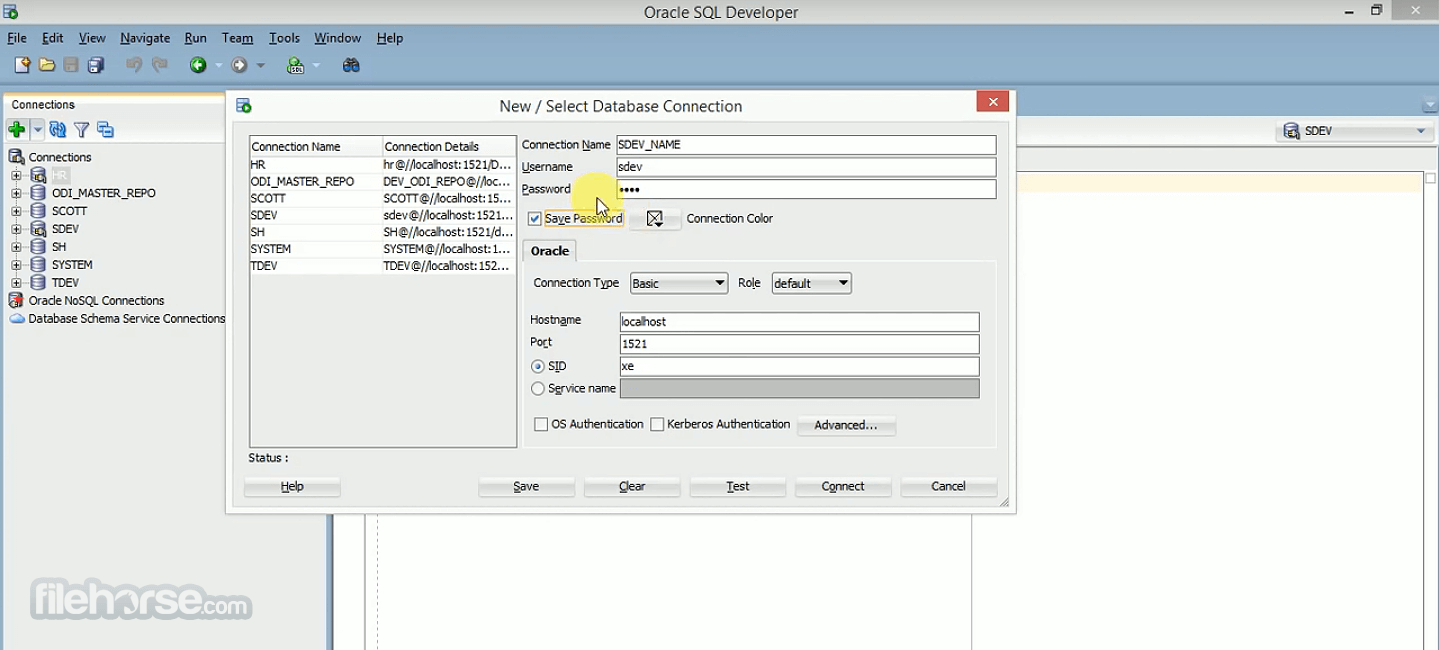
Oracle SQL Developer 32-bit is a graphical tool that enhances productivity and simplifies database development tasks. With the tool, you can browse database objects, run SQL statements and SQL scripts, and edit and debug PL/SQL statements.
You can also run any number of provided reports, as well as create and save your own.
Features
Also Available: Oracle SQL Developer (64-bit) and Oracle SQL Developer for Mac
Download Oracle SQL Developer (32-bit) Latest Version Why is this app published on FileHorse? (More info)
Free SQL Developer offers complete end-to-end development of your PL/SQL applications, a worksheet for running queries and scripts, a DBA console for managing the database, a reports interface, a complete data modeling solution, and a migration platform for moving your 3rd party databases to Oracle.
Oracle SQL Developer 32-bit is a graphical tool that enhances productivity and simplifies database development tasks. With the tool, you can browse database objects, run SQL statements and SQL scripts, and edit and debug PL/SQL statements.
You can also run any number of provided reports, as well as create and save your own.
Features
- Supports Oracle Database, versions 11gR2, 19c, 21c
- Supports Oracle Database in the Oracle Cloud and On-Premises
- Query, load, and extract data
- Easy installation, no Oracle Client required
- Full PL/SQL IDE - compile, debug, document, test, source control, and more
- Click, browse, and manage the contents of your Oracle Database
- Manage your Oracle Database performance, security, storage, settings, and more
- RESTful Services Development and Oracle REST Services Integration
- Complete Data Modeling solution - ERDs, reports, SQL and DDL scripting, source control, DIFFs
- Modern, in-line editing of your SQL and PL/SQL statements and scripts
- Tab completion for Oracle keywords, commands, and object names
- SQL History - access to all of the queries and scripts you've already run
- Automatic Query Result Formatting - easy to read SQL results or format to JSON, XML, CSV, INSERTs, and HTML
- Generate object DDL or get object metadata with simple commands like DDL and INFO
- Liquibase integration for easy Oracle schema source control
- Extremely lightweight, with only a 25MB download and install footprint
- Nothing to install, simply open your browser to start working with your Oracle Database
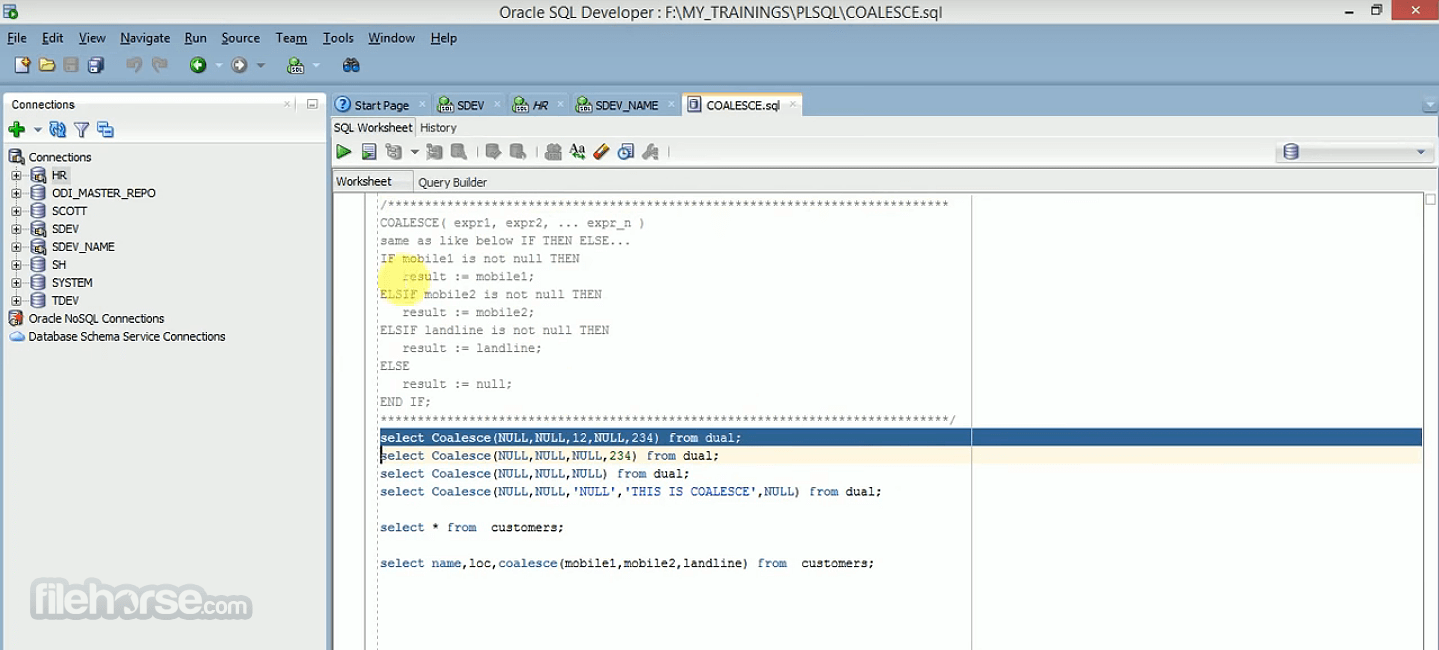
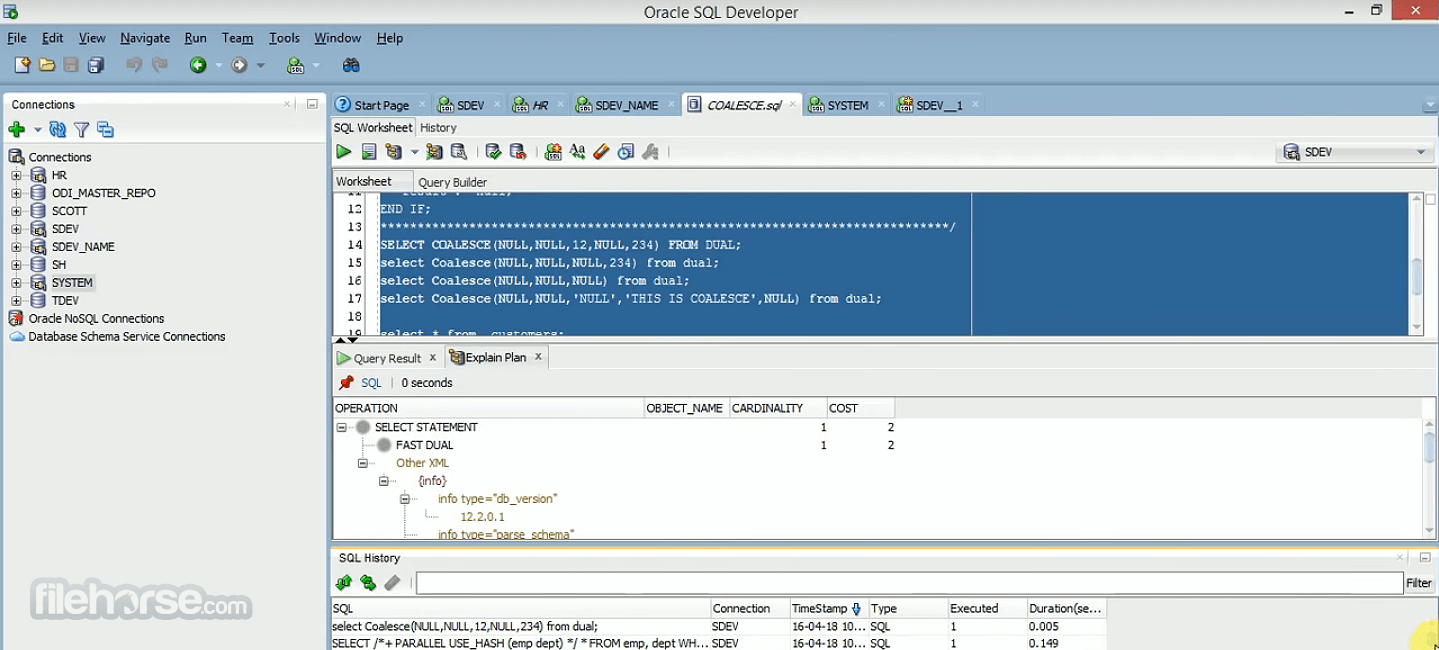
- Run any Oracle SQL or PL/SQL in a fully functioning SQL Worksheet (SQL History, insight, explain plans, and more)
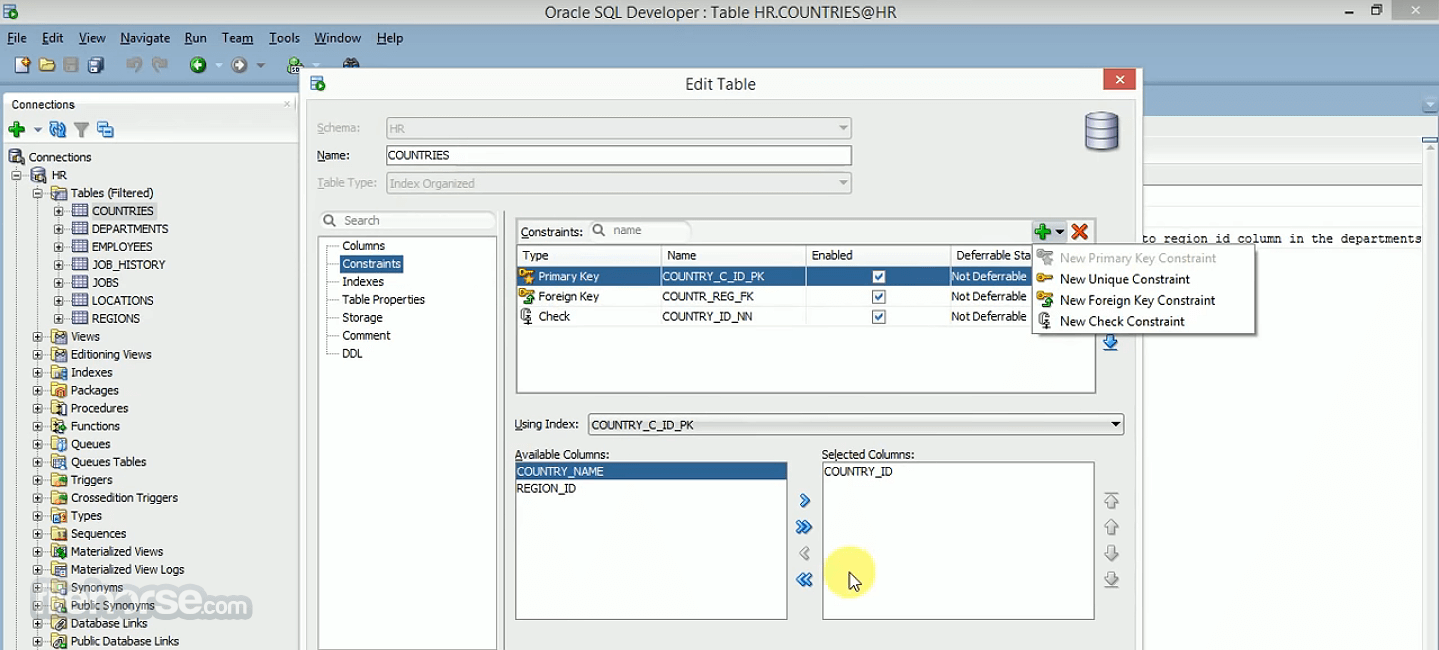
- Create or Edit your favorite Oracle schema objects with easy-to-use wizards
- Generate rich ERDs showing your current Oracle Schema designs
- Manage performance and general Database configuration
- Create and edit users
- Load data from CSV, JSON, and AVRO to new or existing Oracle tables
- Free to use for development and testing.
- Comprehensive feature set for Oracle database development.
- Intuitive user interface.
- Strong SQL query editor with code completion.
- Integration with version control systems.
- Data modeling and design tools.
- Focused primarily on Oracle databases.
- Some advanced features may require additional licensing.
- Learning curve for beginners, especially for complex tasks.
Also Available: Oracle SQL Developer (64-bit) and Oracle SQL Developer for Mac
Download Oracle SQL Developer (32-bit) Latest Version Why is this app published on FileHorse? (More info)
##
影片介紹
##
畫面截圖