- 目前版本4.6.3
- 更新日期2026-08-10
- 檔案大小31.01 MB
- 檔案名稱QQPlayer_Setup4.6.3.1104.exe
- 作業系統Windows XP / Vista / Windows 7 / Windows 8 / Windows 10
- 支援語系English
- 授權型式免費軟體
- 開發商 Tencent, Inc.
- 軟體分類Windows 軟體 / 影片軟體
##
翻譯排程處理中,以下暫以英文原文呈現
軟體介紹
QQ Player, developed by Tencent, is a versatile multimedia Windows player that allows users to play a wide range of video and audio formats without the need for additional codecs.
Note: This software has been discontinued.
Known for its robust performance and user-friendly interface, QQPlayer stands out as a reliable choice for users seeking a free and powerful media player. Tencent has designed this software to cater to both novice users and tech-savvy individuals, offering a seamless media experience on Windows platforms.
It helps you play videos, movies, and music, take snapshots and video as digital images, convert video and music, play 3D movies, and convert normal 2D movies to 3D movies in one click.
Features and Highlights
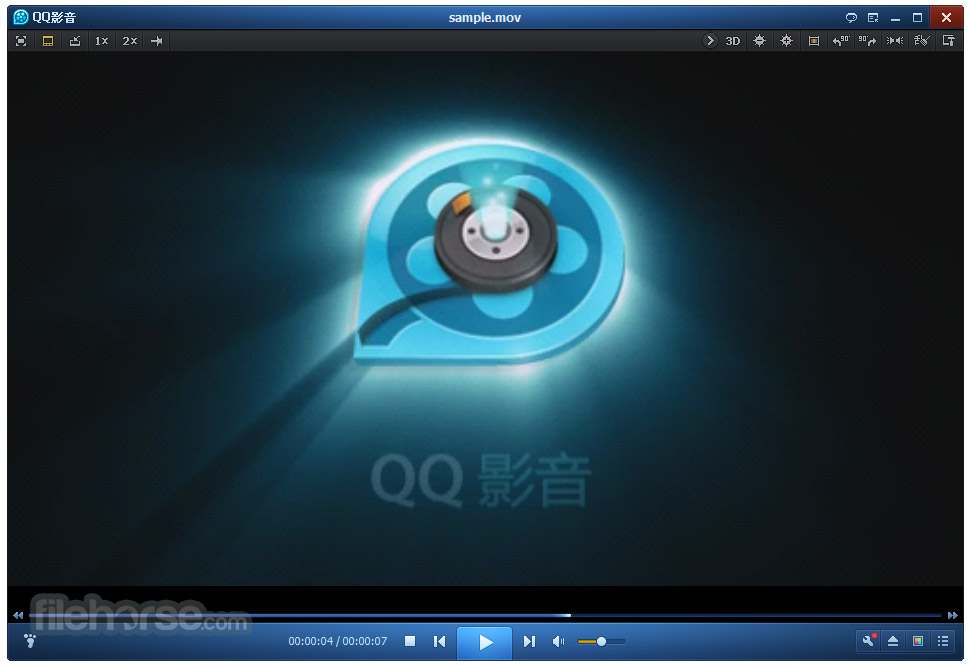
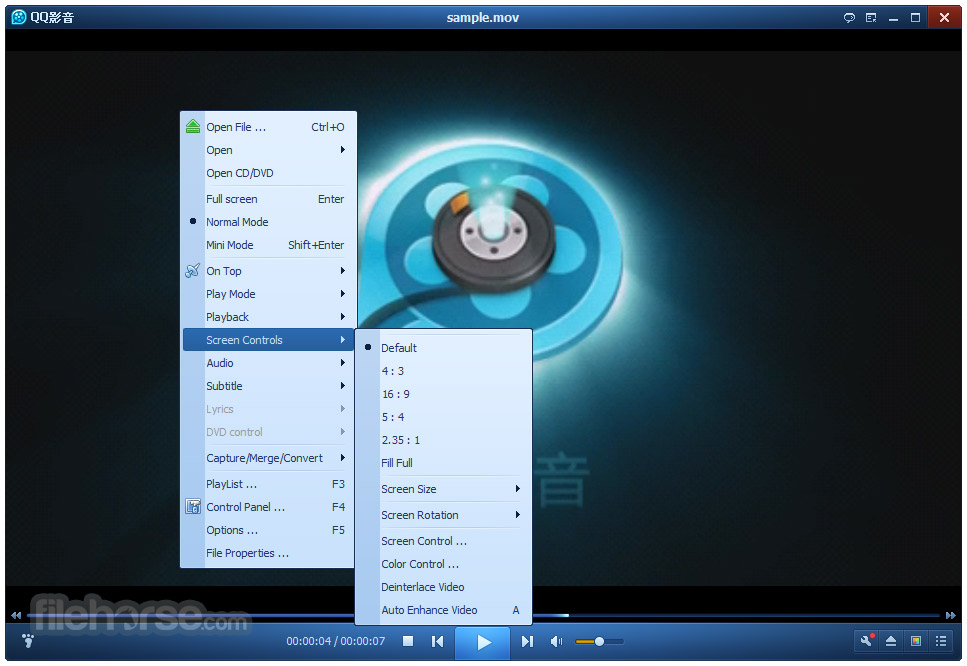
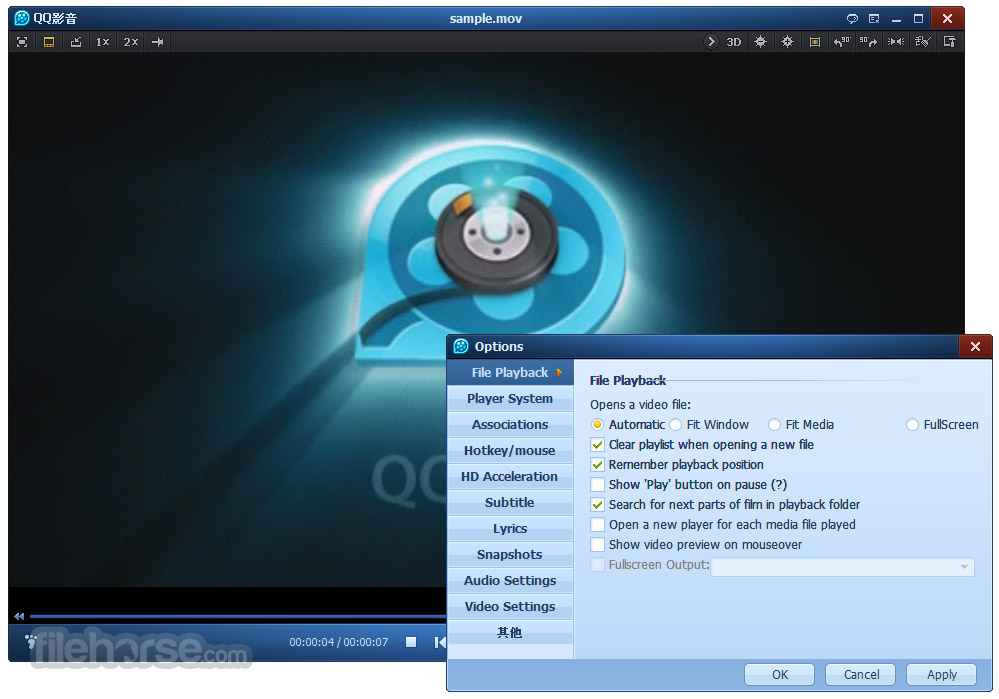
It features a sleek and modern user interface that is both visually appealing and functional. The main window is divided into a playback area and a control panel, with essential playback controls easily accessible.
The design emphasizes simplicity, ensuring that users can navigate the app with minimal effort. The interface is customizable, allowing users to adjust the theme and layout according to their preferences.
Installation and Setup
Can QQ Player play Blu-ray discs?
The program does not natively support Blu-ray disc playback. However, it can play ripped Blu-ray files in supported formats.
Is QQ Player available for Mac or Linux?
Currently, this software is only available for Windows. There are no official versions for Mac or Linux.
How can I update QQ Player?
The app typically notifies users of available updates. You can also manually check for updates through the 'Help' menu.
Does QQ Player support hardware acceleration?
Yes, it supports hardware acceleration, which can be enabled in the settings to improve playback performance for high-definition videos.
Is QQ Player free to use?
Yes, this tool is completely FREE to download and use, with no hidden costs or subscription fees.
Is QQ Player still supported in 2026?
No. QQ Player is no longer actively supported or developed by Tencent. The official download pages have been removed, no new versions have been released since 2020, and the software is now considered a legacy media player.
Alternatives
VLC Media Player - Known for its wide format support and open-source nature, VLC is a popular choice among users seeking a free and versatile media player.
KMPlayer - Offers extensive customization options and support for a broad range of formats, including 3D and 4K content.
PotPlayer - Developed by the same team behind KMPlayer, PotPlayer features a sleek interface and advanced playback options.
GOM Player - Known for its ease of use and support for 360-degree VR videos, GOM Player is another solid alternative.
Media Player Classic - Home Cinema (MPC-HC) - A lightweight and efficient player that offers high-quality playback and support for a variety of formats.
Pricing
This program is completely FREE to use. There are no hidden fees, subscription costs, or premium versions.
Users can download and install the app without any financial commitment, making it an attractive option for those seeking a cost-effective media player.
System Requirements
QQ Player was once a popular lightweight media player known for its broad format support, smooth HD playback, and useful built-in tools such as video conversion and subtitle support. Its clean interface and free availability made it a favorite among users looking for a simple yet capable multimedia solution.
However, the software is no longer actively maintained by Tencent, and its official download pages have been removed. Without ongoing development, bug fixes, or security updates, QQ Player should now be regarded as legacy software. While existing installations may still function for local media playback, users seeking long-term reliability, compatibility, and security are better served by actively maintained media players.
Download QQ Player Latest Version Why is this app published on FileHorse? (More info)
Note: This software has been discontinued.
Known for its robust performance and user-friendly interface, QQPlayer stands out as a reliable choice for users seeking a free and powerful media player. Tencent has designed this software to cater to both novice users and tech-savvy individuals, offering a seamless media experience on Windows platforms.
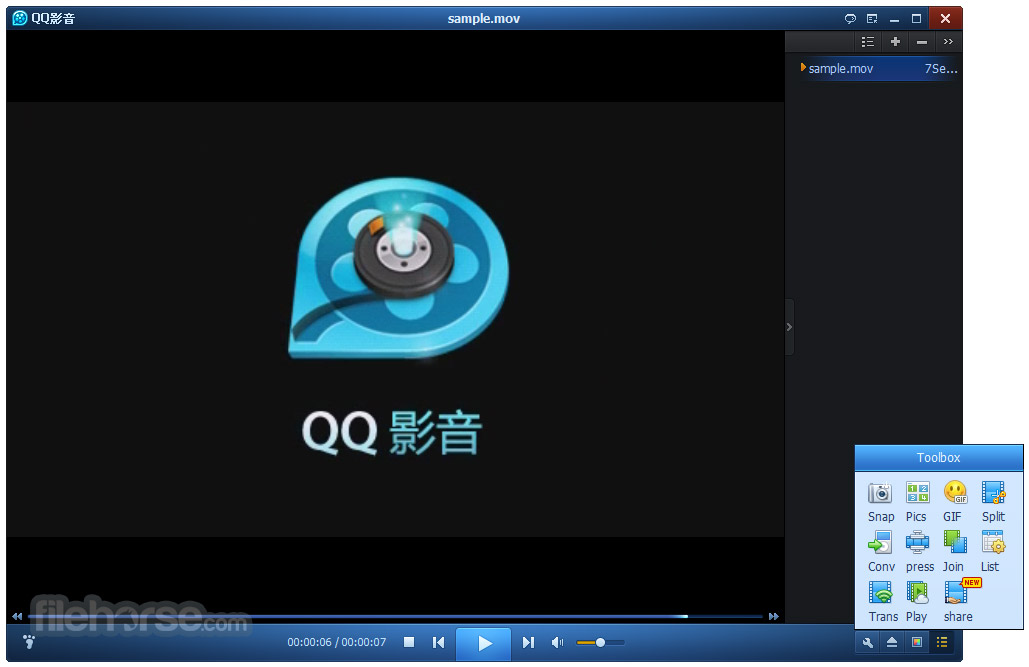
- Convert Video and Audio Files.
- Cut Video and Audio Files.
- Merge Video and Audio Files.
- Make a GIF From a Video.
- Thumbnail Screenshots.
- Capture a Photo From a Video.
- Share Video from PC to Android.
It helps you play videos, movies, and music, take snapshots and video as digital images, convert video and music, play 3D movies, and convert normal 2D movies to 3D movies in one click.
Features and Highlights
- Wide Format Support: It supports an extensive range of video and audio formats, including AVI, MP4, MKV, FLV, MP3, and more. This eliminates the need for external codec packs.
- High-Definition Video Playback: The player is capable of rendering high-definition videos, including 1080p and 4K content, ensuring a superior viewing experience.
- Subtitle Support: Users can easily load and customize subtitles, with options to adjust font, size, and positioning to match their preferences.
- Video and Audio Conversion: It includes built-in tools for converting video and audio files to different formats, making it a versatile tool for media management.
- Screenshot Capture: Users can capture screenshots of video content with a single click and save them in various formats.
- GIF Maker: Create GIFs from video clips effortlessly, adding a fun and creative element to your media interaction.
- Split and Merge Videos: The software provides tools to split large video files into smaller segments and merge multiple videos into a single file.
- Online Streaming: It supports online streaming, allowing users to watch online videos directly within the player.
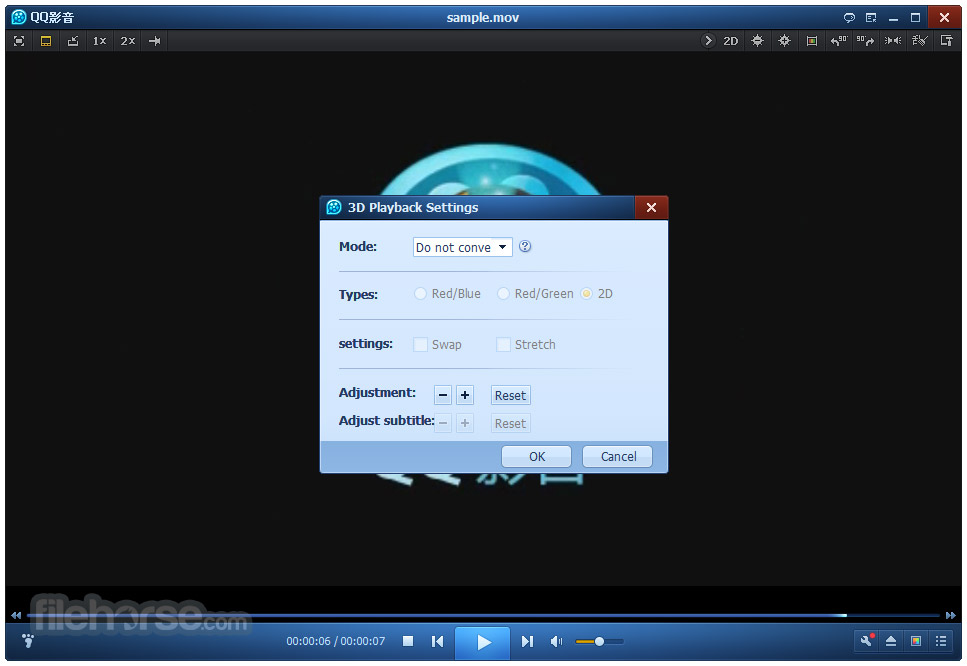
- 3D Video Playback: Experience 3D videos on your PC with QQ Player's support for 3D content.
- Ease of Use: The player is designed with a focus on simplicity and ease of use, with intuitive controls and a clean interface.
It features a sleek and modern user interface that is both visually appealing and functional. The main window is divided into a playback area and a control panel, with essential playback controls easily accessible.
The design emphasizes simplicity, ensuring that users can navigate the app with minimal effort. The interface is customizable, allowing users to adjust the theme and layout according to their preferences.
Installation and Setup
- Download: Visit the official website or FileHorse and download the latest version of the software.
- Run the Installer: Open the downloaded file to launch the installation wizard. Follow the on-screen instructions to proceed.
- Choose Installation Settings: Select the desired installation directory and configure any additional settings as needed.
- Complete Installation: Click 'Install' to begin the installation process. Once completed, click 'Finish' to launch the program.
- Open Media Files: Drag and drop media files into the player, or use the 'Open File' option to browse and select files from your computer.
- Playback Controls: Use the play, pause, stop, and seek controls to manage playback. Adjust volume and switch between full-screen and windowed modes as needed.
- Subtitles: Load subtitles by clicking the subtitle icon and selecting the subtitle file. Customize subtitle settings through the options menu.
- Conversion Tools: Access the conversion tools from the toolbar to convert video and audio files. Select the output format and configure settings before starting the conversion.
- Capture Screenshots: Click the camera icon to capture screenshots of the current video frame. Choose the desired format and save location.
Can QQ Player play Blu-ray discs?
The program does not natively support Blu-ray disc playback. However, it can play ripped Blu-ray files in supported formats.
Is QQ Player available for Mac or Linux?
Currently, this software is only available for Windows. There are no official versions for Mac or Linux.
How can I update QQ Player?
The app typically notifies users of available updates. You can also manually check for updates through the 'Help' menu.
Does QQ Player support hardware acceleration?
Yes, it supports hardware acceleration, which can be enabled in the settings to improve playback performance for high-definition videos.
Is QQ Player free to use?
Yes, this tool is completely FREE to download and use, with no hidden costs or subscription fees.
Is QQ Player still supported in 2026?
No. QQ Player is no longer actively supported or developed by Tencent. The official download pages have been removed, no new versions have been released since 2020, and the software is now considered a legacy media player.
Alternatives
VLC Media Player - Known for its wide format support and open-source nature, VLC is a popular choice among users seeking a free and versatile media player.
KMPlayer - Offers extensive customization options and support for a broad range of formats, including 3D and 4K content.
PotPlayer - Developed by the same team behind KMPlayer, PotPlayer features a sleek interface and advanced playback options.
GOM Player - Known for its ease of use and support for 360-degree VR videos, GOM Player is another solid alternative.
Media Player Classic - Home Cinema (MPC-HC) - A lightweight and efficient player that offers high-quality playback and support for a variety of formats.
Pricing
This program is completely FREE to use. There are no hidden fees, subscription costs, or premium versions.
Users can download and install the app without any financial commitment, making it an attractive option for those seeking a cost-effective media player.
System Requirements
- Operating System: Windows XP, Vista, 7, 8, 10, 11
- Processor: Intel or AMD dual-core processor
- RAM: 2 GB or more
- Graphics: DirectX 9.0c compatible GPU
- Storage: 200 MB of free disk space for installation
- Display: 1024x768 screen resolution or higher
- Supports a wide range of video and audio formats
- User-friendly interface with easy navigation
- Free to use with no hidden costs
- Built-in tools for video conversion, screenshot capture, and GIF creation
- Supports high-definition and 3D video playback
- The software is no longer maintained and does not receive updates or security fixes
- Limited to the Windows operating system
- No native support for Blu-ray disc playback
- Lacks some advanced features found in other media players
QQ Player was once a popular lightweight media player known for its broad format support, smooth HD playback, and useful built-in tools such as video conversion and subtitle support. Its clean interface and free availability made it a favorite among users looking for a simple yet capable multimedia solution.
However, the software is no longer actively maintained by Tencent, and its official download pages have been removed. Without ongoing development, bug fixes, or security updates, QQ Player should now be regarded as legacy software. While existing installations may still function for local media playback, users seeking long-term reliability, compatibility, and security are better served by actively maintained media players.
Download QQ Player Latest Version Why is this app published on FileHorse? (More info)
##
畫面截圖