- 目前版本9.9.4
- 更新日期2026-05-26
- 檔案大小49.7 MB
- 檔案名稱RoboForm-v9-Setup-filex.exe
- 作業系統Windows 7 / Windows 8 / Windows 10 / Windows 11
- 支援語系English
- 授權型式試用版
- 開發商 Siber Systems Inc.
- 軟體分類Windows 軟體 / 安全工具
##
翻譯排程處理中,以下暫以英文原文呈現
軟體介紹
RoboForm makes logging into Web sites and filling forms faster, easier, and more secure. The software memorizes and securely stores each user name and password the first time you log into a site, then automatically supplies them when you return.
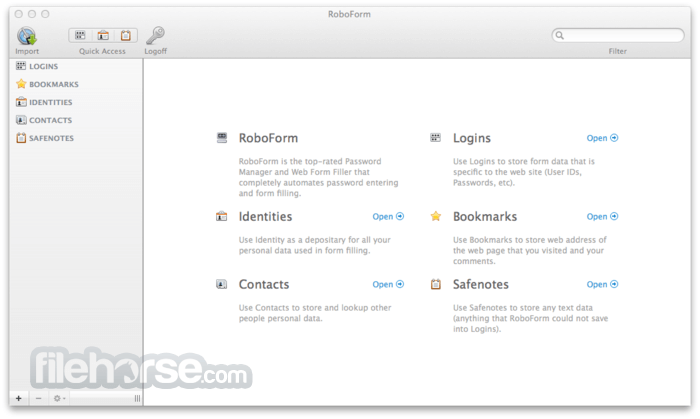
The app's Logins feature eliminates the manual steps of logging into any online account.
With just one click RoboForm for PC will navigate to a Web site, enter your username and password and click the submit button for you. Completing long registration or checkout forms is also a breeze.
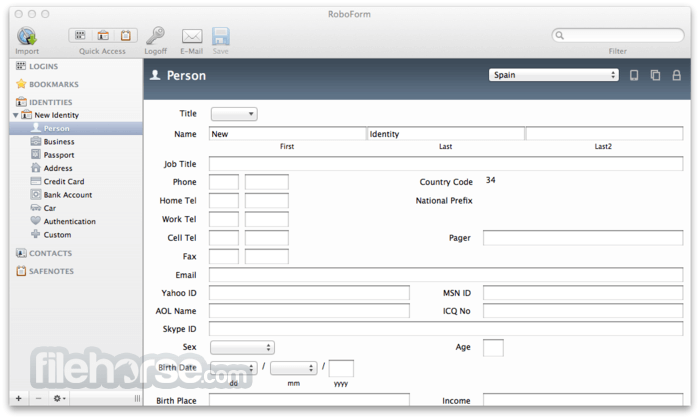
Simply click on your app Identity and the tool fills-in the entire form for you.
You no longer need to remember all your passwords. You remember one Master Password, and the program remembers the rest. This allows you to use stronger passwords, making your online experience more secure. The tool uses strong AES encryption for complete data security.
How It Works
Install Robo Form app
Take the plunge and download the app. There is nothing to lose- it's free and you'll be able to see what all the excitement is about. There's no credit card required and no strings attached.
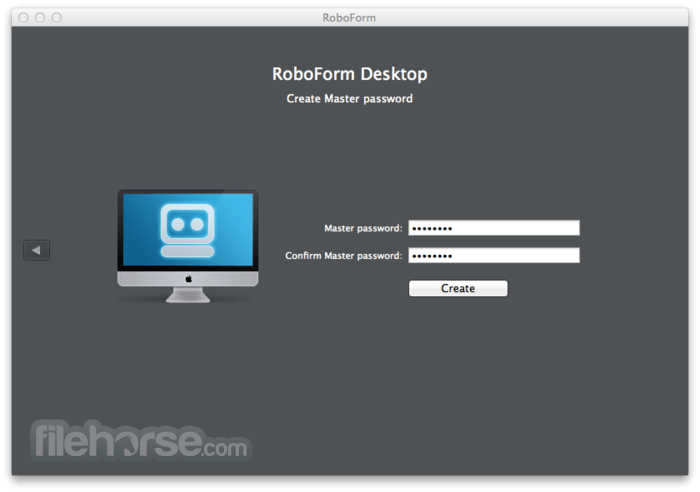
Choose Your Master Password
Your Master Password is the one password you’ll need to remember. This password will encrypt and secure all of your data.
Remember Your Passwords
There's no start-up time with RoboForm-just surf the web as you normally would. When you log in to a website, the program automatically offers to save your Login information. It’s that simple!
Simplify Your Logins
Now that the software has remembered your login information, simply click on that Login and the app will take you to that site and log you in automatically. It's as easy as using Bookmarks or Favorites. You'll never need to remember or type another password again.
Access RoboForm Everywhere
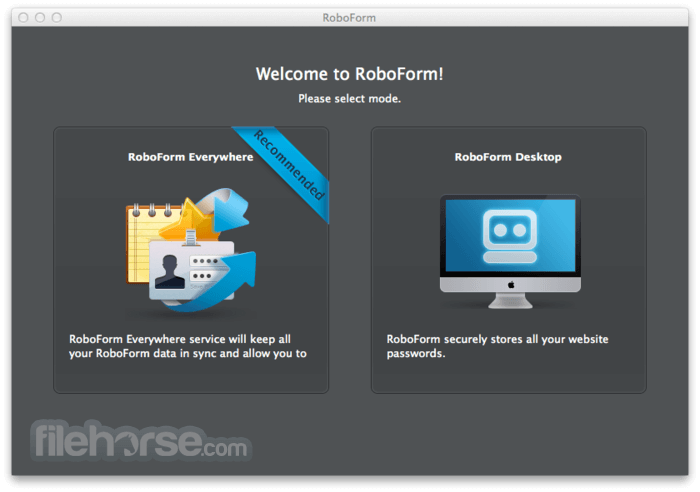
Access your app Logins and Identities on all of your computers and devices. The program runs on Windows, Mac, Linux, and Windows USB drives. Also have apps for most popular mobile phone platforms including iOS, Android, and Windows Mobile. Use the tool Everywhere (Online) service to synchronize and back up your data to the cloud, which lets you enjoy secure, one-click access from everywhere.
Fill Forms Fast
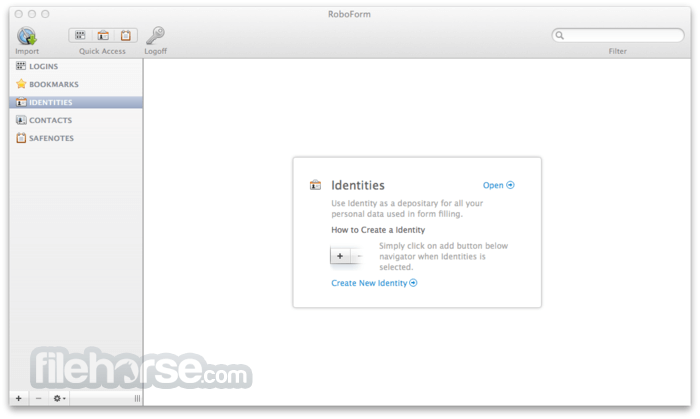
Use the app Identities feature to securely store your name, address, email, credit cards, and all your other information. Just click on your tool Identity to fill entire web forms automatically. Save yourself hours of needless typing!
Generate Strong Passwords
Since you no longer need to remember or type your passwords, you can use Robo Form to generate strong, unique passwords for each of the sites that you visit.
Alternatives
LastPass: User-friendly password manager with autofill capabilities.
Proton Pass: Open-source password manager for effortless protection!
Keeper: Password manager emphasizing top-notch security.
1Password: Secure password storage with additional features like Travel Mode.
Bitwarden: Open-source password manager with cross-platform support.
Dashlane: Password manager with dark web monitoring and bulk password changer.
KeePass: Free, open-source password manager for local storage.
NordPass: Password manager with biometric login support.
What`s New
Passkey Support
Passkeys are a new way to securely log in to websites without using passwords. With RoboForm, you can now save and use passkeys across all your devices.
RoboForm Authenticator
Add verification codes to RoboForm Authenticator via QR scan, adding a key, or import from other authenticator apps. Accessible on all RoboForm devices, six-digit codes can be auto-filled into log in forms with a single click.
FAQ
Is RoboForm secure?
Absolutely. Only you can access your data. Your passwords are encrypted with your own secret key—the RoboForm Master Password which you create.
Can RoboForm see my passwords?
No. RoboForm is designed on a zero-knowledge infrastructure where the Master Password, known only to you, encrypts the data. This encryption process occurs exclusively on your device, not on RoboForm's servers. As a result, RoboForm does not have access to the Master Password or the ability to access your encrypted data, ensuring a high level of privacy and security.
Pricing
FREE
OS: Windows 7/8/10/11
PROS
Also Available: Download RoboForm for Mac
Download RoboForm Latest Version Why is this app published on FileHorse? (More info)
The app's Logins feature eliminates the manual steps of logging into any online account.
With just one click RoboForm for PC will navigate to a Web site, enter your username and password and click the submit button for you. Completing long registration or checkout forms is also a breeze.
Simply click on your app Identity and the tool fills-in the entire form for you.
You no longer need to remember all your passwords. You remember one Master Password, and the program remembers the rest. This allows you to use stronger passwords, making your online experience more secure. The tool uses strong AES encryption for complete data security.
How It Works
Install Robo Form app
Take the plunge and download the app. There is nothing to lose- it's free and you'll be able to see what all the excitement is about. There's no credit card required and no strings attached.
Choose Your Master Password
Your Master Password is the one password you’ll need to remember. This password will encrypt and secure all of your data.
Remember Your Passwords
There's no start-up time with RoboForm-just surf the web as you normally would. When you log in to a website, the program automatically offers to save your Login information. It’s that simple!
Simplify Your Logins
Now that the software has remembered your login information, simply click on that Login and the app will take you to that site and log you in automatically. It's as easy as using Bookmarks or Favorites. You'll never need to remember or type another password again.
Access RoboForm Everywhere
Access your app Logins and Identities on all of your computers and devices. The program runs on Windows, Mac, Linux, and Windows USB drives. Also have apps for most popular mobile phone platforms including iOS, Android, and Windows Mobile. Use the tool Everywhere (Online) service to synchronize and back up your data to the cloud, which lets you enjoy secure, one-click access from everywhere.
Fill Forms Fast
Use the app Identities feature to securely store your name, address, email, credit cards, and all your other information. Just click on your tool Identity to fill entire web forms automatically. Save yourself hours of needless typing!
Generate Strong Passwords
Since you no longer need to remember or type your passwords, you can use Robo Form to generate strong, unique passwords for each of the sites that you visit.
Alternatives
LastPass: User-friendly password manager with autofill capabilities.
Proton Pass: Open-source password manager for effortless protection!
Keeper: Password manager emphasizing top-notch security.
1Password: Secure password storage with additional features like Travel Mode.
Bitwarden: Open-source password manager with cross-platform support.
Dashlane: Password manager with dark web monitoring and bulk password changer.
KeePass: Free, open-source password manager for local storage.
NordPass: Password manager with biometric login support.
What`s New
Passkey Support
Passkeys are a new way to securely log in to websites without using passwords. With RoboForm, you can now save and use passkeys across all your devices.
RoboForm Authenticator
Add verification codes to RoboForm Authenticator via QR scan, adding a key, or import from other authenticator apps. Accessible on all RoboForm devices, six-digit codes can be auto-filled into log in forms with a single click.
FAQ
Is RoboForm secure?
Absolutely. Only you can access your data. Your passwords are encrypted with your own secret key—the RoboForm Master Password which you create.
Can RoboForm see my passwords?
No. RoboForm is designed on a zero-knowledge infrastructure where the Master Password, known only to you, encrypts the data. This encryption process occurs exclusively on your device, not on RoboForm's servers. As a result, RoboForm does not have access to the Master Password or the ability to access your encrypted data, ensuring a high level of privacy and security.
Pricing
FREE
- Access on 1 device
- Best-in-class 1 click login
- Best-in-class form filling
- Password generator
- Built-in TOTP authenticator
- Compromised password scan
- Secure cloud backup
- Everything in Free
- Access on all devices
- Web access
- Secure Shared Folders
- Emergency Access
- Local only mode
- Priority 24/7 Support
- Password vault for each employee
- Centralized management via admin center
- Secure password sharing
- Single sign-on (SSO) integration
- SCIM provisioning
- Custom security policies
- Role-based access control
- Dedicated account manager
- Granular sharing controls
- Dark web monitoring and alerts
- Detailed activity logs
- Comprehensive reports and audit
- Priority 24/7 support
- Help center with onboarding and troubleshooting tutorials
OS: Windows 7/8/10/11
PROS
- Passkey Support
- Strong Password Encryption
- One-Click Login & Autofill
- Cross-Platform Compatibility
- Secure Sharing & Emergency Access
- Affordable Pricing Plans
- Limited Free Version Features
- Syncing Issues at Times
- No Built-in VPN or Extra Security
Also Available: Download RoboForm for Mac
Download RoboForm Latest Version Why is this app published on FileHorse? (More info)
##
畫面截圖