Screamer Radio 2.8884 (2024-04-28)
v 2.8884 (2024-04-28)
Windows
免費軟體
8/10 (17)
- 目前版本2.8884 (2024-04-28)
- 更新日期2026-02-25
- 檔案大小3.8 MB
- 檔案名稱ScreamerSetup.exe
- 作業系統Windows 7 / Windows 8 / Windows 10 / Windows 11
- 支援語系English
- 授權型式免費軟體
- 開發商 David Zidar
- 軟體分類Windows 軟體 / 音訊軟體
##
翻譯排程處理中,以下暫以英文原文呈現
軟體介紹
Screamer Radio provides you with a way to stream local and international radio stations right to your Windows PC.
There is little reason to listen to commercial FM radio anymore; it is an old medium that provides almost no choice of music and is saturated with ads. For the last couple of years, there has been an alternative, streaming internet radio.
An alternative that has been somewhat complicated to use.
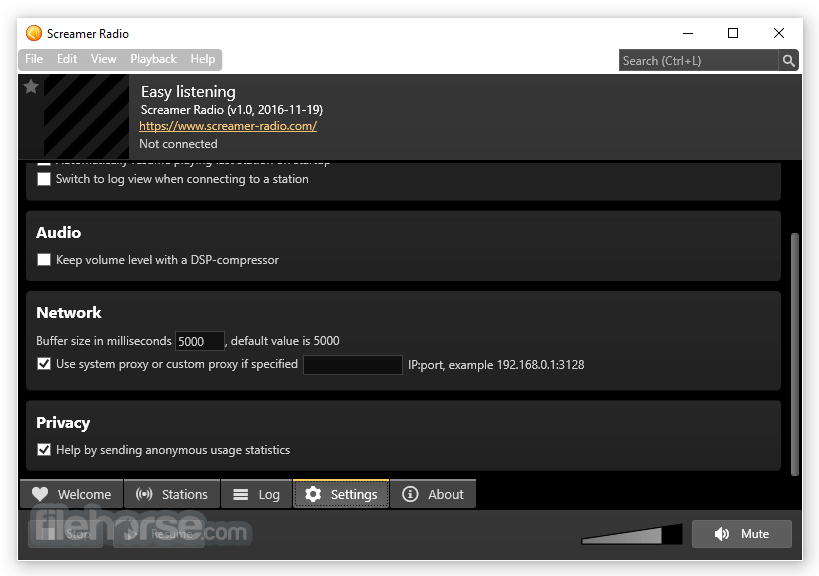
Screamer Radio is a powerful yet lightweight internet radio player for Windows PCs. It offers users access to thousands of radio stations from around the world, covering a vast array of genres and interests.
With its simple interface and intuitive controls, it provides an enjoyable listening experience for both casual listeners and avid radio enthusiasts.
The utility attempts to remedy this problem by bringing most of the required steps into a single, easy-to-use, freeware program. It is portable too!
Highlights
Installation and Setup
Installing this app is a breeze. Simply download the installer from the official website or FileHorse, run it, and follow the on-screen instructions. The setup process is straightforward, and users can choose their preferred installation options, such as installation directory and shortcuts.
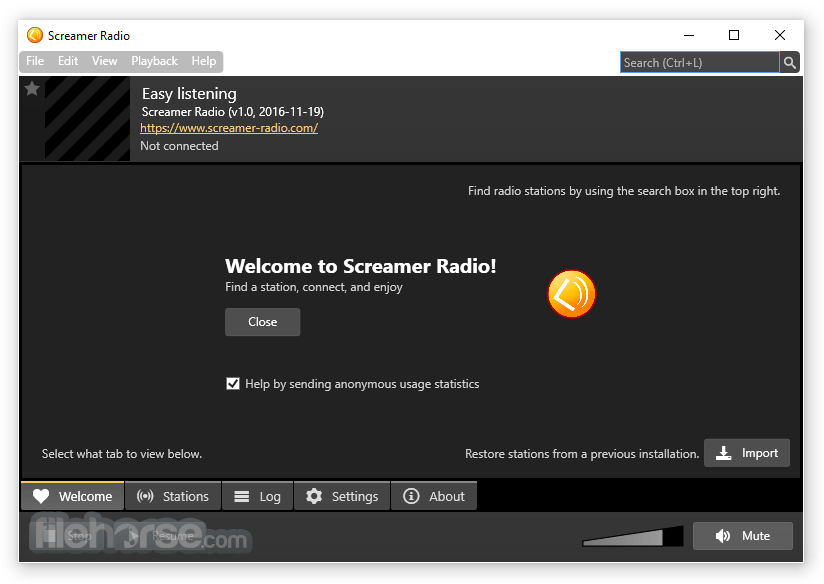
Once installed, launching the application presents users with a quick setup wizard to configure audio settings and start enjoying their favorite radio stations immediately.
How to Use
Is Screamer Radio FREE to use?
Yes, Screamer Radio is completely 100% FREE to download and use.
Can I record radio streams with Screamer Radio?
Yes, it allows users to record radio streams in MP3 format for later playback.
Are there any system requirements for using Screamer Radio?
The app is compatible with Windows operating systems and requires minimal system resources, making it suitable for most PCs.
Can I schedule recordings in Screamer Radio?
Yes, it includes a scheduling feature that allows users to automatically record radio streams at specified times.
Is Screamer Radio available for other platforms, such as Mac or Linux?
Unfortunately, the app is currently only available for Windows PCs.
Alternatives
TuneIn Radio - A popular cross-platform internet radio streaming service with a vast selection of stations.
TapinRadio - Listen to your favorite radio stations, music, and record songs!
Winamp - While primarily known as a media player, Winamp also offers internet radio streaming capabilities.
foobar2000 - Another versatile media player that supports internet radio streaming through plugins.
System Requirements
Download Screamer Radio Latest Version Why is this app published on FileHorse? (More info)
There is little reason to listen to commercial FM radio anymore; it is an old medium that provides almost no choice of music and is saturated with ads. For the last couple of years, there has been an alternative, streaming internet radio.
An alternative that has been somewhat complicated to use.
Screamer Radio is a powerful yet lightweight internet radio player for Windows PCs. It offers users access to thousands of radio stations from around the world, covering a vast array of genres and interests.
With its simple interface and intuitive controls, it provides an enjoyable listening experience for both casual listeners and avid radio enthusiasts.
The utility attempts to remedy this problem by bringing most of the required steps into a single, easy-to-use, freeware program. It is portable too!
Highlights
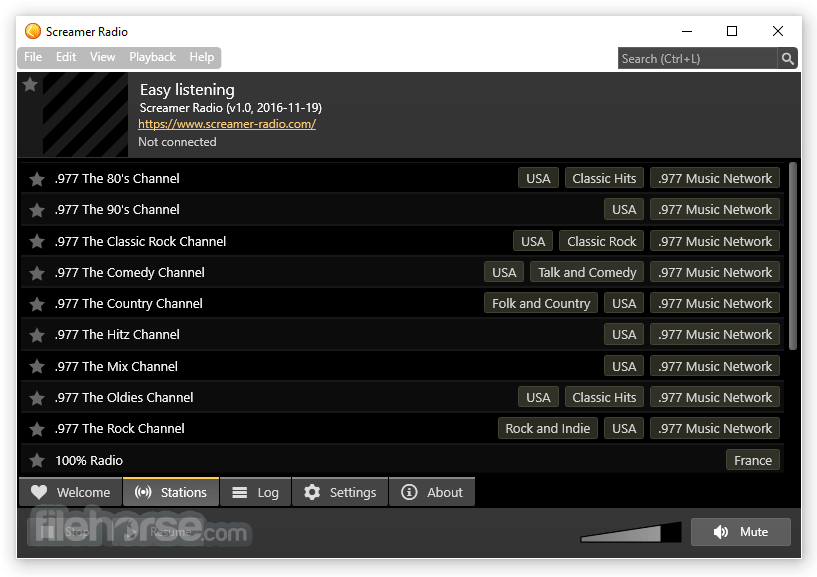
- Listen to thousands of radio stations from many countries
- Quick search by name or part of URL
- Navigate by tags
- Start your favorite radio stations
- Connect to any radio station you want, as long as you have a URL
- Sleep timer
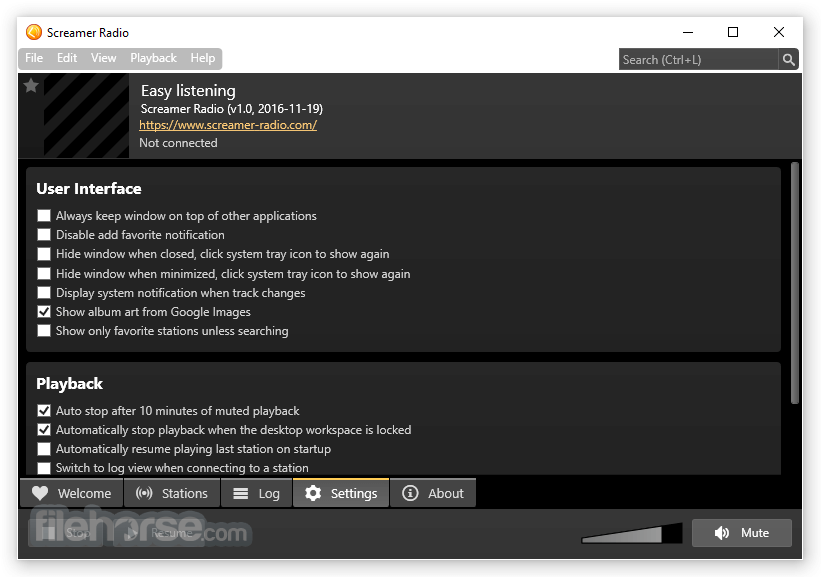
- Automatic stop after playback has been muted for 10 minutes
- Automatic stop when a desktop workspace is locked
- Shoutcast and Icecast MP3
- Icecast OGG Vorbis
- WMA
- This feature will help you avoid wasting bandwidth by stopping playback when you leave your computer or if you mute Screamer Radio and forget about it.
- AAC and AAC+
- Will stop playback after a countdown of 20, 40, or 60 minutes.
- Access to thousands of online radio stations
- Organized by genre, region, and popularity for easy navigation
- Ability to record radio streams in MP3 format
- Schedule recordings for automatic capture of favorite shows or broadcasts
- Equalizer and audio enhancements for customization of sound quality
- Minimalistic and user-friendly interface
- Low system resource usage for smooth performance, even on older hardware
- Startup playback issue resolved, where the wrong audio device could be selected at launch, preventing playback errors
- Fixed window position restoration when using secondary monitors
- Restored support for HTTPS to HTTP playlist redirects and improved handling of relative redirects
- Limited the maximum number of followed redirects to seven to prevent excessive redirection
- Improved connection cancellation so playback stops almost instantly when pressing Stop
Installation and Setup
Installing this app is a breeze. Simply download the installer from the official website or FileHorse, run it, and follow the on-screen instructions. The setup process is straightforward, and users can choose their preferred installation options, such as installation directory and shortcuts.
Once installed, launching the application presents users with a quick setup wizard to configure audio settings and start enjoying their favorite radio stations immediately.
How to Use
- Launch the application.
- Browse through the available stations by genre, region, or popularity.
- Click on a station to start streaming.
- Use the playback controls to pause, play, or adjust the volume.
- Optionally, use the recording feature to capture radio streams for later playback.
Is Screamer Radio FREE to use?
Yes, Screamer Radio is completely 100% FREE to download and use.
Can I record radio streams with Screamer Radio?
Yes, it allows users to record radio streams in MP3 format for later playback.
Are there any system requirements for using Screamer Radio?
The app is compatible with Windows operating systems and requires minimal system resources, making it suitable for most PCs.
Can I schedule recordings in Screamer Radio?
Yes, it includes a scheduling feature that allows users to automatically record radio streams at specified times.
Is Screamer Radio available for other platforms, such as Mac or Linux?
Unfortunately, the app is currently only available for Windows PCs.
Alternatives
TuneIn Radio - A popular cross-platform internet radio streaming service with a vast selection of stations.
TapinRadio - Listen to your favorite radio stations, music, and record songs!
Winamp - While primarily known as a media player, Winamp also offers internet radio streaming capabilities.
foobar2000 - Another versatile media player that supports internet radio streaming through plugins.
System Requirements
- Windows operating system (Windows 11, 10, 8, or 7)
- 1 GHz processor
- 512 MB RAM
- 10 MB of available hard disk space
- Free to use
- Wide selection of radio stations
- Simple and intuitive interface
- Recording and scheduling features
- Low system resource usage
- Limited to the Windows platform
- Basic audio customization options
Download Screamer Radio Latest Version Why is this app published on FileHorse? (More info)
##
畫面截圖