
- 目前版本1.4.0
- 更新日期2012-01-02
- 檔案大小56.99MB
- 檔案名稱scribus-1.4.0-windows.exe
- 作業系統Windows 7 64 / Windows 8 64 / Windows 10 64 / Windows 11
- 支援語系English
- 授權型式開源軟體
- 開發商 Scribus Team
- 軟體分類Windows 軟體 / 辦公商務
編輯短評
Scribus是一套開放原始碼的專業排版軟體,主要解決需要精確控制版面、色彩與輸出品質的出版需求。它與Word或Writer這類文書處理軟體不同,提供顏色分離、CMYK與點色支援、ICC色彩管理以及建立PDF文件等專業功能。軟體由社群長期維護,更新頻率穩定,在開源排版工具中屬於具代表性的選擇,但使用者數量相對小眾,評價普遍中規中矩。
這套軟體適合需要製作印刷品、海報、書籍等專業排版的使用者,尤其是預算有限或偏好開源方案的設計者。與商業排版軟體相比,功能完整但介面較複雜,學習曲線較陡;若只是簡單文件編輯,Word等文書軟體可能更直覺。授權為開源軟體,可自由使用;支援多平台,但此版本僅提供英文介面,中文使用者需留意語系支援。
軟體介紹
這款軟體由 Scribus 團隊開發,讓使用者能夠打造專業級頁面排版、出版物和行銷素材。
專注於排版、色彩管理和精確度,Scribus 64bit 提供了一個多功能平台,適合設計型錄、雜誌、電子報、海報等作品。
主要功能
強大的版面工具
提供多種版面工具,讓你能精確地在頁面上排列文字、圖片和圖形。軟體支援多欄版面、格線、輔助線和對齊選項,輕鬆打造視覺吸引力的設計。
完整的排版支援
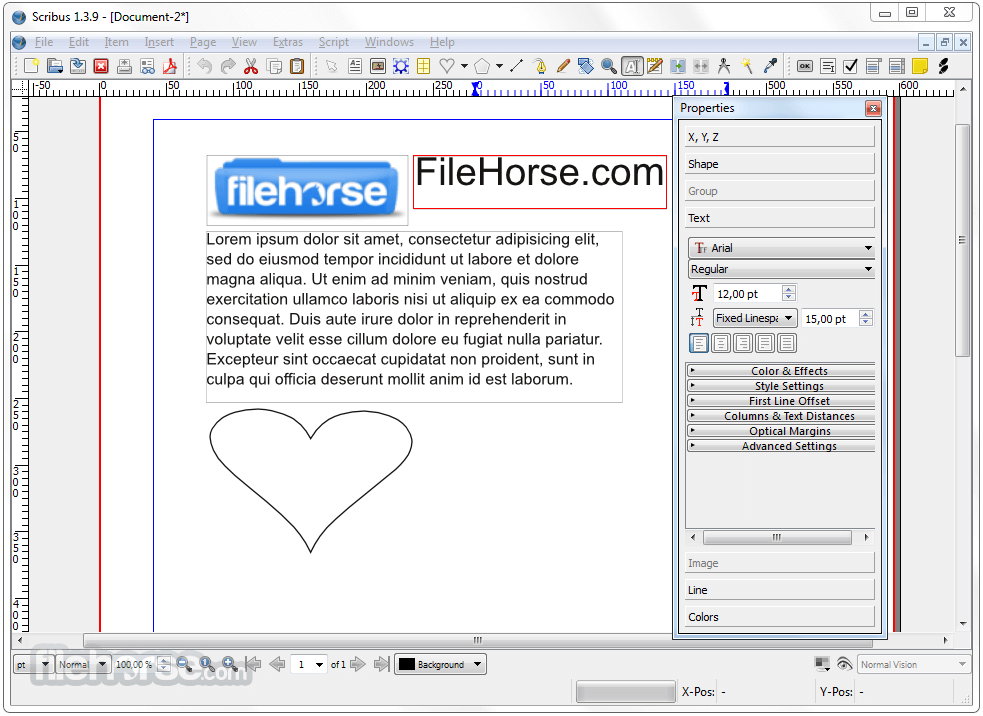
透過此應用程式,你可以使用進階排版工具,例如字型嵌入、文字樣式、斷字和光學邊距。軟體也支援 OpenType 字型,並提供字型渲染和字距的全面控制。
影像編輯與特效
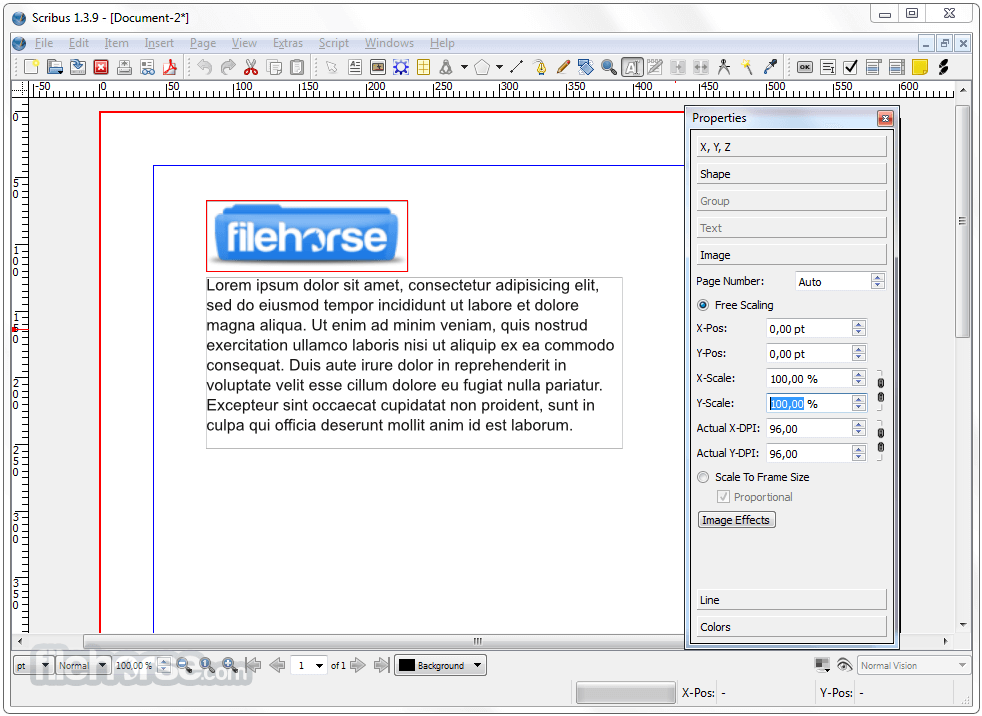
內建基本影像編輯功能,讓使用者能直接在應用程式中裁切、旋轉、縮放圖片,並套用濾鏡。此外,還能套用透明度、陰影和混合模式等各種特效,提升設計質感。
色彩管理
軟體提供強大的色彩管理功能,支援 CMYK、RGB 和特別色。Scribus for PC 支援 ICC 色彩描述檔、色彩分色和螢幕打樣,確保色彩重現準確且一致。
PDF 建立與匯出
此程式擅長產生高品質的 PDF 檔案,具備進階選項,例如嵌入字型、加入互動元素和建立書籤。你也可以將設計匯出為多種影像格式,包括 SVG 和 EPS。
使用者介面
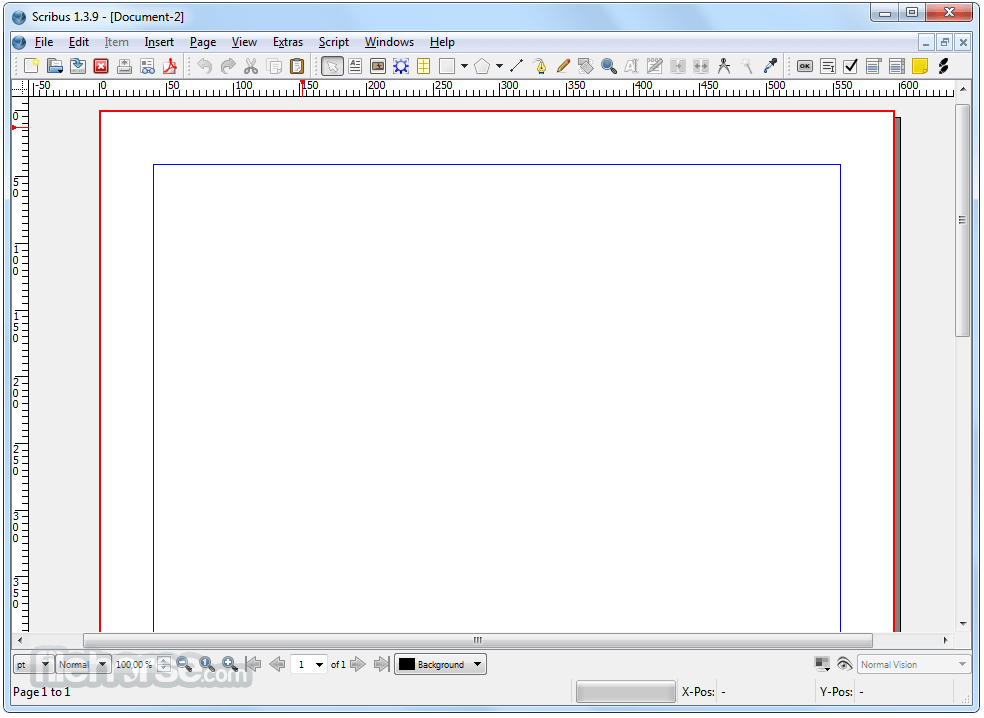
介面乾淨且易於使用,在簡潔與功能之間取得平衡。可自訂的工作區讓你能依個人偏好調整面板、工具列和快捷鍵。
官方網站提供的豐富文件和教學,確保各種程度的使用者都能輕鬆上手並充分利用軟體功能。
安裝與設定
安裝程式過程簡單明瞭。前往官方網站或 FileHorse,選擇符合你作業系統的版本,然後依照指示操作即可。
軟體會定期更新,確保穩定性並加入新功能。
使用方式
建立新文件:啟動 Scribus,從「檔案」選單中選擇「新增文件」。指定所需的文件尺寸、方向和其他參數。
設計版面:利用各種工具和功能排列文字與圖片、套用格式,並嘗試色彩配置。善用圖層功能,有效組織和管理複雜的設計。
匯出與列印:設計完成後,匯出為 PDF 或影像檔。使用 PDF 匯出設定自訂輸出品質,並加入互動元素。若要列印,請根據列印需求設定色彩管理選項。
常見問題
我可以將其他出版軟體建立的文件匯入 Scribus 嗎?
它支援匯入多種檔案格式,例如 PDF、EPS、SVG 和大多數影像格式。不過,匯入複雜設計時可能需要調整並手動重新排版。
Scribus 適合商業印刷用途嗎?
是的,它提供完整的色彩管理和 PDF 匯出選項,非常適合專業印刷。請務必與你的印刷服務供應商確認特定需求。
Scribus 支援 RTL(從右到左)語言嗎?
是的,它支援 RTL 語言。你可以啟用 RTL 文字方向,並使用適當的字型和設定以正確顯示。
Scribus 有提供範本嗎?
雖然桌面應用程式沒有內建範本,但你可以從官方網站和其他線上資源找到大量社群貢獻的範本。
多位使用者可以同時協作同一個 Scribus 專案嗎?
它沒有內建的協作功能。不過,你可以使用第三方解決方案,例如版本控制系統或雲端儲存服務,來促進協作。
替代方案
Adobe InDesign:專業級出版軟體,功能豐富。但學習曲線較陡,價格也較高。
Affinity Publisher:易於使用的出版軟體,以實惠價格提供進階工具。它缺少 Scribus 的一些進階功能,但工作流程流暢。
Canva:線上設計工具,主打簡單易用。雖然自訂程度可能不如 Scribus,但對於快速且視覺吸引力的設計來說,是很棒的選擇。
Microsoft Publisher:輕鬆建立精美、專業的版面!
價格
Scribus 完全免費且開放原始碼,是預算有限者的絕佳選擇。你可以無限制地下載和使用軟體,無需訂閱費用。
系統需求
- 作業系統:Windows 7 或更新版本
- 處理器:1 GHz 或更快
- 記憶體:1 GB 或以上
- 磁碟空間:安裝需 200 MB,另需額外空間存放文件檔案
- 免費且開放原始碼。
- 豐富的版面與排版工具。
- 強大的色彩管理能力。
- 多功能的 PDF 建立與匯出選項。
- 活躍的社群與豐富的文件資源。
- 相較於部分商業軟體,學習曲線較陡。
- 內建範本有限。
- 沒有內建協作功能。
- 穩定版更新頻率可再提高。
Scribus 是一款功能強大的桌面出版軟體,適合初學者和專業人士。憑藉全面的功能、出色的排版工具和直覺式介面,它提供了比昂貴商業軟體更可靠的替代方案。儘管有少數小缺點,它仍是一款易於取得且免費的工具,能設計出令人驚豔的印刷素材。
無論你是要製作型錄、雜誌還是海報,Scribus 都能讓你將創意付諸實現。立即試試,開啟無限的出版可能。
另有:Scribus for Mac
下載 Scribus 最新版本 為什麼這個應用程式會發佈在 FileHorse 上?(更多資訊)
影片介紹
畫面截圖
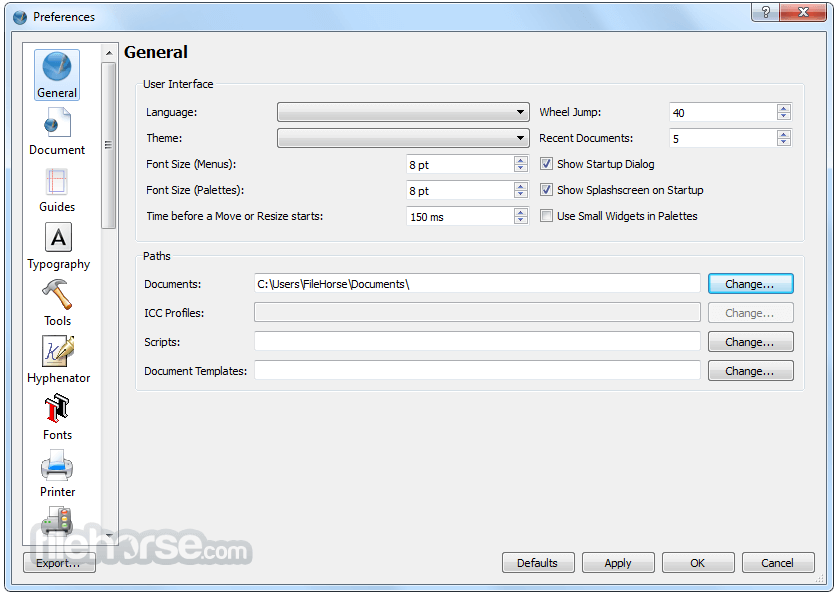
更新日誌
1.4.0 * 1.4.0 is based on the Qt4 application framework. The initial transition from Qt3 was performed quite quickly, but fine tuning for cross-platform compatibility and taking advantage of new features took quite some time. As a result, Scribus now runs equally reliable on all supported platforms.
* Thanks to the port to Qt4, the Scribus Team now also provides install files for Mac OS X 10.5 or later (DMG or pkg format), as well as a native version for OS/2 Warp 4 and eComStation. Additionally, thanks to feedback from users of other UNIX platforms, Scribus is will build and run on more of those platforms as well.
* Feature enhancements to object handling (e.g. transform tools like in advanced drawing programs), with improvements to existing features like the Scrapbook and the Image Manager.
* Many advanced options for text and typography, like character styles, optical margins, or glyph extension. Undo/Redo is finally available for almost all text-related actions, and a new script enables replacing straight quotes with typographical quotation marks based on language settings. Usability improvements include better cursor placement and movement, faster layout on canvas and interaction between linked frames.
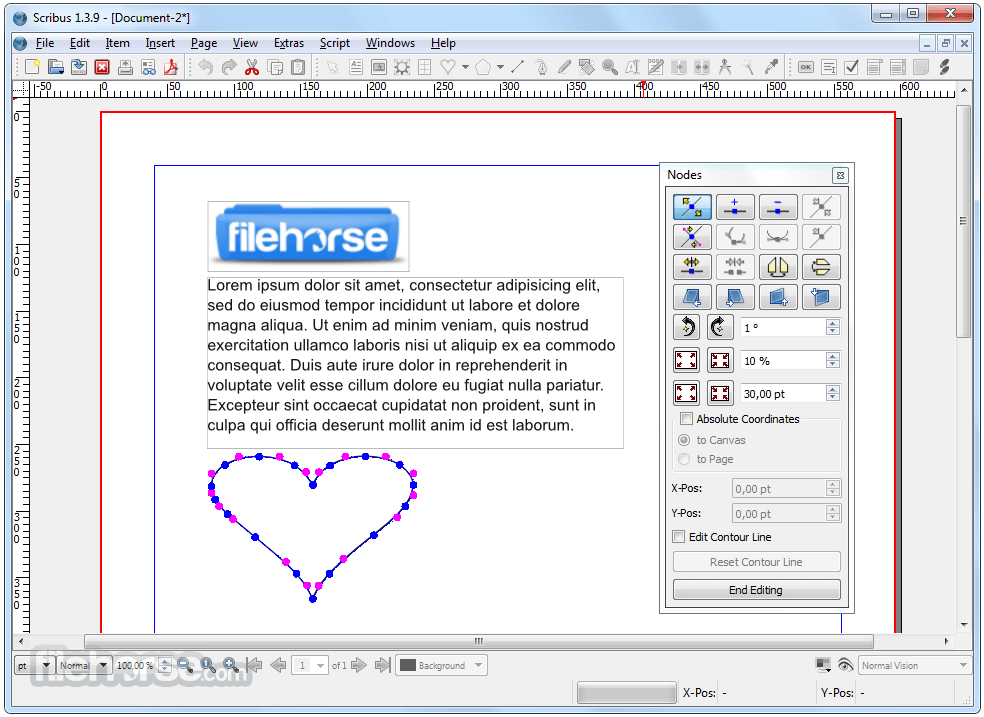
* New features for vector objects, like Boolean path operations, vector effects or a line style editor.
* Major improvements to the handling of fills, like pattern fill, more gradient types, support for external color palette formats (AI, EPS, GPL, PostScript, SOC), and many new color palettes, including those from commercial vendors like Resene and dtp studio, as well as national/government standards.
* A new frame type called "Render Frame" allows for rendering (and subsequently export) the output of every program that can create PostScript, PDF or PNG files via the command line (e.g. LaTeX, Lilypond, POV-Ray) inside Scribus. The initial version of which was developed as a project for Google Summer of Code and this project has developed to allow import of externally produced documents, scientific publications and formulas. More renderers can be added with a simple configuration file.
* Vector import filters: Scribus 1.4.0 provides new import filters for the following file formats: Adobe Illustrator (both EPS and PDF-based), Macintosh Picture (PICT), Windows Metafile (WMF), Xfig (FIG), Calamus Vector Graphics (CVG), Kivio Stencils (SML), and DIA Shapes (SHAPE).
* Regarding bitmap images, the handling of Photoshop files has seen many major improvements, like support of multiple clipping paths or PSD layers. The Image Manager has been rewritten, and new non-destructive image effects have been added. Moreover, Scribus 1.4.0 now supports EXIF data in images, and import of Windows and OS/2 bitmaps (BMP) has been re-enabled.
* Among the major enhancements to Scribus's pre-press features, printing marks and the display of ink coverage in the Print Preview are the most important. In addition, Scribus now enables conversion of spot colors to process colors during PDF and PostScript export with a single click.
* PDF export has seen major improvements as well. Scribus can now export to PDF 1.5, including PDF layers. Another new feature is the option to embed EPS and PDF files in exported PDFs as an alternative to rasterizing them. Also, both font embedding and substitution have been improved.
* For color management, Scribus 1.4.0 now supports both littleCMS version 1 and 2. It's also possible to enable color management with a single click from the main window.
* Additionally, the Scribus Team has added a feature to emulate color blindness on screen.
* Hundreds of minor and major usability improvements have been added.
* The included scripts have been updated, including the addition of the "Autoquote" script in the Script menu to convert straight quotes in a text frame to correct quotation marks for many languages.
* Scribus 1.4.0 is being shipped with many more templates than previous versions.
* The content of the Help System has been rewritten and updated.
- 2026-04-15 Scribus 1.6.6 (32-bit) 103.03 MB
- 2026-04-15 Scribus 1.6.6 (64-bit) 118.58 MB
- 2025-12-15 Scribus 1.6.5 (32-bit) 102.99 MB
- 2025-12-15 Scribus 1.6.5 (64-bit) 118.53 MB
- 2025-04-22 Scribus 1.6.4 (32-bit) 103.17 MB
- 2025-04-22 Scribus 1.6.4 (64-bit) 118.76 MB
- 2025-01-09 Scribus 1.6.3 (32-bit) 103.03 MB
- 2025-01-09 Scribus 1.6.3 (64-bit) 118.48 MB