- 目前版本6.00
- 更新日期2026-08-03
- 檔案大小921.6 KB
- 檔案名稱SideSlide_v6.00_Setup.zip
- 作業系統Windows 7 / Windows 8 / Windows 10 / Windows 11
- 支援語系English
- 授權型式免費軟體
- 開發商 Northglide
- 軟體分類Windows 軟體 / 桌面強化
##
翻譯排程處理中,以下暫以英文原文呈現
軟體介紹
SideSlide is a 100% free advanced Desktop and Start Menu alternative for Windows OS users, enabling them to totally replace these two classic OS navigation features and replace them with customizable dynamic containers that can showcase an incredible variety of data points, shortcuts, access to tools, and more.
Since it provides such a highly modular skin on top of the classic Windows experience, SideSlide for Windows 11/10 can dramatically change the way users interact with their desktop and laptop PC, helping them to surface data innovatively and turbocharge their daily workflow.
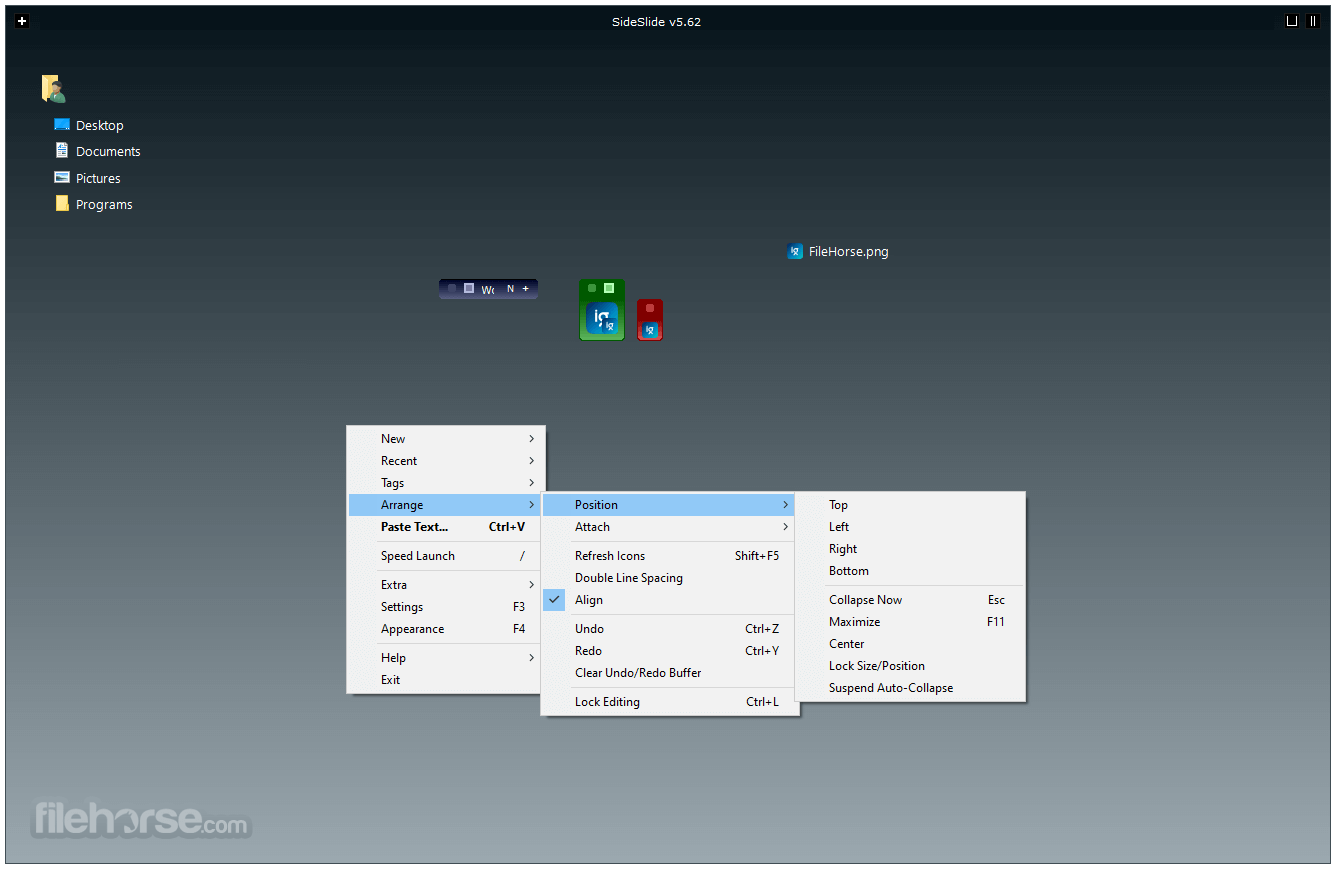
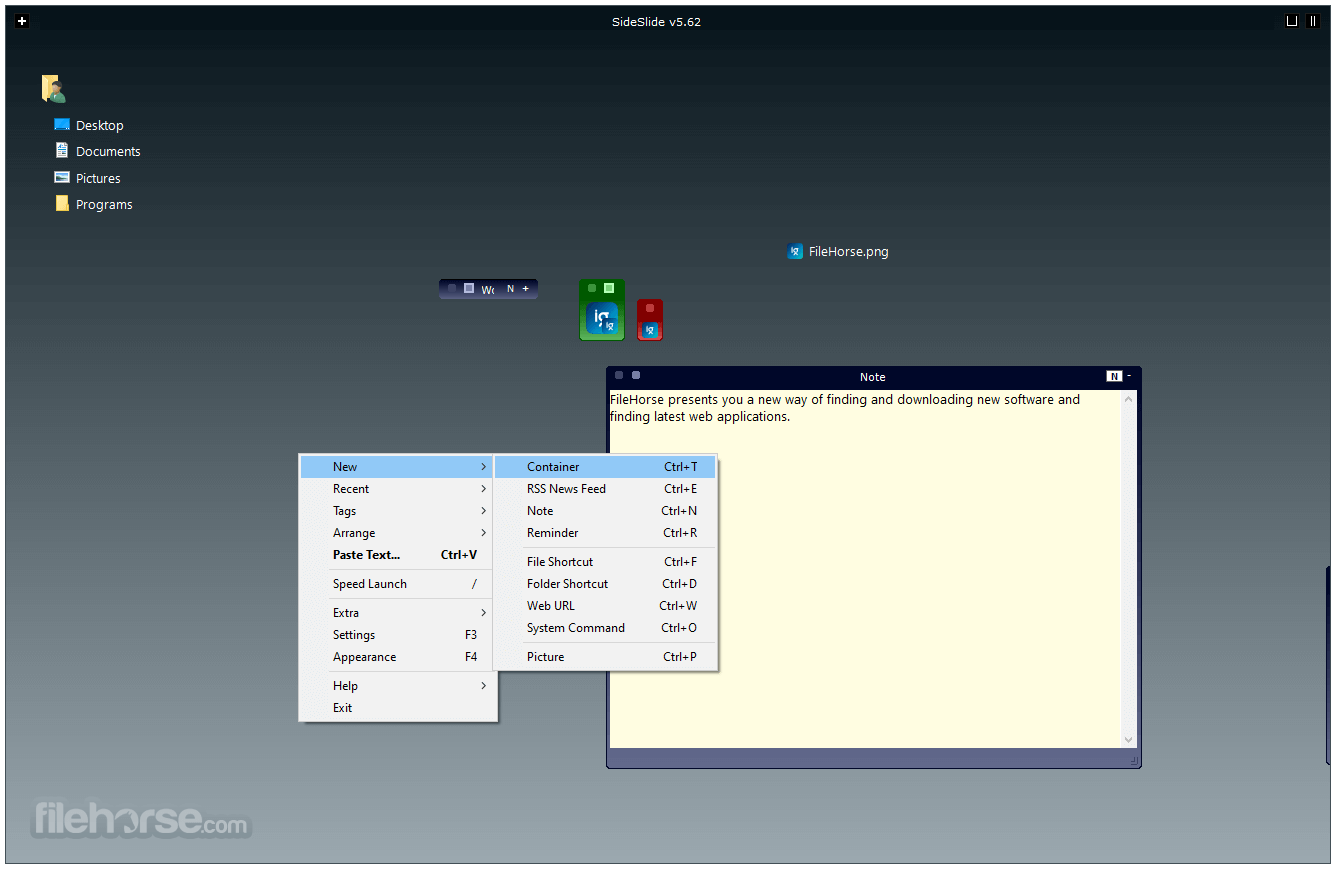
It can be used to augment the desktop surface with an incredible variety of tools, shortcuts, and data points, including things such as Windows commands, RSS news feeds, reminders, pictures, folder and file listings, notes, system monitoring data points, picture slideshows, advanced containers, and much more.
All of those elements can be fully resized, moved, and placed exactly where users think they can most likely enhance their daily workflow.
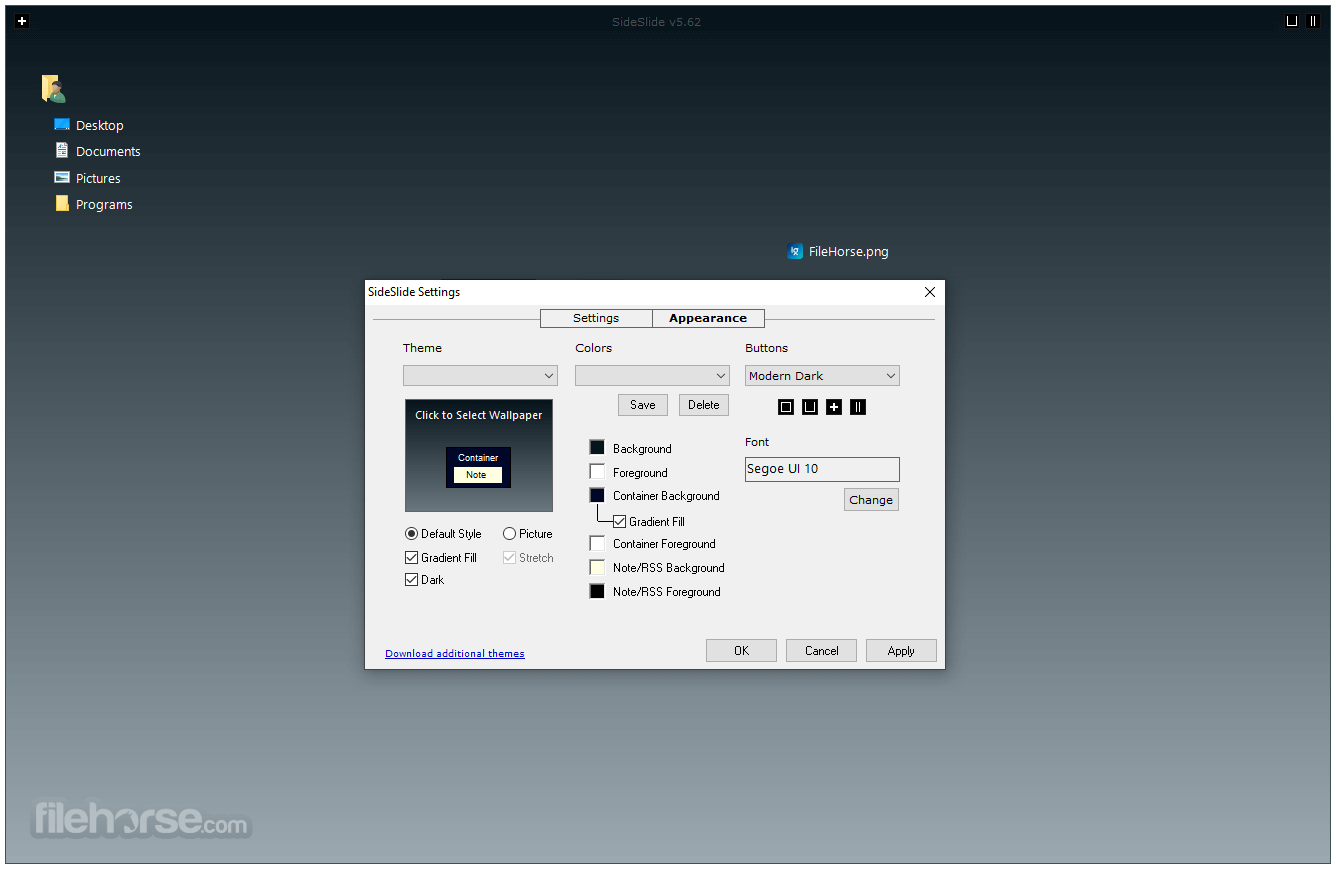
There is even a large set of customization options that can add various visual elements, transitions, and other features that can transform the boring desktop surface into an eye-catching experience that provides valuable data to the user.
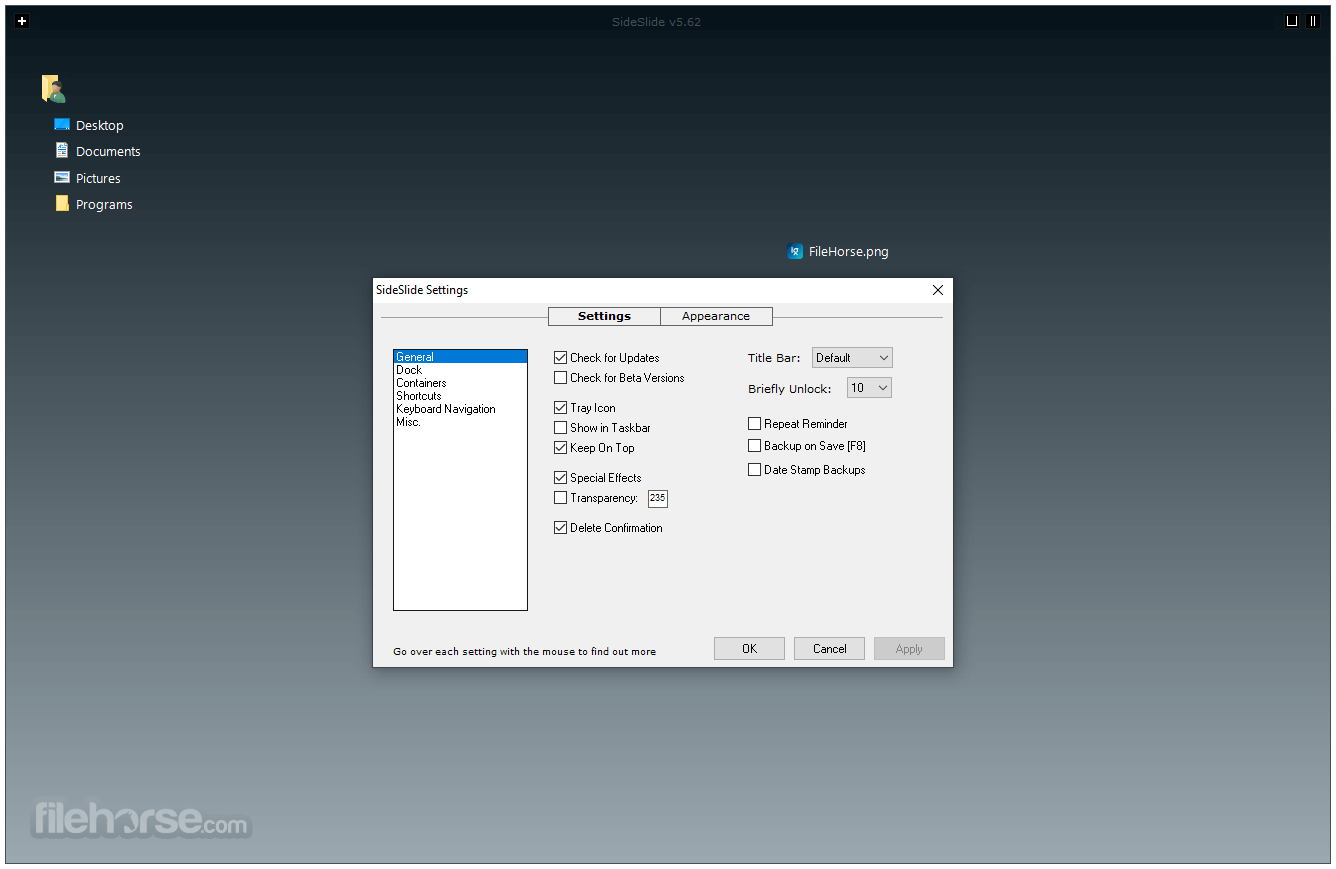
Workflow with SideSlide elements can be additionally enhanced with comprehensive support for new keyboard shortcuts, which can boost not only productivity but also provide additional control over SideSlide functionality and organization of on-screen objects.
Users also have the option to pick how large the SideSlide workspace will be, from a full-screen experience to reducing its size or even removing it completely.
Users who demand high levels of organization when managing their home, school, or work PCs can finally take full control over their desktop, augment it with an incredible variety of elements, and organize all these new modules in a visually appealing way that reflects their personality, daily workflow, and computing needs.
What’s New
Features and Highlights
Its installer is small and fast, and after uninstalling it leaves no traces in the PC storage except for a configuration directory that may be useful for users who wish to reinstall the app later. In addition to the automated installer version of the app, it is also distributed on its official site as a fully portable app.
PROS
Download SideSlide Latest Version Why is this app published on FileHorse? (More info)
Since it provides such a highly modular skin on top of the classic Windows experience, SideSlide for Windows 11/10 can dramatically change the way users interact with their desktop and laptop PC, helping them to surface data innovatively and turbocharge their daily workflow.
It can be used to augment the desktop surface with an incredible variety of tools, shortcuts, and data points, including things such as Windows commands, RSS news feeds, reminders, pictures, folder and file listings, notes, system monitoring data points, picture slideshows, advanced containers, and much more.
All of those elements can be fully resized, moved, and placed exactly where users think they can most likely enhance their daily workflow.
There is even a large set of customization options that can add various visual elements, transitions, and other features that can transform the boring desktop surface into an eye-catching experience that provides valuable data to the user.
Workflow with SideSlide elements can be additionally enhanced with comprehensive support for new keyboard shortcuts, which can boost not only productivity but also provide additional control over SideSlide functionality and organization of on-screen objects.
Users also have the option to pick how large the SideSlide workspace will be, from a full-screen experience to reducing its size or even removing it completely.
Users who demand high levels of organization when managing their home, school, or work PCs can finally take full control over their desktop, augment it with an incredible variety of elements, and organize all these new modules in a visually appealing way that reflects their personality, daily workflow, and computing needs.
What’s New
- Dock Strip: Introduced a redesigned Dock Strip that replaces the classic Tab mode with quick workspace access, live system information, and weather updates
- Icon-Only Mode: Added a compact workspace view that displays shortcuts as icons only, creating a cleaner and more space-efficient layout
- Weather Integration: Implemented live weather support with customizable data, saved locations, and Dock Strip integration
- Workspace Performance: Significantly improved startup speed, workspace loading, and icon caching for faster overall responsiveness
- Undo & Redo Enhancements: Expanded undo and redo functionality with visual indicators and support for more workspace operations
- Keyboard Launcher Improvements: Simplified launcher commands with new syntax for launching tagged shortcuts and creating notes directly from the keyboard
- Autodocking Improvements: Completely redesigned the docking system for more reliable behavior across multi-monitor environments and after sleep or hibernation
- Shortcut Management: Added advanced alignment, spacing, grid organization, and movement controls for shortcuts and containers
- Notes & Productivity: Improved note handling with automatic re-encryption, direct text dragging, export support, and enhanced reminder functionality
- Interface & Customization: Added new themes, color schemes, updated splash screen, improved dialogs, and more flexible workspace customization options
Features and Highlights
- Customizable Workspace — Create a personalized desktop workspace that stays hidden until you need it.
- Dock Strip Mode — Collapse the workspace into a compact dock displaying system and weather information.
- Flexible Containers — Organize content using resizable, detachable, foldable, and shrinkable containers.
- Shortcut Management — Store and launch shortcuts, commands, URLs, folders, and files from one place.
- Notes & Reminders — Create searchable notes, encrypted memos, and customizable reminders.
- RSS Feed Reader — Follow news with a built-in RSS reader featuring filters and subject tracking.
- Picture Slideshows — Display multiple image slideshows directly within the workspace.
- Advanced Launcher — Launch applications quickly with keyboard shortcuts, an expression calculator, and directory navigation.
- Drag-and-Drop Support — Easily add files, text, images, URLs, and shortcuts by dragging them into the workspace.
- Extensive Customization — Personalize themes, wallpapers, colors, labels, and individual object settings.
- Portable Design — Run the application from a USB drive without installation or configuration issues.
- Free & Ad-Free — Use all core features without advertisements, spyware, or bundled software.
Its installer is small and fast, and after uninstalling it leaves no traces in the PC storage except for a configuration directory that may be useful for users who wish to reinstall the app later. In addition to the automated installer version of the app, it is also distributed on its official site as a fully portable app.
PROS
- Highly Customizable – Dynamic containers & visual tweaks.
- Boosts Productivity – Keyboard shortcuts & quick access.
- Modular & Expandable – Add shortcuts, RSS, notes, & more.
- Portable & Lightweight – Runs from USB, minimal footprint.
- Works on All Windows – Supports Windows 7 to Windows 11.
- Visual Clutter Risk – Too many elements can overwhelm.
- Not Beginner-Friendly – Lacks guided onboarding.
- Limited Official Support – No major company backing.
- Windows-Only – No macOS or Linux version available.
Download SideSlide Latest Version Why is this app published on FileHorse? (More info)
##
畫面截圖