Slimjet 50.0.0.0 (32-bit)
v 50.0.0.0 (32-bit)
Windows
免費軟體
7.68/10 (184)
- 目前版本50.0.0.0 (32-bit)
- 更新日期2026-04-19
- 檔案大小97.1 MB
- 檔案名稱sjtsetup_x86.exe
- 作業系統Windows 7 / Windows 8 / Windows 10
- 支援語系English
- 授權型式免費軟體
- 開發商 FlashPeak Inc.
- 軟體分類Windows 軟體 / 瀏覽器與外掛
##
翻譯排程處理中,以下暫以英文原文呈現
軟體介紹
Slimjet is a fast, smart and powerful web browser based on the Blink engine. It is built on top of the Chromium open source project, on which Google chrome is also based.
Slimjet 32bit integrates a lot of powerful and convenient features to help users maximize their online productivity. Slimjet also includes many options and settings so that users can customize the internet browser to best suit their own personal preferences.
Fast and Efficient
Faster browser startup, faster page loading, highly responsive UI powered by industry-leading Blink engine.
Secure and Stable
Automatic protection against phishing and malware, advanced privacy control options, robust multi-process architecture.
Powerful and Versatile
Loaded with convenient and powerful features, the app does more for every user without relying on external plugins.
Flexible and customizable
Flexible options and settings are available to customize the Slim jet to suit personal preference and maximize productivity.
Key Features
Ad Blocker: Built-in ad blocker that eliminates intrusive ads, speeding up page load times.
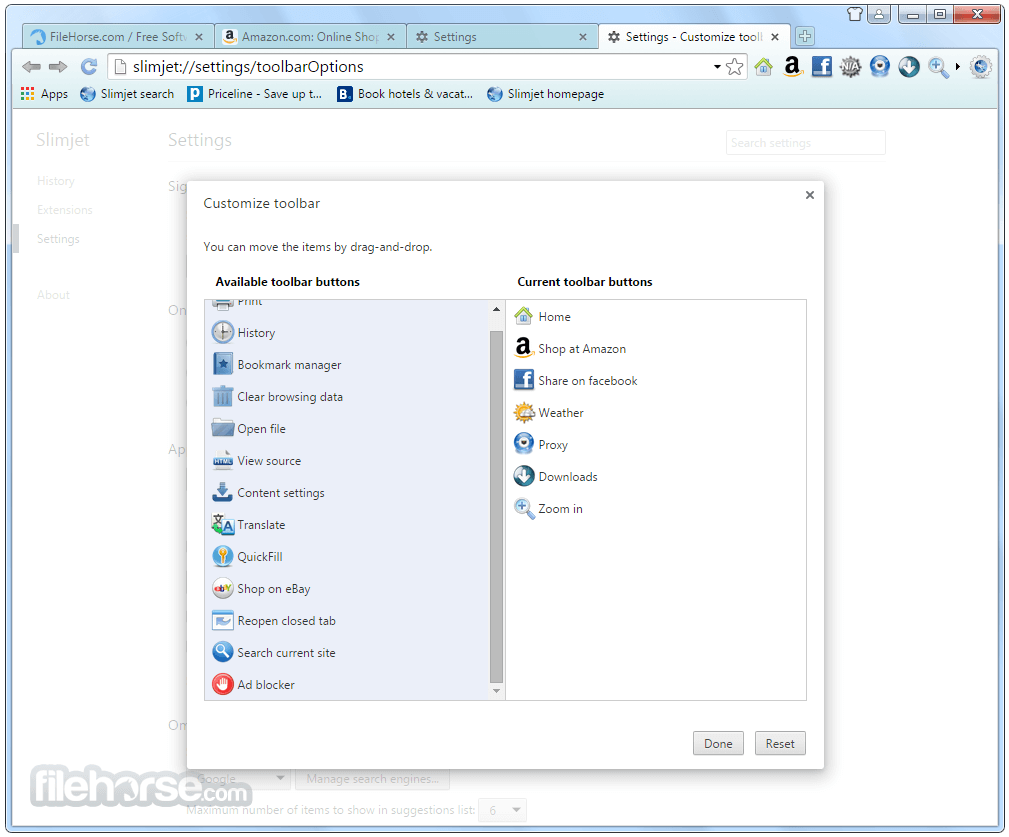
Customizable Toolbar: Allows users to add or remove buttons, providing a personalized browsing experience.
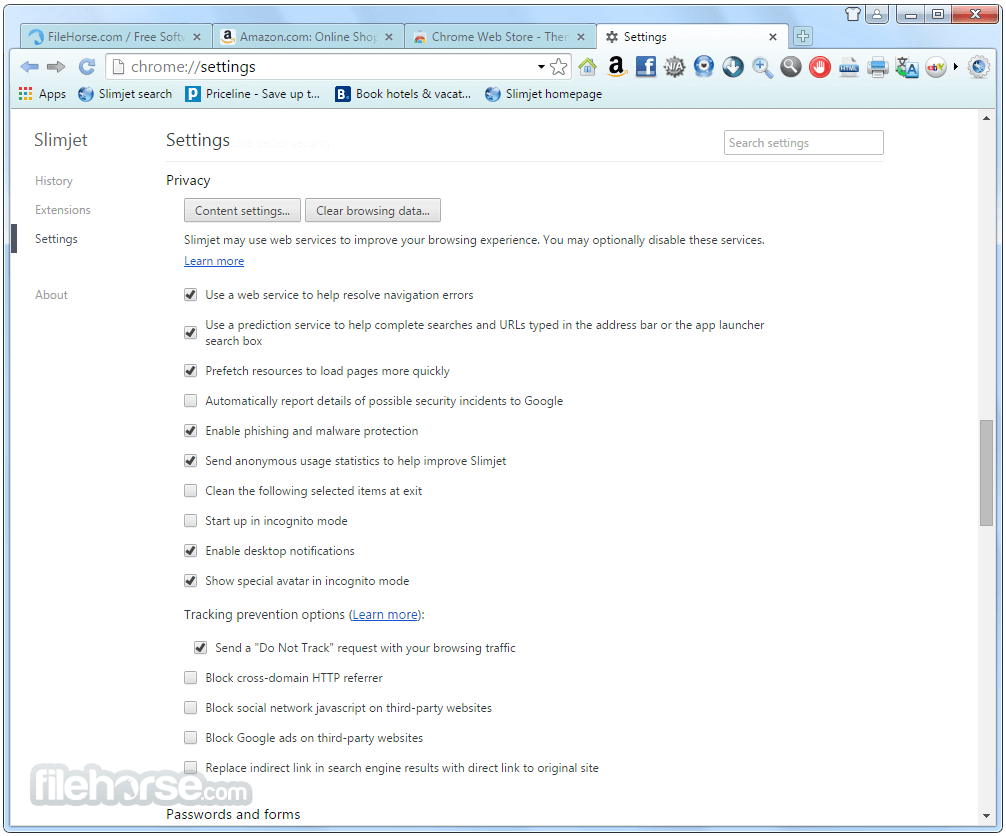
Privacy Protection: It offers several privacy features, such as anti-tracking, phishing protection, and sandboxing to keep users safe online.
Integrated Download Manager: Speeds up downloads by splitting files into multiple sections for faster downloading and includes a YouTube video downloader.
Automatic Form Filler: Saves time by filling out online forms with a single click.
Photo Enhancement and Screenshot Tools: Users can edit and enhance photos directly within the browser before sharing.
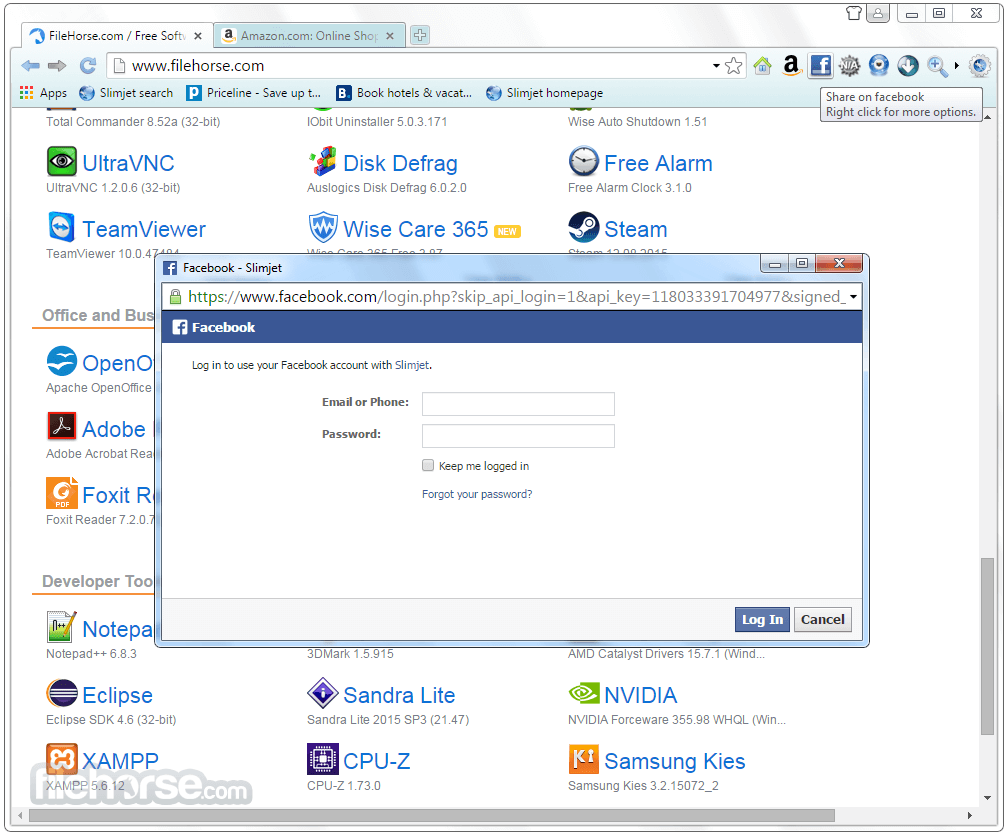
Facebook Integration: Allows for one-click sharing of web content directly to Facebook.
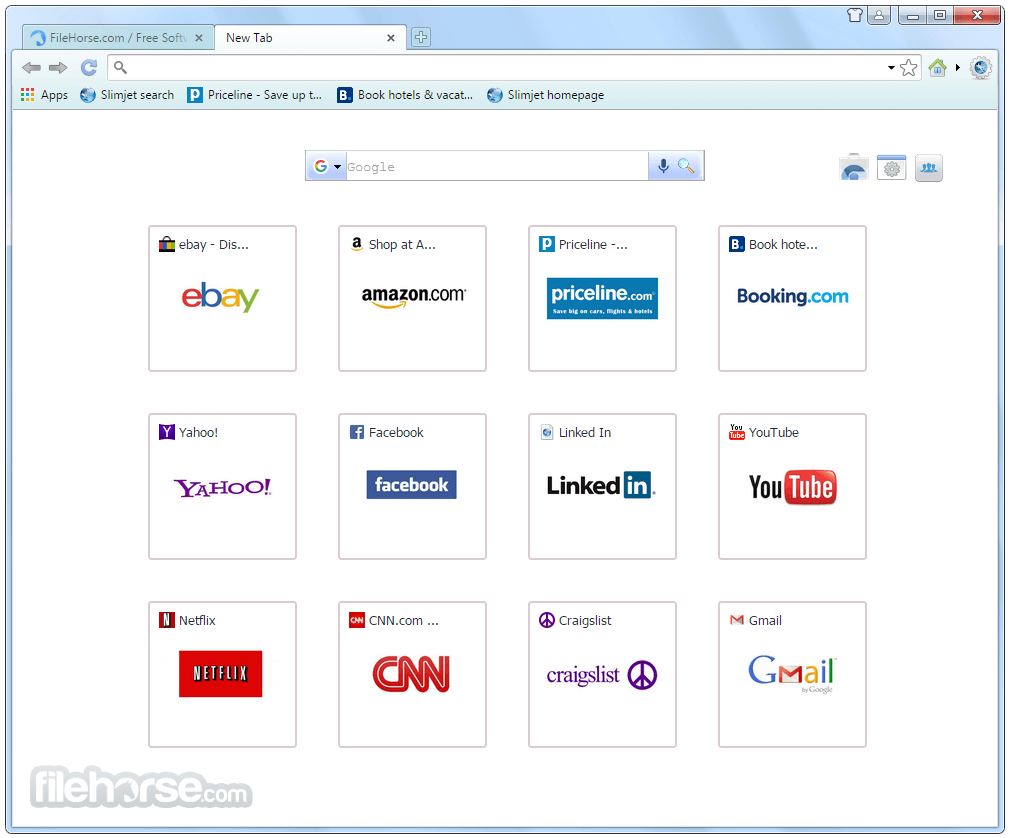
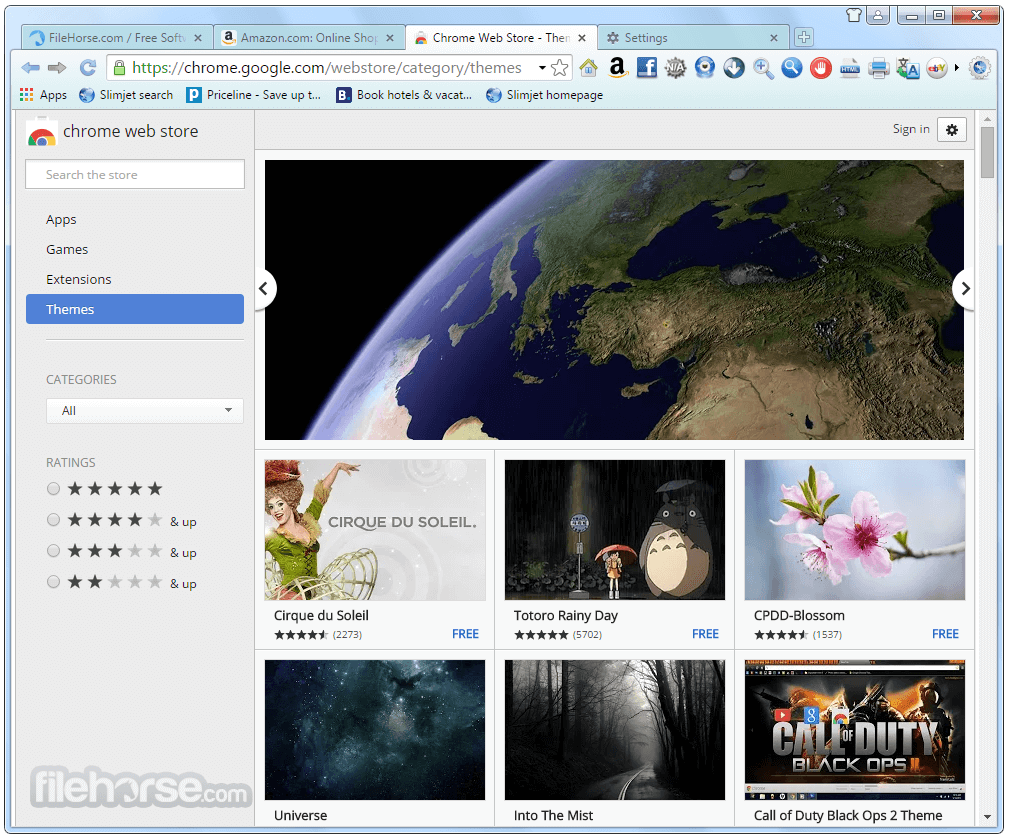
High Customization: Users can customize the look and feel of this app, including themes, backgrounds, and start-up options.
Installation and Setup
Chrome: The most popular Chromium-based browser, offering extensive extension support and Google account integration for syncing across devices.
Firefox: Known for its privacy features and customization, Firefox is an excellent alternative with a strong focus on user security.
Opera: Another Chromium-based browser that offers unique features like a built-in VPN and cryptocurrency wallet.
Vivaldi: A highly customizable browser that also uses the Chromium engine, offering advanced features for power users.
Brave: Focuses on privacy and speed, with built-in ad-blocking and cryptocurrency rewards for viewing privacy-respecting ads.
System Requirements
Download Slimjet (32-bit) Latest Version Why is this app published on FileHorse? (More info)
Slimjet 32bit integrates a lot of powerful and convenient features to help users maximize their online productivity. Slimjet also includes many options and settings so that users can customize the internet browser to best suit their own personal preferences.
Fast and Efficient
Faster browser startup, faster page loading, highly responsive UI powered by industry-leading Blink engine.
Secure and Stable
Automatic protection against phishing and malware, advanced privacy control options, robust multi-process architecture.
Powerful and Versatile
Loaded with convenient and powerful features, the app does more for every user without relying on external plugins.
Flexible and customizable
Flexible options and settings are available to customize the Slim jet to suit personal preference and maximize productivity.
Key Features
Ad Blocker: Built-in ad blocker that eliminates intrusive ads, speeding up page load times.
Customizable Toolbar: Allows users to add or remove buttons, providing a personalized browsing experience.
Privacy Protection: It offers several privacy features, such as anti-tracking, phishing protection, and sandboxing to keep users safe online.
Integrated Download Manager: Speeds up downloads by splitting files into multiple sections for faster downloading and includes a YouTube video downloader.
Automatic Form Filler: Saves time by filling out online forms with a single click.
Photo Enhancement and Screenshot Tools: Users can edit and enhance photos directly within the browser before sharing.
Facebook Integration: Allows for one-click sharing of web content directly to Facebook.
High Customization: Users can customize the look and feel of this app, including themes, backgrounds, and start-up options.
Installation and Setup
- Download: Visit the official website or FileHorse and download the installation file, available for Windows, macOS, and Linux.
- Install: Run the installation file and follow the on-screen instructions. The installation process is quick and does not come with any bundled software, which is a plus.
- Initial Setup: Upon the first launch, it offers the option to import bookmarks and settings from other browsers, making the transition smooth.
- Customization: After installation, users can customize the browser’s toolbar, theme, and settings according to their preferences.
- Browsing: Enter URLs or search queries directly into the address bar. The Slimjet browser supports multiple tabs, and the ad blocker works automatically.
- Customization: Right-click on the toolbar to customize the layout or access the settings menu for deeper configuration options.
- Downloads: Use the built-in download manager to speed up file downloads or save videos directly from YouTube by clicking the download button that appears below the video player.
- Privacy Settings: Navigate to the settings menu to enable or adjust privacy features like anti-tracking or phishing protection.
- Photo Tools: Use the integrated photo tools to capture screenshots or enhance images directly from within the browser.
Chrome: The most popular Chromium-based browser, offering extensive extension support and Google account integration for syncing across devices.
Firefox: Known for its privacy features and customization, Firefox is an excellent alternative with a strong focus on user security.
Opera: Another Chromium-based browser that offers unique features like a built-in VPN and cryptocurrency wallet.
Vivaldi: A highly customizable browser that also uses the Chromium engine, offering advanced features for power users.
Brave: Focuses on privacy and speed, with built-in ad-blocking and cryptocurrency rewards for viewing privacy-respecting ads.
System Requirements
- Operating System: Windows 11, 10, 8 or 7
- Processor: Intel Pentium 4 processor or later that supports SSE2.
- RAM: 512 MB minimum, 1 GB recommended.
- Disk Space: 200 MB of free disk space for installation.
- Built-in ad blocker and privacy features.
- Fast and lightweight performance.
- Highly customizable user interface.
- Integrated tools like a download manager and photo editor.
- Free to use with no ads or bundled software.
- No mobile version available.
- Limited syncing capabilities compared to other browsers.
Download Slimjet (32-bit) Latest Version Why is this app published on FileHorse? (More info)
##
畫面截圖