SmartFTP 10.0.3325.0 (64-bit)
v 10.0.3325.0 (64-bit)
Windows
商業試用
6.8/10 (34)
- 目前版本10.0.3325.0 (64-bit)
- 更新日期2026-06-19
- 檔案大小10.5 MB
- 檔案名稱SFTPMSI64.exe
- 作業系統Windows 7 64 / Windows 8 64 / Windows 10 64 / Windows 11
- 支援語系English
- 授權型式商業試用
- 開發商 SmartSoft Ltd.
- 軟體分類Windows 軟體 / 檔案傳輸與網路
##
翻譯排程處理中,以下暫以英文原文呈現
軟體介紹
SmartFTP is a robust and feature-rich FTP (File Transfer Protocol) client designed for Windows users who need to transfer files between their local system and a remote server.
Primarily used for website management, data backup, and file sharing, SmartFTP for Windows supports FTP, FTPS, SFTP, WebDAV, Amazon S3, Backblaze B2, Google Drive, OneDrive, and other cloud storage services.
Features
Multiple Protocol Support – FTP, FTPS, SFTP, WebDAV, and cloud storage integrations.
File Transfer Automation – Schedule tasks and sync data effortlessly.
Advanced File Encryption – Secure file transfers with TLS/SSL protocols.
Multi-Connection Transfers – Handle multiple connections simultaneously.
Drag and Drop Interface – Simplified file management with a user-friendly experience.
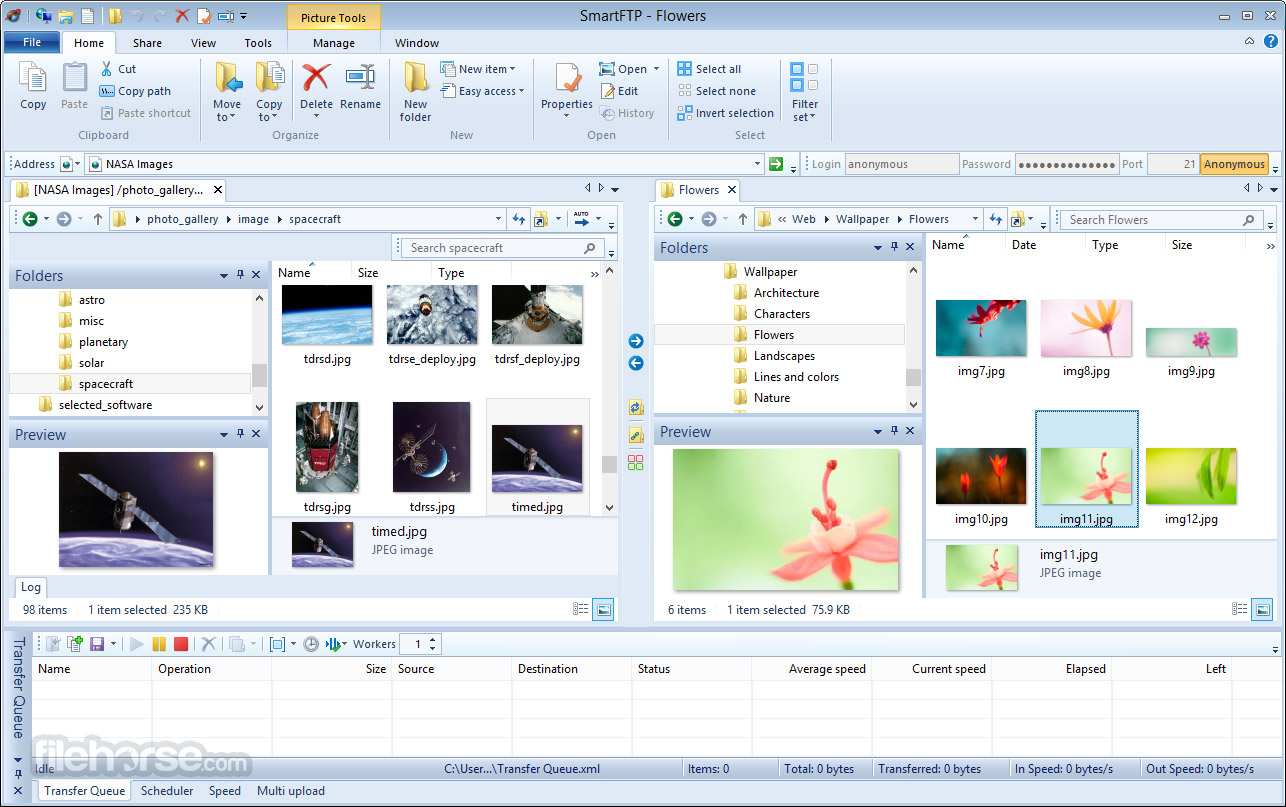
Thumbnail Preview – View image files before downloading.
Integrated Editor – Modify files directly from the server.
Bandwidth Control – Optimize upload/download speeds.
User Interface
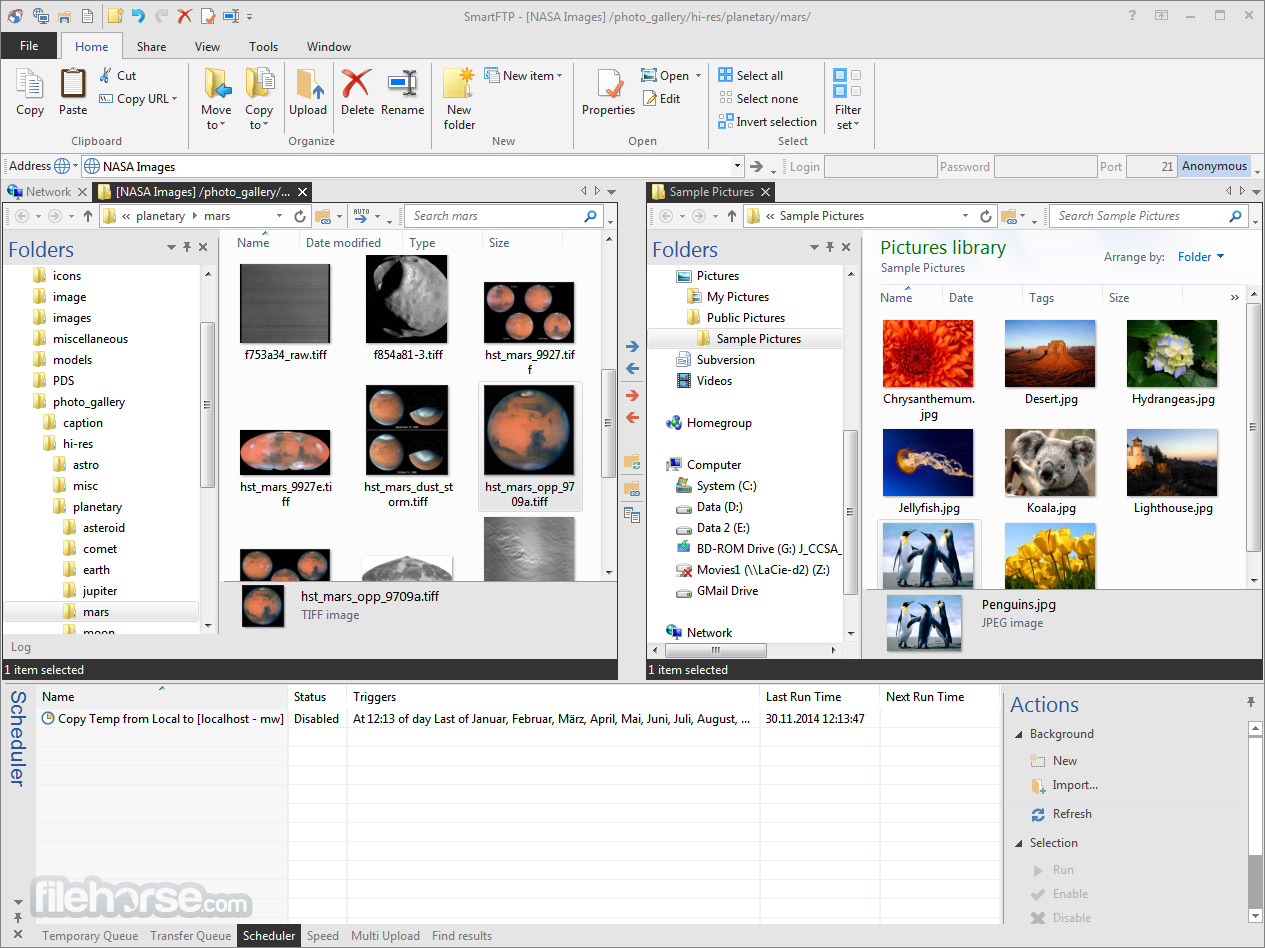
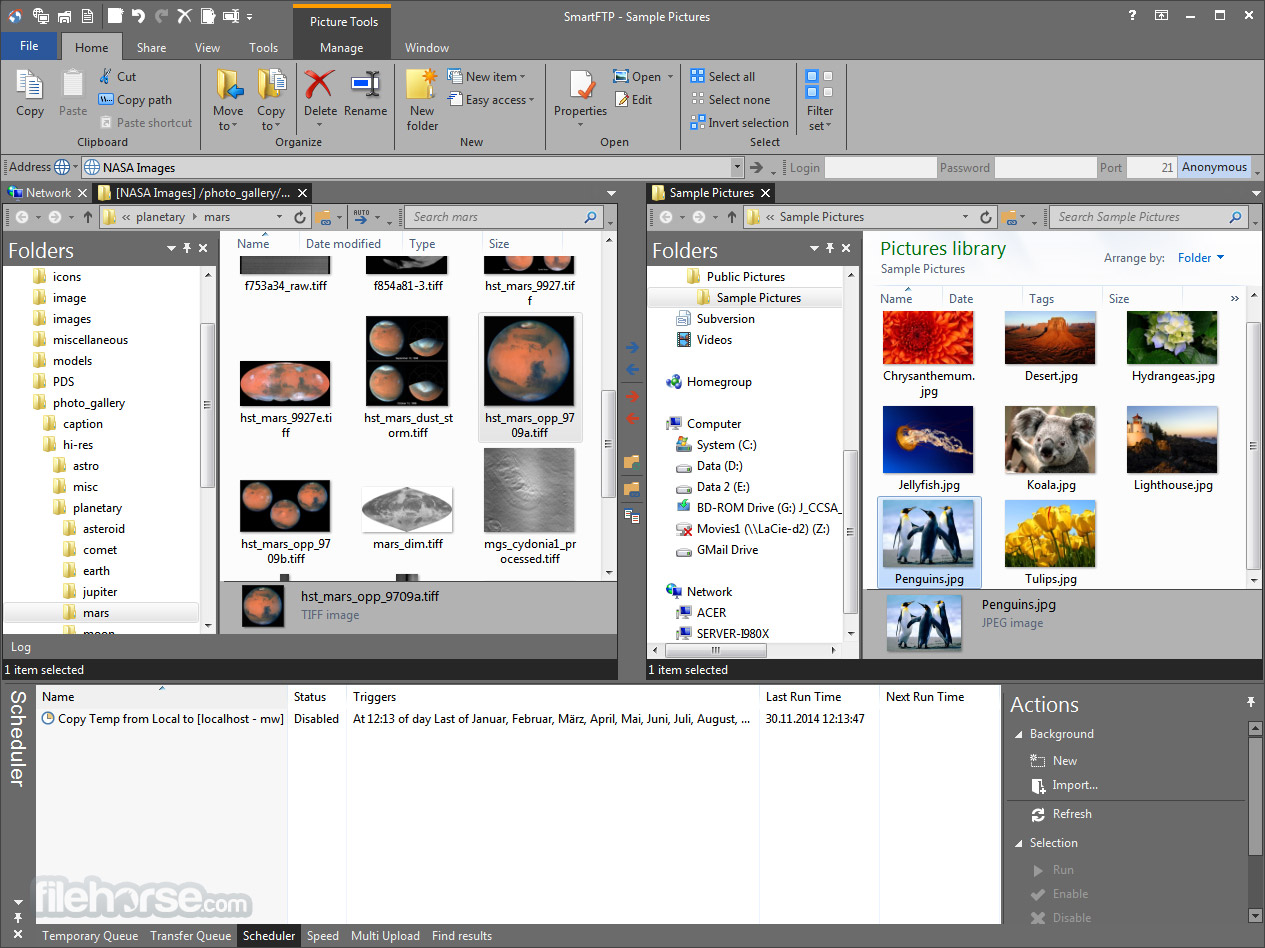
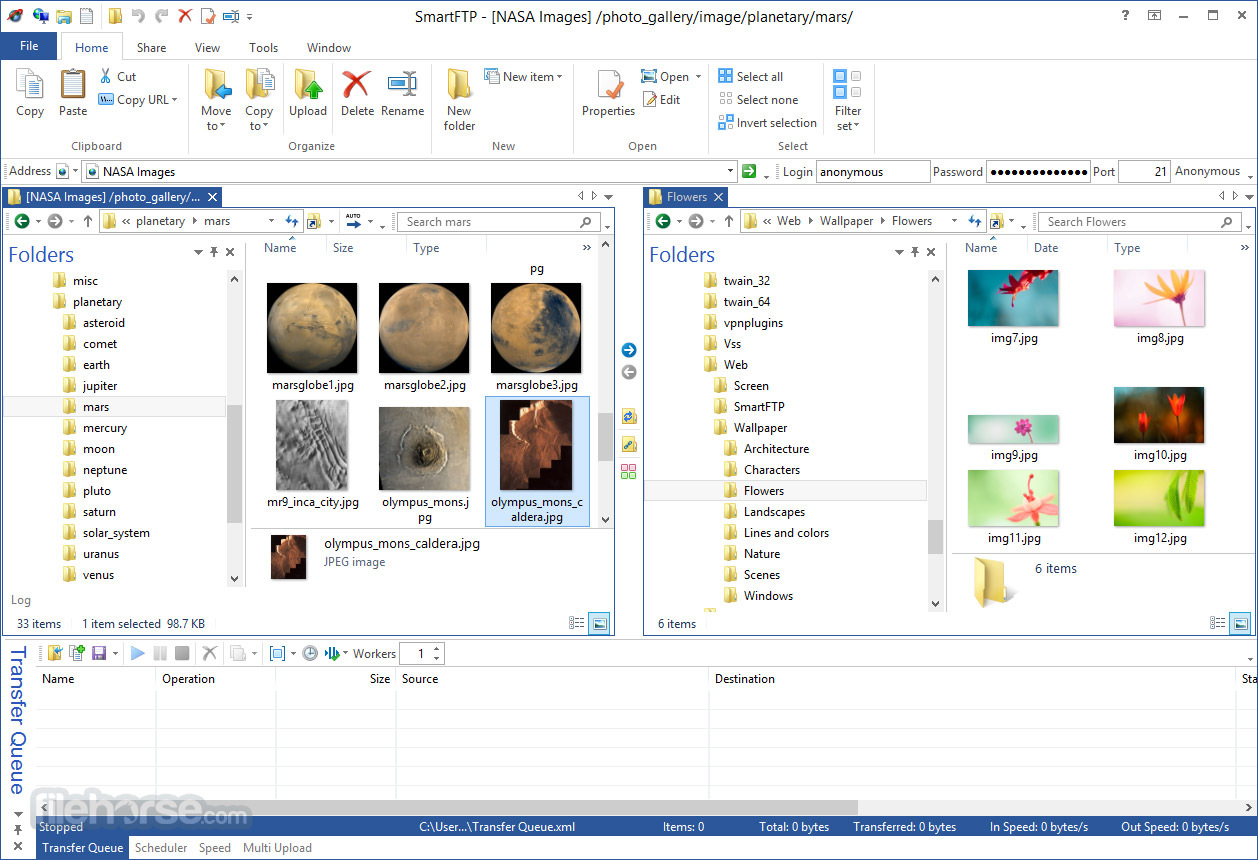
It features an intuitive tabbed user interface similar to Windows Explorer, making navigation simple.
Users can effortlessly manage multiple connections, view folder structures, and transfer files via drag-and-drop.
Installation and Setup
The software is available for Windows and can be downloaded from the official website or FileHorse. Installation is straightforward with step-by-step guidance.
Users must configure server credentials (host, username, and password) to connect to an FTP server.
How to Use
Is SmartFTP free to use?
No, it offers a trial version, but a paid license is required for continued use.
Can SmartFTP be used for cloud storage?
Yes, it supports Amazon S3, Google Drive, OneDrive, and other cloud services.
Is SmartFTP suitable for beginners?
Yes, but it has advanced features that may require some learning.
Does it support file encryption?
Yes, it provides TLS/SSL encryption for secure transfers.
Can I automate file transfers?
Yes, it allows scheduled tasks and synchronization.
Alternatives
FileZilla – A free and open-source FTP client with basic features.
WinSCP – A powerful SFTP and SCP client with scripting support.
Cyberduck – An easy-to-use FTP/SFTP client with cloud storage integration.
Pricing
It offers different pricing plans depending on the license type (Personal, Professional, or Enterprise), starting from approximately $64.99 per year.
System Requirements
SmartFTP for PC is a powerful and versatile FTP client that offers a secure and efficient way to transfer files. With support for multiple protocols and cloud storage, it is an excellent choice for professionals managing website servers, backups, or large file transfers.
However, its paid nature and complexity may make it less appealing to casual users who can opt for free alternatives like FileZilla or WinSCP.
Note: 30 days trial version.
Download SmartFTP Latest Version Why is this app published on FileHorse? (More info)
Primarily used for website management, data backup, and file sharing, SmartFTP for Windows supports FTP, FTPS, SFTP, WebDAV, Amazon S3, Backblaze B2, Google Drive, OneDrive, and other cloud storage services.
Features
Multiple Protocol Support – FTP, FTPS, SFTP, WebDAV, and cloud storage integrations.
File Transfer Automation – Schedule tasks and sync data effortlessly.
Advanced File Encryption – Secure file transfers with TLS/SSL protocols.
Multi-Connection Transfers – Handle multiple connections simultaneously.
Drag and Drop Interface – Simplified file management with a user-friendly experience.
Thumbnail Preview – View image files before downloading.
Integrated Editor – Modify files directly from the server.
Bandwidth Control – Optimize upload/download speeds.
User Interface
It features an intuitive tabbed user interface similar to Windows Explorer, making navigation simple.
Users can effortlessly manage multiple connections, view folder structures, and transfer files via drag-and-drop.
Installation and Setup
The software is available for Windows and can be downloaded from the official website or FileHorse. Installation is straightforward with step-by-step guidance.
Users must configure server credentials (host, username, and password) to connect to an FTP server.
How to Use
- Launch the application and open a new connection.
- Enter server credentials (FTP address, username, password, and port).
- Navigate to the remote and local directories.
- Drag and drop files for upload/download.
- Use the transfer queue for bulk operations.
Is SmartFTP free to use?
No, it offers a trial version, but a paid license is required for continued use.
Can SmartFTP be used for cloud storage?
Yes, it supports Amazon S3, Google Drive, OneDrive, and other cloud services.
Is SmartFTP suitable for beginners?
Yes, but it has advanced features that may require some learning.
Does it support file encryption?
Yes, it provides TLS/SSL encryption for secure transfers.
Can I automate file transfers?
Yes, it allows scheduled tasks and synchronization.
Alternatives
FileZilla – A free and open-source FTP client with basic features.
WinSCP – A powerful SFTP and SCP client with scripting support.
Cyberduck – An easy-to-use FTP/SFTP client with cloud storage integration.
Pricing
It offers different pricing plans depending on the license type (Personal, Professional, or Enterprise), starting from approximately $64.99 per year.
System Requirements
- OS: Windows 10/11 (64-bit)
- RAM: Minimum 2GB
- CPU: Intel/AMD 1 GHz or faster
- Storage: 200MB free space
- Supports multiple protocols and cloud services.
- Secure file transfers with encryption.
- Advanced automation and scheduling features.
- Multi-connection file management.
- No free version beyond trial.
- Can be overwhelming for beginners.
- Expensive compared to free alternatives.
SmartFTP for PC is a powerful and versatile FTP client that offers a secure and efficient way to transfer files. With support for multiple protocols and cloud storage, it is an excellent choice for professionals managing website servers, backups, or large file transfers.
However, its paid nature and complexity may make it less appealing to casual users who can opt for free alternatives like FileZilla or WinSCP.
Note: 30 days trial version.
Download SmartFTP Latest Version Why is this app published on FileHorse? (More info)
##
畫面截圖