- 目前版本Speechify - Text To Speech
- 更新日期2025-12-04
- 作業系統Windows 7 / Windows 8 / Windows 10 / Windows 11
- 支援語系English
- 授權型式未分類
- 開發商 Speechify Inc.
- 軟體分類Windows 軟體 / 音訊軟體
##
翻譯排程處理中,以下暫以英文原文呈現
軟體介紹
Speechify is a popular AI voice generation utility that offers support for over 100 AI-generated voice signatures for use by home users, students, teams, and businesses to enrich their projects with lifelike voiceovers.
This comprehensive text-to-speech app allows users of all knowledge levels to easily upload documents and convert them into downloadable audio files.
The software can read web pages, PDF files, docs, Microsoft Word files, emails, and other formats, enabling anyone to dramatically boost their daily audio voiceover productivity without the need to manually capture voices from paid actors in expensive sound studios.
Speechify for PC also offers a fully featured API platform that lets advanced users add the text-to-speech option to their iOS mobile app and desktop versions of their website, making it an attractive option for teams and businesses who want to dramatically expand their customer reach.
In addition to professional uses, this web app is designed to make content more accessible, enabling everyone to enhance their productivity, improve reading comprehension, and aid people with poor eyesight or disabilities, such as dyslexia and ADHD.
Main Features
Speechify is distributed online via a comprehensive set of apps and services optimized for all possible modern platforms. This includes not only a standalone local app for Macs, but also a web service, browser plugins (only Chrome, Edge, and Safari for now), and mobile apps for iOS/Android devices.
Windows users can access this app via the official website or a browser plugin.
How to Use
Users can upload documents or paste text into the Speechify interface to convert them into audio files. The software offers features like advanced skipping, highlighting, note-taking, reliable OCR, and a voice speed tool (with up to 9x of regular reading speed).
Text-to-speech feature can be activated not only on websites and documents, but also on any other app where text is selectable – social media posts, text chat apps, email clients, and more.
User Interface
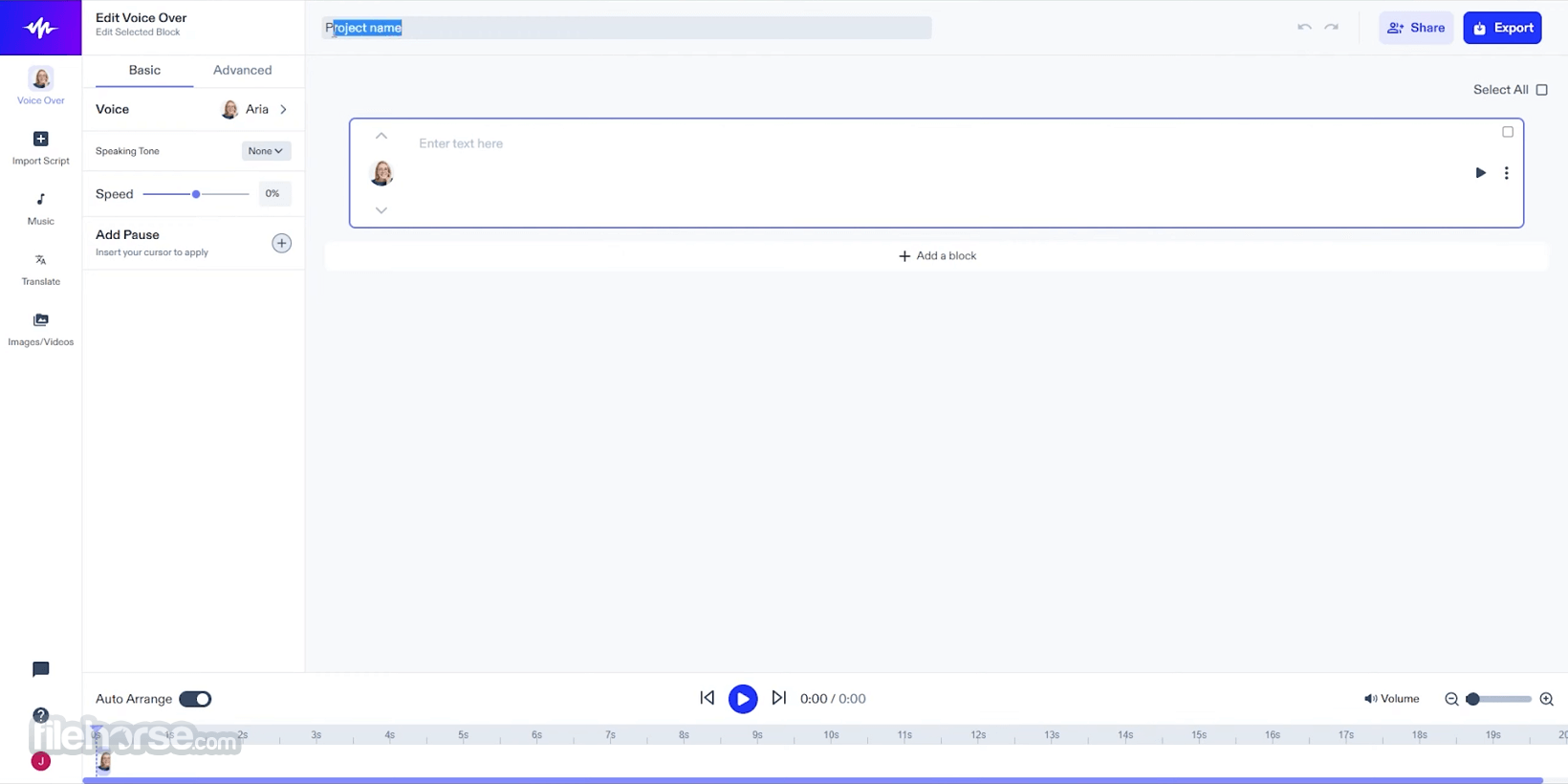
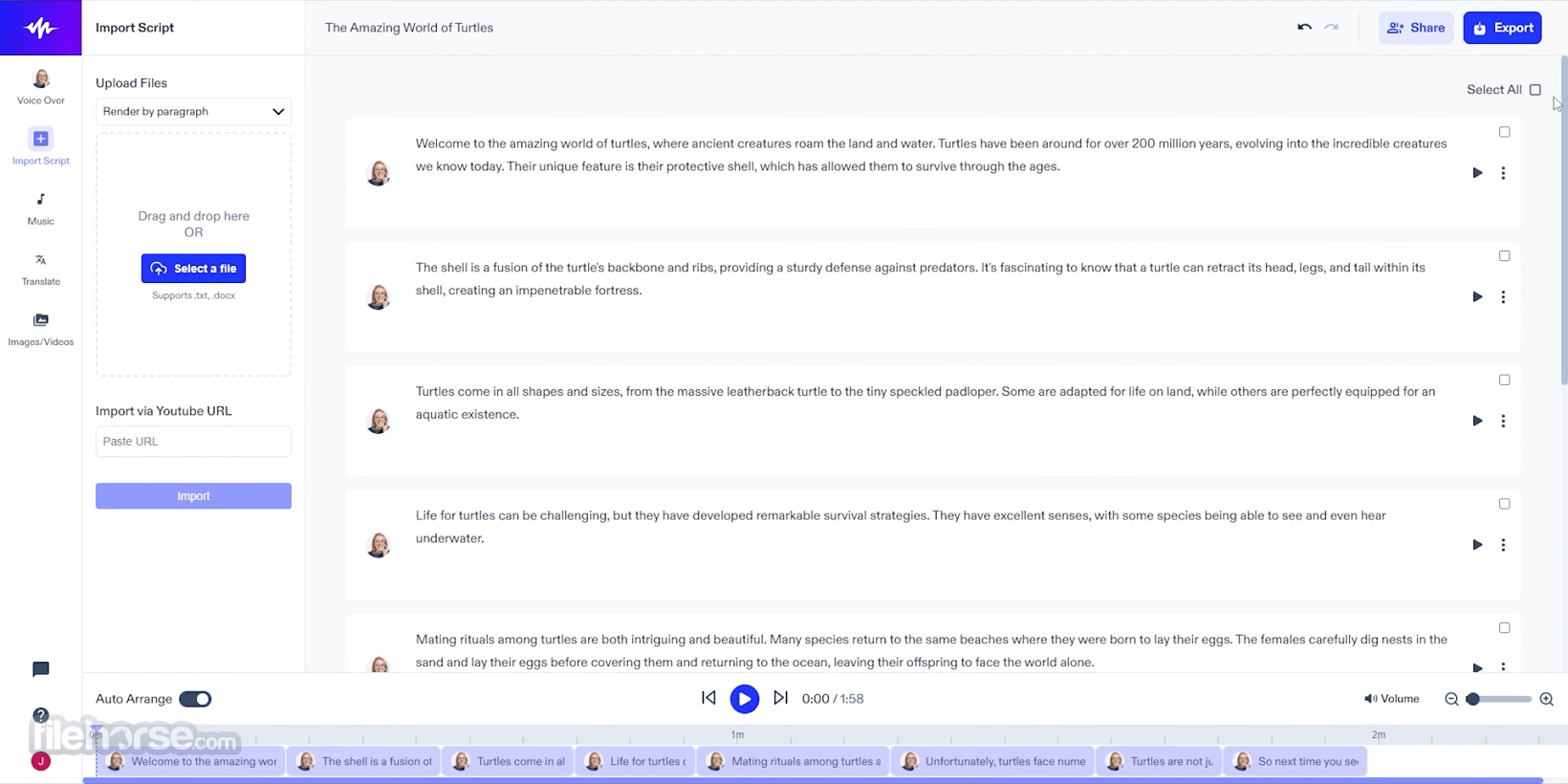
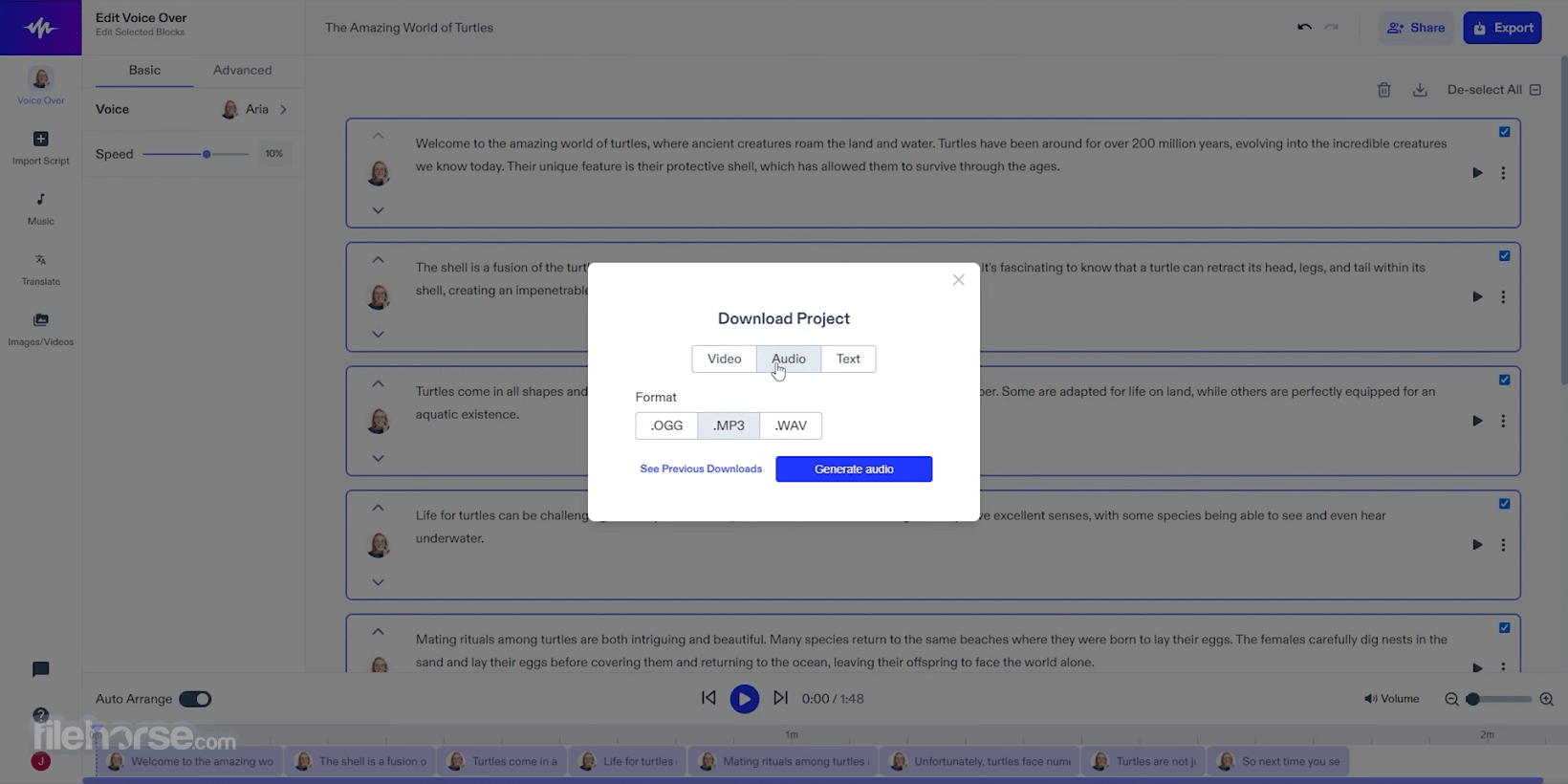
All various versions of Speechify (browser extensions, mobile apps, and native Mac app) feature a streamlined interface that promotes easy customization of voice generation via voice signature selector, listening speed tool, pause/rewind options, and a few more.
Users can easily import text for reading, from uploading documents to easily selecting on-screen text for audio reading.
The app features a dark blue theme and bright white elements that make the entire UI very easy to read, making the app suitable for users with vision disability.
FAQs
What is Speechify?
It is a highly capable AI voice generation utility that offers support for over 200 AI-generated voice signatures, including celebrities.
Is it safe?
Yes, this is a cloud-powered service with professional-grade user authentication. Private user data is not shared with anyone.
Alternatives
Murf AI - A professional-grade text-to-speech voice generation service for use in podcasts, voiceovers, and professional presentations.
Descript - Record, Transcribe, Edit, Mix, as easy as typing! There’s a new way to make videos and podcasts.
LOVO AI - AI Voiceover & Text-to-Speech Platform for Windows PC.
Fliki AI - Video creation made 10x simpler & faster with AI.
iMyFone VoxBox - Free AI Voice Generator & Voice Cloning for Windows PC.
Pricing
Free
Platforms: Windows, Mac, Linux, iOS, Android.
PROS
Speechify is a powerful AI voice generation utility that offers support for over 130 AI-generated voice signatures for reading text-based content from local and online sources.
Featuring a user-friendly interface, OCR technology, and advanced customization features, this versatile voice generation tool enables businesses and individuals to easily integrate text-to-speech solutions into their daily workflows.
The software can also dramatically change the quality of life for people needing additional reading comprehension due to poor eyesight or disabilities.
Download Speechify Latest Version Why is this app published on FileHorse? (More info)
This comprehensive text-to-speech app allows users of all knowledge levels to easily upload documents and convert them into downloadable audio files.
The software can read web pages, PDF files, docs, Microsoft Word files, emails, and other formats, enabling anyone to dramatically boost their daily audio voiceover productivity without the need to manually capture voices from paid actors in expensive sound studios.
Speechify for PC also offers a fully featured API platform that lets advanced users add the text-to-speech option to their iOS mobile app and desktop versions of their website, making it an attractive option for teams and businesses who want to dramatically expand their customer reach.
In addition to professional uses, this web app is designed to make content more accessible, enabling everyone to enhance their productivity, improve reading comprehension, and aid people with poor eyesight or disabilities, such as dyslexia and ADHD.
Main Features
- Text-to-speech functionality.
- Over 200+ AI-generated voice signatures.
- Large offering of celebrity voices, including actors, singers, narrators, and content creators.
- API for adding text-to-speech to mobile apps and websites.
- OCR technology for scanning and listening to printed text.
- AI reading of chat apps, websites, documents, social media posts, and more.
- Advanced skipping, highlighting, note-taking, and importing tools.
- Support for translation and reading in over 30 international languages.
- Variable reading speed option.
Speechify is distributed online via a comprehensive set of apps and services optimized for all possible modern platforms. This includes not only a standalone local app for Macs, but also a web service, browser plugins (only Chrome, Edge, and Safari for now), and mobile apps for iOS/Android devices.
Windows users can access this app via the official website or a browser plugin.
How to Use
Users can upload documents or paste text into the Speechify interface to convert them into audio files. The software offers features like advanced skipping, highlighting, note-taking, reliable OCR, and a voice speed tool (with up to 9x of regular reading speed).
Text-to-speech feature can be activated not only on websites and documents, but also on any other app where text is selectable – social media posts, text chat apps, email clients, and more.
User Interface
All various versions of Speechify (browser extensions, mobile apps, and native Mac app) feature a streamlined interface that promotes easy customization of voice generation via voice signature selector, listening speed tool, pause/rewind options, and a few more.
Users can easily import text for reading, from uploading documents to easily selecting on-screen text for audio reading.
The app features a dark blue theme and bright white elements that make the entire UI very easy to read, making the app suitable for users with vision disability.
FAQs
What is Speechify?
It is a highly capable AI voice generation utility that offers support for over 200 AI-generated voice signatures, including celebrities.
Is it safe?
Yes, this is a cloud-powered service with professional-grade user authentication. Private user data is not shared with anyone.
Alternatives
Murf AI - A professional-grade text-to-speech voice generation service for use in podcasts, voiceovers, and professional presentations.
Descript - Record, Transcribe, Edit, Mix, as easy as typing! There’s a new way to make videos and podcasts.
LOVO AI - AI Voiceover & Text-to-Speech Platform for Windows PC.
Fliki AI - Video creation made 10x simpler & faster with AI.
iMyFone VoxBox - Free AI Voice Generator & Voice Cloning for Windows PC.
Pricing
Free
- Listen at speeds up to 1.5x
- Listen anywhere
- 10 robotic-sounding voices
- Text-to-speech features only
- 200+ high-quality, natural voices
- 60+ different languages
- Offline MP3 download
- Listen at 5x faster speeds
- Advanced skipping and importing
- AI Summaries & Chats
Platforms: Windows, Mac, Linux, iOS, Android.
PROS
- 130+ AI-generated voice signatures.
- Accessible from a website or browser add-ons.
- OCR technology for scanning and listening to printed text.
- Advanced skipping, highlighting, note-taking, and importing tools.
- API for adding text-to-speech to mobile apps and websites.
- Priority support from a team of experts.
- Limited free functionality.
- Expensive premium subscription plans.
- No native Windows PC app.
Speechify is a powerful AI voice generation utility that offers support for over 130 AI-generated voice signatures for reading text-based content from local and online sources.
Featuring a user-friendly interface, OCR technology, and advanced customization features, this versatile voice generation tool enables businesses and individuals to easily integrate text-to-speech solutions into their daily workflows.
The software can also dramatically change the quality of life for people needing additional reading comprehension due to poor eyesight or disabilities.
Download Speechify Latest Version Why is this app published on FileHorse? (More info)
##
畫面截圖