⚠ 這是歷史版本頁面 — 查看 SQL Server Management Studio 最新版本 →

SQL Server Management Studio 18.9.1
v 18.9.1
Windows
免費軟體
8.62/10 (198)
- 目前版本18.9.1
- 更新日期2021-04-21
- 檔案大小635 MB
- 檔案名稱SSMS-Setup-ENU.exe
- 作業系統Windows 10 / Windows 11
- 支援語系English
- 授權型式免費軟體
- 開發商 Microsoft Corporation
- 軟體分類Windows 軟體 / 開發者工具
##
編輯短評
SQL Server Management Studio 是由 Microsoft Corporation 開發的整合環境,旨在解決 SQL Server 的存取、設定與管理問題。它結合了豐富的圖形化工具與指令碼編輯器,讓不同技術程度的開發者與管理員都能輕鬆操作資料庫元件。這款軟體在同類工具中屬於主流首選,且長期維護更新,使用者評價普遍不錯。
這套免費軟體適合需要對 Microsoft SQL Server 平台進行配置或行政管理的專業人員,是開發過程中的重要工具。與其他替代方案相比,它提供了更完整的整合功能。使用者在下載前需注意,該軟體僅支援 Windows 平台且語系為英文,建議根據作業系統與語言需求決定是否安裝。
##
翻譯排程處理中,以下暫以英文原文呈現
軟體介紹
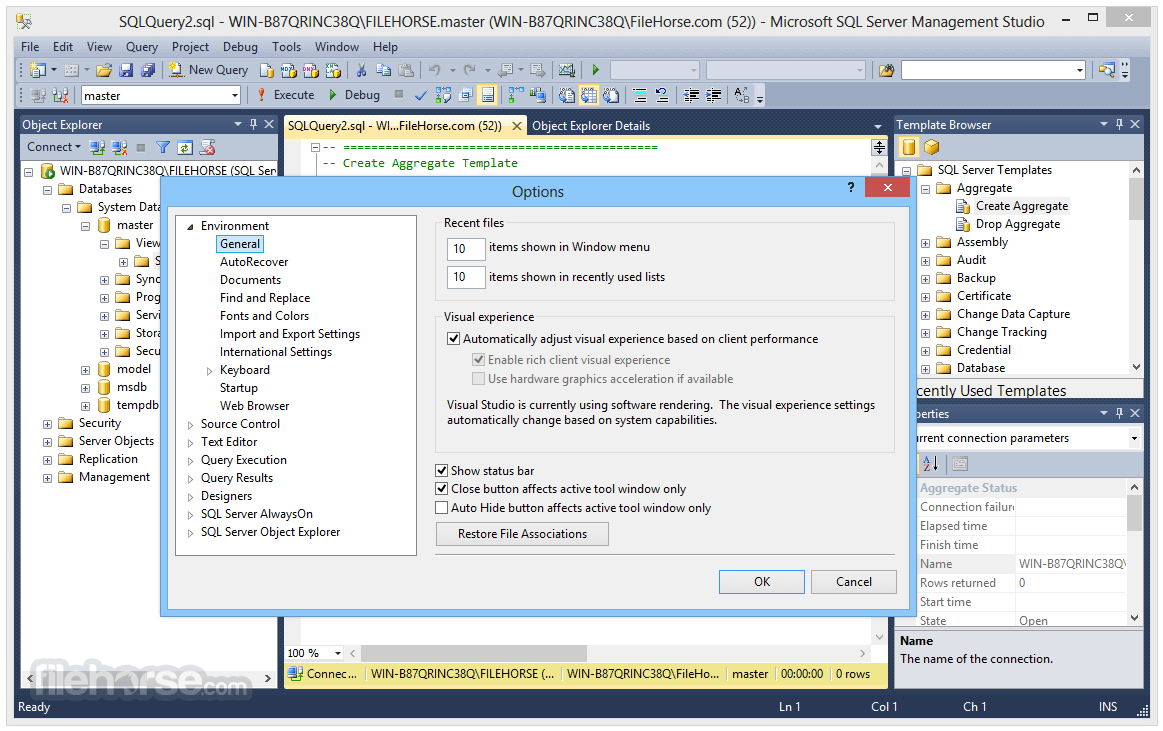
Microsoft SQL Server Management Studio Express (SSMS) is a free, integrated environment for accessing, configuring, managing, administering, and developing all components of SQL Server, as well as combining a broad group of graphical tools and rich script editors that provide access to the Server to developers and administrators of all skill levels.
Originally introduced to the public as the part of the Microsoft SQL Server 2005, this app enabled professional users to easily manage, administer and configure all components of the Microsoft SQL Server Platform, with access to tools such script editors, graphical tools and everything needed to interact with objects and database features.
The latest version of this app managed to completely integrate itself with all the features and additions that were introduced with the arrival of the SQL Server 2012, enabling users from all around the world to easily manage both their old and new database-related projects of all shapes and sizes.
Microsoft SQL Server Management Studio Express (SSMSE) is an integrated environment for accessing, configuring, managing, administering, and developing all components of the Server.
The software combines a broad group of graphical tools with a number of rich script editors to provide access to SQLServer to developers and administrators of all skill levels.
Developers get a familiar experience, and database administrators get a single comprehensive utility that combines easy-to-use graphical tools with rich scripting capabilities.
Supported SQL offerings
This version of SSMS supports SQL Server 2014 (12.x) and later, with extensive compatibility for cloud features like Azure SQL Database, Azure Synapse Analytics, and Microsoft Fabric.
Key highlights:
Parallel Installations: SSMS 20.x can coexist with earlier versions, including SSMS 19.x, 18.x, 17.x, and 16.x.
Integration Services (SSIS):
SSMS might install shared components if it determines they're missing during SSMS installation. SSMS doesn't automatically uninstall these components when you uninstall SSMS.
The shared components are:
The current release of SSMS supports the following 64-bit platforms when used with the latest available service pack:
Supported operating systems:
1.8 GHz or faster x86 (Intel, AMD) processor. Dual-core or better recommended
2 GB of RAM; 4 GB of RAM recommended (2.5 GB minimum if running on a virtual machine)
Hard disk space: Minimum of 3 GB up to 10 GB of available space
Additional requirements:
Download SQL Server Management Studio Latest Version Why is this app published on FileHorse? (More info)
Originally introduced to the public as the part of the Microsoft SQL Server 2005, this app enabled professional users to easily manage, administer and configure all components of the Microsoft SQL Server Platform, with access to tools such script editors, graphical tools and everything needed to interact with objects and database features.
The latest version of this app managed to completely integrate itself with all the features and additions that were introduced with the arrival of the SQL Server 2012, enabling users from all around the world to easily manage both their old and new database-related projects of all shapes and sizes.
Microsoft SQL Server Management Studio Express (SSMSE) is an integrated environment for accessing, configuring, managing, administering, and developing all components of the Server.
The software combines a broad group of graphical tools with a number of rich script editors to provide access to SQLServer to developers and administrators of all skill levels.
Developers get a familiar experience, and database administrators get a single comprehensive utility that combines easy-to-use graphical tools with rich scripting capabilities.
Supported SQL offerings
This version of SSMS supports SQL Server 2014 (12.x) and later, with extensive compatibility for cloud features like Azure SQL Database, Azure Synapse Analytics, and Microsoft Fabric.
Key highlights:
Parallel Installations: SSMS 20.x can coexist with earlier versions, including SSMS 19.x, 18.x, 17.x, and 16.x.
Integration Services (SSIS):
- SSMS 17.x and later don't support connections to legacy SQL Server Integration Services services. For earlier versions, use the corresponding SSMS version (e.g., SSMS 16.x for SQL Server 2016 Integration Services).
- Since SQL Server 2012, the recommended method for managing SSIS packages is the SSIS Catalog database (SSISDB).
SSMS might install shared components if it determines they're missing during SSMS installation. SSMS doesn't automatically uninstall these components when you uninstall SSMS.
The shared components are:
- Microsoft OLE DB Driver 18 for SQL Server
- Microsoft ODBC Driver 17 for SQL Server
- Microsoft Visual C++ 2017 Redistributable (x86)
- Microsoft Visual C++ 2017 Redistributable (x64)
- Microsoft Visual Studio Tools for Applications 2019
The current release of SSMS supports the following 64-bit platforms when used with the latest available service pack:
Supported operating systems:
- Windows 11 (x64)
- Windows 10 (x64) version 1607 (10.0.14393) and later versions
- Windows Server 2022 (x64)
- Windows Server Core 2022 (x64)
- Windows Server 2019 (x64)
- Windows Server Core 2019 (x64)
- Windows Server 2016 (x64) 1
- 1 SSMS requires .NET Framework 4.7.2.
1.8 GHz or faster x86 (Intel, AMD) processor. Dual-core or better recommended
2 GB of RAM; 4 GB of RAM recommended (2.5 GB minimum if running on a virtual machine)
Hard disk space: Minimum of 3 GB up to 10 GB of available space
Additional requirements:
- Administrator rights are required to install or update SSMS.
- Running in a virtual machine environment requires a full Windows operating system.
- Windows containers are not supported.
- SSMS is not supported in application virtualization solutions such as Microsoft App-V or MSIX for Windows, or third-party app virtualization technologies.
- Intuitive user interface
- Robust debugging tools
- Excellent query performance tuning
- Advanced reporting features
- Wide integration support
- High system resource usage
- Limited cross-platform compatibility
- Occasional lag with large databases
- Expensive licensing for enterprise
Download SQL Server Management Studio Latest Version Why is this app published on FileHorse? (More info)
##
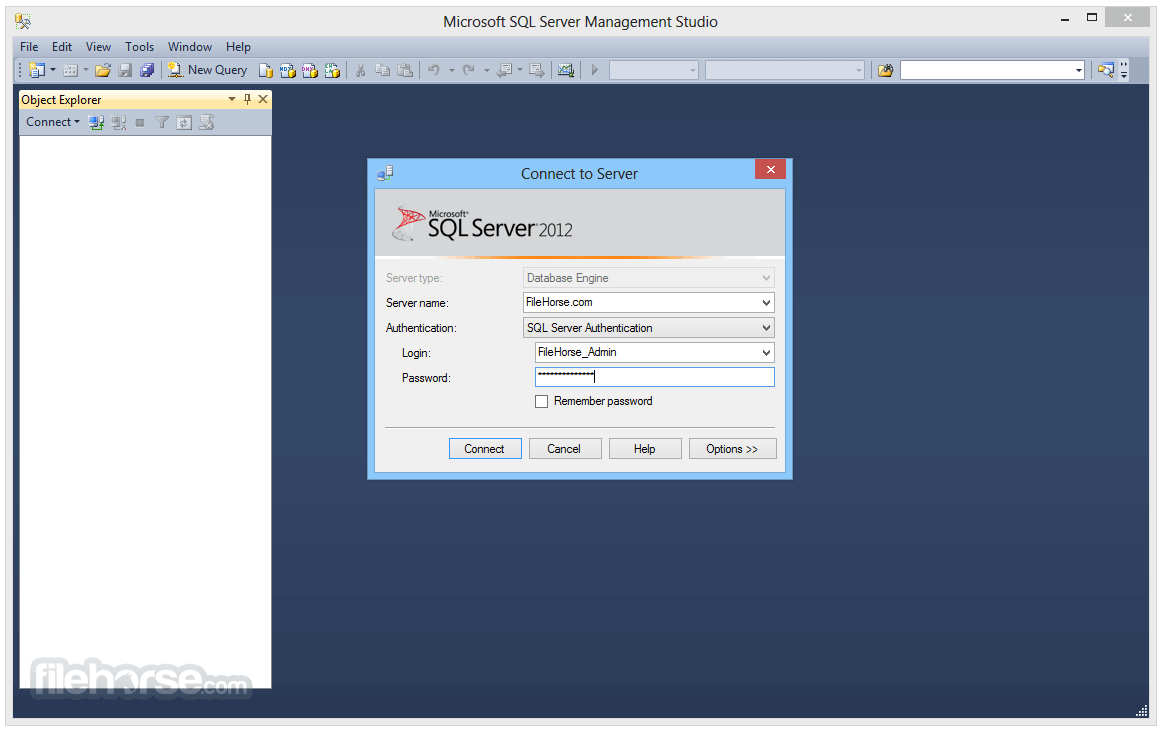
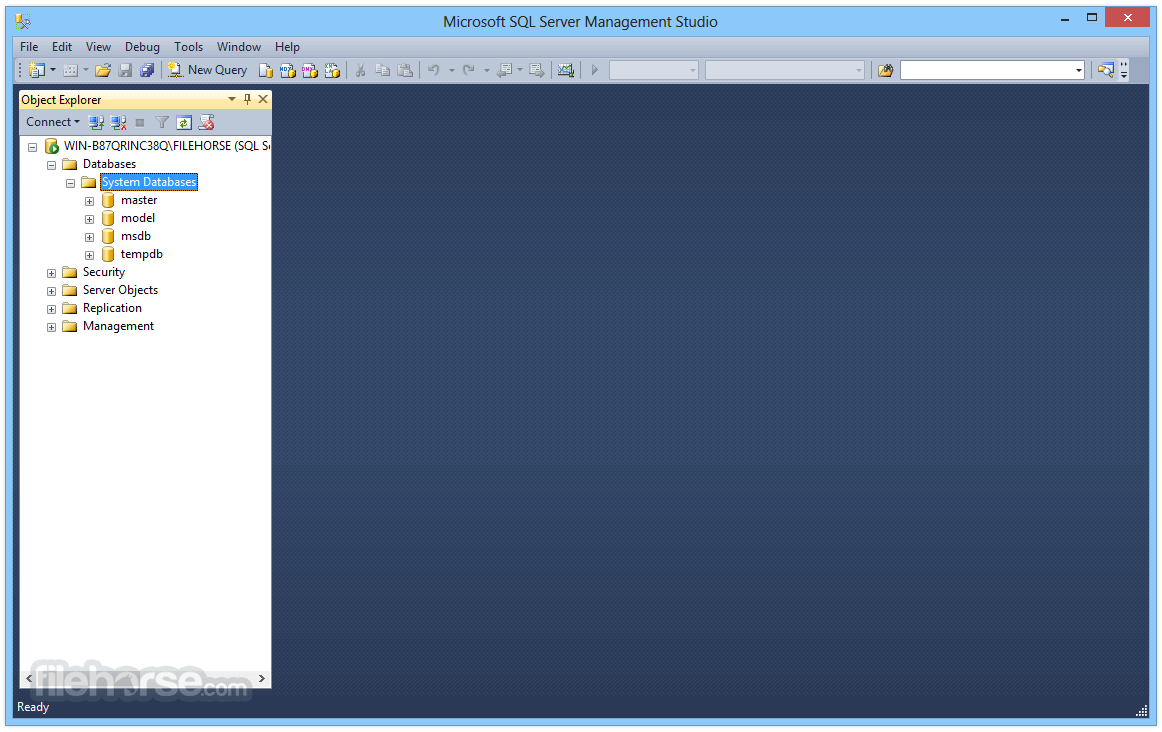
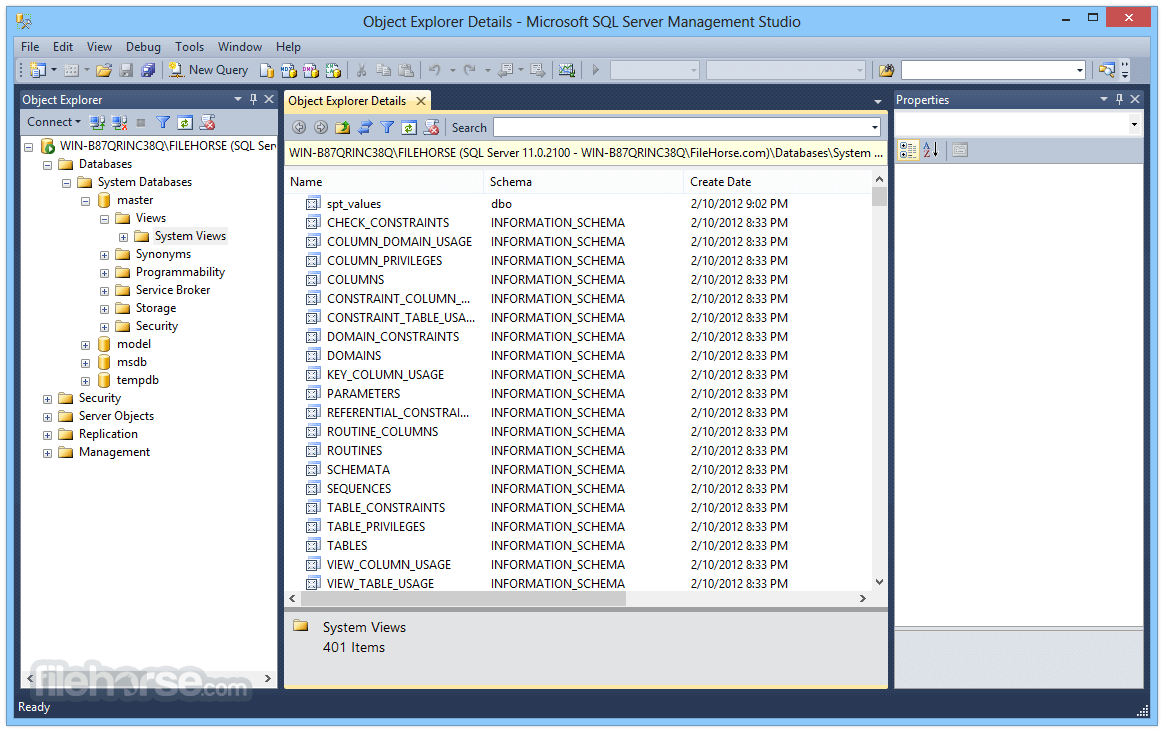
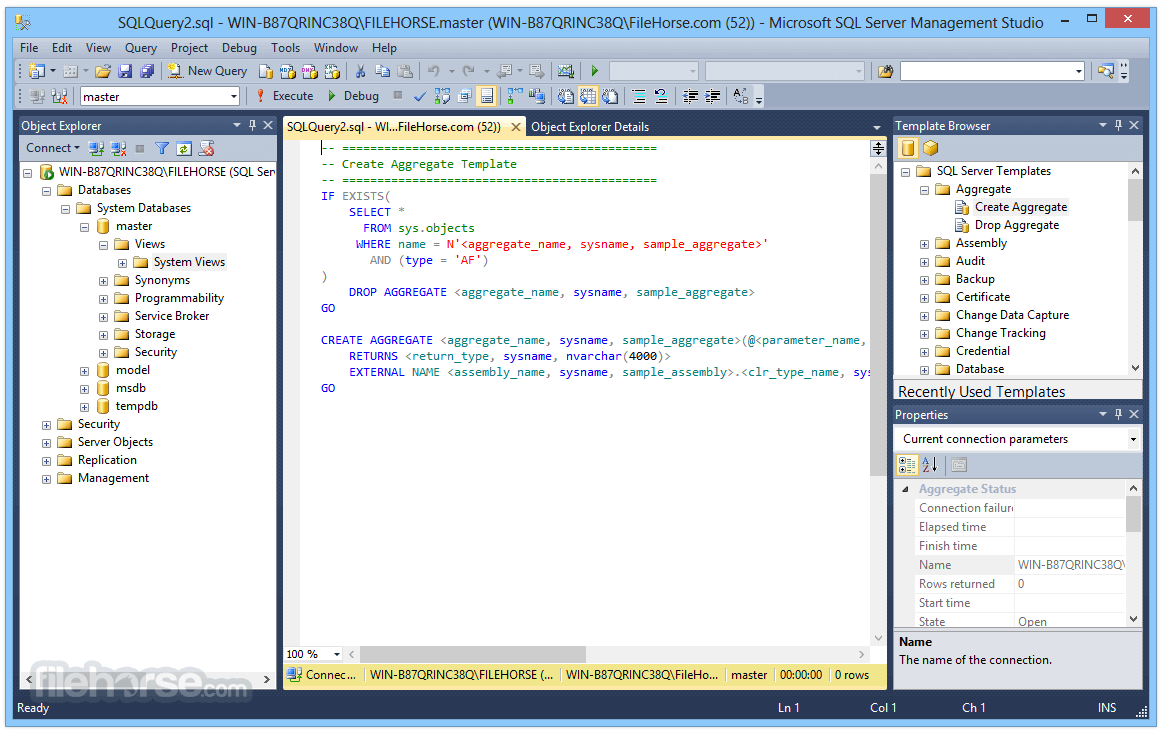
畫面截圖
- 2026-08-12 SQL Server Management Studio 22.9.0 5.4 MB
- 2025-10-15 SQL Server Management Studio 21.6.17 4.3 MB
- 2025-04-09 SQL Server Management Studio 20.2.1 473 MB
- 2024-07-10 SQL Server Management Studio 20.2 473 MB
- 2024-04-10 SQL Server Management Studio 20.1 485 MB
- 2024-03-20 SQL Server Management Studio 20.0 485 MB
- 2024-01-11 SQL Server Management Studio 19.3 647 MB
- 2023-11-14 SQL Server Management Studio 19.2 647 MB