- 目前版本150.0.7900.0 (64-bit)
- 更新日期2026-07-29
- 檔案大小128 MB
- 檔案名稱srware_iron64.exe
- 作業系統Windows 7 64 / Windows 8 64 / Windows 10 64 / Windows 11
- 支援語系English
- 授權型式開源軟體
- 開發商 SRWare
- 軟體分類Windows 軟體 / 瀏覽器與外掛
##
翻譯排程處理中,以下暫以英文原文呈現
軟體介紹
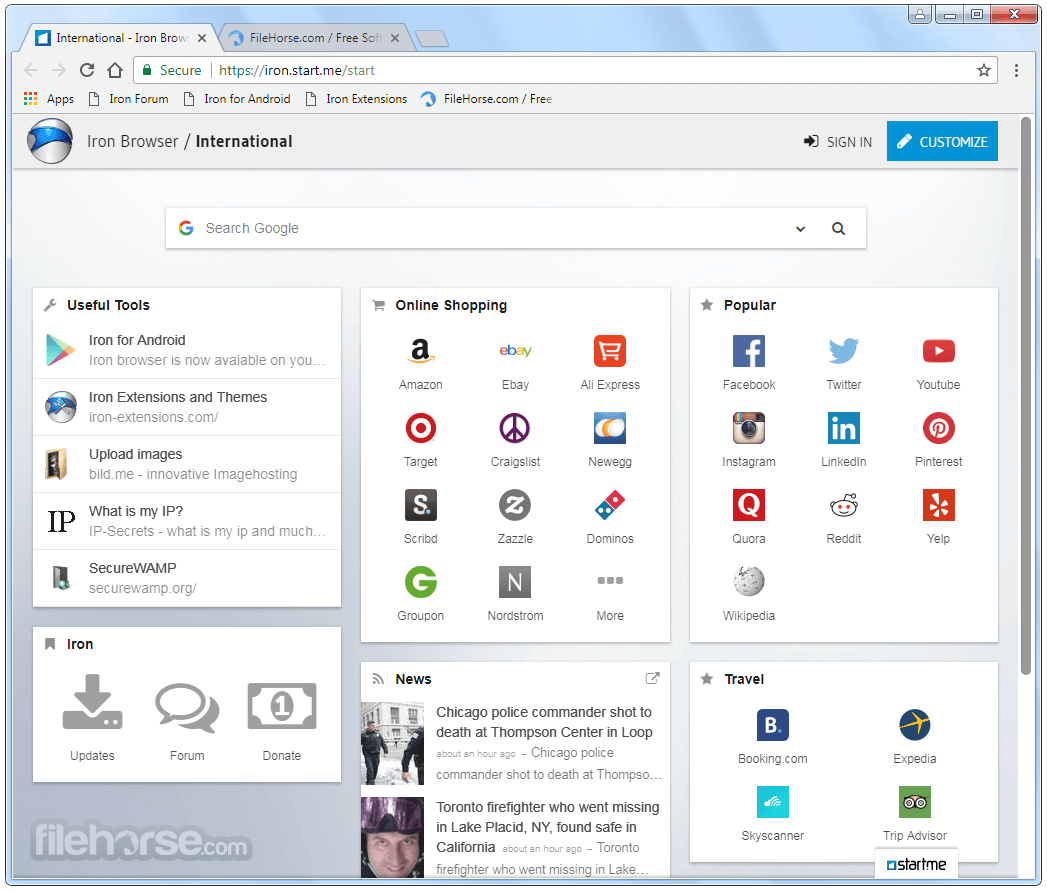
SRWare Iron is a web browser built on the Chromium engine, designed to provide a more privacy-focused alternative to Google Chrome.
Developed by SRWare, this browser removes many tracking features found in Chrome while maintaining speed and usability.
It aims to offer users a secure browsing experience without compromising performance or access to essential web features.
Features
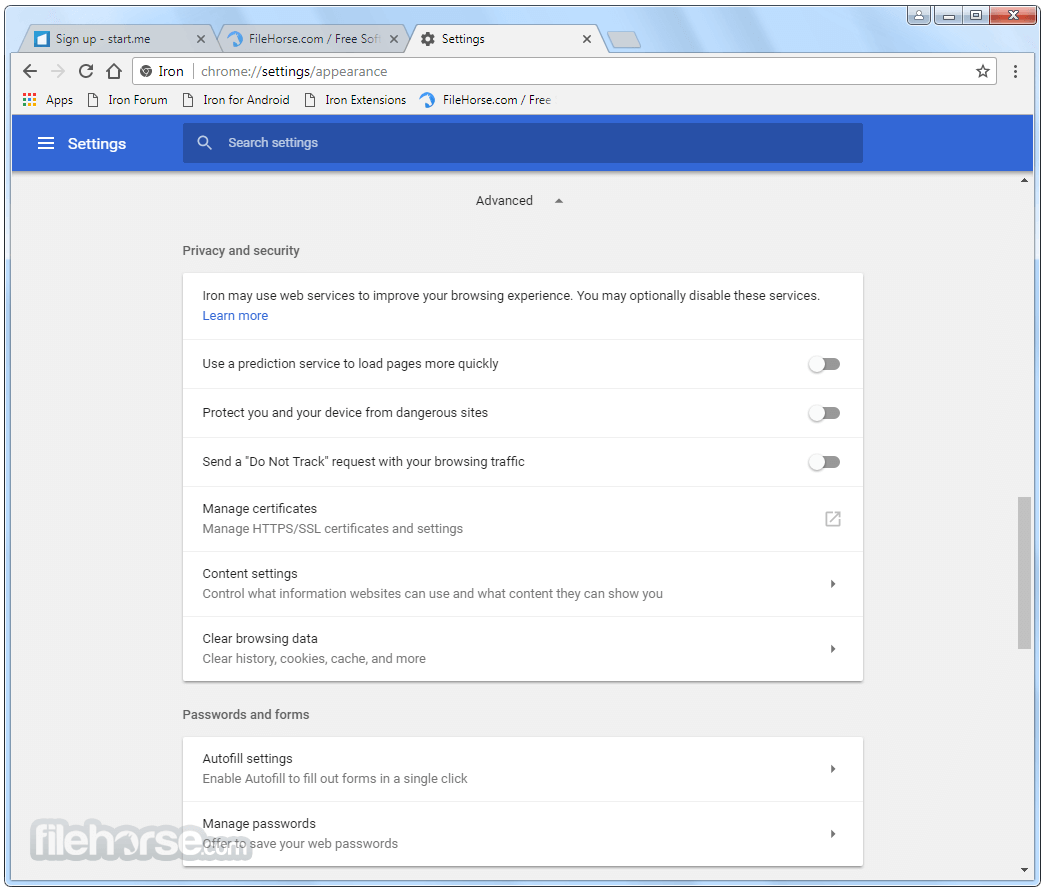
Privacy-Oriented Browsing: Unlike Google Chrome, SRWare Iron for Windows does not send user data to Google, including installation tracking, suggestions, and URL tracking.
No Unique User ID: The browser does not create an installation ID, preventing user activity from being linked to a specific device.
Built-in Ad Blocking: Users can enable an integrated ad blocker for a cleaner browsing experience.
Improved Performance: With fewer tracking features running in the background, SRWare Iron often performs faster than Chrome.
Extensions and Customization: Fully supports Chrome extensions, themes, and settings.
No Background Auto-Updates: Unlike Chrome, it does not update itself automatically, giving users more control.
Lightweight and Portable Version Available: Users can opt for a portable version that does not require installation.
Installation and Setup
Browsing the Web: Open this program and enter a URL or search query in the Omnibox.
Managing Tabs: Like Chrome, tabs can be opened, closed, and organized in groups.
Installing Extensions: Visit the Chrome Web Store and install extensions as needed.
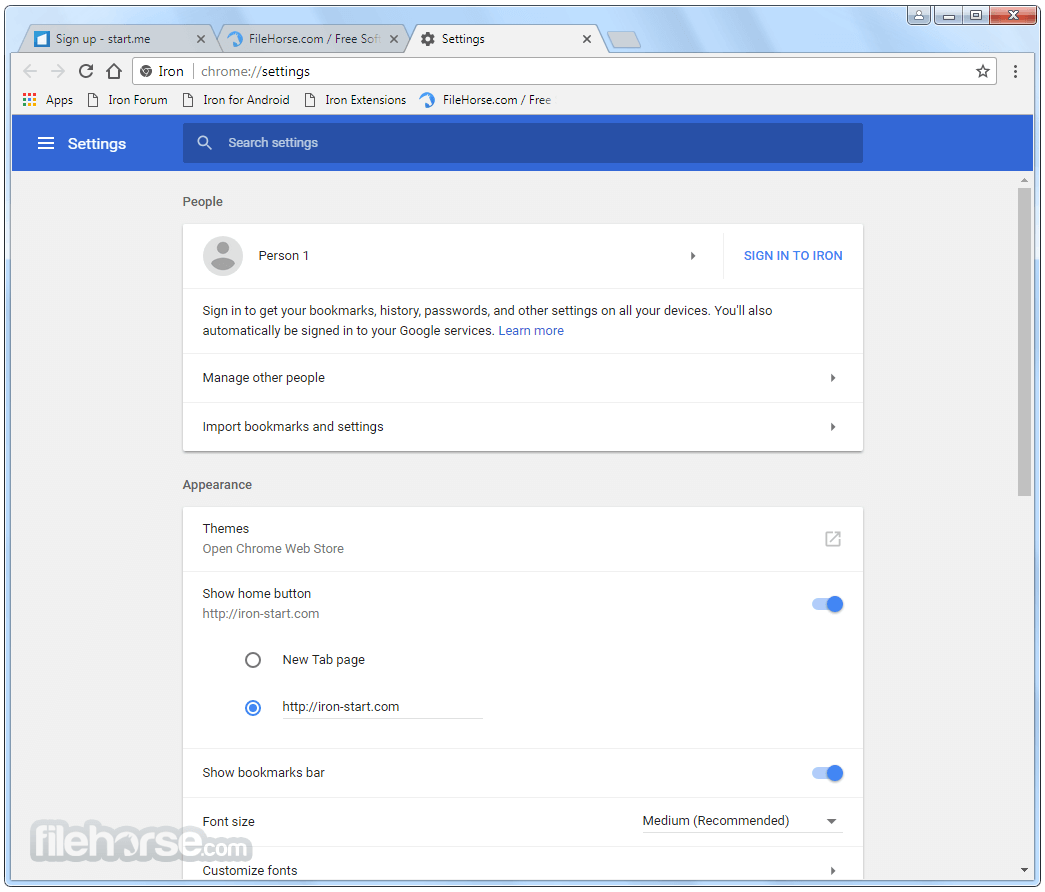
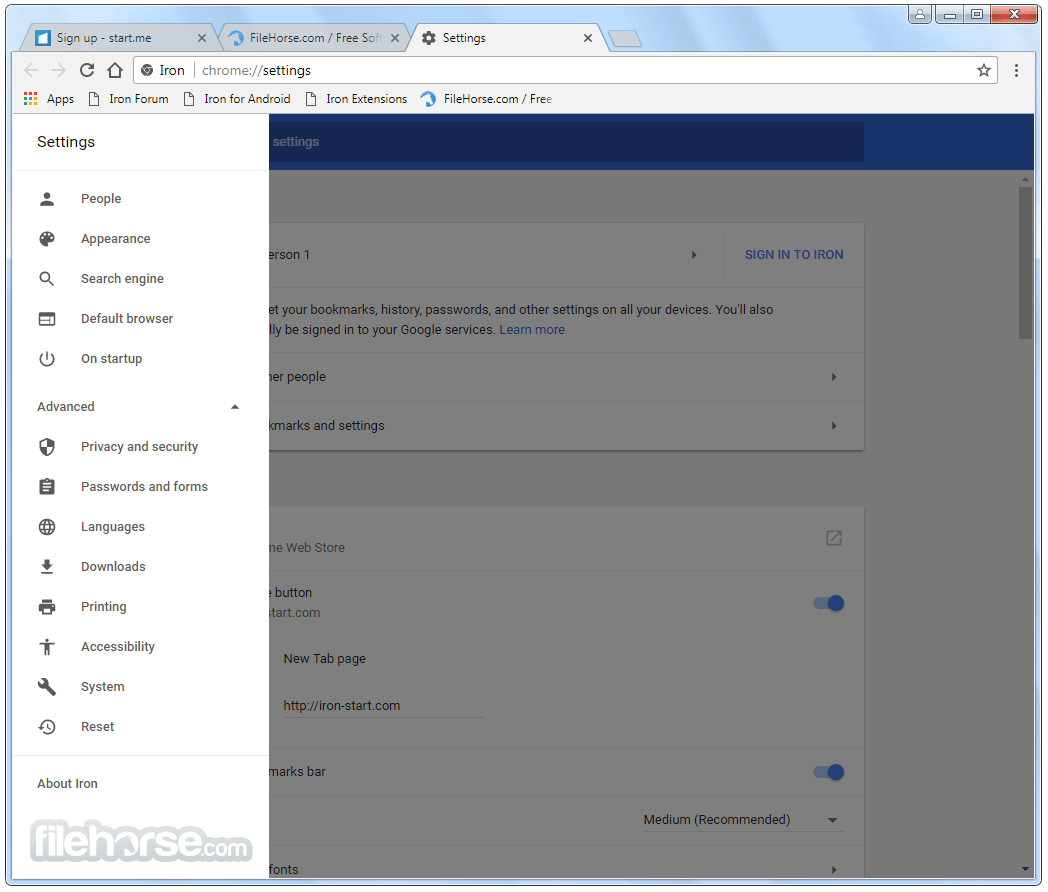
Configuring Privacy Settings: Users can disable JavaScript, adjust cookie settings, and block trackers in the settings menu.
Using the Built-in Ad Blocker: Modify the adblock.ini file to customize blocking preferences.
FAQ
Is SRWare Iron really safer than Chrome?
Yes, it removes various tracking features from Chrome, reducing data collection and improving privacy.
Can I install Chrome extensions on SRWare Iron?
Yes, since it is based on Chromium, it fully supports Chrome extensions.
Does SRWare Iron receive updates?
Yes, but it does not update automatically like Chrome. Users must manually download new versions.
Is it completely free?
Yes, SRWare Iron is free to download and use.
Does it support syncing with a Google account?
No, since Google tracking is removed, users cannot sync bookmarks, history, or passwords with a Google account.
Alternatives
Google Chrome: Widely used and feature-rich, Google Chrome offers a vast array of extensions and integrations.
Mozilla Firefox: Known for its strong focus on privacy and customization, Firefox is a popular alternative for users concerned about data privacy.
Microsoft Edge: Microsoft's revamped browser offers tight integration with Windows and a range of built-in security features.
Brave Browser: Built with a focus on privacy and ad-blocking, Brave Browser offers a unique approach to online browsing.
Opera: Opera includes a built-in VPN and ad blocker, along with various other features geared towards privacy and performance.
System Requirements
SRWare Iron is an excellent choice for users who enjoy the speed and familiarity of Google Chrome but want better privacy. It strips out Google's tracking features, making it a more secure option for those concerned about data collection.
However, it lacks automatic updates and Google sync, which might be a drawback for some users. For those who prioritize privacy and control, SRWare Iron remains a strong alternative in the Chromium-based browser landscape.
Also Available: Download SRWare Iron for Mac
Download SRWare Iron Latest Version Why is this app published on FileHorse? (More info)
Developed by SRWare, this browser removes many tracking features found in Chrome while maintaining speed and usability.
It aims to offer users a secure browsing experience without compromising performance or access to essential web features.
Features
Privacy-Oriented Browsing: Unlike Google Chrome, SRWare Iron for Windows does not send user data to Google, including installation tracking, suggestions, and URL tracking.
No Unique User ID: The browser does not create an installation ID, preventing user activity from being linked to a specific device.
Built-in Ad Blocking: Users can enable an integrated ad blocker for a cleaner browsing experience.
Improved Performance: With fewer tracking features running in the background, SRWare Iron often performs faster than Chrome.
Extensions and Customization: Fully supports Chrome extensions, themes, and settings.
No Background Auto-Updates: Unlike Chrome, it does not update itself automatically, giving users more control.
Lightweight and Portable Version Available: Users can opt for a portable version that does not require installation.
Installation and Setup
- Download the Software: Visit the official website or FileHorse.com and download the latest Windows version.
- Run the Installer: Open the installer file and follow the on-screen instructions.
- Choose Custom Settings: Users can select a portable installation or configure settings based on their preferences.
- Import Bookmarks and Extensions: If switching from Chrome, users can import bookmarks, passwords, and settings.
Browsing the Web: Open this program and enter a URL or search query in the Omnibox.
Managing Tabs: Like Chrome, tabs can be opened, closed, and organized in groups.
Installing Extensions: Visit the Chrome Web Store and install extensions as needed.
Configuring Privacy Settings: Users can disable JavaScript, adjust cookie settings, and block trackers in the settings menu.
Using the Built-in Ad Blocker: Modify the adblock.ini file to customize blocking preferences.
FAQ
Is SRWare Iron really safer than Chrome?
Yes, it removes various tracking features from Chrome, reducing data collection and improving privacy.
Can I install Chrome extensions on SRWare Iron?
Yes, since it is based on Chromium, it fully supports Chrome extensions.
Does SRWare Iron receive updates?
Yes, but it does not update automatically like Chrome. Users must manually download new versions.
Is it completely free?
Yes, SRWare Iron is free to download and use.
Does it support syncing with a Google account?
No, since Google tracking is removed, users cannot sync bookmarks, history, or passwords with a Google account.
Alternatives
Google Chrome: Widely used and feature-rich, Google Chrome offers a vast array of extensions and integrations.
Mozilla Firefox: Known for its strong focus on privacy and customization, Firefox is a popular alternative for users concerned about data privacy.
Microsoft Edge: Microsoft's revamped browser offers tight integration with Windows and a range of built-in security features.
Brave Browser: Built with a focus on privacy and ad-blocking, Brave Browser offers a unique approach to online browsing.
Opera: Opera includes a built-in VPN and ad blocker, along with various other features geared towards privacy and performance.
System Requirements
- Operating System: Windows 7, 8, 10, 11 (also available for macOS and Linux)
- Processor: Intel or AMD processor with SSE2 support
- RAM: Minimum 2GB, recommended 4GB or more
- Storage: At least 500MB of free space
- Internet Connection: Required for downloading and browsing
- Strong privacy protections compared to Chrome
- No tracking, telemetry, or installation ID
- Supports Chrome extensions
- Portable version available
- Fast and lightweight
- No automatic updates, requiring manual downloads
- Lacks built-in sync with Google accounts
- Limited unique features beyond privacy improvements
- No built-in VPN or additional security layers
SRWare Iron is an excellent choice for users who enjoy the speed and familiarity of Google Chrome but want better privacy. It strips out Google's tracking features, making it a more secure option for those concerned about data collection.
However, it lacks automatic updates and Google sync, which might be a drawback for some users. For those who prioritize privacy and control, SRWare Iron remains a strong alternative in the Chromium-based browser landscape.
Also Available: Download SRWare Iron for Mac
Download SRWare Iron Latest Version Why is this app published on FileHorse? (More info)
##
畫面截圖