- 目前版本4200
- 更新日期2026-08-03
- 檔案大小15.45 MB
- 檔案名稱sublime_text_build_4200_x64_setup.exe
- 作業系統Windows 7 64 / Windows 8 64 / Windows 10 64 / Windows 11
- 支援語系English
- 授權型式試用版
- 開發商 Jon Skinner
- 軟體分類Windows 軟體 / 開發者工具
##
翻譯排程處理中,以下暫以英文原文呈現
軟體介紹
Sublime Text is a sophisticated and lightweight text editor designed for developers, programmers, and writers who need a fast and efficient coding experience.
Developed by Sublime HQ, this software is widely appreciated for its speed, versatility, and customization capabilities.
It supports multiple programming languages and provides a distraction-free interface that enhances productivity.
Key Features
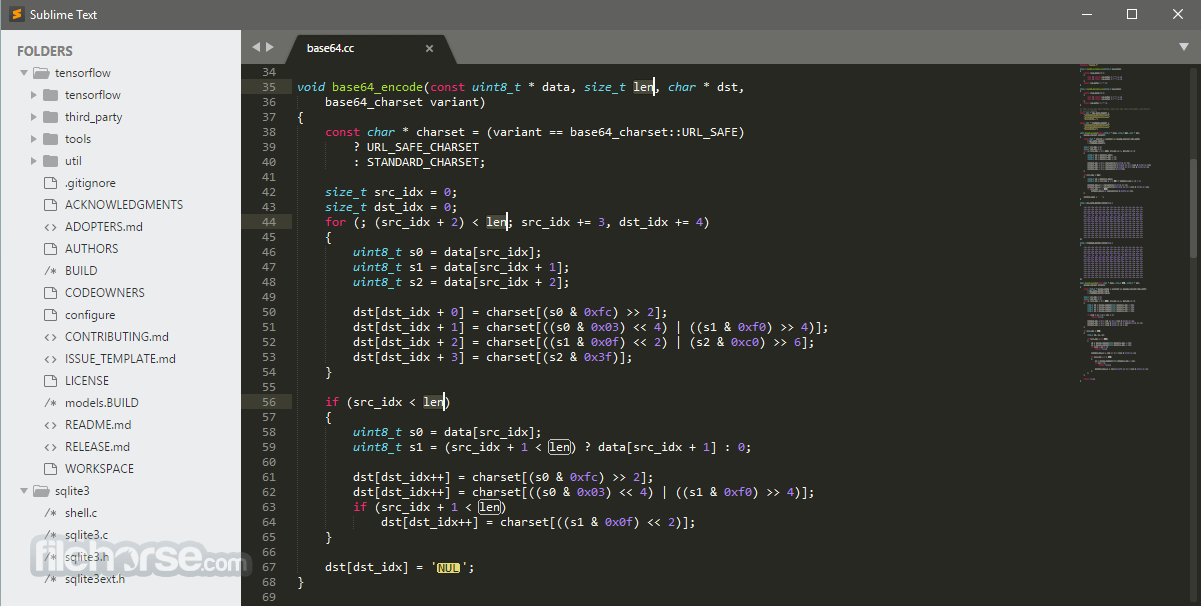
Sublime Text features a sleek and minimalistic UI designed for ease of use. The layout is highly customizable with different themes, fonts, and syntax color schemes.
The side panel provides quick navigation through project files, while the command palette ensures that users can access commands without navigating through complex menus.
What’s New
FAQs
Is Sublime Text free?
Sublime Text is available for free with an indefinite evaluation period, but purchasing a license removes periodic purchase prompts.
How can I install plugins?
First, install Package Control via the console. Then, open the Command Palette (Ctrl + Shift + P), type Install Package, and search for the desired plugin.
Does Sublime Text support version control integration?
Yes, with the appropriate plugins like GitGutter, Sublime Merge, and Sublime Git, version control is seamlessly integrated.
Can I customize keyboard shortcuts?
Yes, Sublime Text allows users to customize key bindings by editing the Preferences > Key Bindings file.
Does Sublime Text support auto-completion?
Yes, it includes built-in auto-completion, which can be enhanced with third-party plugins like SublimeCodeIntel.
Alternatives
Visual Studio Code - A free, feature-rich editor with built-in Git support and an extensive extension marketplace.
Atom - An open-source, hackable text editor developed by GitHub, known for its flexibility.
Notepad++ - A lightweight, fast editor primarily for Windows users, with basic plugin support.
Brackets - A web-focused text editor with a live preview feature for front-end development.
Pricing
It offers a free version with an unlimited evaluation period.
However, a one-time license fee of $99 (as of the latest update) is required for continued use without reminders.
System Requirements
Sublime Text is a top-tier text editor for Windows PC users who prioritize speed, efficiency, and customization. While it lacks some built-in features found in competing editors like VS Code, its lightweight nature, powerful multi-editing capabilities, and plugin ecosystem make it an excellent choice for developers and writers alike.
Note: Sublime Text 3 dev builds are available to licensed users only.
Also Available: Download Sublime Text for Mac
Download Sublime Text Latest Version Why is this app published on FileHorse? (More info)
Developed by Sublime HQ, this software is widely appreciated for its speed, versatility, and customization capabilities.
It supports multiple programming languages and provides a distraction-free interface that enhances productivity.
Key Features
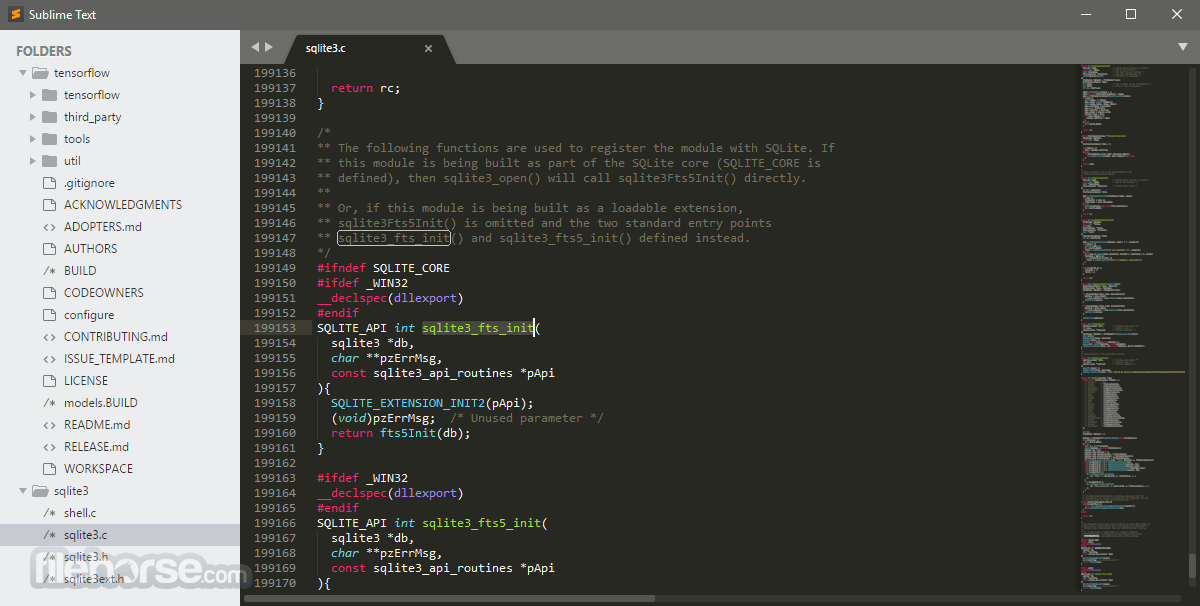
- Multiple Selections: Allows users to edit multiple lines at once, making bulk changes quick and effortless.
- Command Palette: Provides easy access to frequently used functions with simple keyboard shortcuts.
- Split Editing: Enables multiple file views side by side for efficient multitasking.
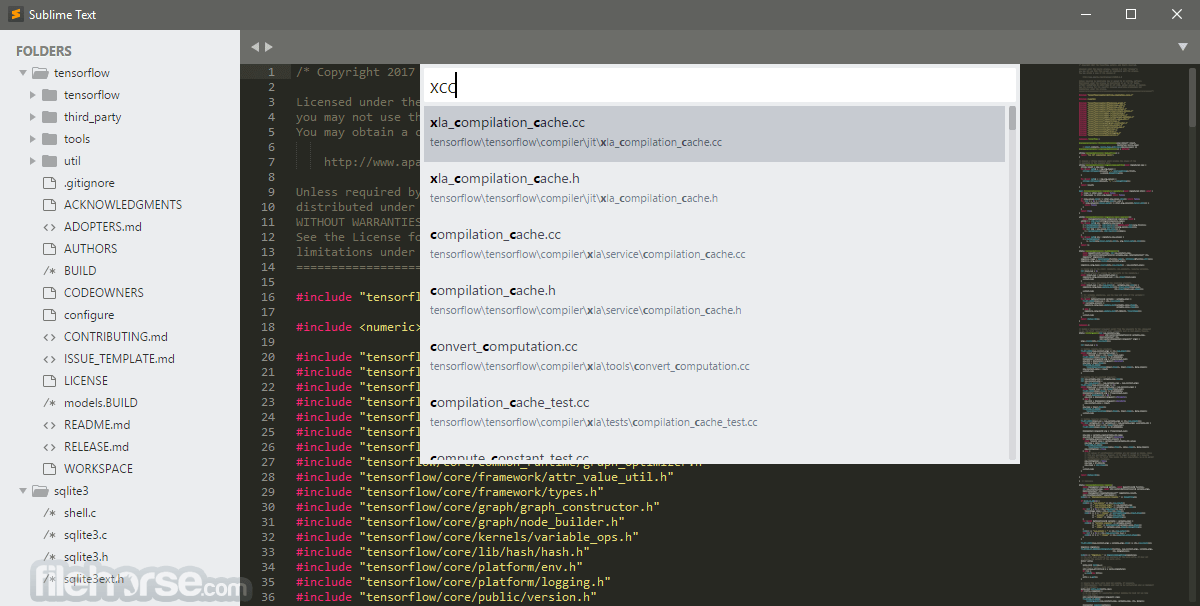
- Goto Anything: A powerful search feature that helps users locate files, functions, or lines instantly.
- Extensive Plugin Support: Offers an ecosystem of plugins via Package Control for added functionalities.
- Customizable Interface: Themes and color schemes allow users to personalize their workspace.
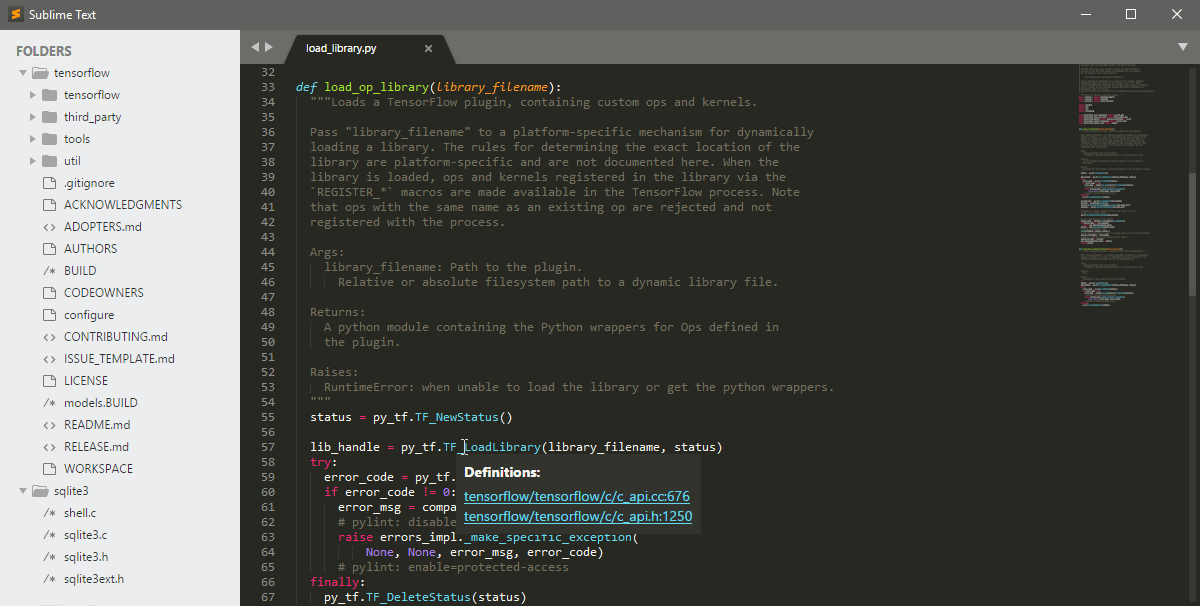
- Syntax Highlighting & Auto-completion: Enhances readability and speeds up coding.
- Distraction-Free Mode: A minimal interface that helps users focus on coding.
Sublime Text features a sleek and minimalistic UI designed for ease of use. The layout is highly customizable with different themes, fonts, and syntax color schemes.
The side panel provides quick navigation through project files, while the command palette ensures that users can access commands without navigating through complex menus.
What’s New
- Sidebar Customization: Added the option to move the sidebar to the right side of the editor for a more flexible workspace layout
- Build System Enhancements: Introduced interactive build systems with optional user input support for more dynamic workflows
- Plugin Compatibility: Added a new setting to run plugins under Python 3.8, improving compatibility with existing extensions
- Syntax Highlighting: Expanded language support with Zsh and TOML while significantly improving highlighting for SQL, Bash, Diff, ActionScript, Graphviz, and other syntaxes
- Performance Improvements: Optimized Git status updates, multi-selection editing, and command execution during application startup for a smoother experience
- Editor Improvements: Enhanced copy, cut, file saving, and text rendering behavior, along with better handling of multiple selections and unsaved files
- New Configuration Options: Added settings for default font size, background file reloading, and automatic naming of unsaved files based on syntax
- API Enhancements: Expanded the API with new I/O panel functions and additional selection state methods for plugin developers
- Stability & Reliability: Fixed issues affecting build systems, bookmarks, scrollbars, syntax rendering, minimap behavior, indentation guides, and other editor components
- Download the app installer from the official website or FileHorse.
- Run the installer and follow the setup wizard.
- Launch the software and activate it (optional, for premium users).
- Customize settings, install plugins via Package Control, and set up preferred key bindings.
- Opening a File: Use File > Open or drag and drop files into the editor.
- Editing Text: Start typing with syntax highlighting enabled.
- Using Multiple Selections: Hold Ctrl and click multiple locations to edit simultaneously.
- Navigating with Goto Anything: Press Ctrl + P and enter a filename or function name.
- Executing Commands: Open the Command Palette with Ctrl + Shift + P and enter the desired command.
- Installing Plugins: Open View > Show Console and install Package Control, then use Ctrl + Shift + P to add plugins.
FAQs
Is Sublime Text free?
Sublime Text is available for free with an indefinite evaluation period, but purchasing a license removes periodic purchase prompts.
How can I install plugins?
First, install Package Control via the console. Then, open the Command Palette (Ctrl + Shift + P), type Install Package, and search for the desired plugin.
Does Sublime Text support version control integration?
Yes, with the appropriate plugins like GitGutter, Sublime Merge, and Sublime Git, version control is seamlessly integrated.
Can I customize keyboard shortcuts?
Yes, Sublime Text allows users to customize key bindings by editing the Preferences > Key Bindings file.
Does Sublime Text support auto-completion?
Yes, it includes built-in auto-completion, which can be enhanced with third-party plugins like SublimeCodeIntel.
Alternatives
Visual Studio Code - A free, feature-rich editor with built-in Git support and an extensive extension marketplace.
Atom - An open-source, hackable text editor developed by GitHub, known for its flexibility.
Notepad++ - A lightweight, fast editor primarily for Windows users, with basic plugin support.
Brackets - A web-focused text editor with a live preview feature for front-end development.
Pricing
It offers a free version with an unlimited evaluation period.
However, a one-time license fee of $99 (as of the latest update) is required for continued use without reminders.
System Requirements
- Operating System: Windows 7, 8, 10, 11 (64-bit recommended)
- Processor: 1 GHz or faster
- RAM: 2 GB (4 GB recommended for large projects)
- Disk Space: 50 MB free space
- Blazing fast performance with low system resource usage
- Highly customizable with plugins and themes
- Supports multiple programming languages
- Distraction-free mode for focused coding
- Feature-rich with an intuitive interface
- Not entirely free (frequent prompts to purchase a license)
- Lacks built-in Git support (requires plugins)
- No integrated terminal (compared to VS Code)
Sublime Text is a top-tier text editor for Windows PC users who prioritize speed, efficiency, and customization. While it lacks some built-in features found in competing editors like VS Code, its lightweight nature, powerful multi-editing capabilities, and plugin ecosystem make it an excellent choice for developers and writers alike.
Note: Sublime Text 3 dev builds are available to licensed users only.
Also Available: Download Sublime Text for Mac
Download Sublime Text Latest Version Why is this app published on FileHorse? (More info)
##
畫面截圖