⚠ 這是歷史版本頁面 — 查看 Tableau Desktop 最新版本 →

Tableau Desktop 2025.1.1
v 2025.1.1
Windows
商業試用
7.72/10 (68)
- 目前版本2025.1.1
- 更新日期2025-04-25
- 檔案大小621 MB
- 檔案名稱TableauDesktop-64bit-2025-1-1.exe
- 作業系統Windows 8 (64-bit) / Windows 10 (64-bit) / Windows 11
- 支援語系English
- 授權型式商業試用
- 開發商 Tableau Software
- 軟體分類Windows 軟體 / 辦公商務
##
編輯短評
Tableau Desktop 是一套專為商業智慧與數據分析設計的工具,核心目標是協助使用者將大量資料轉化為互動式視覺化圖表,並從中快速發掘洞察。其最具辨識度的特色在於結合演算法與直覺式介面,讓非技術背景的人也能輕鬆上手,透過視覺模式辨識來探索數據。這款軟體長期維持活躍更新,在同類辦公商務工具中屬於熱門選擇,使用者評價普遍不錯,顯示其穩定度與實用性受到肯定。
這套軟體特別適合需要頻繁處理數據、製作動態報表的數據分析師或商業決策者,尤其在需要快速呈現趨勢或比較多維度資料時最能發揮價值。與 Microsoft Office 等通用辦公軟體相比,Tableau 更專注於數據視覺化,但學習曲線相對陡峭,且功能取向較單一。需注意的是,目前僅提供試用版授權,平台限於 Windows,介面僅支援英文,使用前應確認語系與授權限制是否符合需求。
##
翻譯排程處理中,以下暫以英文原文呈現
軟體介紹
Tableau Desktop is a comprehensive is a business intelligence and analytics tool built from the ground up to provide a streamlined and reliable visualization, analysis, and sharing of large amounts of data.
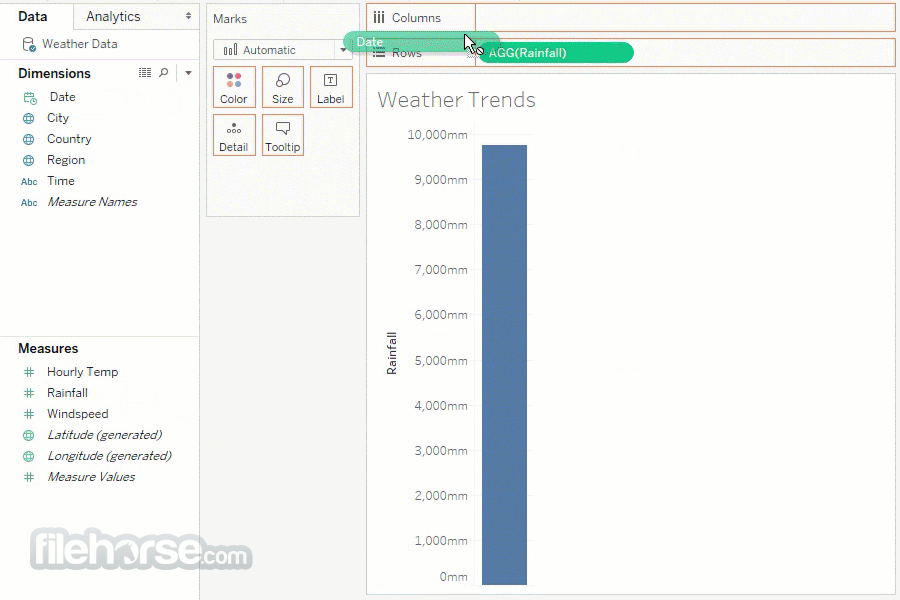
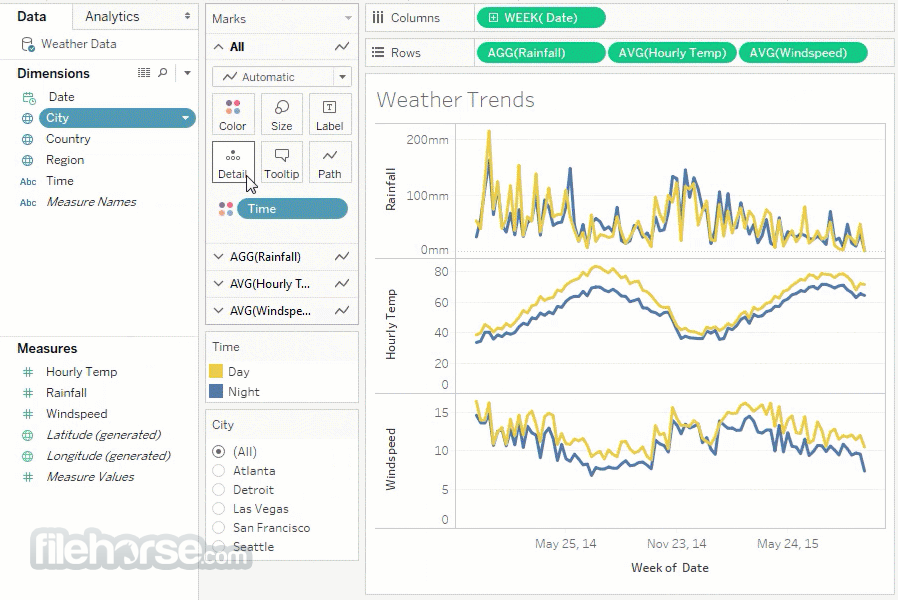
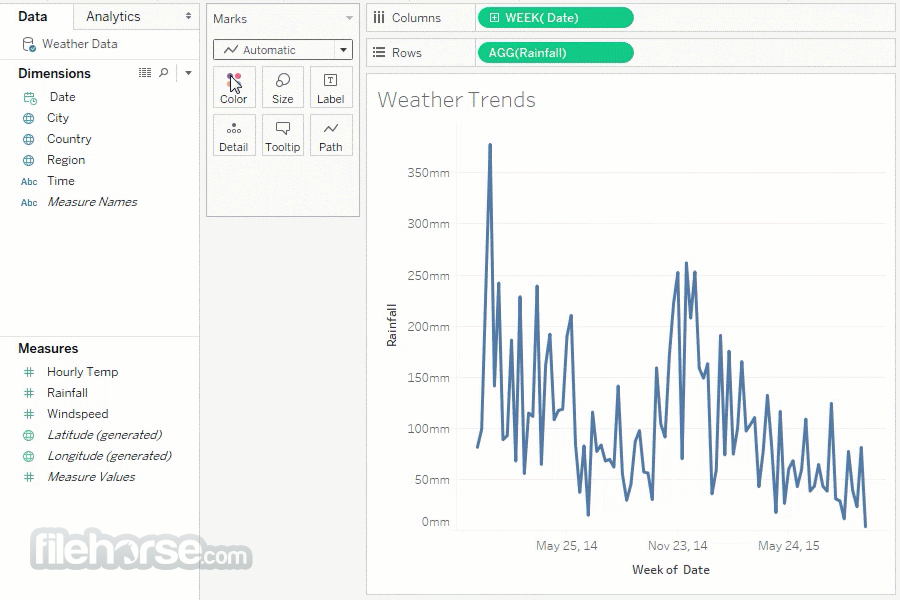
With its interactive and visually stunning interface, Tableau manages to combine the power of strong algorithms for data discovery with high-quality visuals that can enable anyone to very quickly gain valuable insights on the fly.
The developers of this app have intentionally worked hard to surface this ability and make users take full advantage of their natural ability to spot visual patterns in a quick and revealing way.
As for data handling, Tableau sees no obstacle in any data sets. It can connect to the data on your local or network storage, or even pull vast amounts of data gathered on your favorite cloud platforms and services (such as Salesforce or Google Analytics).
The app can merge multiple data sets, manage various insight-discovery algorithms, and optimize data sources without the need to write a single line of code.
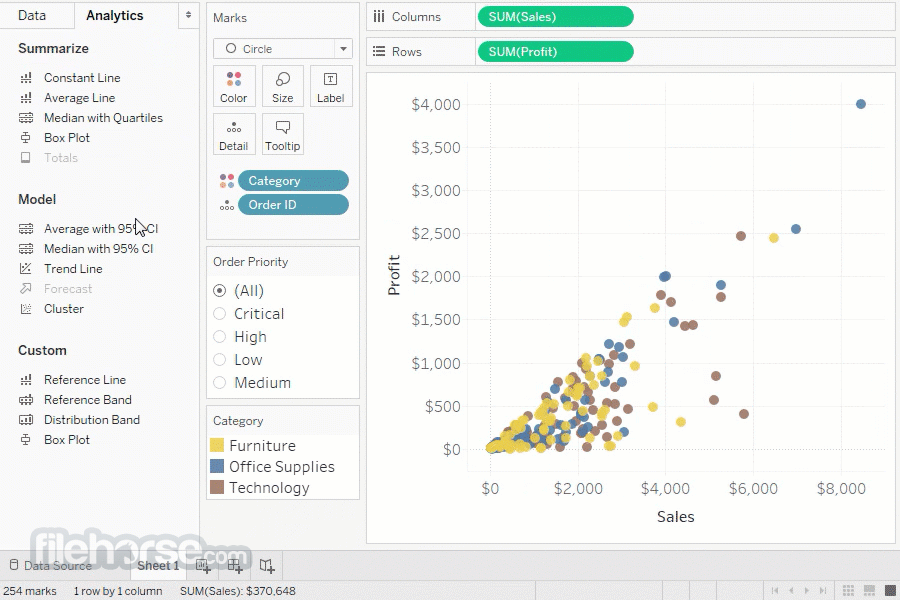
After you have collected the data, the analytics tools of this program will make its results presentable and ready for further manipulation. Users can set their own calculations, drag & drop reference lines, review statistical summaries, perform advanced forecasts, spot new trends, identify opportunities, and use the power of Tableau to make data-driven decisions.
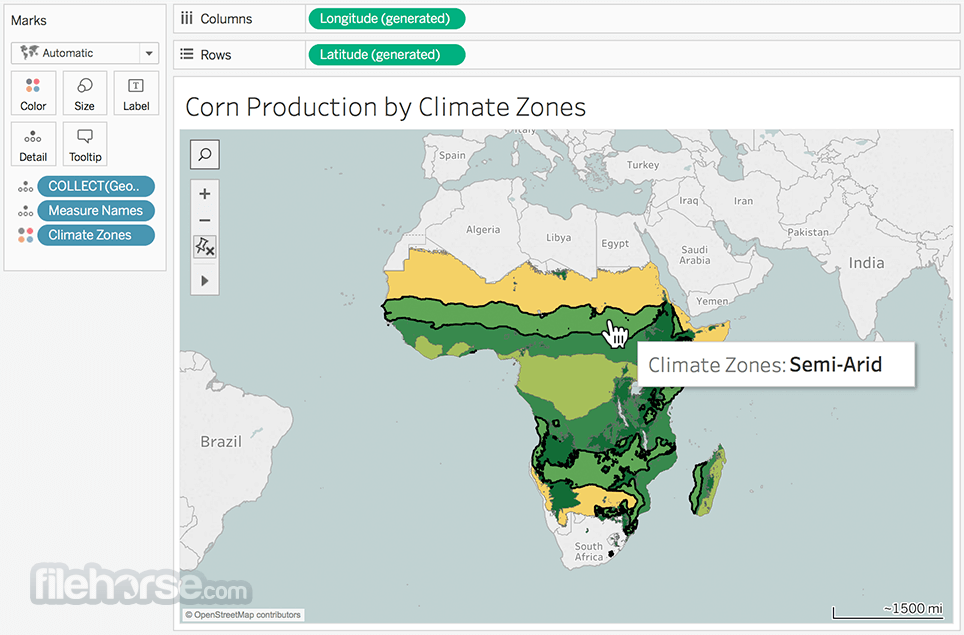
The app can also handle interactive maps, and fast geocode mapping to regions of 50 countries and territories. Your data visualizations can be shared with your co-workers, partners, or organization with ease, with powerful security options delivered by Tableau Server or Tableau Online service.
In addition to Tableau Desktop, you can also gain additional value from several other apps that expand its capabilities (Tableau Prep, Tableau Creator, and others).
While the software can be purchased under a variety of licenses (for individuals, teams, and organizations), you can also take advantage of the FREE 14-DAY TRIAL.
Features and Highlights
Installation and Use
The app weighs around half a gigabyte, enabling power users, students, and analytics enthusiasts to download and install it on their PC quickly and with ease.
Developers recommend that the tool be deployed on PCs running Windows 7 or newer OS, and have at least a single-core processor, 2 GB of RAM memory, and have at least 1.5 GB of free storage space.
For a comfortable working environment, developers recommend any of the modern PC (desktop or laptop) configurations that can comfortably run Windows 10/Windows 11.
The app is also available on macOS and can be run from inside virtualized environments.
Pricing
Tableau Creator – $75/user/month (billed annually). Includes Tableau Desktop, Tableau Prep Builder, Tableau Pulse, and a Creator license for Tableau Cloud or Server. Required for every deployment.
Tableau Explorer – $42/user/month (billed annually). Provides self-service analytics with trusted data. Includes Tableau Pulse and an Explorer license for Tableau Cloud or Server.
Tableau Viewer – $15/user/month (billed annually). Allows secure viewing and interaction with dashboards. Includes Tableau Pulse and a Viewer license for Tableau Cloud or Server.
Languages
In addition to the default English language support, Tableau Desktop user interface and documentation are also available in French, German, Italian, Spanish, Brazilian Portuguese, Japanese, Korean, Traditional Chinese, and Simplified Chinese.
Alternatives
If you are looking for an excellent alternative to this product, we recommend Microsoft Power BI Desktop.
PROS
Download Tableau Desktop Latest Version Why is this app published on FileHorse? (More info)
With its interactive and visually stunning interface, Tableau manages to combine the power of strong algorithms for data discovery with high-quality visuals that can enable anyone to very quickly gain valuable insights on the fly.
The developers of this app have intentionally worked hard to surface this ability and make users take full advantage of their natural ability to spot visual patterns in a quick and revealing way.
As for data handling, Tableau sees no obstacle in any data sets. It can connect to the data on your local or network storage, or even pull vast amounts of data gathered on your favorite cloud platforms and services (such as Salesforce or Google Analytics).
The app can merge multiple data sets, manage various insight-discovery algorithms, and optimize data sources without the need to write a single line of code.
After you have collected the data, the analytics tools of this program will make its results presentable and ready for further manipulation. Users can set their own calculations, drag & drop reference lines, review statistical summaries, perform advanced forecasts, spot new trends, identify opportunities, and use the power of Tableau to make data-driven decisions.
The app can also handle interactive maps, and fast geocode mapping to regions of 50 countries and territories. Your data visualizations can be shared with your co-workers, partners, or organization with ease, with powerful security options delivered by Tableau Server or Tableau Online service.
In addition to Tableau Desktop, you can also gain additional value from several other apps that expand its capabilities (Tableau Prep, Tableau Creator, and others).
While the software can be purchased under a variety of licenses (for individuals, teams, and organizations), you can also take advantage of the FREE 14-DAY TRIAL.
Features and Highlights
- One-stop for accurate business intelligence and analytics.
- Visually driven exploration of your data insights.
- Real-time quarry and analysis that’s require only dragging & dropping of formula elements.
- Maximize the potential of your data and found insights with built-in sharing and collaboration tools.
- Optimize your analytics for a modern mobile-driven world.
- Support for a local, network, and cloud big data.
- Optimized for Windows 11 or Windows 10
- Modest hardware requirements.
- Available as a FREE 14-day trial.
Installation and Use
The app weighs around half a gigabyte, enabling power users, students, and analytics enthusiasts to download and install it on their PC quickly and with ease.
Developers recommend that the tool be deployed on PCs running Windows 7 or newer OS, and have at least a single-core processor, 2 GB of RAM memory, and have at least 1.5 GB of free storage space.
For a comfortable working environment, developers recommend any of the modern PC (desktop or laptop) configurations that can comfortably run Windows 10/Windows 11.
The app is also available on macOS and can be run from inside virtualized environments.
Pricing
Tableau Creator – $75/user/month (billed annually). Includes Tableau Desktop, Tableau Prep Builder, Tableau Pulse, and a Creator license for Tableau Cloud or Server. Required for every deployment.
Tableau Explorer – $42/user/month (billed annually). Provides self-service analytics with trusted data. Includes Tableau Pulse and an Explorer license for Tableau Cloud or Server.
Tableau Viewer – $15/user/month (billed annually). Allows secure viewing and interaction with dashboards. Includes Tableau Pulse and a Viewer license for Tableau Cloud or Server.
Languages
In addition to the default English language support, Tableau Desktop user interface and documentation are also available in French, German, Italian, Spanish, Brazilian Portuguese, Japanese, Korean, Traditional Chinese, and Simplified Chinese.
Alternatives
If you are looking for an excellent alternative to this product, we recommend Microsoft Power BI Desktop.
PROS
- Powerful Data Visualization
- Easy Drag-and-Drop Interface
- Strong Integration Options
- Robust Community Support
- Fast Data Processing
- High Licensing Costs
- Limited Customization in Reports
- Heavy Resource Consumption
- Complex Data Preparation
Download Tableau Desktop Latest Version Why is this app published on FileHorse? (More info)
##
畫面截圖
- 2026-07-26 Tableau Desktop 2026.2.1 708 MB
- 2026-06-10 Tableau Desktop 2026.2.0 707 MB
- 2026-05-28 Tableau Desktop 2026.1.2 672 MB
- 2026-04-22 Tableau Desktop 2026.1.1 672 MB
- 2026-03-04 Tableau Desktop 2026.1.0 650 MB
- 2026-02-20 Tableau Desktop 2025.3.3 681 MB
- 2026-01-30 Tableau Desktop 2025.3.2 676 MB
- 2025-12-18 Tableau Desktop 2025.3.1 676 MB