- 目前版本372
- 更新日期2026-07-30
- 檔案大小92.6 MB
- 檔案名稱TablePlusSetup.exe
- 作業系統Windows 7 / Windows 7 64 / Windows 8 / Windows 8 64 / Windows 10 / Windows 10 64 / Windows 11
- 支援語系English
- 授權型式試用版
- 開發商 TablePlus, Inc
- 軟體分類Windows 軟體 / 開發者工具
##
翻譯排程處理中,以下暫以英文原文呈現
軟體介紹
TablePlus for Windows PC is a modern, native, and friendly GUI software for relational databases: MySQL, PostgreSQL, SQLite, Microsoft SQL Server & more! TablePlus app makes database management easier, faster & more efficient for you.
A native app that eliminates needless complexity & extraneous details so you can be up and running fast. Every function has a shortcut key to keep your hands always on the keyboard. Add functionality to TablePlus with your own plugin or a growing number of community plugins (JavaScript).
Currently, you can use TablePlus to work with:
Native, fast & secured
Query, edit, and manage your databases easily with a native app that can run fast like a Lambo. It takes only half a second to get up and running.
Multi tabs & code review
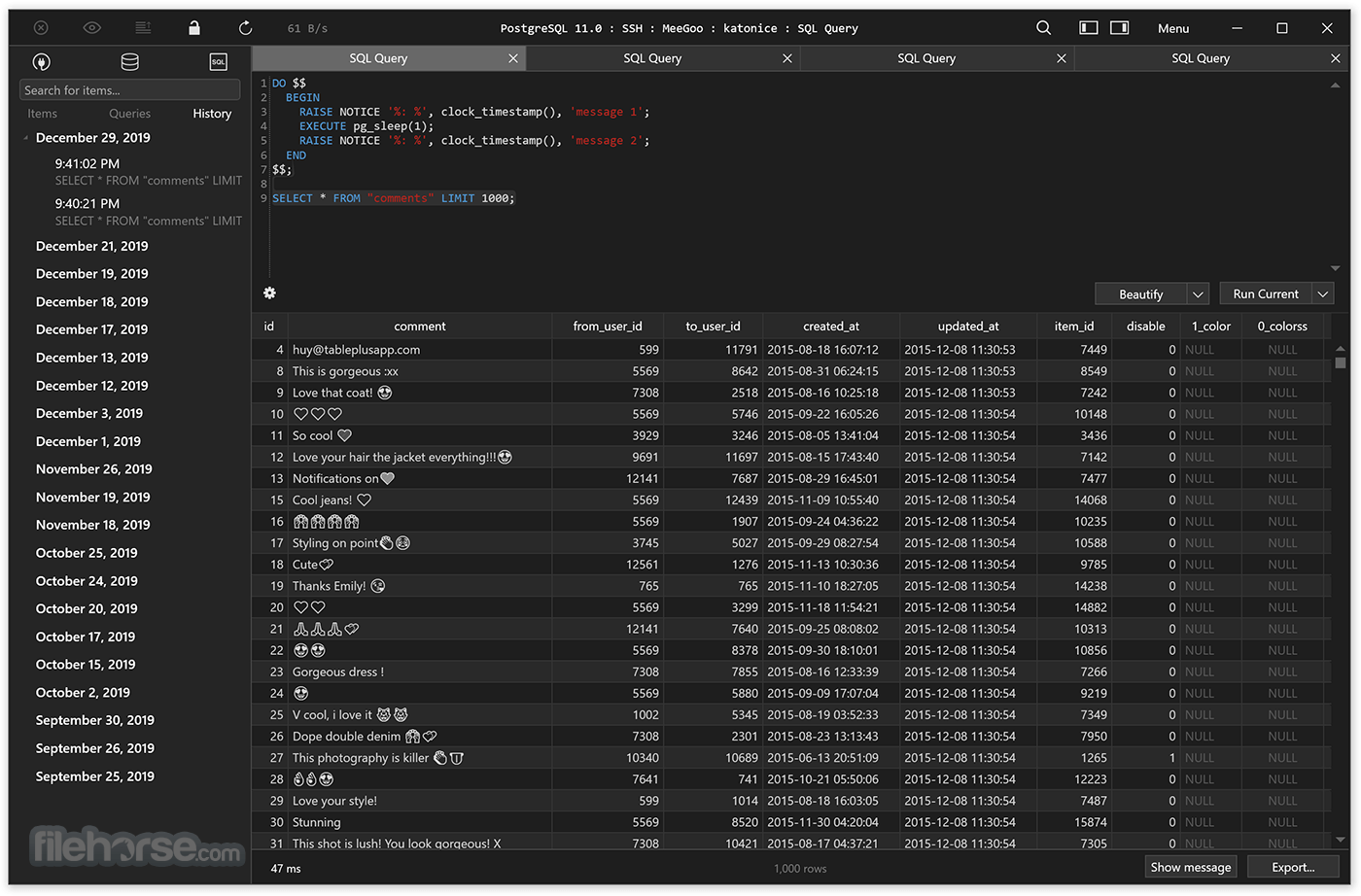
Quickly get a snapshot of your database with a multi-tab and multi-window view, as well as stay in control of what you have changed on your database with Code Review.
Built-in SSH
You don't need to install any SSH client in order to connect to the server. SSH is a part of TablePlus for PC.
An intuitive GUI client
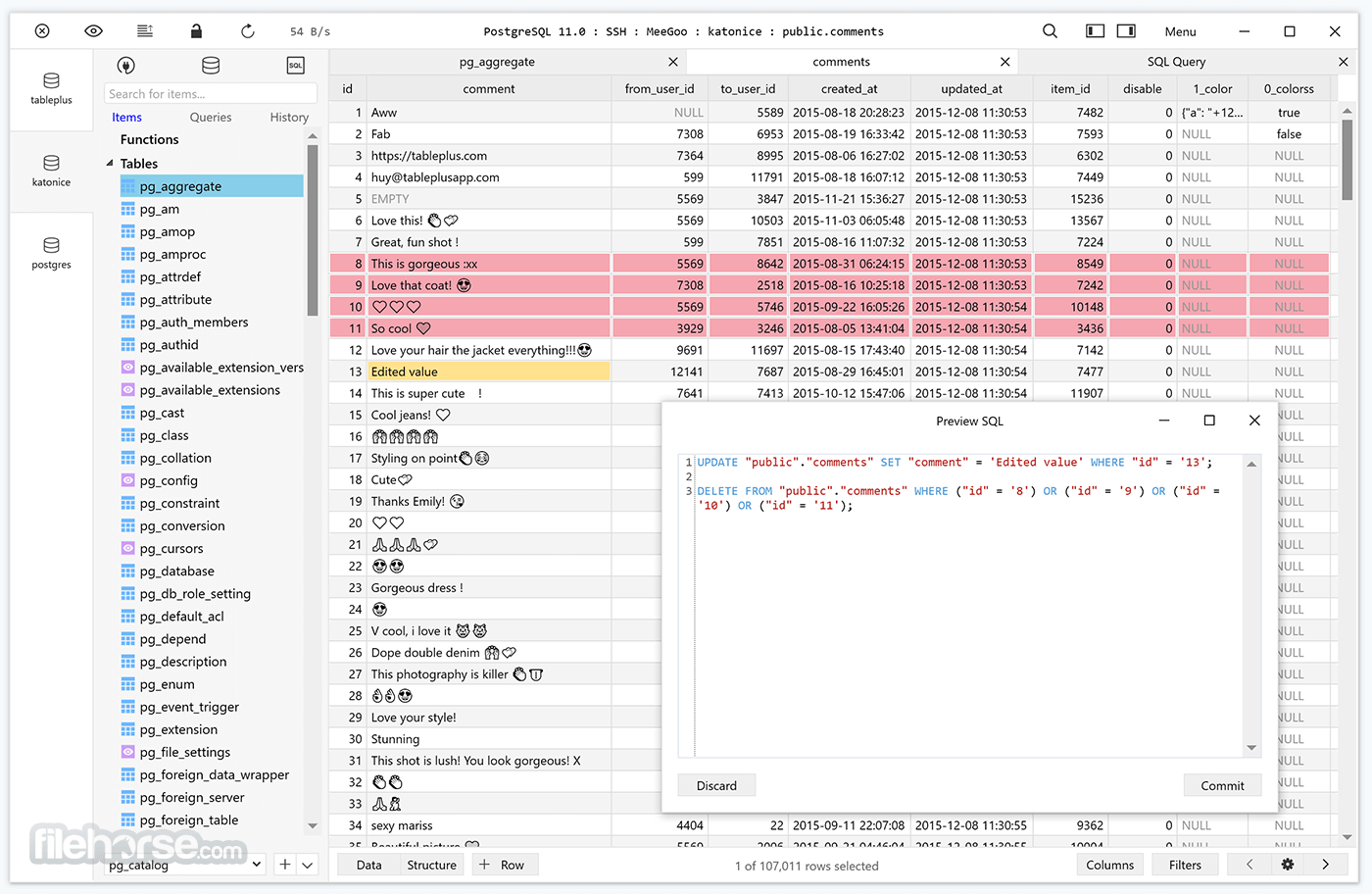
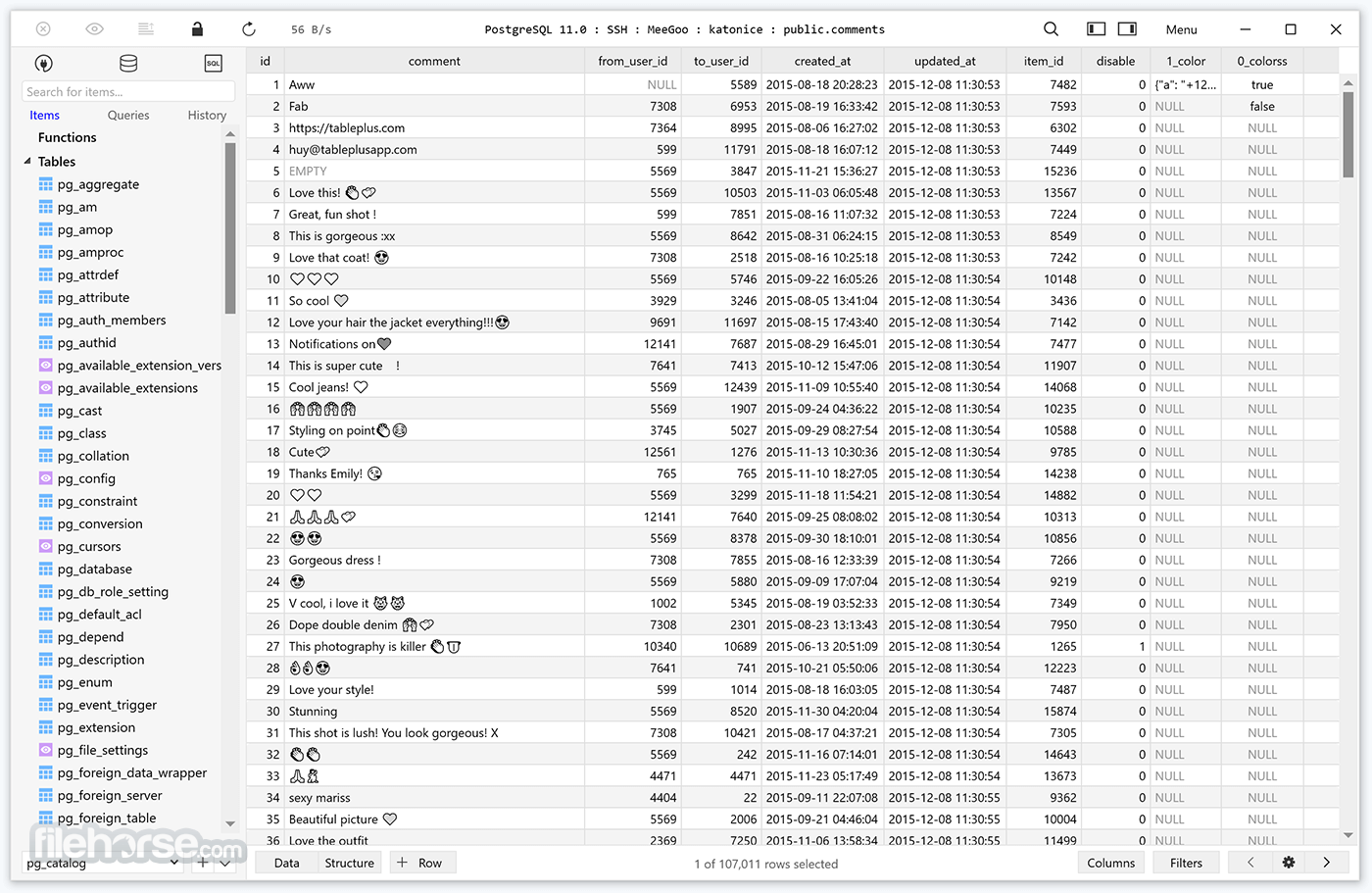
Browse, query, edit your data and database structure in a simple and clean spreadsheet-like editor.
Inline edit
Edit data rows, table structure, or query results directly with just a click.
Advanced filters
Quickly see the records you need using multiple advanced filters.
Export & import database
Need to migrate a database to another server? Export and Import SQL Dump will get it done in no time.
Open anything
A quick jump to a table, schema, database, view, function, literally anything from your connection.
Multiple tabs & windows
Working with multiple databases or connections at the same time? Not a problem.
How to Use
Also Available: Download TablePlus for Mac
Download TablePlus Latest Version Why is this app published on FileHorse? (More info)
A native app that eliminates needless complexity & extraneous details so you can be up and running fast. Every function has a shortcut key to keep your hands always on the keyboard. Add functionality to TablePlus with your own plugin or a growing number of community plugins (JavaScript).
Currently, you can use TablePlus to work with:
- PostgreSQL
- MySQL
- MariaDB
- SQLite
- Microsoft SQL Server
- Amazon Redshift
- Oracle
- CockroachDB
- Snowflake
- Cassandra
- Redis
- Vertica
- MongoDB
Native, fast & secured
Query, edit, and manage your databases easily with a native app that can run fast like a Lambo. It takes only half a second to get up and running.
Multi tabs & code review
Quickly get a snapshot of your database with a multi-tab and multi-window view, as well as stay in control of what you have changed on your database with Code Review.
Built-in SSH
You don't need to install any SSH client in order to connect to the server. SSH is a part of TablePlus for PC.
An intuitive GUI client
Browse, query, edit your data and database structure in a simple and clean spreadsheet-like editor.
Inline edit
Edit data rows, table structure, or query results directly with just a click.
Advanced filters
Quickly see the records you need using multiple advanced filters.
Export & import database
Need to migrate a database to another server? Export and Import SQL Dump will get it done in no time.
Open anything
A quick jump to a table, schema, database, view, function, literally anything from your connection.
Multiple tabs & windows
Working with multiple databases or connections at the same time? Not a problem.
How to Use
- Create a Connection – Open TablePlus and click "Create a new connection" to set up a database connection.
- Connect to Database – Enter database credentials (host, username, password, etc.) and click "Connect".
- Browse & Edit Data – Use the table view to browse, edit, and filter data directly.
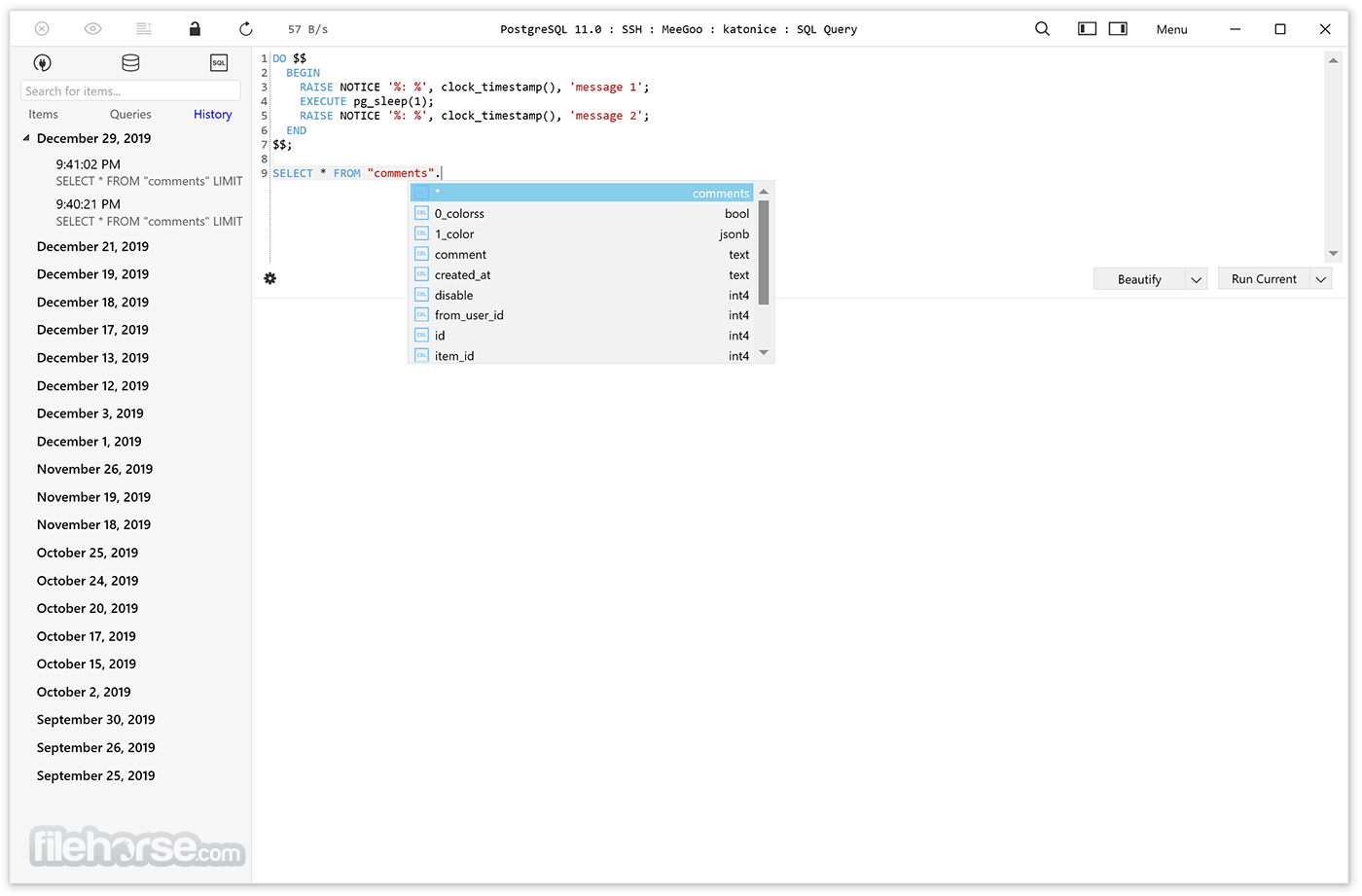
- Run SQL Queries – Open the query editor, write SQL commands, and execute them.
- Manage Database Structure – Add, modify, or delete tables, columns, indexes, and relationships.
- Export & Import Data – Use the built-in tools to export or import database data in various formats.
- Use Shortcuts – Speed up operations with keyboard shortcuts like Cmd/Ctrl + Enter to run queries.
- Backup & Restore – Create database backups and restore them when needed.
- Customize UI & Plugins – Adjust themes, layouts, and install plugins to enhance functionality.
- Modern UI – Clean and intuitive interface.
- Multi-Database Support – Connects to various DBs.
- Fast Performance – Quick query execution.
- Built-in Security – Strong encryption features.
- Shortcut Customization – Boosts productivity.
- Limited Free Version – Pro features require payment.
- No Cloud Sync – Lacks built-in cloud integration.
- Basic Query Editor – Fewer advanced SQL tools.
- Mac-First Focus – Windows version lags in features.
- No Team Collaboration – Lacks shared workspace tools.
Also Available: Download TablePlus for Mac
Download TablePlus Latest Version Why is this app published on FileHorse? (More info)
##
畫面截圖