⚠ 這是歷史版本頁面 — 查看 TextAloud 最新版本 →

- 目前版本4.0.40
- 更新日期2020-01-13
- 檔案大小24.16 MB
- 檔案名稱ta4040.exe
- 作業系統Windows Vista / Windows 7 / Windows 8 / Windows 10
- 支援語系English
- 授權型式商業試用
- 開發商 NextUp Technologies, LLC
- 軟體分類Windows 軟體 / 音訊軟體
##
編輯短評
TextAloud 是一套 Windows 平台上的文字轉語音工具,能將文件、網頁、PDF 等內容轉成自然發音的語音,讓你在電腦上直接聆聽,或輸出成音訊檔。它的最大特色是採用先進的自然發音引擎,語音聽起來較不生硬。這套軟體由 NextUp Technologies 開發,長期持續維護,但更新頻率不算高;使用者評價普遍不錯,不過評分樣本數偏少,參考價值有限。
如果你常需要「聽」文字,例如通勤、運動時想消化文章,或是有閱讀障礙想改善理解,TextAloud 就很實用。它屬於桌面應用程式,與同分類中偏重音樂播放或混音的軟體不同,專注在文字轉語音。要注意的是,它僅提供試用版,且介面只有英文,對不熟悉英文的使用者門檻較高;輸出格式支援 MP3,方便攜帶使用。
##
翻譯排程處理中,以下暫以英文原文呈現
軟體介紹
TextAloud is Text to Speech software for your Windows PC that converts your text from documents, webpages, PDF Files, and more into natural-sounding speech. You can listen on your PC or create audio files for use on portable devices.
TextAloud is a desktop app and leading-edge naturally sounding voices (text-to-speech voices app). Easily convert text to speech to listen on your Windows PC or output to MP3 files.
Save time and get more done by listening while you exercise, work, or commute. Individuals with dyslexia or other reading disabilities can improve reading and comprehension by listening while viewing text for a multi-sensory learning approach.
As a better way to learn and process information, Text Aloud is an essential tool used daily by people at work, students of all ages, language learners. and the visually impaired.
Features and Highlights
Text to Speech
Text to Speech software for the Windows PC that converts your text from documents, email, and webpages into natural-sounding speech. Optional premium voices offer an incredible variety of languages and accents.
Dyslexics, Struggling Readers
Struggling readers find listening to their reading can improve comprehension. Word highlighting in TextAloud helps strengthen recognition when you follow along. Helps those dealing with Dyslexia, ADD, and also low vision.
Integration
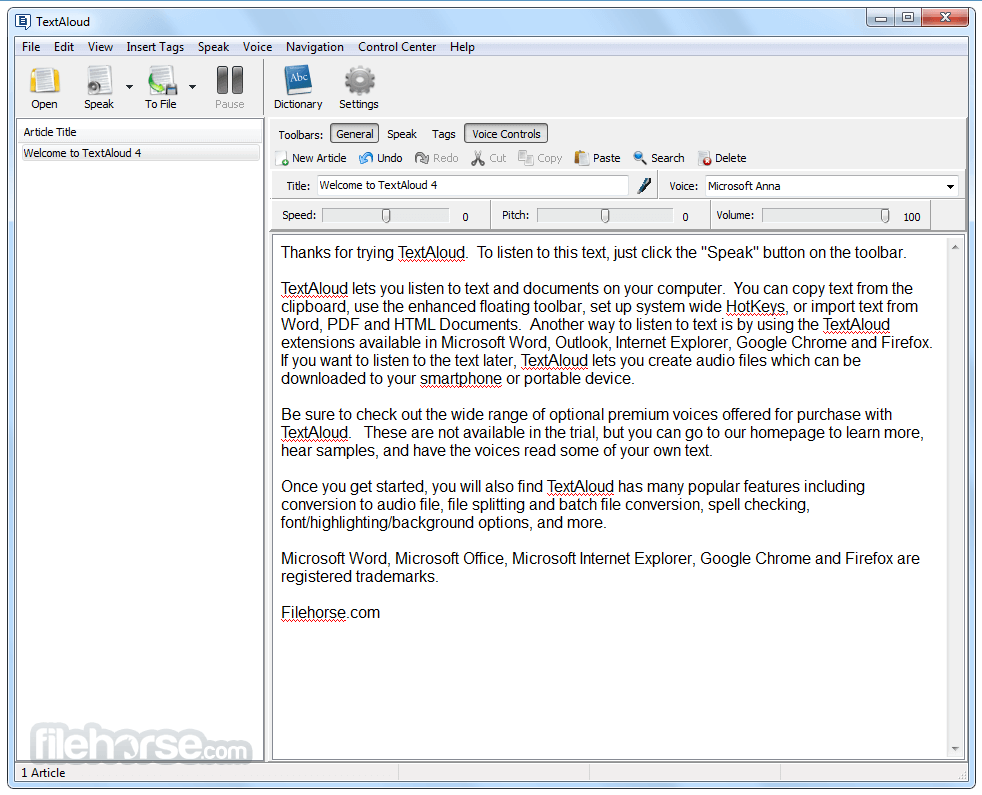
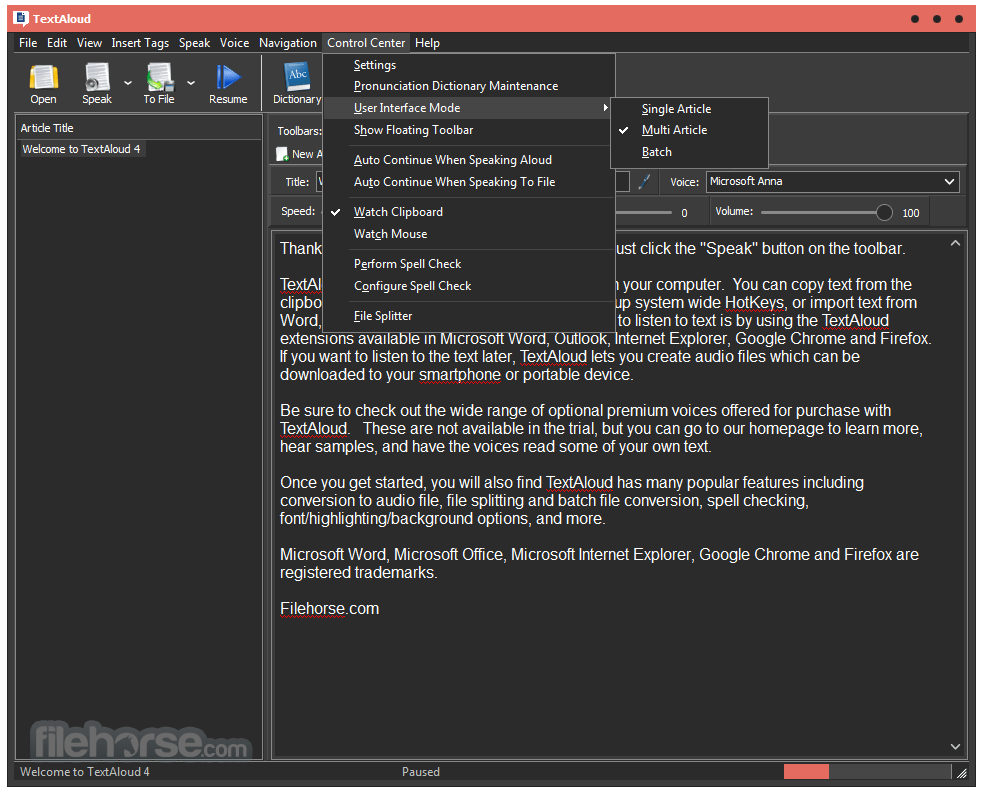
It has built-in extensions for the Chrome web browser and Microsoft Word. A floating toolbar lets Text Aloud speak selected text from any window. Users of online save-for-later services Pocket and Instapaper can import bookmarked articles into this program.
Audio Files
It can save your daily reading to audio files for listening anywhere. A built-in file splitter utility, as well as a batch file converter, assist in converting your reading chapter by chapter to audio files. Also, iTunes users can sync with the app.
Proofreading
Clear and accurate communications are a must in today's world. The app is a great tool to proofread your documents, reports, and email messages before they go out. Hearing your own words read back to you is a powerful way to catch errors the eyes often miss when typing.
Ease of Use
The interface is understandable for new users while also streamlined for higher volume work. Features and controls are optimized through years of feedback from a strong base of Text Aloud users. The friendly and helpful support team is always ready if you have questions!
Download a free trial to get started now. The trial uses the resident Windows voice on your PC, as does the purchased version if no voices are added. It can be purchased optionally with the best, most natural-sounding text to speech voices in a variety of accents and languages.
Pricing
Single User License - $34.95
Join millions of people who save time and get more done with this essential Text to Speech tool.
Upgrade - $19.95
Upgrade your previous copy of this app to the latest version.
PROS
Download TextAloud Latest Version Why is this app published on FileHorse? (More info)
TextAloud is a desktop app and leading-edge naturally sounding voices (text-to-speech voices app). Easily convert text to speech to listen on your Windows PC or output to MP3 files.
Save time and get more done by listening while you exercise, work, or commute. Individuals with dyslexia or other reading disabilities can improve reading and comprehension by listening while viewing text for a multi-sensory learning approach.
As a better way to learn and process information, Text Aloud is an essential tool used daily by people at work, students of all ages, language learners. and the visually impaired.
Features and Highlights
Text to Speech
Text to Speech software for the Windows PC that converts your text from documents, email, and webpages into natural-sounding speech. Optional premium voices offer an incredible variety of languages and accents.
Dyslexics, Struggling Readers
Struggling readers find listening to their reading can improve comprehension. Word highlighting in TextAloud helps strengthen recognition when you follow along. Helps those dealing with Dyslexia, ADD, and also low vision.
Integration
It has built-in extensions for the Chrome web browser and Microsoft Word. A floating toolbar lets Text Aloud speak selected text from any window. Users of online save-for-later services Pocket and Instapaper can import bookmarked articles into this program.
Audio Files
It can save your daily reading to audio files for listening anywhere. A built-in file splitter utility, as well as a batch file converter, assist in converting your reading chapter by chapter to audio files. Also, iTunes users can sync with the app.
Proofreading
Clear and accurate communications are a must in today's world. The app is a great tool to proofread your documents, reports, and email messages before they go out. Hearing your own words read back to you is a powerful way to catch errors the eyes often miss when typing.
Ease of Use
The interface is understandable for new users while also streamlined for higher volume work. Features and controls are optimized through years of feedback from a strong base of Text Aloud users. The friendly and helpful support team is always ready if you have questions!
Download a free trial to get started now. The trial uses the resident Windows voice on your PC, as does the purchased version if no voices are added. It can be purchased optionally with the best, most natural-sounding text to speech voices in a variety of accents and languages.
Pricing
Single User License - $34.95
Join millions of people who save time and get more done with this essential Text to Speech tool.
Upgrade - $19.95
Upgrade your previous copy of this app to the latest version.
PROS
- Converts text to audio effortlessly.
- Supports multiple file formats.
- Customizable voice and speed settings.
- Integrates well with browsers.
- Excellent support for large documents.
- Limited voice options without upgrades.
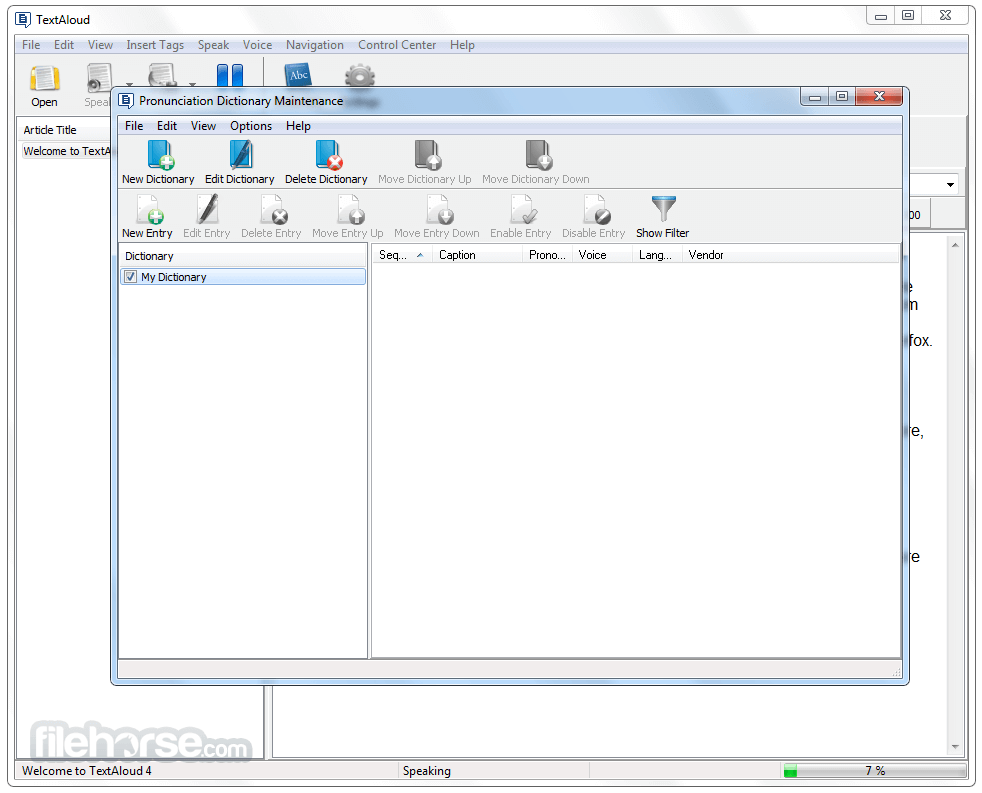
- Occasional pronunciation errors.
- Lacks advanced editing features.
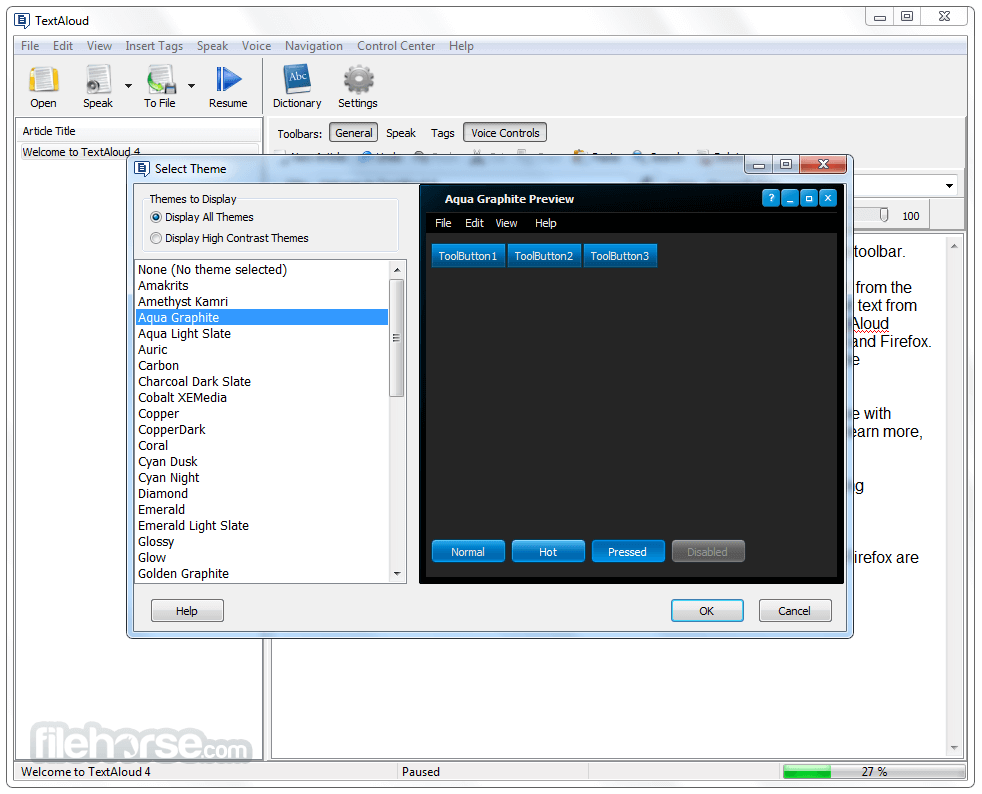
- Interface feels outdated.
- High-quality voices cost extra.
Download TextAloud Latest Version Why is this app published on FileHorse? (More info)
##
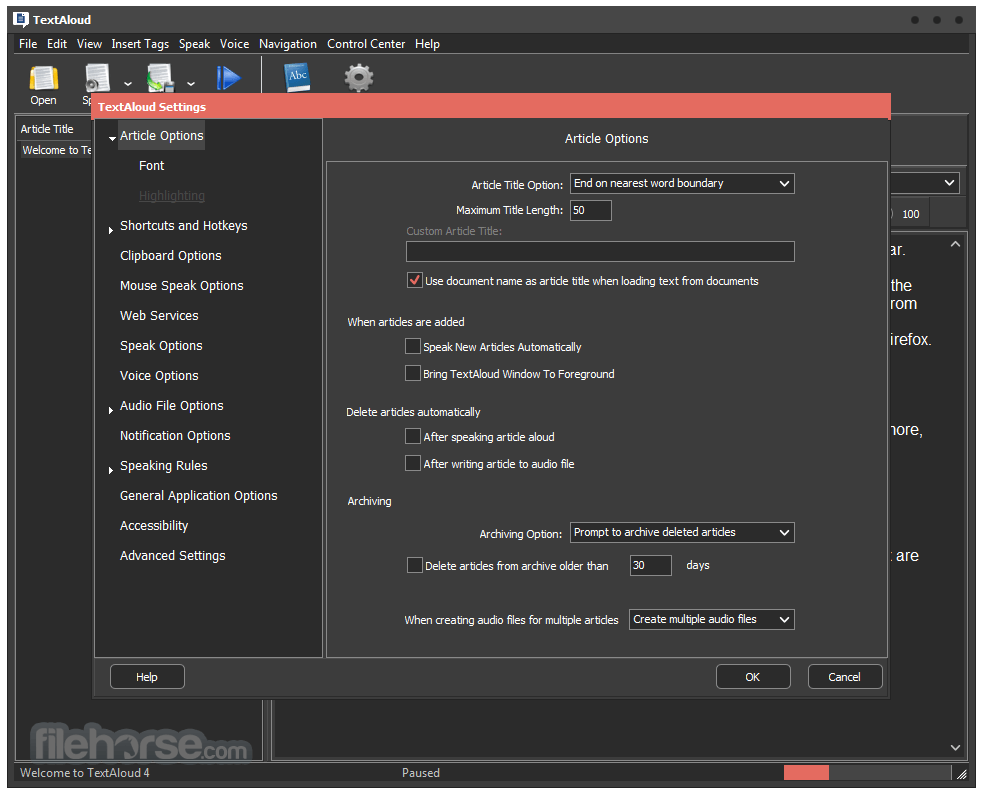
畫面截圖
- 2025-11-14 TextAloud 4.0.73 25.82 MB
- 2023-08-23 TextAloud 4.0.72 25.82 MB
- 2023-07-30 TextAloud 4.0.71 25.82 MB
- 2023-05-22 TextAloud 4.0.70 25.82 MB
- 2023-04-02 TextAloud 4.0.69 25.81 MB
- 2022-12-04 TextAloud 4.0.67 25.81 MB
- 2022-10-11 TextAloud 4.0.66 25.81 MB
- 2022-07-16 TextAloud 4.0.65 25.81 MB