- 目前版本4.13 (64-bit)
- 更新日期2026-07-01
- 檔案大小22.2 MB
- 檔案名稱transmission-4.1.3-x64.msi
- 作業系統Windows 7 64 / Windows 8 64 / Windows 10 64 / Windows 11
- 支援語系English
- 授權型式開源軟體
- 開發商 The Transmission Project
- 軟體分類Windows 軟體 / 檔案傳輸與網路
##
翻譯排程處理中,以下暫以英文原文呈現
軟體介紹
Transmission is a free, open-source BitTorrent client for Windows known for its minimalistic interface and lightweight performance.
Originally developed for macOS and Linux, it now offers a stable version for Windows users.
Transmission 32/64bit is designed to provide a seamless torrenting experience with minimal resource consumption, making it a great choice for users looking for an efficient and ad-free torrent client.
Features
Lightweight and Fast – Consumes minimal CPU and memory.
Ad-Free Experience – No intrusive ads, unlike many other torrent clients.
Encrypted Connections – Supports encryption to enhance privacy.
Web Interface – Allows remote access and management of torrents via a web browser.
Magnet Link Support – Enables easy downloading without needing .torrent files.
Peer Exchange & DHT – Helps find more peers to speed up downloads.
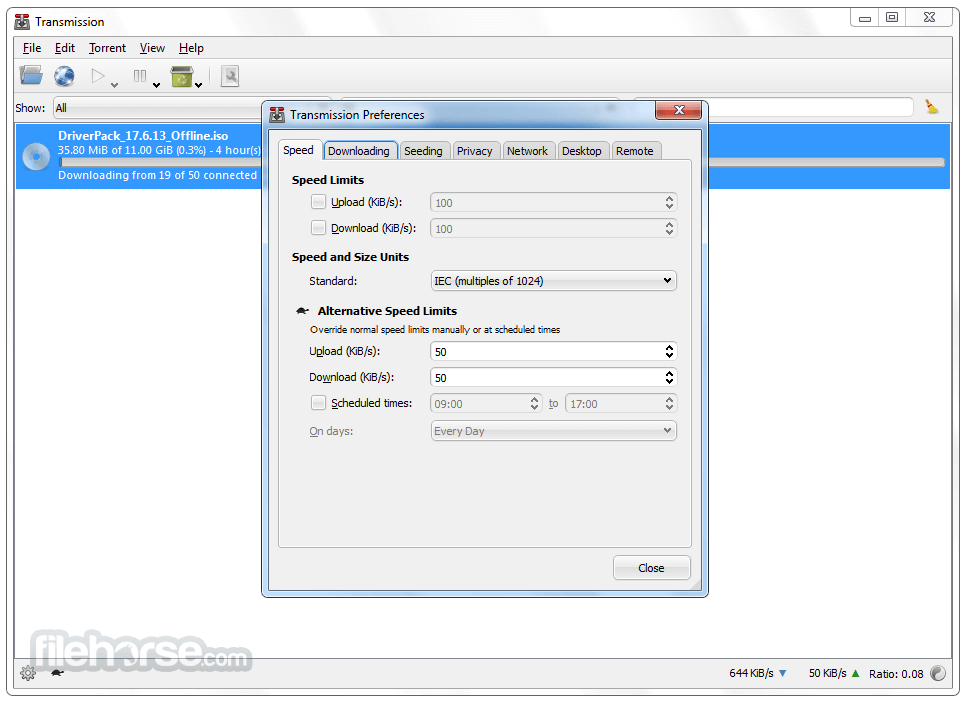
Bandwidth Control – Allows users to limit upload/download speeds.
IPv6 Support – Future-proofed connectivity options.
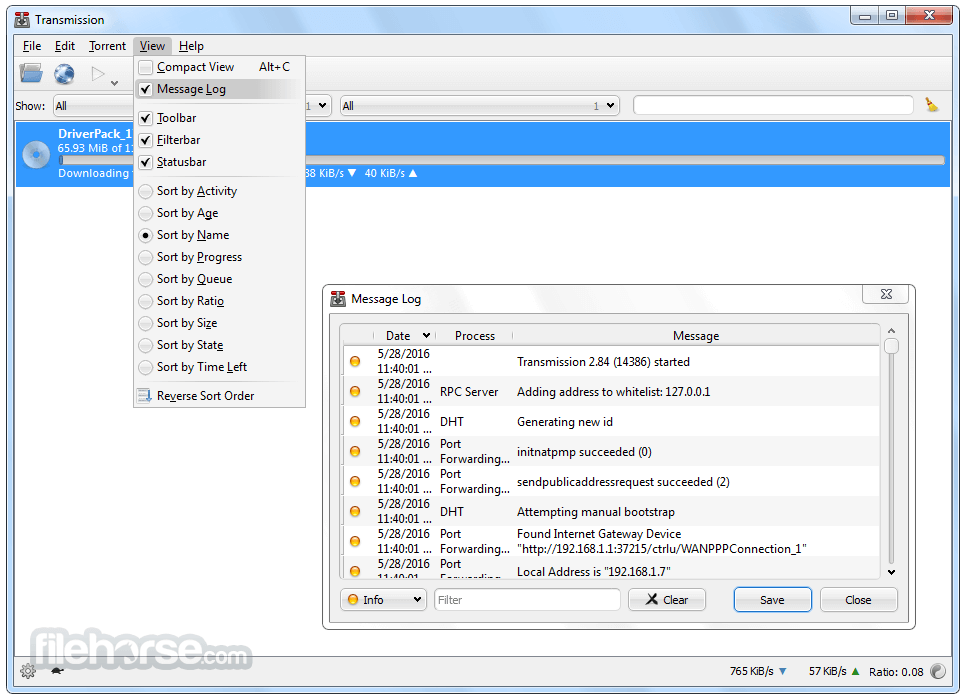
Port Forwarding – Optimizes download speeds with automatic NAT-PMP and UPnP.
User Interface
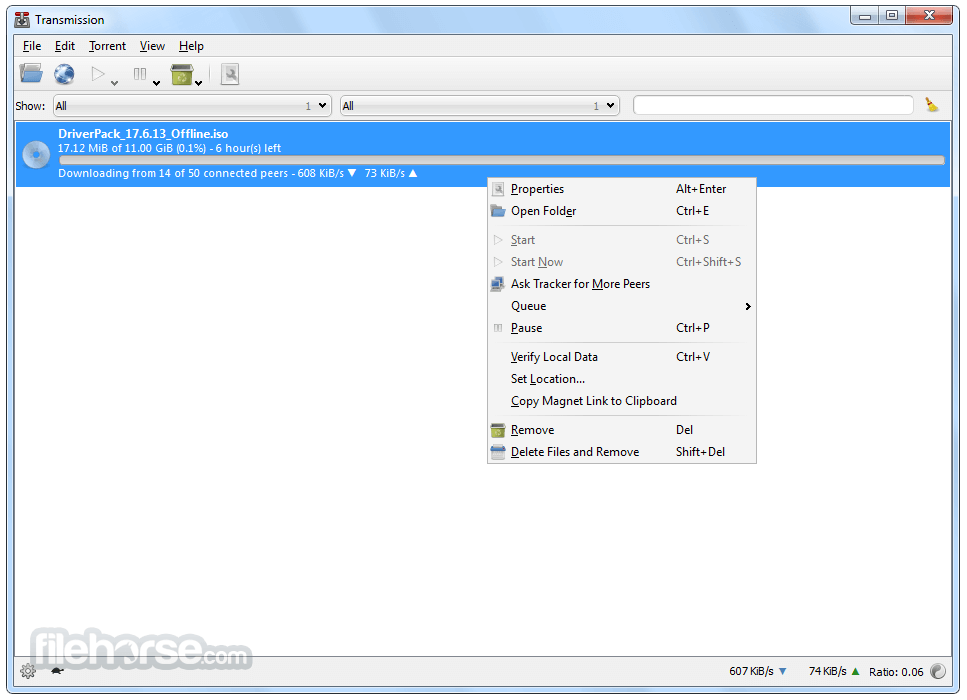
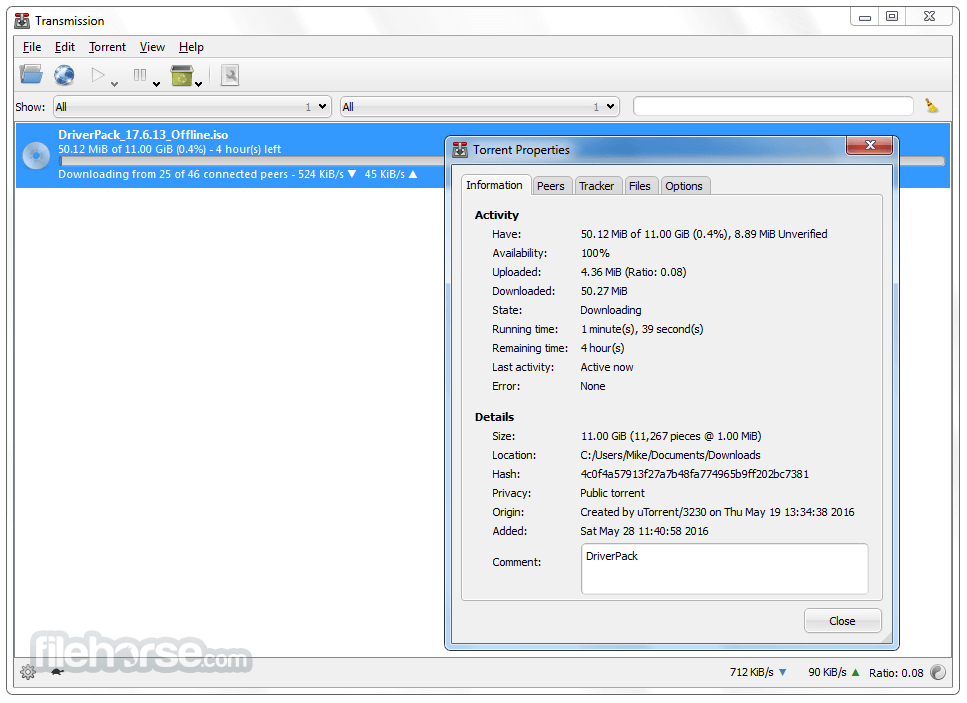
It features a clean and intuitive interface, with a simple list-based torrent manager.
The UI focuses on ease of use, avoiding unnecessary clutter while still providing essential torrenting controls.
Installation and Setup
Is Transmission safe to use?
Yes, the program is open-source and free of malware or spyware.
Can Transmission be used anonymously?
Yes, by enabling encryption and using a VPN, you can enhance anonymity.
Does Transmission support sequential downloading?
No, the software does not natively support sequential downloading for streaming.
How can I speed up my downloads?
Ensure port forwarding is enabled, connect to more peers, and check bandwidth limits.
Is Transmission better than uTorrent?
Transmission is lighter and ad-free, while uTorrent offers more advanced features.
Alternatives
qBittorrent – Open-source, ad-free, and lightweight with an integrated search engine.
Deluge – Minimalist and customizable with plugin support.
uTorrent – Popular but includes ads and optional bloatware.
BitTorrent – Similar to uTorrent but with proprietary features.
System Requirements
Transmission for Windows is an excellent choice for users looking for a simple, efficient, and ad-free torrent client. It provides all essential torrenting features without unnecessary complexity.
While it lacks some advanced options found in competitors like qBittorrent, its lightweight nature and clean interface make it ideal for users who want a straightforward torrenting experience.
Also Available: Transmission for Mac
Download Transmission Latest Version Why is this app published on FileHorse? (More info)
Originally developed for macOS and Linux, it now offers a stable version for Windows users.
Transmission 32/64bit is designed to provide a seamless torrenting experience with minimal resource consumption, making it a great choice for users looking for an efficient and ad-free torrent client.
Features
Lightweight and Fast – Consumes minimal CPU and memory.
Ad-Free Experience – No intrusive ads, unlike many other torrent clients.
Encrypted Connections – Supports encryption to enhance privacy.
Web Interface – Allows remote access and management of torrents via a web browser.
Magnet Link Support – Enables easy downloading without needing .torrent files.
Peer Exchange & DHT – Helps find more peers to speed up downloads.
Bandwidth Control – Allows users to limit upload/download speeds.
IPv6 Support – Future-proofed connectivity options.
Port Forwarding – Optimizes download speeds with automatic NAT-PMP and UPnP.
User Interface
It features a clean and intuitive interface, with a simple list-based torrent manager.
The UI focuses on ease of use, avoiding unnecessary clutter while still providing essential torrenting controls.
Installation and Setup
- Download Transmission from the official website.
- Run the installer and follow the on-screen prompts.
- Launch the application after installation.
- Configure preferences such as bandwidth limits, download location, and encryption settings.
- Add torrents by dragging and dropping or using magnet links.
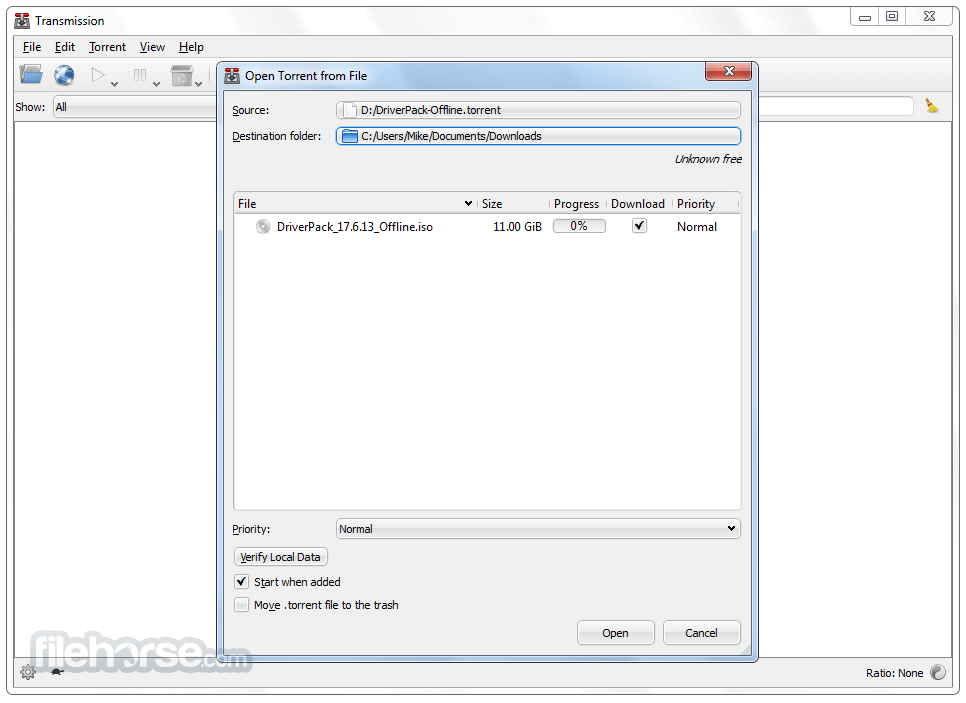
- Open Transmission and go to File > Open Torrent or drag a torrent file into the window.
- Set the download location and preferences.
- It will start downloading automatically.
- Once completed, the torrent will seed to other users.
- Manage torrents by pausing, resuming, or removing them as needed.
Is Transmission safe to use?
Yes, the program is open-source and free of malware or spyware.
Can Transmission be used anonymously?
Yes, by enabling encryption and using a VPN, you can enhance anonymity.
Does Transmission support sequential downloading?
No, the software does not natively support sequential downloading for streaming.
How can I speed up my downloads?
Ensure port forwarding is enabled, connect to more peers, and check bandwidth limits.
Is Transmission better than uTorrent?
Transmission is lighter and ad-free, while uTorrent offers more advanced features.
Alternatives
qBittorrent – Open-source, ad-free, and lightweight with an integrated search engine.
Deluge – Minimalist and customizable with plugin support.
uTorrent – Popular but includes ads and optional bloatware.
BitTorrent – Similar to uTorrent but with proprietary features.
System Requirements
- OS: Windows 7, 8, 10, 11 (64-bit)
- Processor: 1 GHz or higher
- RAM: 512MB or more
- Storage: Minimal (around 25MB)
- Free and open-source
- No ads or bloatware
- Lightweight and efficient
- Easy to use and configure
- Web-based remote access
- Lacks some advanced features like sequential downloading
- Fewer customization options compared to other clients
- Occasional issues with port forwarding
Transmission for Windows is an excellent choice for users looking for a simple, efficient, and ad-free torrent client. It provides all essential torrenting features without unnecessary complexity.
While it lacks some advanced options found in competitors like qBittorrent, its lightweight nature and clean interface make it ideal for users who want a straightforward torrenting experience.
Also Available: Transmission for Mac
Download Transmission Latest Version Why is this app published on FileHorse? (More info)
##
畫面截圖