
- 目前版本Trio Office
- 更新日期2026-02-19
- 檔案大小1 MB
- 檔案名稱Trio Office Installer.exe
- 作業系統Windows 10 / Windows 11
- 支援語系English
- 授權型式試用版
- 開發商 GT Office PDF Studio
- 軟體分類Windows 軟體 / 辦公商務
##
編輯短評
Trio Office 是一套以取代 Microsoft Office 為目標的免費辦公套件,涵蓋文書、試算表與簡報編輯等常見需求,定位上與 Word、Excel、PowerPoint 對應。它最大的辨識度在於強調與主流辦公檔案格式的相容性,包括 MS Office 與 Google 的文件格式,讓使用者不必轉檔就能開啟或編輯既有檔案。這套軟體在 Windows 10/11 上運作,開發商持續維護,但更新步調不算頻繁;在同類工具中屬於小眾選擇,評分人數不多,不過評價普遍不錯。
這套軟體適合預算有限、不想訂閱或購買商用授權的使用者,尤其是只需要基本文書與簡報功能、不追求進階排版或巨集自動化的輕量辦公場景。與 Microsoft Office 等主流替代軟體相比,它的取捨在於功能相對精簡,但換來更低的取得門檻與較小的資源佔用。需要注意的是,它目前僅提供英文介面,且為試用版授權,使用前最好先確認是否符合長期需求;若仰賴中文介面或需要完整商用授權,可能要另尋其他方案。
##
軟體介紹
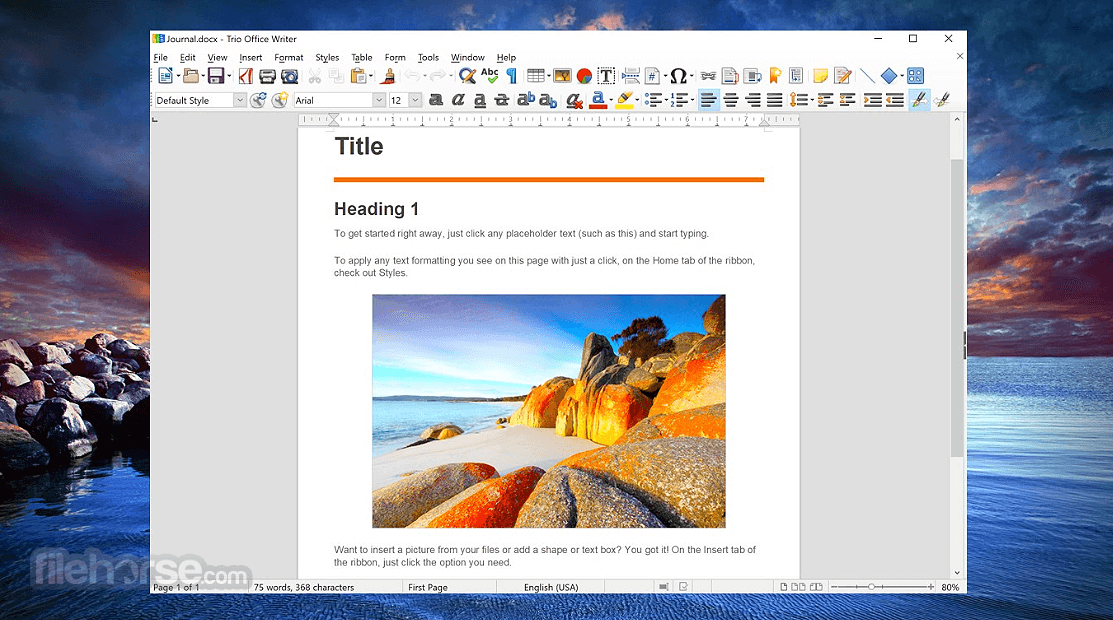
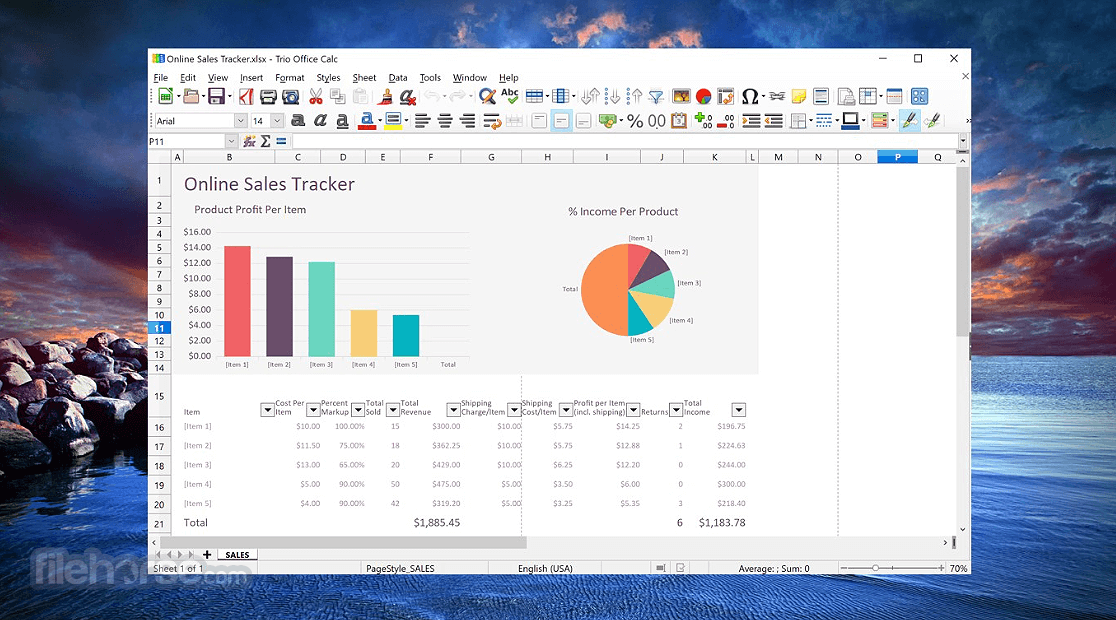
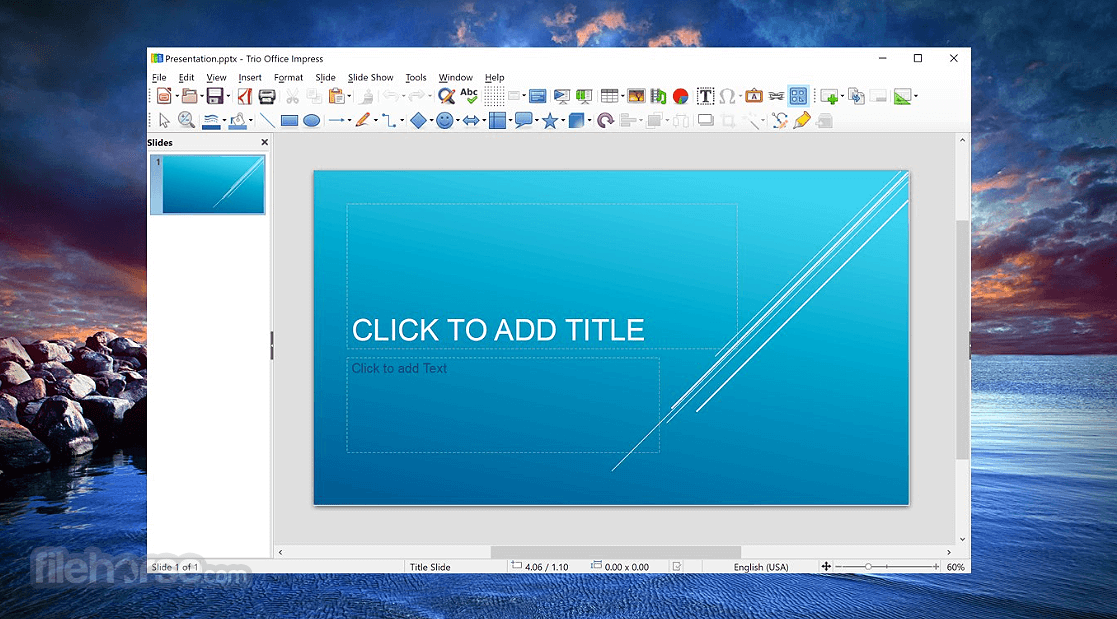
Trio Office 是 MS Office 套件的免费替代方案,包含如 Word、Excel 和 PowerPoint 等知名的家庭与商务生产力应用程式。
这款应用程式从零开始打造,旨在为各种经验程度的使用者提供实用的生产力应用程式,具备所有常用的 文字、试算表 和 简报 投影片 编辑 工具,是使用者在 Windows 10/11 电脑上能获得的最佳应用程式之一。
这套应用程式的核心功能之一,是与其他大型办公套件所能处理的档案格式完全相容,包括 MS Office、Google Docs 应用程式、Open Office 及其许多衍生版本(如 LibreOffice 等)。此外,Trio Office 也完全支援 PDF 检视与汇出!
Trio Office: DOCX & XLSX Editor 是第三方软体,与 Microsoft 无关联、未获其认可或隶属。
任何曾使用过 MS Office 应用程式的人,在启动 Trio Office 应用程式时都会立刻感到熟悉。其文字文件、试算表和投影片的编辑应用程式,都具备标准的工具与服务配置,直觉的工具摆放、快捷键和工作流程技巧,能让人立即开始处理日常的 办公室 工作。
介面已翻译成 超过 20 种国际语言。这套软体不仅适合简单的家庭或学校作业,也适合繁重的工作办公室任务,包括日常管理数百个档案、与同事协作,以及与客户分享或汇入资料。
Trio Office 产品最大的优势之一是安装简便。由于这套软体仅透过 Windows Store 提供于 Windows 10 或 Windows 11,使用者需要造访其官方商店页面,并点击大型的“取得”按钮。
这将安装整套软体,并让电脑准备好进行各种办公室生产力工作。
该应用程式与其他常用格式的相容性广泛且令人印象深刻,涵盖超过 20 种文字文件、超过 20 种 试算表 格式、超过 10 种简报档案格式,以及多种图形档案、公式档案等。
Trio Office 唯一的缺点可能在于其庞大的安装体积(下载档案超过 850 MB),以及部分核心功能被锁定在付费订阅之后。
其中一个付费功能实际上是列印,这是许多使用者认为在日常 办公室 文件工作流程中极为重要且常用的工具。所有 Windows 11/Windows 10 使用者都可以免费使用。
支援开启 DOC 和 DOCX 文件的格式
Word Writer 支援 OpenDocument 格式(.odt、.ott、.oth、.odm、.fodt)、OpenOffice.org 1.x 格式(.sxw、.stw、.sxg),以及其他多种文字文件格式,包括:
Microsoft Word:
除了 OpenDocument Formula(.odf)档案外,Math 还可以开启格式(.sxm)、StarMath(.smf)和 MathML(.mml)档案。
当开启包含内嵌方程式编辑器物件的 Word 文件时,如果在「工具 > 选项 > 载入/储存 > Office」中勾选了该选项,该物件将自动转换为 Trio Office Math 物件。
储存绘图
Draw 只能储存为 OpenDocument Drawing 格式(.odg 和 .otg)、OpenOffice.org 1.x 格式(.sxd 和 .std)以及 StarDraw 格式(.sda、.sdd 和 .vor)。
不过,Draw 也可以汇出为 BMP、EMF、EPS、GIF、JPEG、MET、PBM、PCT、PGM、PNG、PPM、RAS、SVG、SVM、TIFF、WMF 和 XPM。
这款应用程式从零开始打造,旨在为各种经验程度的使用者提供实用的生产力应用程式,具备所有常用的 文字、试算表 和 简报 投影片 编辑 工具,是使用者在 Windows 10/11 电脑上能获得的最佳应用程式之一。
这套应用程式的核心功能之一,是与其他大型办公套件所能处理的档案格式完全相容,包括 MS Office、Google Docs 应用程式、Open Office 及其许多衍生版本(如 LibreOffice 等)。此外,Trio Office 也完全支援 PDF 检视与汇出!
Trio Office: DOCX & XLSX Editor 是第三方软体,与 Microsoft 无关联、未获其认可或隶属。
任何曾使用过 MS Office 应用程式的人,在启动 Trio Office 应用程式时都会立刻感到熟悉。其文字文件、试算表和投影片的编辑应用程式,都具备标准的工具与服务配置,直觉的工具摆放、快捷键和工作流程技巧,能让人立即开始处理日常的 办公室 工作。
介面已翻译成 超过 20 种国际语言。这套软体不仅适合简单的家庭或学校作业,也适合繁重的工作办公室任务,包括日常管理数百个档案、与同事协作,以及与客户分享或汇入资料。
Trio Office 产品最大的优势之一是安装简便。由于这套软体仅透过 Windows Store 提供于 Windows 10 或 Windows 11,使用者需要造访其官方商店页面,并点击大型的“取得”按钮。
这将安装整套软体,并让电脑准备好进行各种办公室生产力工作。
该应用程式与其他常用格式的相容性广泛且令人印象深刻,涵盖超过 20 种文字文件、超过 20 种 试算表 格式、超过 10 种简报档案格式,以及多种图形档案、公式档案等。
Trio Office 唯一的缺点可能在于其庞大的安装体积(下载档案超过 850 MB),以及部分核心功能被锁定在付费订阅之后。
其中一个付费功能实际上是列印,这是许多使用者认为在日常 办公室 文件工作流程中极为重要且常用的工具。所有 Windows 11/Windows 10 使用者都可以免费使用。
支援开启 DOC 和 DOCX 文件的格式
Word Writer 支援 OpenDocument 格式(.odt、.ott、.oth、.odm、.fodt)、OpenOffice.org 1.x 格式(.sxw、.stw、.sxg),以及其他多种文字文件格式,包括:
Microsoft Word:
- Word 2007–2019(.docx)
- Word 6.0/95/97/2000/XP(.doc、.dot)
- Word 2003 XML(.xml)
- Word 2007 XML(.docx、.docm、.dotx、.dotm)
- WinWord 5(.doc)
- WordPerfect(.wpd)
- WPS 2000/Office 1.0(.wps)
- Rich Text Format(.rtf)
- 纯文字(.txt、.csv)
- StarWriter(.sdw、.sgl、.vor)
- DocBook(.xml)
- Unified Office Format(.uot、.uof)
- Ichitaro(.jtd、.jtt)
- Hangul WP 97(.hwp)
- T602 Document(.602、.txt)
- AportisDoc(Palm)(.pdb)
- Pocket Word(.psw)
- eBook(.pdb)
- Apple Pages 4(.pages)
- HTML(.htm、.html)
- HTML 文件(.html 和 .htm),作为 HTML 4.0 Transitional
- OpenOffice.org 1.0 HTML 模板(.stw)
- OpenOffice.org 2.x HTML 模板(.oth)
- StarWriter/Web 4.0 和 5.0(.vor)
- 文字(OpenOffice.org Writer/Web)(.txt)
- 编码文字(OpenOffice.org Writer/Web)(.txt)
除了 OpenDocument Formula(.odf)档案外,Math 还可以开启格式(.sxm)、StarMath(.smf)和 MathML(.mml)档案。
当开启包含内嵌方程式编辑器物件的 Word 文件时,如果在「工具 > 选项 > 载入/储存 > Office」中勾选了该选项,该物件将自动转换为 Trio Office Math 物件。
储存绘图
Draw 只能储存为 OpenDocument Drawing 格式(.odg 和 .otg)、OpenOffice.org 1.x 格式(.sxd 和 .std)以及 StarDraw 格式(.sda、.sdd 和 .vor)。
不过,Draw 也可以汇出为 BMP、EMF、EPS、GIF、JPEG、MET、PBM、PCT、PGM、PNG、PPM、RAS、SVG、SVM、TIFF、WMF 和 XPM。
##
畫面截圖
##
更新日誌
Trio Office- Improved overall performance and responsiveness
- Enhanced compatibility with Microsoft Office file formats (DOCX, XLSX, PPTX)
- Stability improvements when opening and saving large documents
- UI refinements for a smoother editing experience
- General bug fixes and internal optimizations
What is Trio Office used for?
Trio Office is a lightweight office productivity suite for Windows that allows users to create and edit documents, spreadsheets, and presentations. It is designed as an alternative to larger office suites, focusing on compatibility with common file formats and basic productivity features.
Is Trio Office compatible with Microsoft Office files?
Yes. Trio Office supports common file formats such as DOCX, XLSX, and PPTX, allowing users to open and edit files created in Microsoft Office. However, very complex formatting, macros, or advanced features may not always translate perfectly.
Is Trio Office free?
Trio Office typically offers a free version with basic functionality, but some features may require a paid upgrade or subscription. Availability of features depends on the version distributed through the Microsoft Store.
Is Trio Office suitable for professional work?
Trio Office can handle basic office tasks such as writing documents, editing spreadsheets, and preparing presentations. For advanced business workflows, collaboration features, or enterprise integration, larger office suites may offer more comprehensive functionality.
Is Trio Office still relevant in 2026?
In 2026, Trio Office remains relevant for users who need a lightweight, affordable office solution for everyday tasks. However, its suitability depends on the complexity of your work and whether you require advanced collaboration or automation features.
Alternatives
Microsoft Office - For users who require industry-standard office software with advanced collaboration features, Microsoft Office is a top choice.
LibreOffice - If you prefer an open-source and free alternative with a wide range of features, LibreOffice is a solid option.
Apache OpenOffice - It has alternatives to Word, PowerPoint, Excel, Access, and more!
WPS Office - WPS Office is another comprehensive office suite known for its compatibility with Microsoft Office files and a free version for personal use.
Pricing
Trio Office Full Version: In-app Purchases Features
- Print Documents
- Insert Pictures, Tables, and Shapes
- Templates
- Export as PDF and EPUB format
- No Advertisement
- 7*24 Support
Lifetime license: one-time purchase for $39.99
PROS
- Free to Use
- Cross-Platform Compatibility
- Supports Multiple File Formats
- Lightweight and Fast
- Simple User Interface
- Limited Advanced Features
- Occasional Formatting Issues
- No Cloud Integration
- Ad-Supported Free Version
- Lacks Real-Time Collaboration
Download Trio Office Latest Version Why is this app published on FileHorse? (More info)