- 目前版本151.2.154.2
- 更新日期2026-08-12
- 作業系統Windows 7 / Windows 8 / Windows 10 / Windows 11
- 支援語系English
- 授權型式未分類
- 開發商 Bookry Ltd
- 軟體分類Windows 軟體 / 瀏覽器與外掛
##
翻譯排程處理中,以下暫以英文原文呈現
軟體介紹
Wavebox is a Chromium-based productivity browser designed to consolidate various web applications, email accounts, and websites into a single, organized interface.
It enables users to stay signed in to multiple accounts simultaneously, reducing the need for constant switching between different browsers or profiles.
Built for professionals and teams, Wavebox software integrates seamlessly with numerous tools, providing a cohesive workspace.
Key Features
Unified Workspace: Integrate all your web apps, email accounts, and websites into one platform, allowing for efficient multitasking and organization.
Multiple Account Support: Stay signed in to multiple accounts of the same service, such as Gmail or Slack, without conflicts.
Custom Integrations: Access over 2,500 app integrations, each with customizable icons, unread badges, and notification settings.
Split-Screen Functionality: Work on multiple apps or tabs side by side within the same window to enhance multitasking.
Chrome Extension Compatibility: Install and use extensions from the Chrome Web Store to extend functionality.
Built-in AI Assistant: Utilize "Brainbox," an AI assistant that integrates with popular AI engines like ChatGPT, offering pre-defined prompts and customizable skills.
User Interface
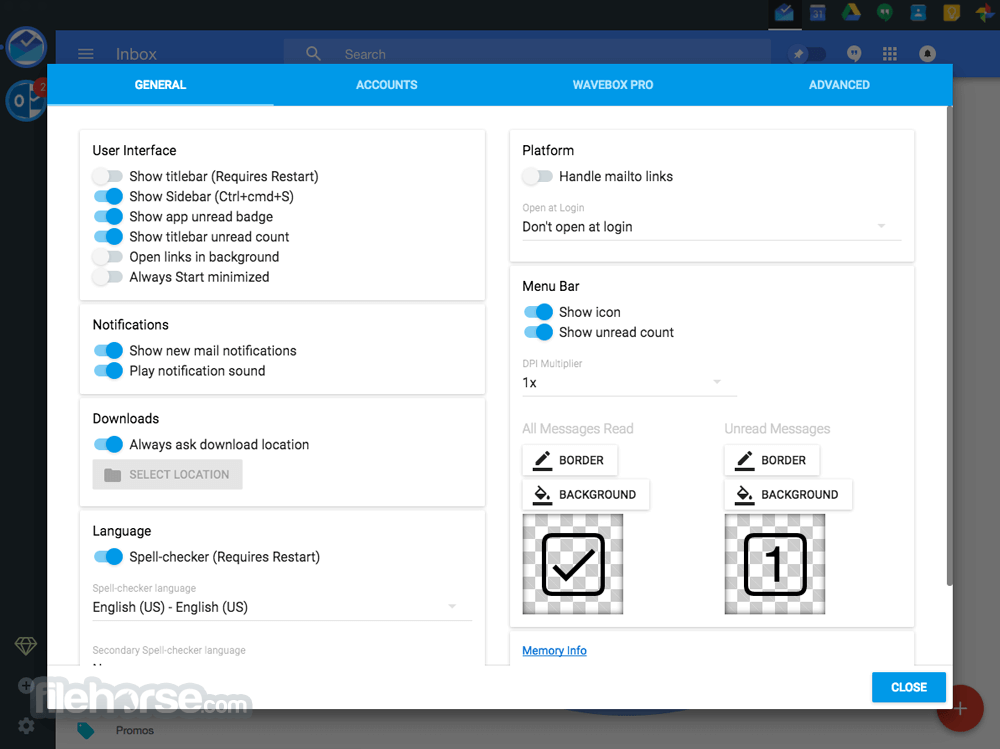
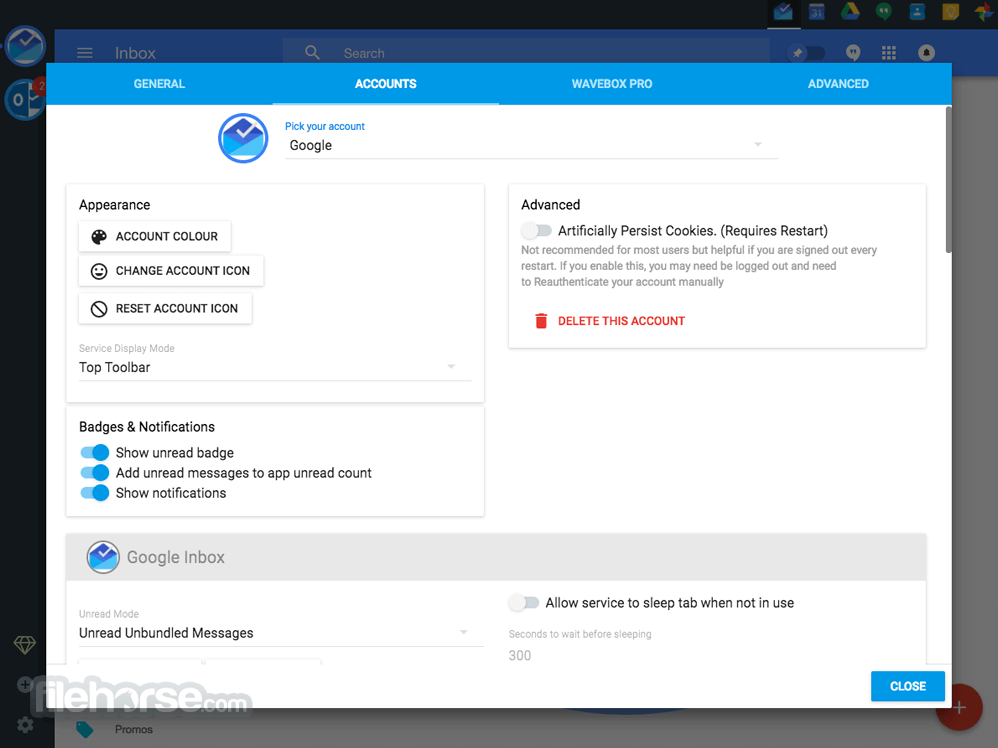
Wavebox for PC features a clean and intuitive interface with a customizable sidebar (webdock) for easy access to your grouped apps and tabs.
Each group has its own tab strip, allowing for organized navigation and reducing clutter. The design emphasizes efficiency, enabling users to focus on tasks without unnecessary distractions.
Installation and Setup
Download: Visit the official website or FileHorse.com and download the Windows installer.
Install: Run the installer and follow the on-screen instructions to complete the installation.
Initial Setup: Upon first launch, add your frequently used web apps and accounts. It offers templates for popular services to streamline this process.
Customization: Organize your apps into groups, set up notification preferences, and install any desired Chrome extensions.
How to Use
Adding Apps: Click on the "+" icon in the sidebar to add new apps. Select from the list of integrations or enter a custom URL.
Creating Groups: Right-click in the sidebar to create a new group. Drag and drop related apps into this group for organized access.
Split-Screen Mode: Right-click on a tab and select "Split Screen" to view multiple apps or tabs side by side.
Using Brainbox AI: Highlight text on a webpage, right-click, and choose a Brainbox skill to generate AI-assisted content or responses.
FAQ
Can I use my existing Chrome extensions with Wavebox?
Yes, it supports all Chrome extensions. You can install them directly from the Chrome Web Store.
Is there a free version of Wavebox?
It offers a free trial for new users. After the trial, a subscription is required to access all features.
How does Wavebox handle multiple accounts of the same app?
It allows you to stay signed in to multiple accounts simultaneously by isolating cookies for each app instance, preventing conflicts.
Does Wavebox support keyboard shortcuts?
Yes, this program offers customizable keyboard shortcuts for various actions, enhancing navigation and efficiency.
Is my data secure with Wavebox?
The app prioritizes user security, employing encryption and adhering to strict privacy policies to protect your data.
Alternatives
Rambox: Offers a platform to manage various web applications with support for multiple accounts.
Opera GX: The browser built specifically for gamers.
Shift: Shift is more business-oriented, providing a unified workspace for email, calendar, and apps like Slack and Trello.
Trillian: If you're looking for a more traditional instant messaging client, Trillian might be a good option.
Pricing
Basic (Free): Limited to 2 groups, 2 apps per group, 1 extension, and 1 dashboard.
Wavebox Pro ($8.33/month, paid annually): Unlimited spaces, groups, apps, extensions, cloud sync, and dashboards.
Teams ($12.50/month per user): Includes everything in Pro plus Connect, shared dashboards, Wavebox Live, and consolidated billing.
System Requirements
Wavebox presents a robust solution for professionals seeking to streamline their digital workflows. By integrating various web applications and accounts into a cohesive platform, it reduces clutter and enhances productivity.
While it requires a subscription for full access, the features and efficiencies it offers can be a worthwhile investment for those looking to optimize their online workspace.
Note: 7 days trial version. Limited functionality in the demo version.
Also Available: Download Wavebox for Mac
Download Wavebox Latest Version Why is this app published on FileHorse? (More info)
It enables users to stay signed in to multiple accounts simultaneously, reducing the need for constant switching between different browsers or profiles.
Built for professionals and teams, Wavebox software integrates seamlessly with numerous tools, providing a cohesive workspace.
Key Features
Unified Workspace: Integrate all your web apps, email accounts, and websites into one platform, allowing for efficient multitasking and organization.
Multiple Account Support: Stay signed in to multiple accounts of the same service, such as Gmail or Slack, without conflicts.
Custom Integrations: Access over 2,500 app integrations, each with customizable icons, unread badges, and notification settings.
Split-Screen Functionality: Work on multiple apps or tabs side by side within the same window to enhance multitasking.
Chrome Extension Compatibility: Install and use extensions from the Chrome Web Store to extend functionality.
Built-in AI Assistant: Utilize "Brainbox," an AI assistant that integrates with popular AI engines like ChatGPT, offering pre-defined prompts and customizable skills.
User Interface
Wavebox for PC features a clean and intuitive interface with a customizable sidebar (webdock) for easy access to your grouped apps and tabs.
Each group has its own tab strip, allowing for organized navigation and reducing clutter. The design emphasizes efficiency, enabling users to focus on tasks without unnecessary distractions.
Installation and Setup
Download: Visit the official website or FileHorse.com and download the Windows installer.
Install: Run the installer and follow the on-screen instructions to complete the installation.
Initial Setup: Upon first launch, add your frequently used web apps and accounts. It offers templates for popular services to streamline this process.
Customization: Organize your apps into groups, set up notification preferences, and install any desired Chrome extensions.
How to Use
Adding Apps: Click on the "+" icon in the sidebar to add new apps. Select from the list of integrations or enter a custom URL.
Creating Groups: Right-click in the sidebar to create a new group. Drag and drop related apps into this group for organized access.
Split-Screen Mode: Right-click on a tab and select "Split Screen" to view multiple apps or tabs side by side.
Using Brainbox AI: Highlight text on a webpage, right-click, and choose a Brainbox skill to generate AI-assisted content or responses.
FAQ
Can I use my existing Chrome extensions with Wavebox?
Yes, it supports all Chrome extensions. You can install them directly from the Chrome Web Store.
Is there a free version of Wavebox?
It offers a free trial for new users. After the trial, a subscription is required to access all features.
How does Wavebox handle multiple accounts of the same app?
It allows you to stay signed in to multiple accounts simultaneously by isolating cookies for each app instance, preventing conflicts.
Does Wavebox support keyboard shortcuts?
Yes, this program offers customizable keyboard shortcuts for various actions, enhancing navigation and efficiency.
Is my data secure with Wavebox?
The app prioritizes user security, employing encryption and adhering to strict privacy policies to protect your data.
Alternatives
Rambox: Offers a platform to manage various web applications with support for multiple accounts.
Opera GX: The browser built specifically for gamers.
Shift: Shift is more business-oriented, providing a unified workspace for email, calendar, and apps like Slack and Trello.
Trillian: If you're looking for a more traditional instant messaging client, Trillian might be a good option.
Pricing
Basic (Free): Limited to 2 groups, 2 apps per group, 1 extension, and 1 dashboard.
Wavebox Pro ($8.33/month, paid annually): Unlimited spaces, groups, apps, extensions, cloud sync, and dashboards.
Teams ($12.50/month per user): Includes everything in Pro plus Connect, shared dashboards, Wavebox Live, and consolidated billing.
System Requirements
- Operating System: Windows 11 or Windows 10
- Processor: Intel Pentium 4 processor or later that's SSE2 capable
- Memory: At least 2 GB of RAM
- Storage: 200 MB of available disk space
- Consolidates multiple web apps and accounts into a single interface.
- Supports simultaneous login to multiple accounts of the same service.
- Compatible with Chrome extensions.
- Offers built-in AI assistance.
- Provides customizable workspaces and split-screen functionality.
- Subscription required after the trial period.
- Potential for high memory usage with numerous active apps.
- Some features may have a learning curve for new users.
Wavebox presents a robust solution for professionals seeking to streamline their digital workflows. By integrating various web applications and accounts into a cohesive platform, it reduces clutter and enhances productivity.
While it requires a subscription for full access, the features and efficiencies it offers can be a worthwhile investment for those looking to optimize their online workspace.
Note: 7 days trial version. Limited functionality in the demo version.
Also Available: Download Wavebox for Mac
Download Wavebox Latest Version Why is this app published on FileHorse? (More info)
##
影片介紹
##
畫面截圖