- 目前版本24.48
- 更新日期2026-08-11
- 檔案大小3.6 MB
- 檔案名稱wpsetup.exe
- 作業系統Windows 7 / Windows 8 / Windows 10 / Windows 11
- 支援語系English
- 授權型式試用版
- 開發商 NCH Software
- 軟體分類Windows 軟體 / 音訊軟體
##
翻譯排程處理中,以下暫以英文原文呈現
軟體介紹
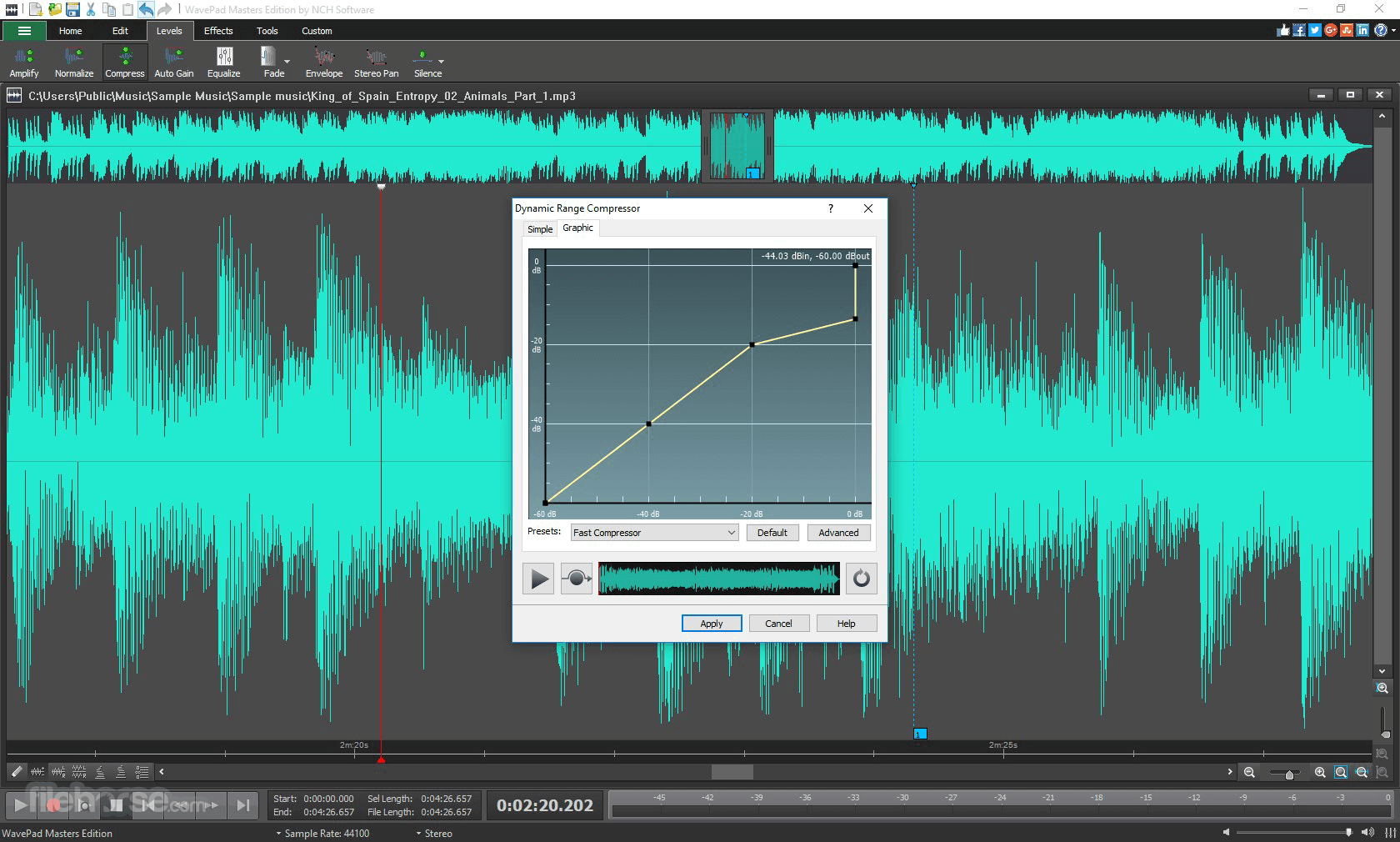
WavePad Sound Editor is a full-featured professional audio and music editor for Windows and Mac. It lets you record and edit music, voice, and other audio recordings.
Easily Record Music, Voice and Other Audio Recordings - Hundreds of Editing Tools, Filters and Effects - Start Recording!
When editing audio files, you can cut, copy and paste parts of recordings, and then add effects like echo, amplification, and noise reduction.
WavePad for PC works as a wav or mp3 editor, but it also supports a number of other file formats including vox, gsm, wma, real audio, au, aif, flac, ogg, and more.
Designed for both beginners and professionals, it provides a comprehensive suite of tools for recording, editing, and enhancing audio.
Whether you're creating podcasts, editing music tracks, or cleaning up recordings, it offers the flexibility and precision to handle a variety of tasks.
Highlights
Audio Editing Tools
Cut, copy, split, trim and more
Batch Edit Audio Files
Edit many audio files at once
Audio & Music Effects
Amplify, normalize, equalize and more
Audio Restoration
Noise reduction and click pop removal
50+ Supported Audio Formats
Supports all popular audio formats
Advanced Tools
Spectral analysis, FFT and TFFT
Features
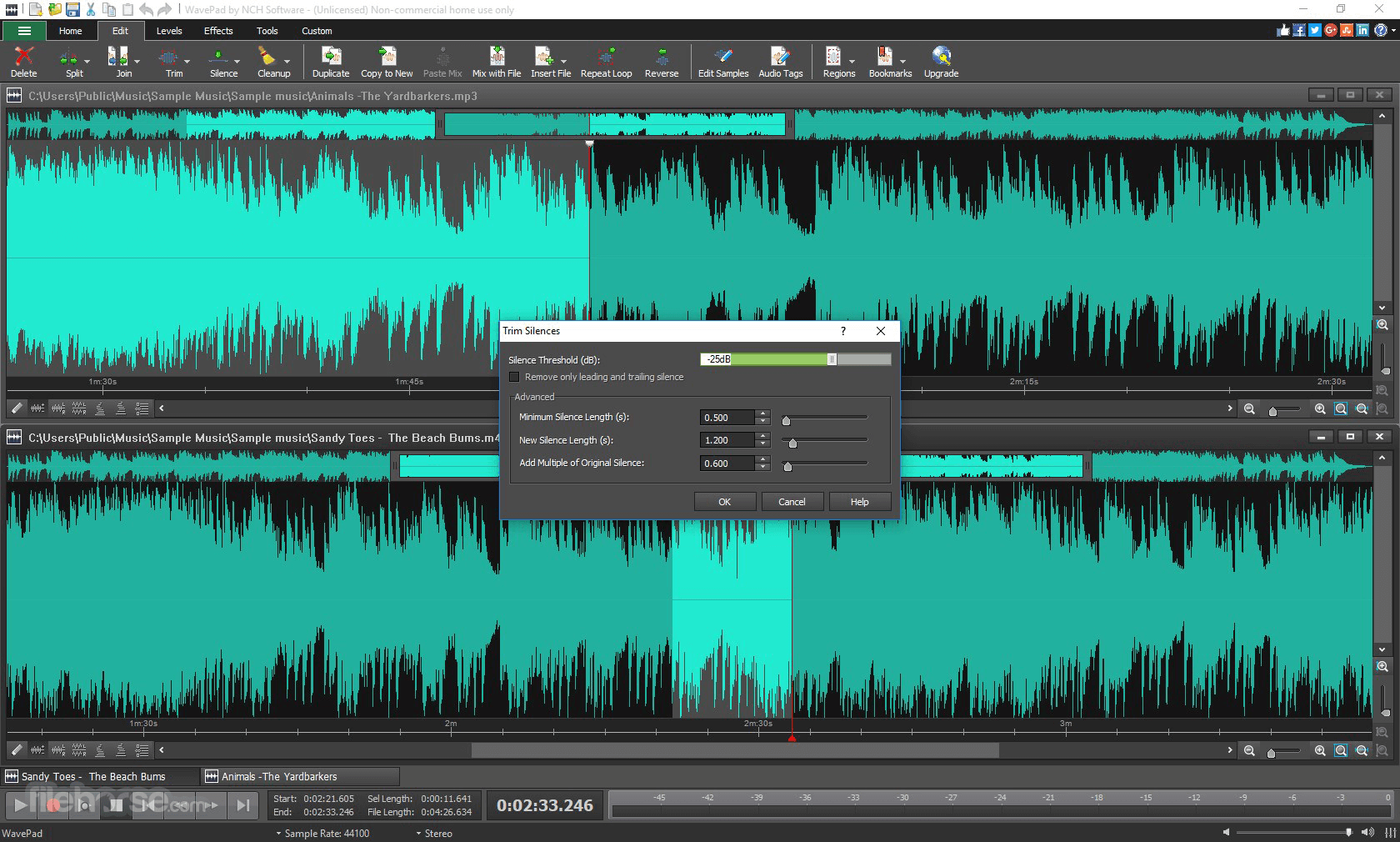
Audio Editing Tools: Cut, copy, paste, delete, insert, silence, and auto-trim audio tracks with precision.
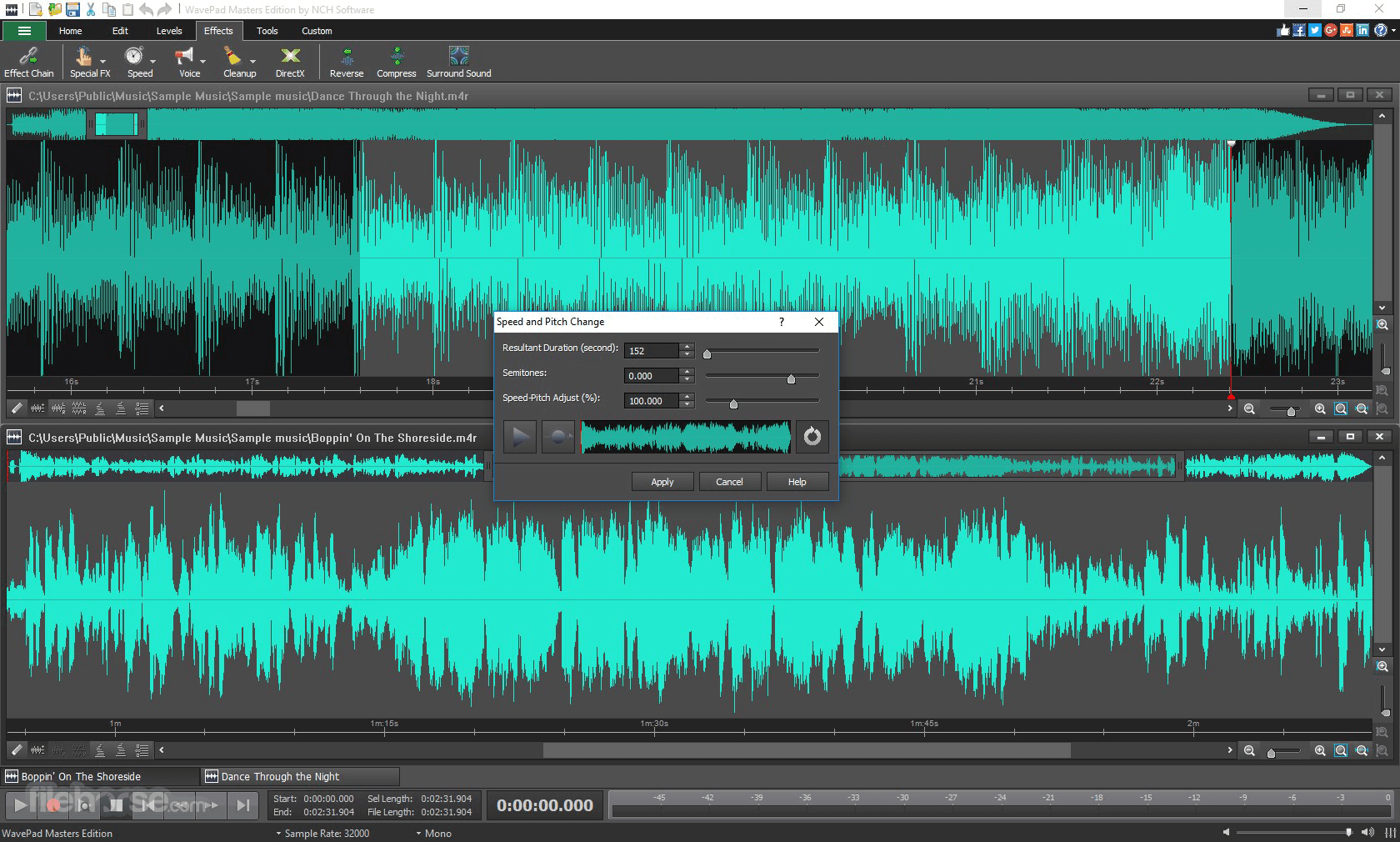
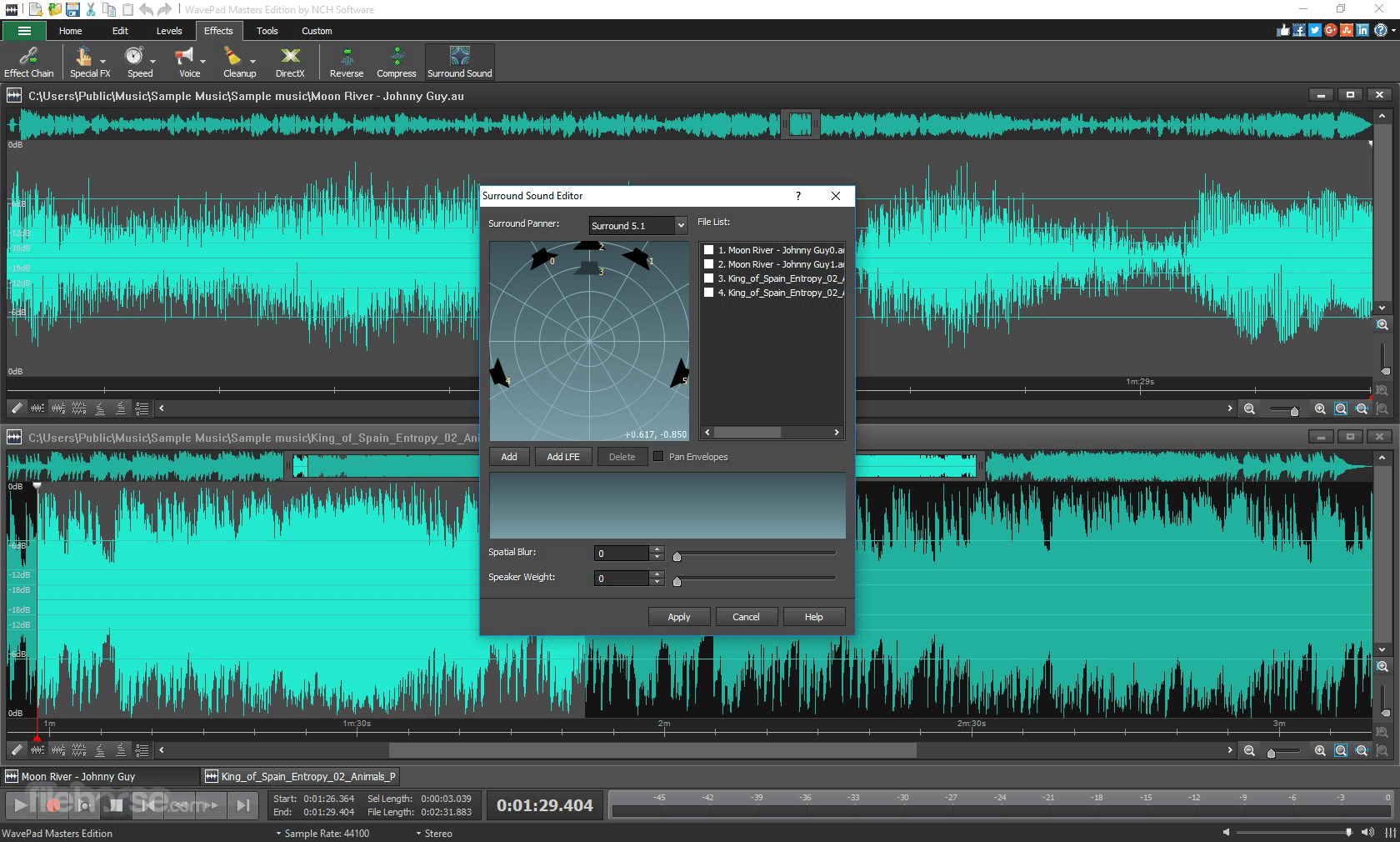
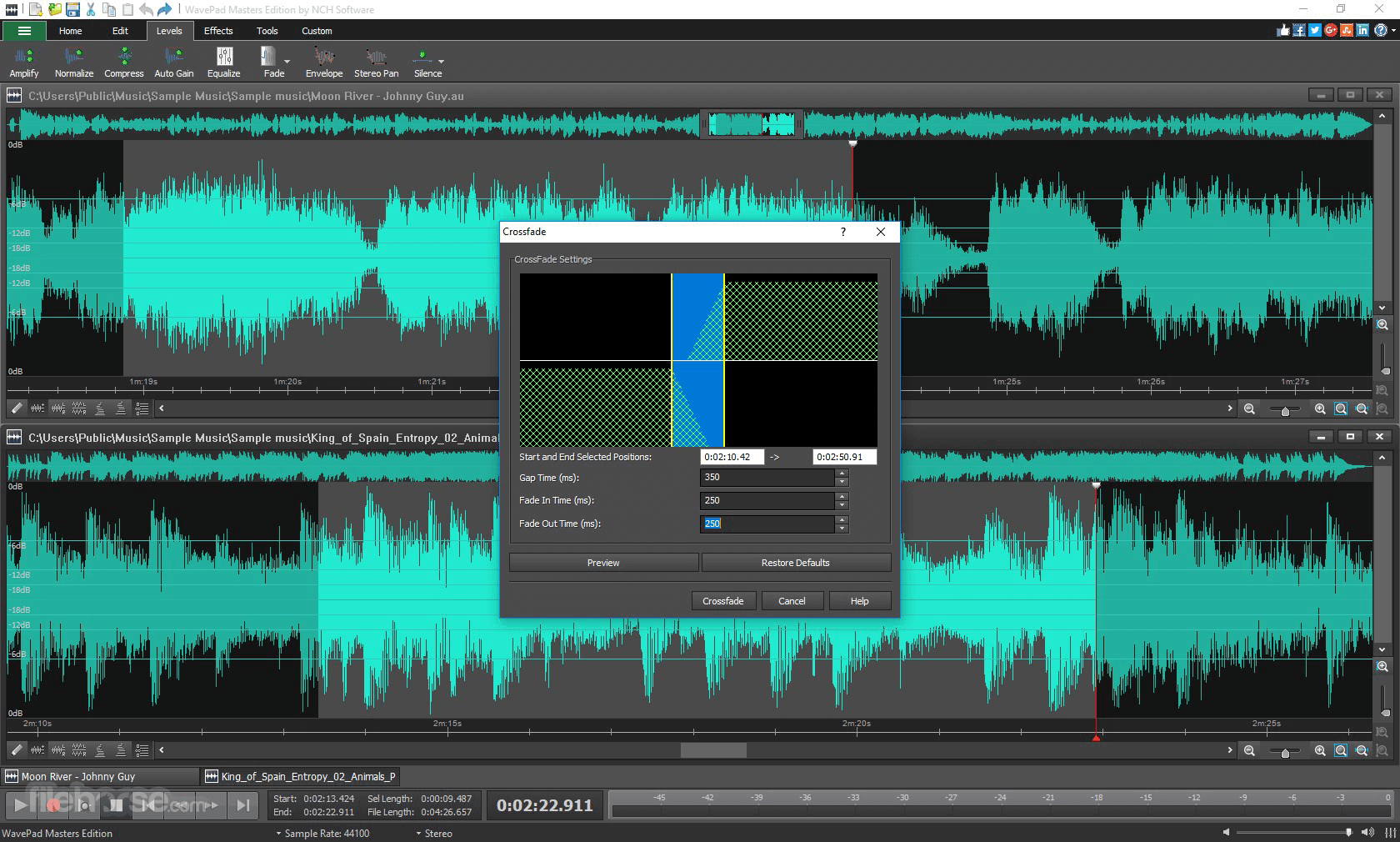
Effects Library: Apply effects such as amplify, normalize, equalize, reverb, echo, and more to refine your sound.
Noise Reduction: Remove background noise and hums for cleaner audio.
Batch Processing: Edit multiple files simultaneously, saving time on large projects.
Audio Restoration: Includes click and pop removal for vinyl recordings and hiss removal for tape recordings.
Wide Format Support: Supports almost every audio file format, including MP3, WAV, FLAC, AAC, and more.
Spectral Analysis: Visualize sound frequencies with FFT (Fast Fourier Transform) analysis.
Voice Recording: Built-in tools for capturing audio through microphones or other input devices.
File Conversion: Convert files between different formats seamlessly.
Integration: Compatible with third-party VST plugins, expanding its functionality.
Installation and Setup
Download: Visit the official NCH Software website or FileHorse to download the installer.
Run Installer: Launch the downloaded file and follow the on-screen instructions.
Select Preferences: Choose default settings or customize them based on your needs.
License: Opt for the free version or purchase a license for advanced features.
Start Editing: Open the software and begin your audio projects.
The setup is quick, and the software runs smoothly on most modern systems.
How to Use
Import Audio: Drag and drop files into the workspace or use the “Open File” option.
Edit Audio: Utilize the timeline to cut, trim, or rearrange audio segments.
Apply Effects: Open the effects panel to add enhancements like echo, reverb, or noise reduction.
Save Project: Export your final file in your desired format or save it as a project for future edits.
It also offers tutorials and user guides for new users to quickly grasp its features.
FAQ
Is WavePad free?
It offers a free version with basic features. Advanced functionalities require a paid license.
What file formats does WavePad support?
It supports a wide range of formats, including MP3, WAV, FLAC, AAC, OGG, and more.
Can I use WavePad for professional projects?
Yes, its advanced features and VST plugin support make it suitable for professional use.
Does WavePad work on macOS?
Yes, the program is compatible with both Windows and macOS platforms.
Does it support multitrack editing?
While this software focuses on single-track editing, NCH offers MixPad for comprehensive multitrack projects.
Alternatives
Adobe Audition: A professional-grade tool for audio post-production.
Audacity: A free and open-source audio editor with robust features.
Reaper: A powerful DAW with extensive customization options.
Ocenaudio: A lightweight and straightforward editor for quick tasks.
Pricing
Free Version: Basic features with limited capabilities.
Standard Edition: $50 (approx.), including essential tools.
Master’s Edition: $80 (approx.), with all advanced features and plugin support.
Occasional discounts and bundles with other NCH software are often available.
System Requirements
Also Available: Download WavePad Sound Editor for Mac
Download WavePad Sound Editor Latest Version Why is this app published on FileHorse? (More info)
Easily Record Music, Voice and Other Audio Recordings - Hundreds of Editing Tools, Filters and Effects - Start Recording!
When editing audio files, you can cut, copy and paste parts of recordings, and then add effects like echo, amplification, and noise reduction.
WavePad for PC works as a wav or mp3 editor, but it also supports a number of other file formats including vox, gsm, wma, real audio, au, aif, flac, ogg, and more.
Designed for both beginners and professionals, it provides a comprehensive suite of tools for recording, editing, and enhancing audio.
Whether you're creating podcasts, editing music tracks, or cleaning up recordings, it offers the flexibility and precision to handle a variety of tasks.
Highlights
Audio Editing Tools
Cut, copy, split, trim and more
Batch Edit Audio Files
Edit many audio files at once
Audio & Music Effects
Amplify, normalize, equalize and more
Audio Restoration
Noise reduction and click pop removal
50+ Supported Audio Formats
Supports all popular audio formats
Advanced Tools
Spectral analysis, FFT and TFFT
Features
Audio Editing Tools: Cut, copy, paste, delete, insert, silence, and auto-trim audio tracks with precision.
Effects Library: Apply effects such as amplify, normalize, equalize, reverb, echo, and more to refine your sound.
Noise Reduction: Remove background noise and hums for cleaner audio.
Batch Processing: Edit multiple files simultaneously, saving time on large projects.
Audio Restoration: Includes click and pop removal for vinyl recordings and hiss removal for tape recordings.
Wide Format Support: Supports almost every audio file format, including MP3, WAV, FLAC, AAC, and more.
Spectral Analysis: Visualize sound frequencies with FFT (Fast Fourier Transform) analysis.
Voice Recording: Built-in tools for capturing audio through microphones or other input devices.
File Conversion: Convert files between different formats seamlessly.
Integration: Compatible with third-party VST plugins, expanding its functionality.
Installation and Setup
Download: Visit the official NCH Software website or FileHorse to download the installer.
Run Installer: Launch the downloaded file and follow the on-screen instructions.
Select Preferences: Choose default settings or customize them based on your needs.
License: Opt for the free version or purchase a license for advanced features.
Start Editing: Open the software and begin your audio projects.
The setup is quick, and the software runs smoothly on most modern systems.
How to Use
Import Audio: Drag and drop files into the workspace or use the “Open File” option.
Edit Audio: Utilize the timeline to cut, trim, or rearrange audio segments.
Apply Effects: Open the effects panel to add enhancements like echo, reverb, or noise reduction.
Save Project: Export your final file in your desired format or save it as a project for future edits.
It also offers tutorials and user guides for new users to quickly grasp its features.
FAQ
Is WavePad free?
It offers a free version with basic features. Advanced functionalities require a paid license.
What file formats does WavePad support?
It supports a wide range of formats, including MP3, WAV, FLAC, AAC, OGG, and more.
Can I use WavePad for professional projects?
Yes, its advanced features and VST plugin support make it suitable for professional use.
Does WavePad work on macOS?
Yes, the program is compatible with both Windows and macOS platforms.
Does it support multitrack editing?
While this software focuses on single-track editing, NCH offers MixPad for comprehensive multitrack projects.
Alternatives
Adobe Audition: A professional-grade tool for audio post-production.
Audacity: A free and open-source audio editor with robust features.
Reaper: A powerful DAW with extensive customization options.
Ocenaudio: A lightweight and straightforward editor for quick tasks.
Pricing
Free Version: Basic features with limited capabilities.
Standard Edition: $50 (approx.), including essential tools.
Master’s Edition: $80 (approx.), with all advanced features and plugin support.
Occasional discounts and bundles with other NCH software are often available.
System Requirements
- Operating System: Windows 11/10/8.1/8/7
- Processor: 1 GHz or higher.
- RAM: 2 GB or more recommended.
- Disk Space: At least 100 MB for installation.
- Additional: Microphone or input device for recording features.
- User-friendly interface.
- Wide format support.
- Comprehensive effects library.
- Affordable compared to professional tools.
- VST plugin support for extended functionality.
- Limited multitrack editing.
- Advanced features locked behind a paywall.
- Occasional bugs in batch processing.
Also Available: Download WavePad Sound Editor for Mac
Download WavePad Sound Editor Latest Version Why is this app published on FileHorse? (More info)
##
畫面截圖