Whale Browser 4.39.410.13
v 4.39.410.13
Windows
免費軟體
8.46/10 (41)
- 目前版本4.39.410.13
- 更新日期2026-08-12
- 檔案大小2.1 MB
- 檔案名稱WhaleSetup.exe
- 作業系統Windows 7 / Windows 7 64 / Windows 8 / Windows 8 64 / Windows 10 / Windows 10 64 / Windows 11
- 支援語系English
- 授權型式免費軟體
- 開發商 Naver Corp.
- 軟體分類Windows 軟體 / 瀏覽器與外掛
##
翻譯排程處理中,以下暫以英文原文呈現
軟體介紹
Whale Browser is a highly customizable Internet browser whose enhanced abilities separate it from various other similar clients that are based on Chromium engine.
Built from the ground up to be intuitive and fast, most notable and unique features of the Browser are the ability to view two webpages simultaneously in a single tab, access sidebar with many useful tools for more streamlined browsing (including add-ons such as countdown timer, calculator, media player and more!), and even access a popup mobile view of the current webpage after just a few clicks of your mouse.
With a beautiful design that is intentionally optimized to not overwhelm novice users, high customizability and ease of use, It represents one of the best ways you can experience the web today.
Chromium engine ensures that Whale Browser has all the necessary core features that users expect from a modern browser, including the fast rendering of pages, compatibility with all modern web standards, in-depth bookmark manager, support for thousands of Chrome extensions, and many others.
Features and Highlights
Even though the Browser is a fully featured internet browser, it comes in a very small installation package that weighs only a couple of megabytes. This means that during the installation procedure, you will be required to automatically download additional data from official servers hosted by the app’s developers Naver Corp.
After the installation procedure is finished you will be welcomed with a very streamlined interface of Whale Browser.
While the basic structure of the interface looks largely unchanged when compared to several other notable Chromium browsers, in Whale you will instantly notice a row of brand-new buttons on the right side of your address bars.
These buttons are used to activate the unique features of this browser – a tool sidebar that can host a wide array of useful tools (bundled in with the base installation are countdown timer, calculator, music player, and others), a “Whale Space” button that allows you to browse two webpages in the same tab, and a mobile window tool that will present you a pop-up window where you can browse any webpage you want and see its portable formatting like you are browsing on a mobile device.
Other notable features of the Whale Browser are its automated sync tool that can share bookmarks between devices, and an innovative Scrapbook tool for automatically categorizing and syncing content between PC and mobile.
Useful browsing features include the automated search for any highlighted text, and even an ability to relocate annoying popup adds to the corner of the screen where they will be reformatted for easier management (list viewing or dismissing).
How to Use (step-by-step)
Some popular alternatives to Brave Browser include Google Chrome, Mozilla Firefox, Opera or Microsoft Edge.
System Requirements
Download Whale Browser Latest Version Why is this app published on FileHorse? (More info)
Built from the ground up to be intuitive and fast, most notable and unique features of the Browser are the ability to view two webpages simultaneously in a single tab, access sidebar with many useful tools for more streamlined browsing (including add-ons such as countdown timer, calculator, media player and more!), and even access a popup mobile view of the current webpage after just a few clicks of your mouse.
With a beautiful design that is intentionally optimized to not overwhelm novice users, high customizability and ease of use, It represents one of the best ways you can experience the web today.
Chromium engine ensures that Whale Browser has all the necessary core features that users expect from a modern browser, including the fast rendering of pages, compatibility with all modern web standards, in-depth bookmark manager, support for thousands of Chrome extensions, and many others.
Features and Highlights
- Fast and reliable browser released for both PC and mobile platforms.
- Chromium-based but enhanced with many useful features.
- Browse two pages inside one tab for more streamlined access to the web.
- Access additional tools inside highly useful Sidebar.
- Integrated support for pop-up mobile browser screen.
- Sync account and bookmark data between desktop and mobile with ease.
- Access previously accessed web content via the Scrapbook tool on PC and Mobile.
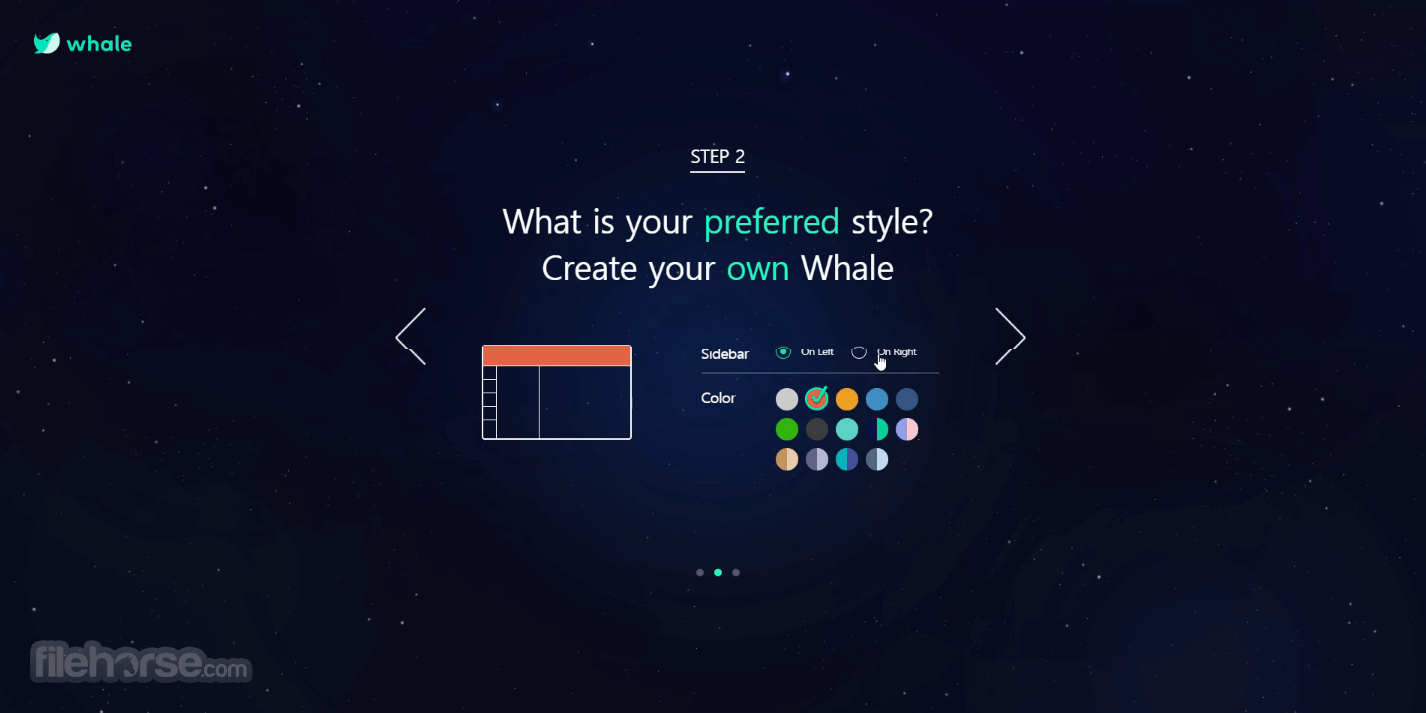
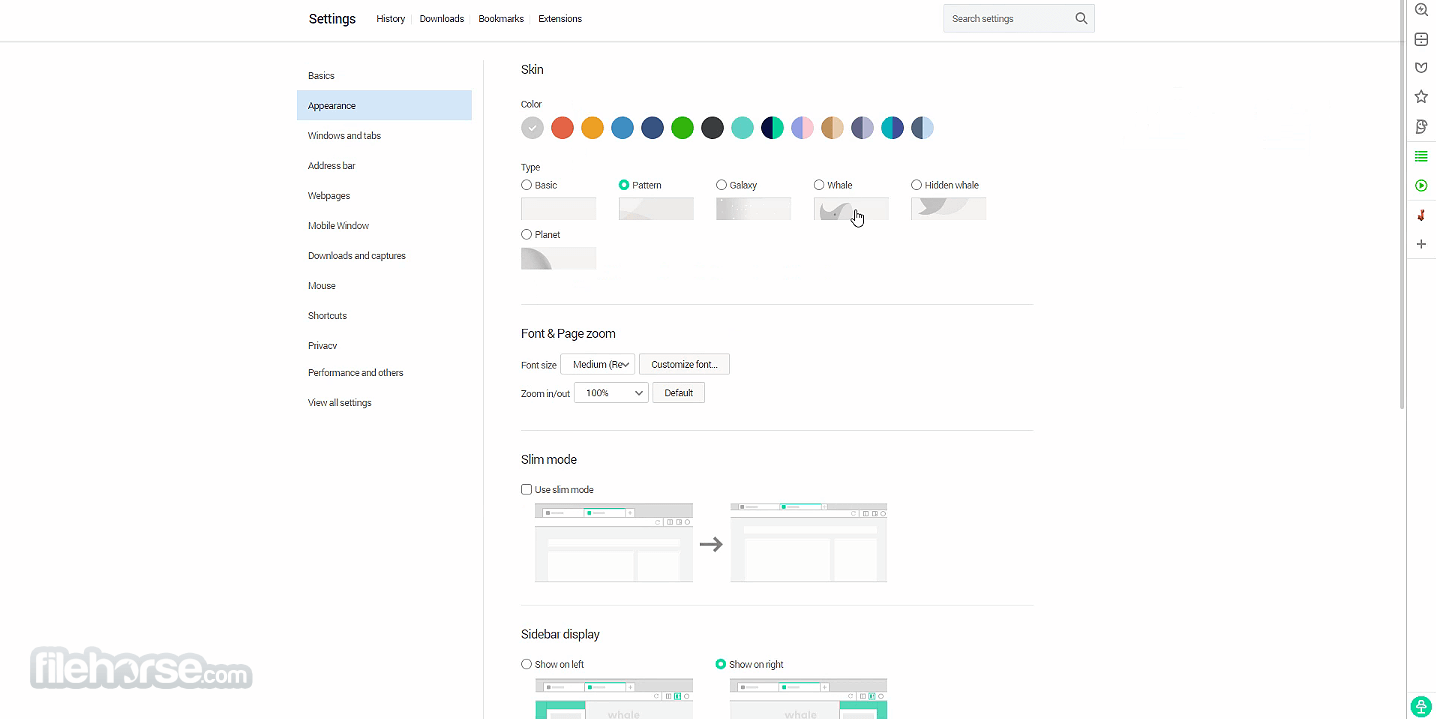
- Customizable looks with interface themes and wallpaper backgrounds.
- Available on Windows 7, 8, 10 or 11.
- 100% FREE!
Even though the Browser is a fully featured internet browser, it comes in a very small installation package that weighs only a couple of megabytes. This means that during the installation procedure, you will be required to automatically download additional data from official servers hosted by the app’s developers Naver Corp.
After the installation procedure is finished you will be welcomed with a very streamlined interface of Whale Browser.
While the basic structure of the interface looks largely unchanged when compared to several other notable Chromium browsers, in Whale you will instantly notice a row of brand-new buttons on the right side of your address bars.
These buttons are used to activate the unique features of this browser – a tool sidebar that can host a wide array of useful tools (bundled in with the base installation are countdown timer, calculator, music player, and others), a “Whale Space” button that allows you to browse two webpages in the same tab, and a mobile window tool that will present you a pop-up window where you can browse any webpage you want and see its portable formatting like you are browsing on a mobile device.
Other notable features of the Whale Browser are its automated sync tool that can share bookmarks between devices, and an innovative Scrapbook tool for automatically categorizing and syncing content between PC and mobile.
Useful browsing features include the automated search for any highlighted text, and even an ability to relocate annoying popup adds to the corner of the screen where they will be reformatted for easier management (list viewing or dismissing).
How to Use (step-by-step)
- Download Whale Browser from the official website.
- Install the setup file and follow on-screen instructions.
- Launch the browser and sign in for sync features.
- Customize the interface using sidebar and quick tools.
- Browse the web with built-in ad blocker and security.
- Use the split-screen feature for multitasking.
- Enable extensions for additional functionalities.
- Sync bookmarks and settings across devices.
- Adjust privacy settings for secure browsing.
- Update the browser regularly for best performance.
Some popular alternatives to Brave Browser include Google Chrome, Mozilla Firefox, Opera or Microsoft Edge.
System Requirements
- OS: Windows 7, 8, 10, or 11 (64-bit recommended)
- Processor: Intel or AMD dual-core processor
- RAM: Minimum 2GB (4GB recommended)
- Storage: At least 400MB of free space
- Internet: Required for installation and updates
- Built-in split-screen for multitasking
- Sidebar for quick access to tools
- Fast browsing with optimized performance
- Integrated ad blocker for fewer distractions
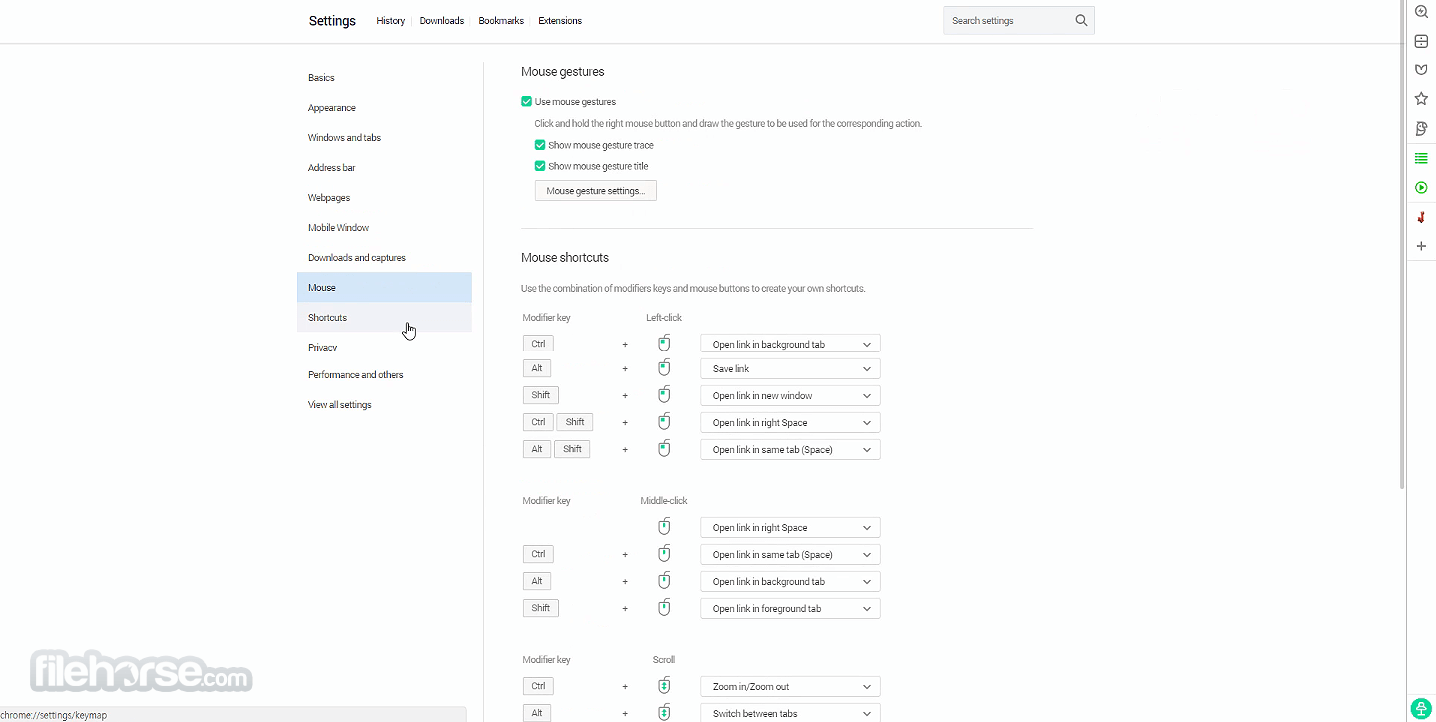
- Customizable interface with themes and settings
- Limited extension support compared to Chrome
- Can use more memory with multiple tabs
- Not as widely supported as mainstream browsers
- Occasional compatibility issues with some sites
- Requires a learning curve for new users
Download Whale Browser Latest Version Why is this app published on FileHorse? (More info)
##
畫面截圖