Windows PowerShell 7.6.4 (32-bit)
v 7.6.4 (32-bit)
Windows
免費軟體
7/10 (33)
- 目前版本7.6.4 (32-bit)
- 更新日期2026-07-20
- 檔案大小103 MB
- 檔案名稱PowerShell-7.6.4-win-x86.msi
- 作業系統Windows 7 / Windows 8 / Windows 10
- 支援語系English
- 授權型式免費軟體
- 開發商 Microsoft Corporation
- 軟體分類Windows 軟體 / 開發者工具
##
翻譯排程處理中,以下暫以英文原文呈現
軟體介紹
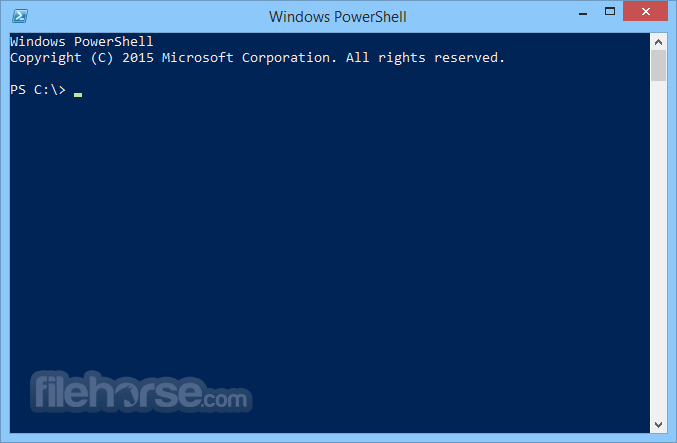
PowerShell 32bit is an automation platform and scripting language for Windows and Windows Server that allows you to simplify the management of your systems.
Unlike other text-based shells, PowerShell by Microsoft harnesses the power of the .NET Framework, providing rich objects and a massive set of built-in functionality for taking control of your Windows environments.
PowerShell Desired State Configuration (DSC) is a platform for testing and ensuring the declarative state of a system. DSC allows you to scale complex deployments across environments, enables collaboration of management, and corrects for configuration drift.
The app Integrated Scripting Environment (ISE) is a Windows application that supports enhanced usage of Power Shell for beginners and experts alike.
The ISE's many features include:
Also Available: Windows PowerShell (64-bit)
Download Windows PowerShell (32-bit) Latest Version Why is this app published on FileHorse? (More info)
Unlike other text-based shells, PowerShell by Microsoft harnesses the power of the .NET Framework, providing rich objects and a massive set of built-in functionality for taking control of your Windows environments.
PowerShell Desired State Configuration (DSC) is a platform for testing and ensuring the declarative state of a system. DSC allows you to scale complex deployments across environments, enables collaboration of management, and corrects for configuration drift.
The app Integrated Scripting Environment (ISE) is a Windows application that supports enhanced usage of Power Shell for beginners and experts alike.
The ISE's many features include:
- A built-in editor for writing, testing, and debugging scripts
- Full IntelliSense tab completion, syntax highlighting, and context-sensitive help
- A myriad of keyboard shortcuts
- Support for right-to-left languages
- Extensible add-ons
- Open PowerShell via Start Menu or Run (Win + R, type powershell)
- Use Get-Command to list available commands
- Run scripts with .ps1 files using .\scriptname.ps1
- Use Get-Help for command usage details
- Manage system processes with Get-Process and Stop-Process
- Automate tasks using loops and conditional statements
- Navigate directories with cd, ls, and pwd
- Use Set-ExecutionPolicy to control script execution
- Retrieve system info with Get-ComputerInfo
- Connect to remote systems with Enter-PSSession
- OS: Windows 7, 8, 10, or 11 (32-bit versions)
- Processor: 1 GHz or faster
- RAM: 512 MB (1 GB recommended)
- Storage: At least 100 MB free space
- .NET Framework 4.5 or later
- Powerful command-line automation
- Supports scripting and task automation
- Access to system management tools
- Integrates with .NET Framework
- Works with remote administration
- Limited GUI, mostly command-line based
- Requires execution policy adjustments
- Some cmdlets need administrator rights
- Can be complex for simple tasks
Also Available: Windows PowerShell (64-bit)
Download Windows PowerShell (32-bit) Latest Version Why is this app published on FileHorse? (More info)
##
畫面截圖