
- 目前版本20.0.4
- 更新日期2026-04-03
- 作業系統Windows 10 / Windows 11
- 支援語系English
- 授權型式未分類
- 開發商 Microsoft Corporation
- 軟體分類Windows 軟體 / 影像設計
##
翻譯排程處理中,以下暫以英文原文呈現
軟體介紹
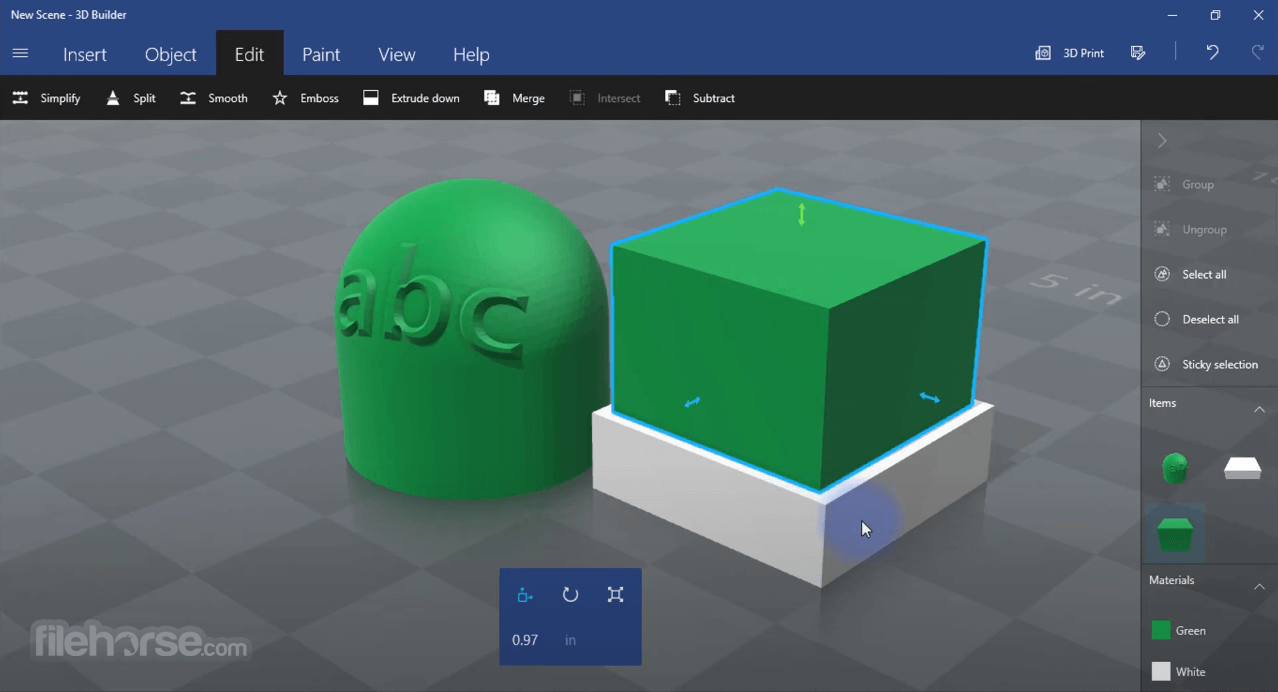
3D Builder software provides everything you need to make 3D content printable. Download many kinds of 3D files and edit them using a wide range of powerful yet easy-to-use tools.
Take a picture with your webcam and make it 3D. Personalize 3D objects by embossing your name on them, or combine models and pieces to make something new. Build from scratch using simple, customizable shapes.
Features and Highlights
Take a picture with your webcam and make it 3D. Personalize 3D objects by embossing your name on them, or combine models and pieces to make something new. Build from scratch using simple, customizable shapes.
Features and Highlights
- Clean up objects by smoothing and simplifying.
- Automatically repair objects so you can print them.
- Use the 3D Scan app to scan yourself in full color.
- Take pictures with your webcam and make them 3D, or use BMP, JPG, PNG, and TGA files.
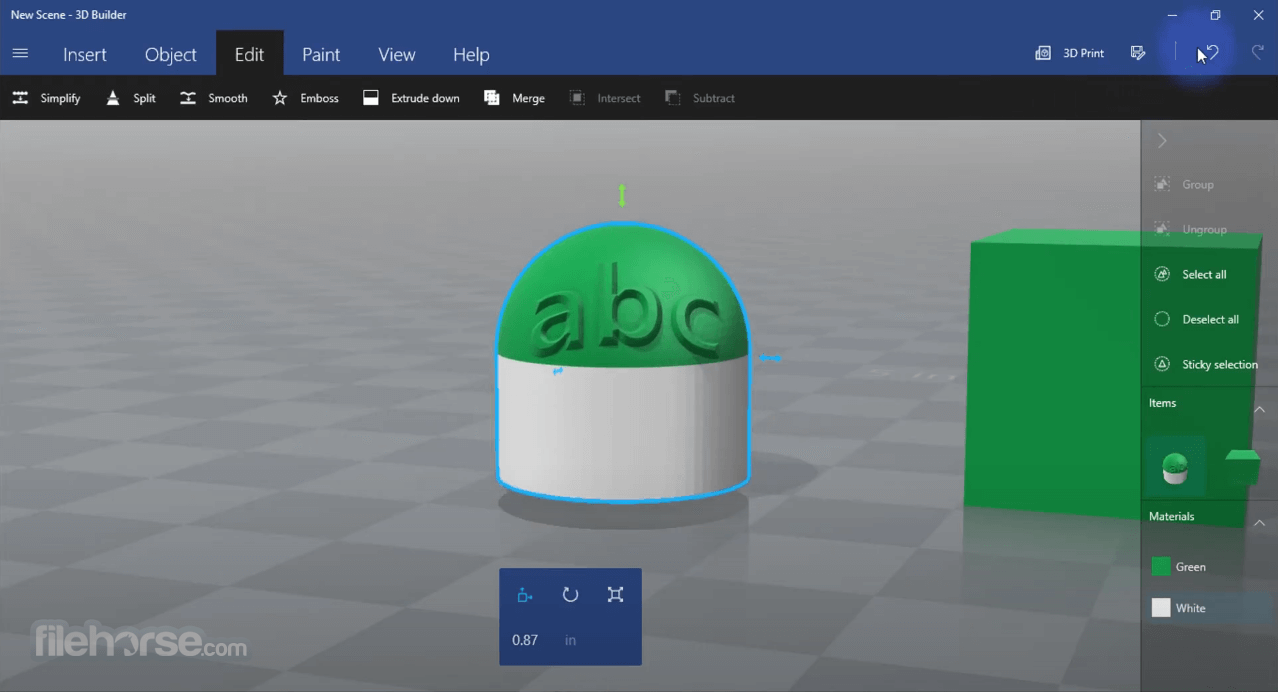
- Emboss any object with text or images.
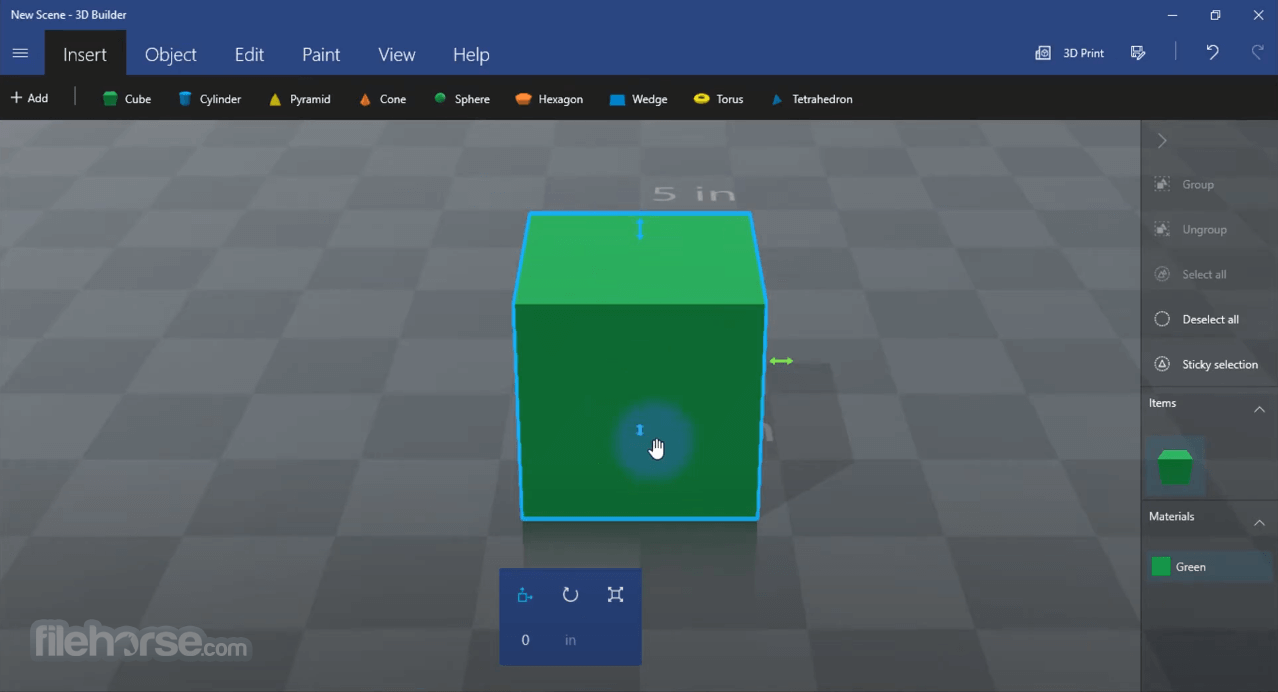
- Drag-and-drop to build with simple shapes.
- Merge, intersect, or subtract objects from each other, or slice them into pieces.
- Add a base to objects to create trophies or busts.
- Print images of your 3D objects on paper.
- Open 3MF, STL, OBJ, PLY, WRL (VRML v2.0), and glTF (v2.0) files.
- Save as 3MF, STL, PLY, or OBJ files.
##
畫面截圖
##
更新日誌
20.0.4- Realistic rendering of materials, including translucent and metallic objects
- New layered paint tools allow stacking textures, and with support for transparent texture areas
- Generate a QR code and stamp it on your object
- Browse Remix3D.com for inspiring models and use the tools in 3D Builder to make them 3D printable
- Full glTF file format support – animation pose selection, realistic materials, share with the glTF universe!
- Create new shapes by customizing the properties of the basic shape
FAQs
What is 3D Builder used for?
3D Builder is a simple 3D modeling and editing app developed by Microsoft. It allows users to create, modify, and prepare 3D models, especially for 3D printing.
Can 3D Builder be used for 3D printing?
Yes. One of its main purposes is preparing models for 3D printing. It includes tools to repair models, scale objects, and export files in formats compatible with 3D printers.
Is 3D Builder still relevant in 2026?
Partially. In 2026, it is still useful for beginners and simple tasks, but more advanced users often prefer professional 3D modeling tools with greater capabilities and ongoing development.
How to Use
- Open 3D Builder from the Start menu
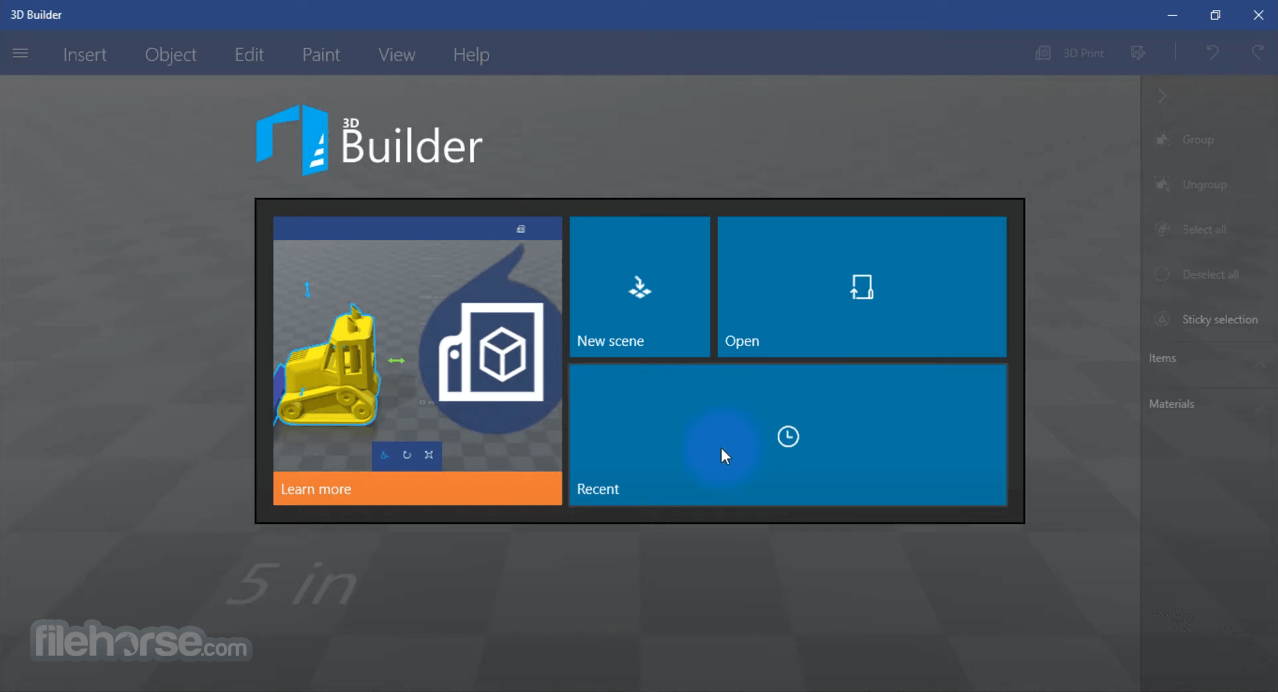
- Click "New Scene" to begin a project
- Import 3D models or create using basic shapes
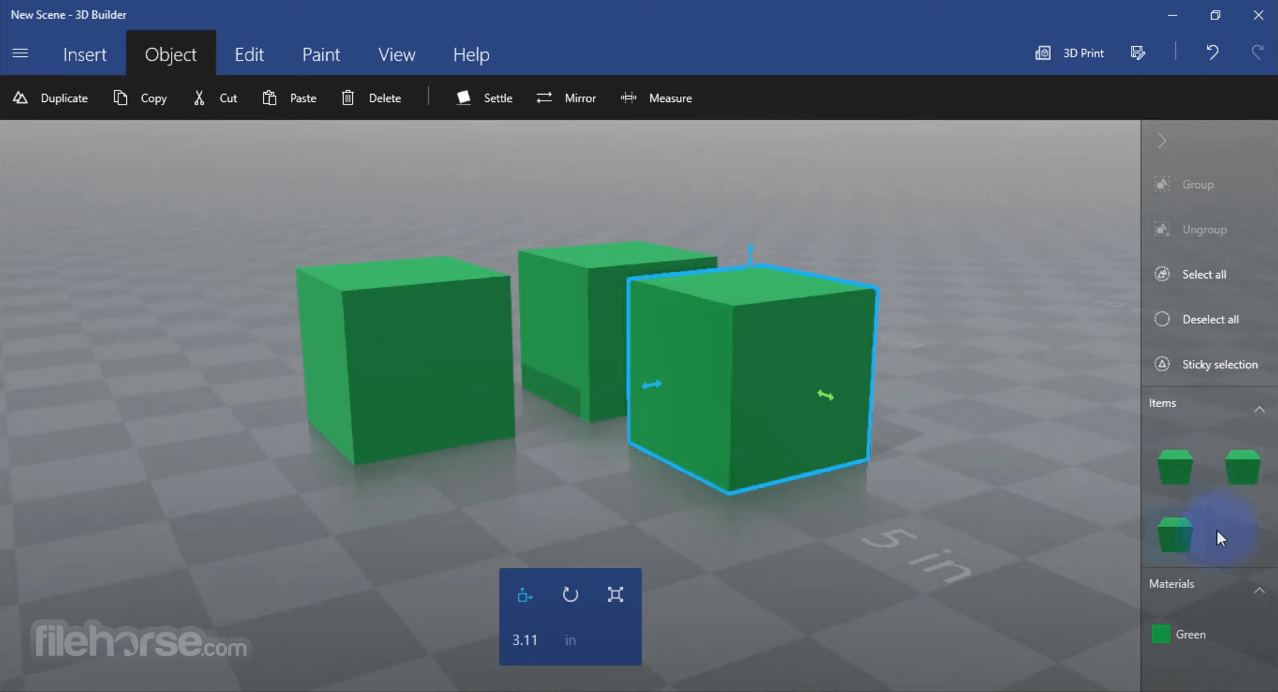
- Use the Edit tools to scale, rotate, or move objects
- Combine or subtract shapes to create complex models
- Apply colors and textures using the Paint tools
- Save your model in 3MF, STL, or OBJ formats
- Use the Print option to send the model to a 3D printer
System Requirements
- Operating System: Windows 10 or Windows 11
- Architecture: x64
- Processor: 1 GHz or faster
- RAM: 2 GB minimum
- GPU: DirectX 10 compatible graphics card
- Disk Space: At least 500 MB free space
- Display: 800x600 resolution or higher
- User-friendly interface for beginners
- Supports major 3D file formats
- Built-in 3D print integration
- Free and included with Windows
- Basic editing tools are easy to learn
- Not available in all markets, which may limit access for some users
- Limited advanced modeling tools
- Occasional bugs or crashes
- Not ideal for professional use
- Slow performance with large files
- Lacks detailed texture editing
Download 3D Builder Latest Version Why is this app published on FileHorse? (More info)