⚠ 這是歷史版本頁面 — 查看 Aseprite 最新版本 →

- 目前版本1.3.1
- 更新日期2023-11-29
- 檔案大小6.46 MB
- 檔案名稱Aseprite-v1.3.1-trial-Portable.zip
- 作業系統Windows 8 / Windows 8 64 / Windows 10 / Windows 10 64 / Windows 11
- 支援語系English
- 授權型式試用版
- 開發商 David Capello
- 軟體分類Windows 軟體 / 影像設計
##
編輯短評
Aseprite 是一款專為像素藝術與 2D 遊戲動畫設計的繪圖工具,核心功能圍繞「幀」與「圖層」的堆疊組合,讓使用者能逐格建立動畫序列。它最鮮明的特色是將時間軸直接整合在編輯介面中,從左到右排列幀、由下而上堆疊圖層,操作邏輯直覺,特別適合重現 8-bit 與 16-bit 時代的復古風格。這套軟體由 David Capello 開發,長期持續更新,近年仍維持穩定的版本釋出節奏;在同類工具中擁有不錯的評價與口碑,雖然不是最多人使用的影像軟體,但在像素藝術圈內是相當受歡迎的選擇。
如果你正在製作獨立遊戲、像素風角色或復古場景,Aseprite 會是很順手的工作夥伴,尤其適合需要逐格調整動態細節的創作者。與 Photoshop 這類通用影像軟體相比,Aseprite 捨棄了龐大的照片編輯功能,換來更輕量、更專注於像素繪製與動畫流程的體驗,但相對地它不適合處理高階影像合成。要注意的是,官方提供的是試用版,且介面僅有英文,沒有內建中文語系;若你習慣中文操作環境,可能需要花點時間適應,或參考社群中流傳的免安裝版本,但使用前仍應留意授權與更新來源的可靠性。
##
翻譯排程處理中,以下暫以英文原文呈現
軟體介紹
Aseprite lets you create 2D animations for videogames. From sprites to pixel-art, retro-style graphics, and whatever you like about the 8-bit and 16-bit era.
Basic Elements of a Sprite
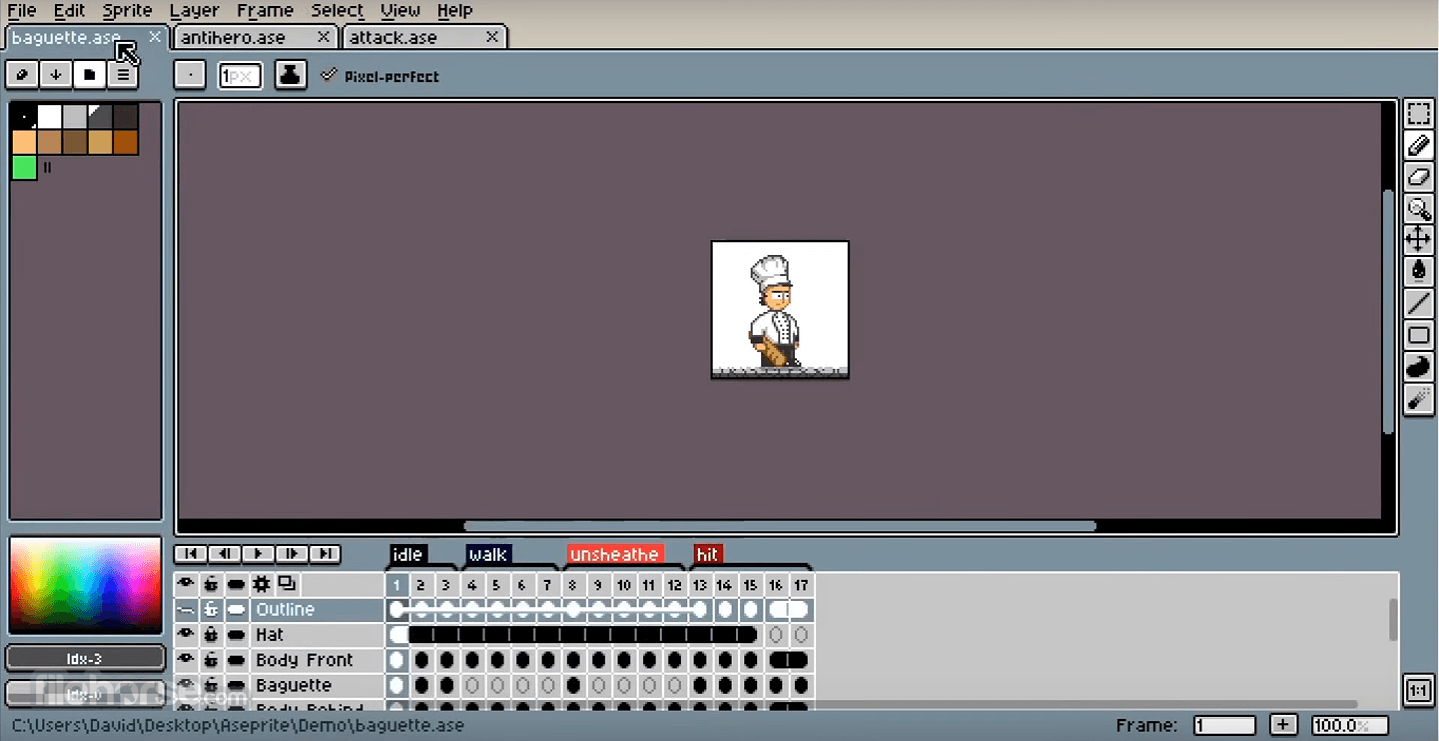
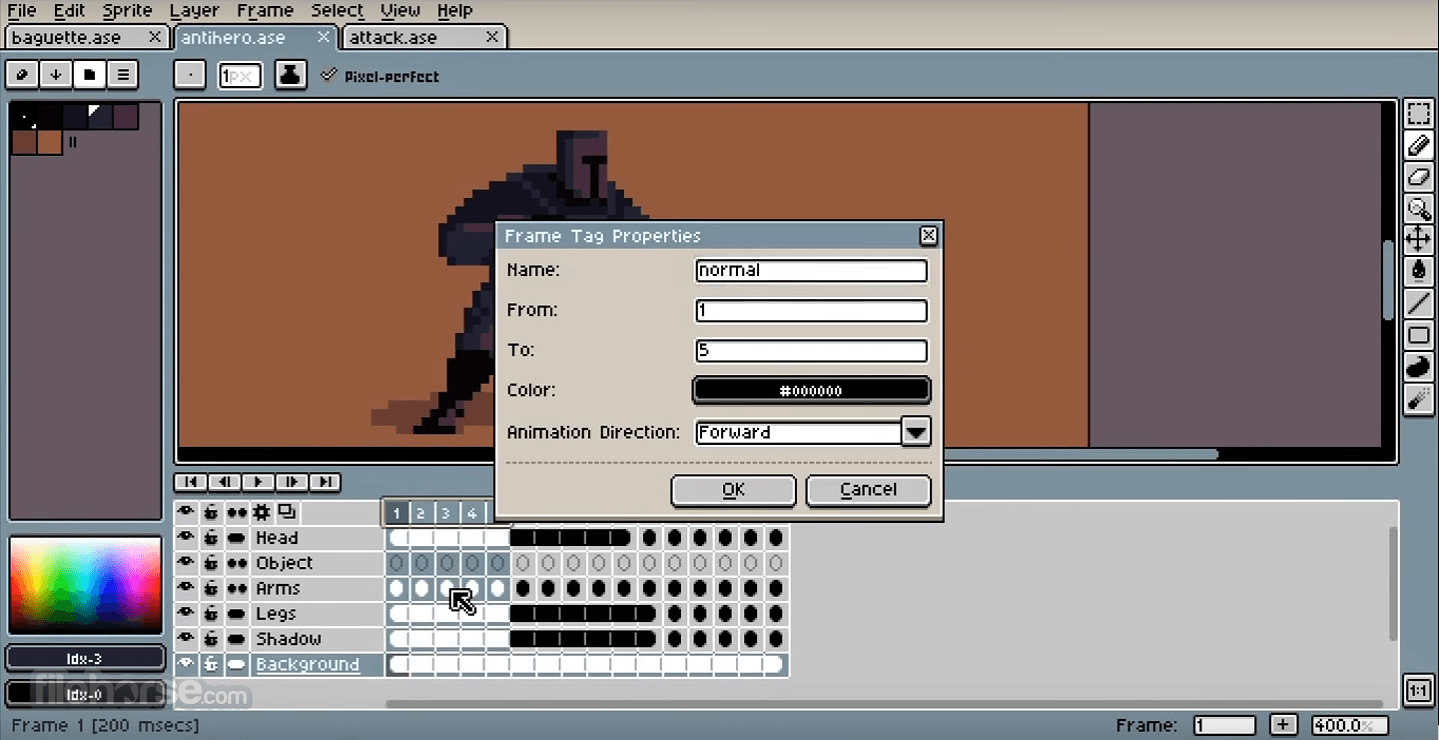
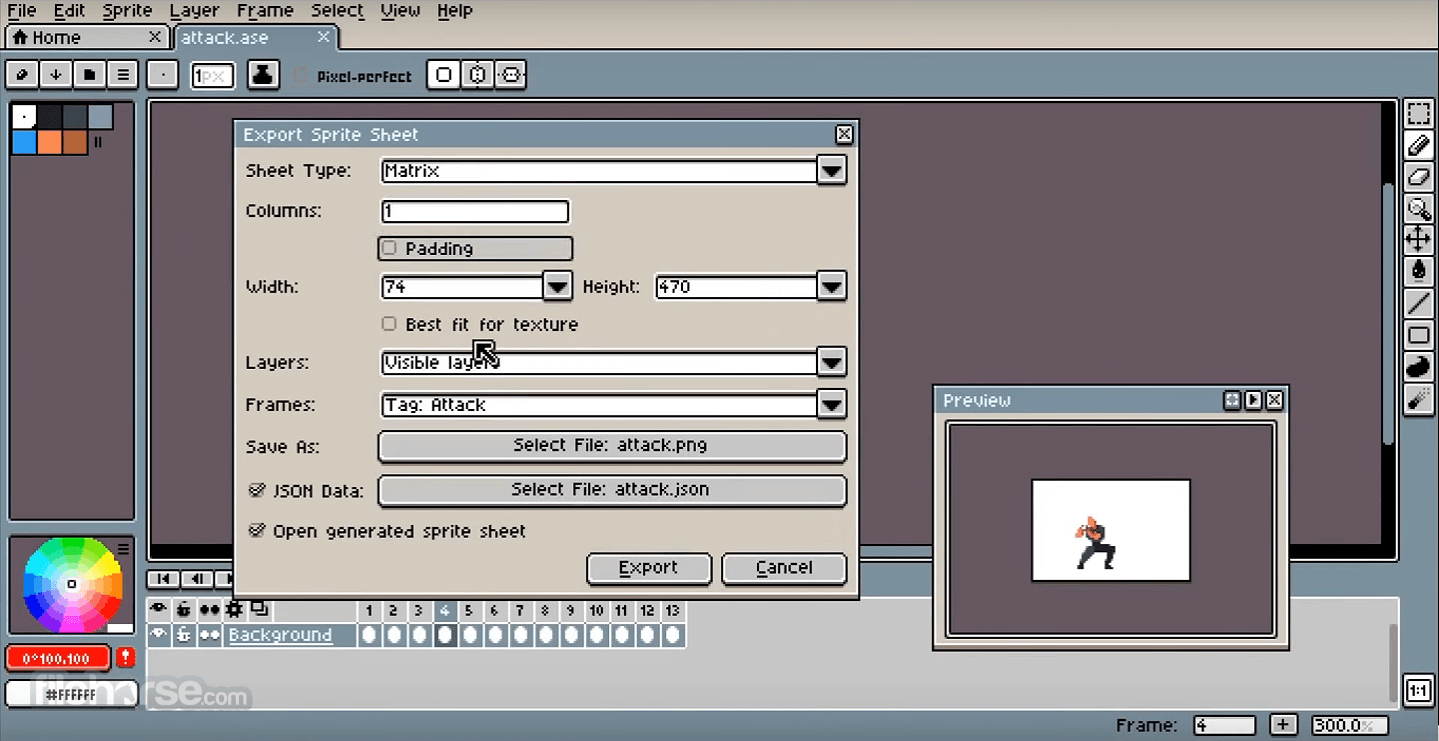
A frame is a single still image in a sprite. Adding and altering frames creates a sequence of images called an animation. The details of how Aseprite fpr Windows cycles through frames are described in greater detail in the animation section. Frames are represented horizontally in the timeline, from left to right.
Each frame's image is produced from a stack of one or more layers, represented in order from bottom to top on the timeline. Layers at the top of the timeline are drawn first, and every subsequent layer is added over the top of it. Layers assist you by divide a single complex image into separate graphic component parts.
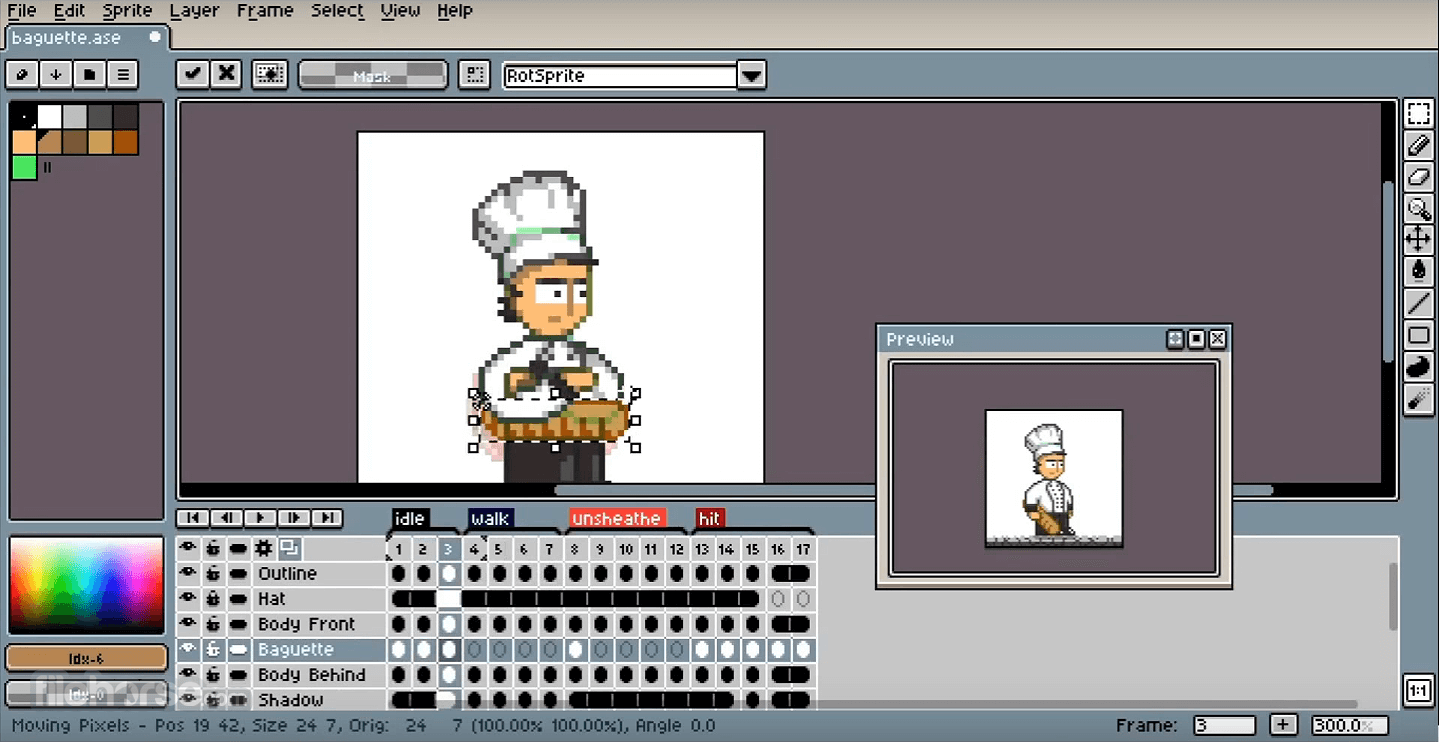
Each frame-layer intersection is called a cel. The contents of any specific cel may be moved, edited, and deleted without affecting the contents of other cels, which make them ideal for isolating and editing specific elements of a graphic while preserving parts that do not change.
Color
The color profile indicates which color space is meant to live the RGB values of the image. It is used to match RGB values in one device (e.g. your monitor, where you create your image) with another device (e.g. the user that will watch your image in her/his monitor). Images on the Internet generally use the sRGB color space.
Background from Layer
If there is no background layer, you can convert any transparent layer to the background using the Layers > Background from Layer menu. All transparent pixels will be filled with the active background color.
How to Use
Also Available: Download Aseprite for Mac
Download Aseprite Latest Version Why is this app published on FileHorse? (More info)
Basic Elements of a Sprite
A frame is a single still image in a sprite. Adding and altering frames creates a sequence of images called an animation. The details of how Aseprite fpr Windows cycles through frames are described in greater detail in the animation section. Frames are represented horizontally in the timeline, from left to right.
Each frame's image is produced from a stack of one or more layers, represented in order from bottom to top on the timeline. Layers at the top of the timeline are drawn first, and every subsequent layer is added over the top of it. Layers assist you by divide a single complex image into separate graphic component parts.
Each frame-layer intersection is called a cel. The contents of any specific cel may be moved, edited, and deleted without affecting the contents of other cels, which make them ideal for isolating and editing specific elements of a graphic while preserving parts that do not change.
Color
The color profile indicates which color space is meant to live the RGB values of the image. It is used to match RGB values in one device (e.g. your monitor, where you create your image) with another device (e.g. the user that will watch your image in her/his monitor). Images on the Internet generally use the sRGB color space.
Background from Layer
If there is no background layer, you can convert any transparent layer to the background using the Layers > Background from Layer menu. All transparent pixels will be filled with the active background color.
How to Use
- Install this software on your Windows PC
- Open Aseprite and create a new sprite project
- Use the toolbar to select drawing tools
- Choose colors from the palette on the right
- Draw pixel art frame by frame
- Use the timeline to manage animation frames
- Preview your animation with the play button
- Export your work as a .gif or .png
- Save your project for future edits
- OS: Windows 7, 8, 10, or 11 (64-bit)
- CPU: Intel/AMD processor with SSE2 support
- RAM: 2 GB minimum
- GPU: OpenGL 2.0 compatible graphics card
- Storage: At least 50 MB of free disk space
- User-friendly pixel art interface
- Powerful animation timeline tools
- Layer and onion skin support
- Customizable keyboard shortcuts
- Regular updates and active community
- Limited vector drawing capabilities
- Lacks advanced image editing tools
- May lag with large canvas sizes
- Export options can be a bit confusing
Also Available: Download Aseprite for Mac
Download Aseprite Latest Version Why is this app published on FileHorse? (More info)
##
影片介紹
##
畫面截圖
- 2026-08-12 Aseprite 1.3.18.2 8.69 MB
- 2026-07-24 Aseprite 1.3.18.1 8.61 MB
- 2026-07-23 Aseprite 1.3.18 8.71 MB
- 2026-06-17 Aseprite 1.3.17.2 8.57 MB
- 2025-12-16 Aseprite 1.3.16.1 8.11 MB
- 2025-12-11 Aseprite 1.3.16 8.11 MB
- 2025-10-04 Aseprite 1.3.15.4 7.92 MB
- 2025-07-17 Aseprite 1.3.14.4 7.9 MB