- 目前版本6.15.5
- 更新日期2026-02-20
- 檔案大小16.8 MB
- 檔案名稱birdfont-6.15.5-free.exe
- 作業系統Windows 10 / Windows 11
- 支援語系English
- 授權型式免費軟體
- 開發商 Johan Mattsson
- 軟體分類Windows 軟體 / 影像設計
##
翻譯排程處理中,以下暫以英文原文呈現
軟體介紹
BirdFont is an open-source font editor for Windows developed by Johan Mattsson. It focuses on simplicity and usability, offering a robust set of tools to create and edit font glyphs, adjust kerning, and export professional-grade fonts.
Whether you're working on a custom logotype or an entire font family, BirdFont offers the functionality you need without the steep learning curve of more complex font editors.
Main Features
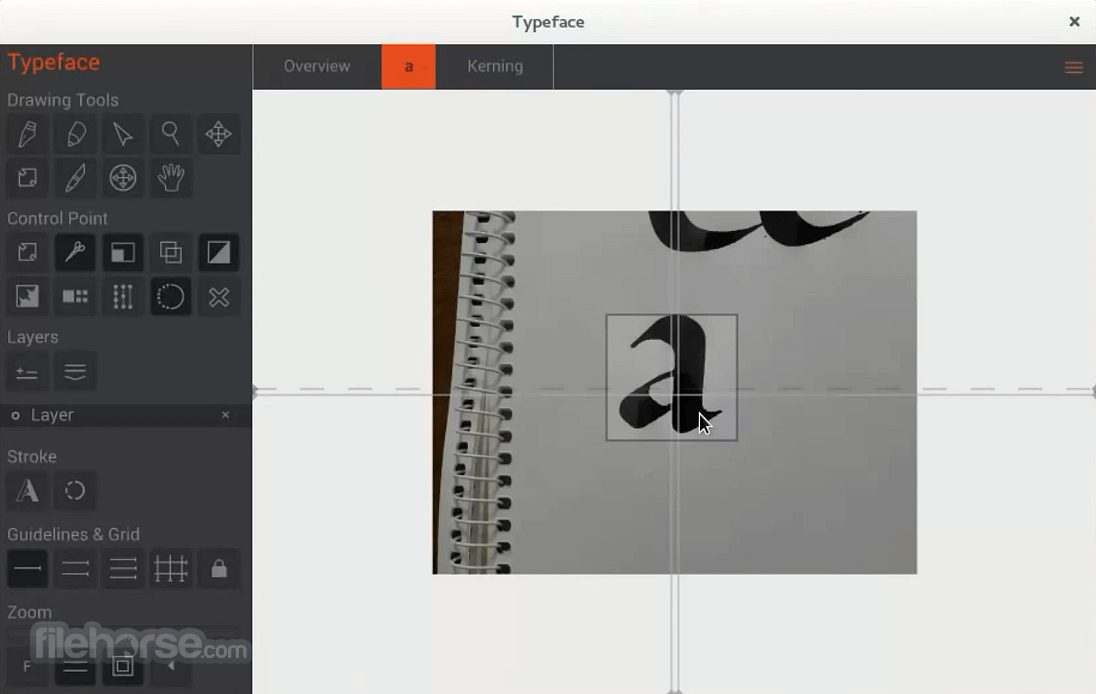
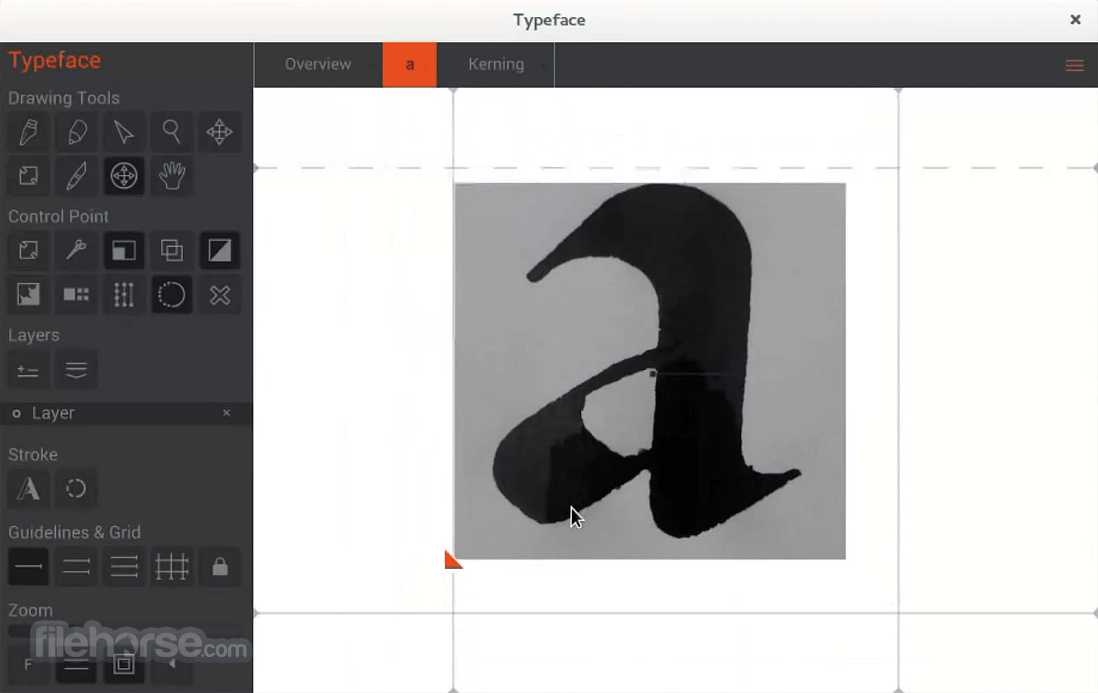
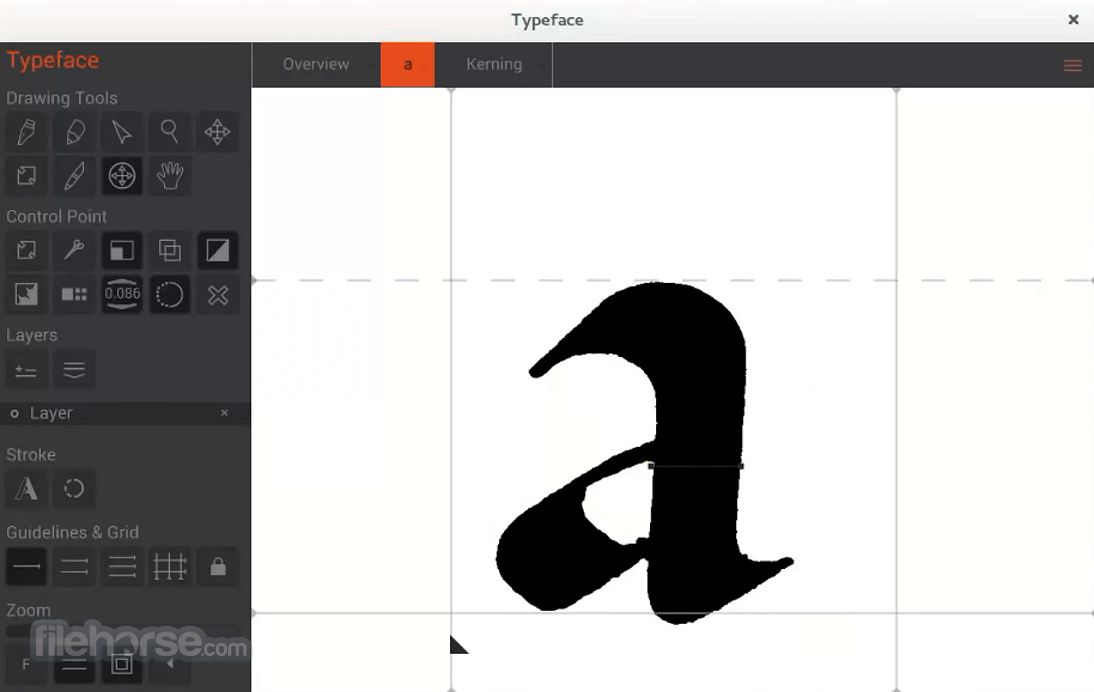
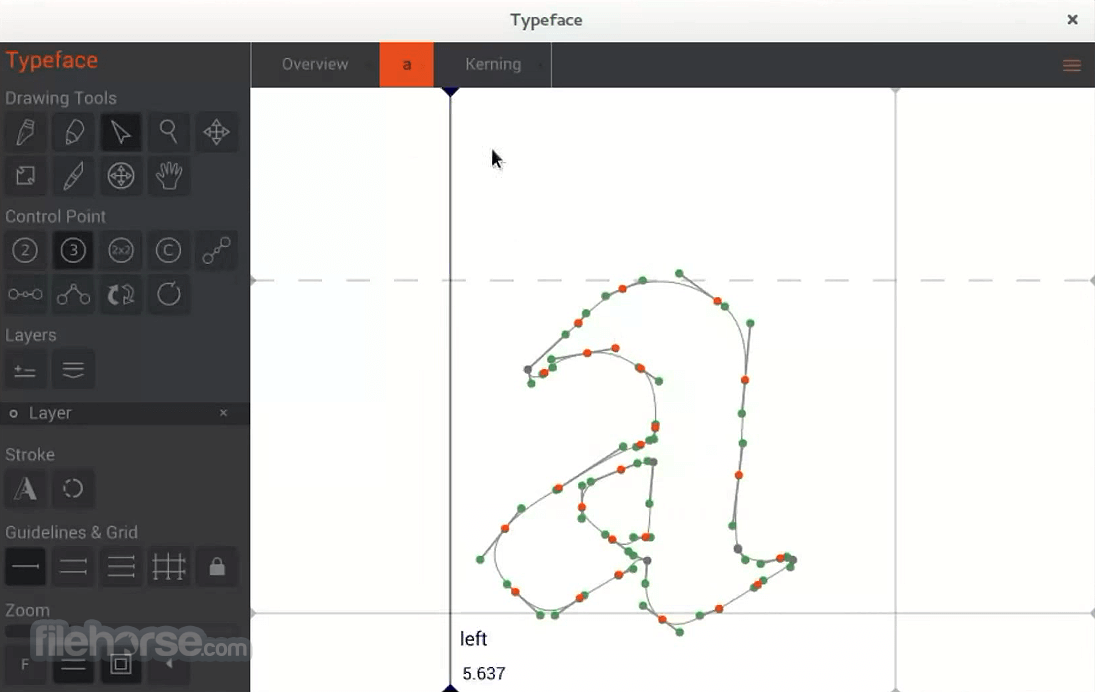
BirdFont’s UI is clean and relatively simple to navigate. The workspace includes a glyph editor, toolbar, and overview panel.
The editor is responsive, with tools like pen, brush, and transformation tools laid out clearly.
Although not flashy, the interface focuses on function over form and offers an efficient working environment.
How to Use
Is BirdFont free?
Yes, BirdFont is free for personal use. A one-time fee is required for commercial use.
Can I create color fonts?
Yes, it supports SVG-in-OpenType, which allows for the creation of color fonts.
What file formats does BirdFont support for export?
TTF, OTF, EOT, and SVG.
Can I import existing fonts to edit them?
No, BirdFont does not support importing full TTF/OTF fonts for editing.
Is there a user manual or tutorial?
Yes, tutorials and documentation are available on the official website.
Alternatives
FontLab – Professional, premium font editor
FontCreator – The font editing tools you need to make new fonts or edit existing fonts
Affinity Designer – Not a font editor but useful for SVG glyph design
Pricing
BirdFont is free for personal use. For commercial usage, a license can be purchased for a one-time fee of around $5–$10 depending on the version.
System Requirements
BirdFont is a fantastic entry-level font editor for Windows users who want to explore type design. It strikes a balance between functionality and ease of use, making it perfect for hobbyists, designers, and even small businesses looking to create custom fonts.
Note: You need a commercial license if you want to create proprietary fonts.
Also Available: Download BirdFont for Mac
Download BirdFont Latest Version Why is this app published on FileHorse? (More info)
Whether you're working on a custom logotype or an entire font family, BirdFont offers the functionality you need without the steep learning curve of more complex font editors.
Main Features
- Draw glyphs using Bézier curves with intuitive path tools
- Import SVG files for glyphs or use as guides
- Create color fonts with SVG-in-OpenType support
- Spacing and kerning adjustment tools
- Multiple layers and glyph overview for easier editing
- Grid snapping and measurements for precise design
- Export fonts to TTF, OTF, EOT, and SVG formats
BirdFont’s UI is clean and relatively simple to navigate. The workspace includes a glyph editor, toolbar, and overview panel.
The editor is responsive, with tools like pen, brush, and transformation tools laid out clearly.
Although not flashy, the interface focuses on function over form and offers an efficient working environment.
How to Use
- Launch BirdFont and create a new project.
- Select a glyph (e.g., A, B, C) and start drawing using the pen tool or import an SVG file.
- Adjust nodes, handles, and curves using the editor.
- Modify spacing and kerning using the built-in metrics tools.
- Preview the font and export it in your desired format.
Is BirdFont free?
Yes, BirdFont is free for personal use. A one-time fee is required for commercial use.
Can I create color fonts?
Yes, it supports SVG-in-OpenType, which allows for the creation of color fonts.
What file formats does BirdFont support for export?
TTF, OTF, EOT, and SVG.
Can I import existing fonts to edit them?
No, BirdFont does not support importing full TTF/OTF fonts for editing.
Is there a user manual or tutorial?
Yes, tutorials and documentation are available on the official website.
Alternatives
FontLab – Professional, premium font editor
FontCreator – The font editing tools you need to make new fonts or edit existing fonts
Affinity Designer – Not a font editor but useful for SVG glyph design
Pricing
BirdFont is free for personal use. For commercial usage, a license can be purchased for a one-time fee of around $5–$10 depending on the version.
System Requirements
- OS: Windows 11, 10, 8 or 7
- RAM: 2 GB minimum
- Disk Space: ~200 MB
- Display: 1024x768 or higher recommended
- Free for personal use
- Easy to learn and use
- Supports color fonts
- Regular updates
- Cross-platform
- Limited import capabilities
- Not suitable for advanced typographic work
- Lacks some high-end features found in professional editors
BirdFont is a fantastic entry-level font editor for Windows users who want to explore type design. It strikes a balance between functionality and ease of use, making it perfect for hobbyists, designers, and even small businesses looking to create custom fonts.
Note: You need a commercial license if you want to create proprietary fonts.
Also Available: Download BirdFont for Mac
Download BirdFont Latest Version Why is this app published on FileHorse? (More info)
##
畫面截圖