- 目前版本6.27
- 更新日期2025-10-23
- 檔案大小72.3 MB
- 檔案名稱ccsetup627pro.exe
- 作業系統Windows XP / Vista / Windows 7 / Windows 8 / Windows 10 / Windows 11
- 支援語系English
- 授權型式商業試用
- 開發商 Gen Digital Inc.
- 軟體分類Windows 軟體 / 系統優化
##
翻譯排程處理中,以下暫以英文原文呈現
軟體介紹
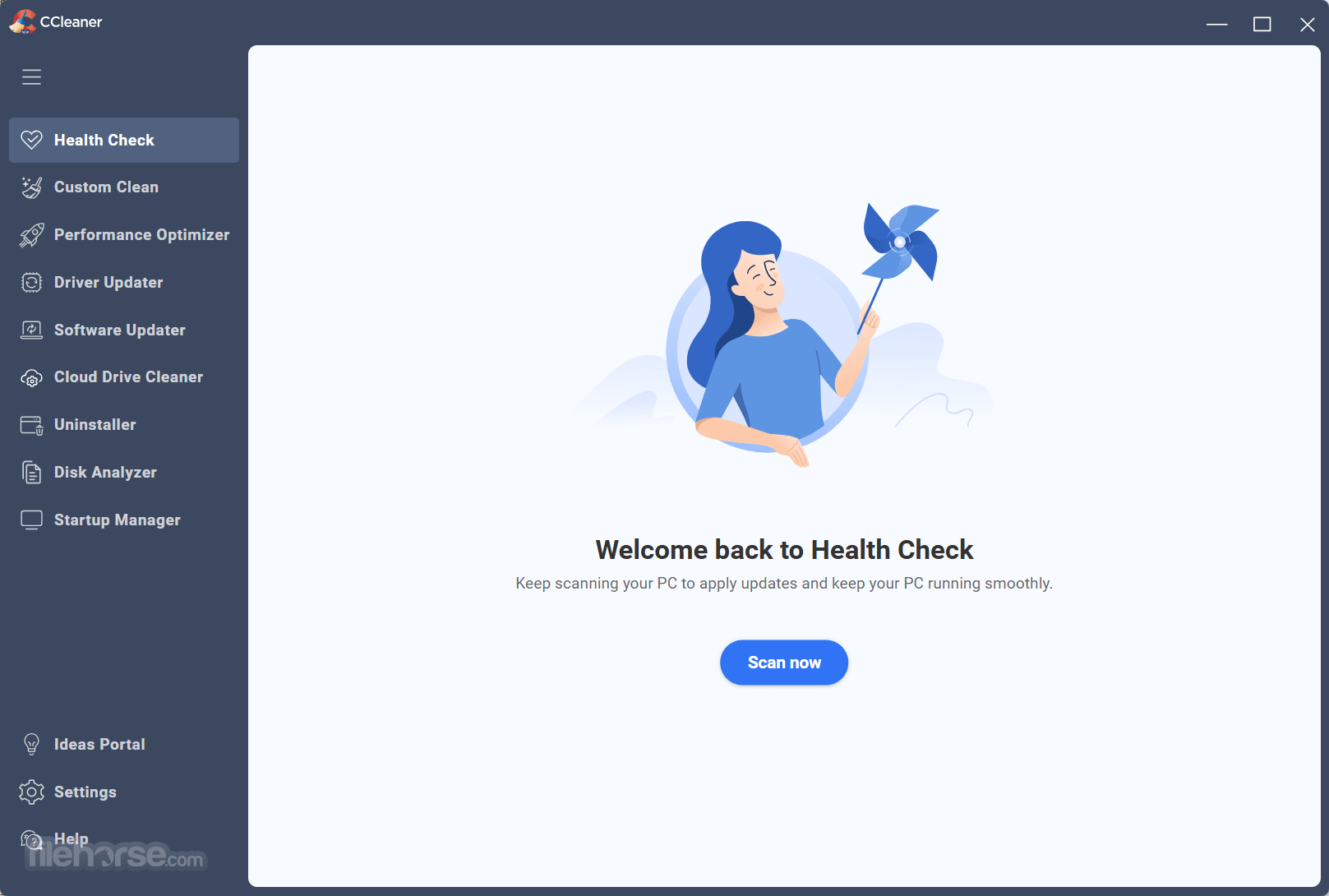
CCleaner Professional is the most powerful version of Piriform's celebrated Windows PC cleaner. It makes it easy to speed up a slow computer and keep your activity private — automatically and in the background.
Trusted by millions and critically acclaimed, there’s a reason why CCleaner Pro is the world’s favorite PC optimization tool! Easy to use, one-click cleaning so beginners can optimize their computers in seconds. Plus, it's packed with advanced features for power users.
What`s New
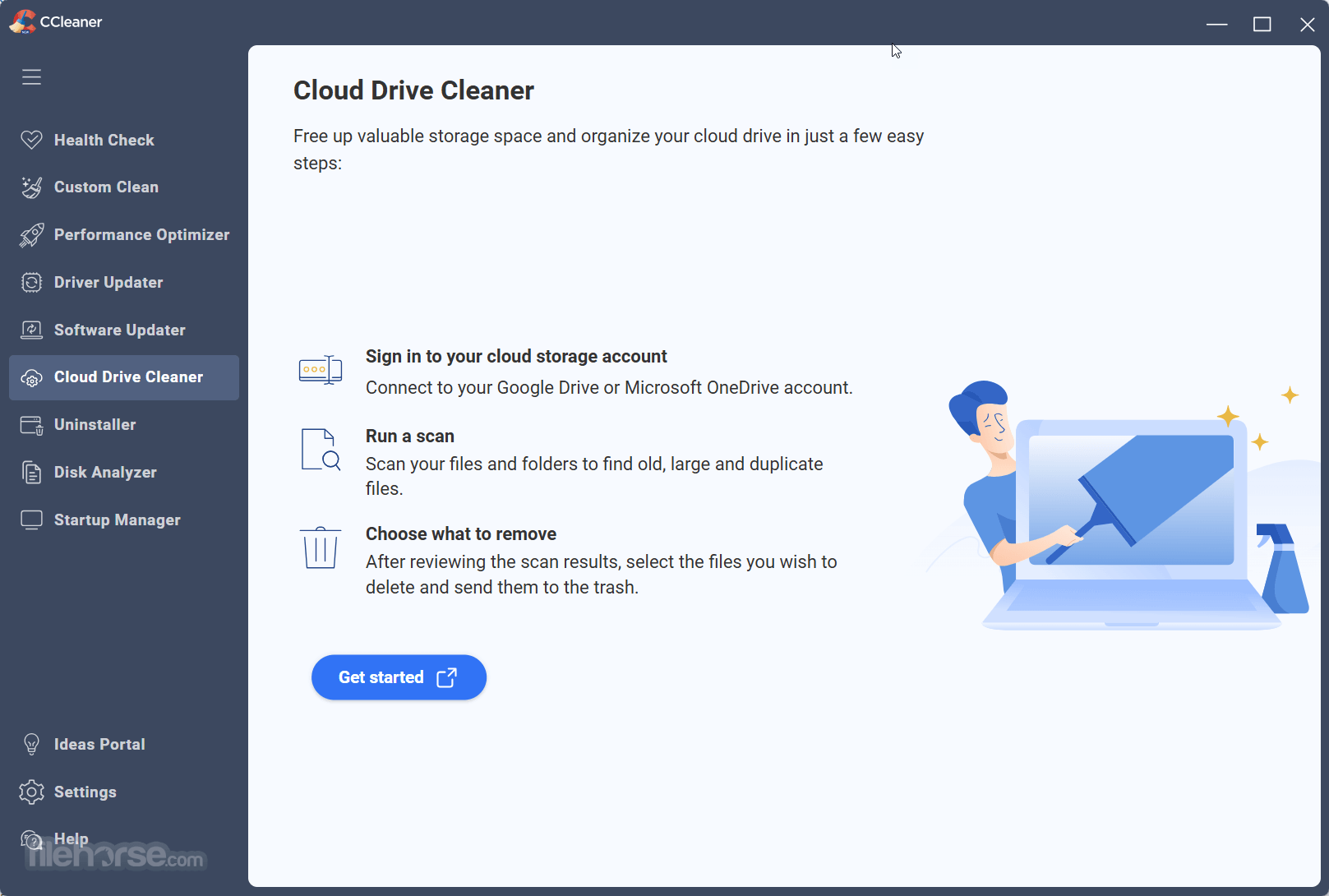
Take back control of your Google Drive cloud. Scan it for duplicates, large and old files. Quickly see how much space you can free up and choose what to delete. Reclaim valuable space easily and fast with Cloud Drive Cleaner.
These are some of the features you get with CCleaner Pro:
Automatic Updates
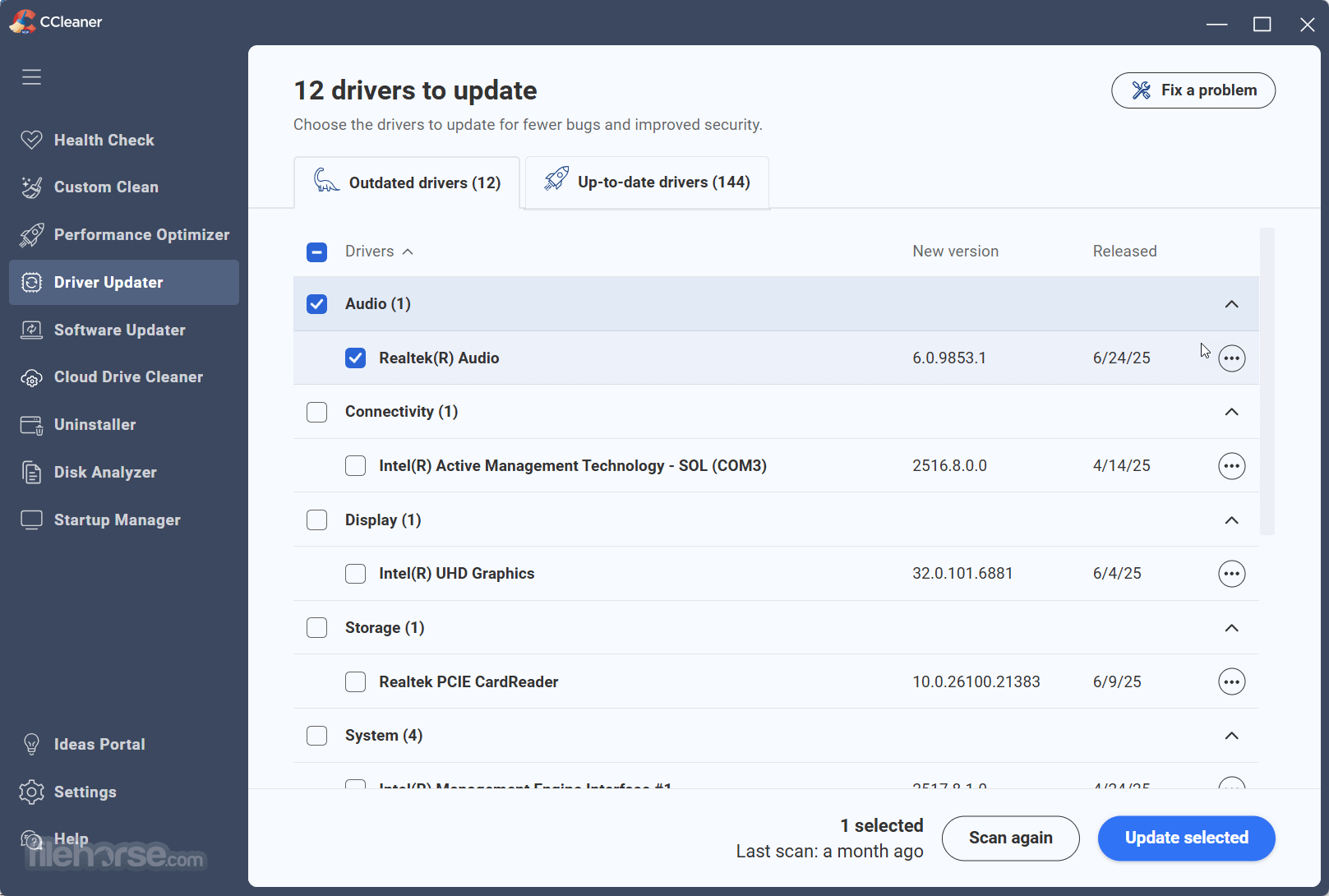
Windows and browsers constantly evolve. CCleaner Pro updates once a month to stay on top! Outdated apps are a security risk. Old software can have vulnerabilities, which are quickly discovered and shared amongst cybercriminals. The app updates your software automatically to close security holes before they can be found.
Faster Computer
Is your computer running slow? As it gets older it collects unused files and settings which take up hard drive space making it slower and slower. It cleans up these files and makes it faster instantly.
Safer Browsing
Advertisers and websites track your behavior online with cookies that stay on your computer. It erases your web browser search history and cookies so any internet browsing you do stays confidential and your identity remains anonymous.
Automatic Cleaning
Regularly cleans junk files to keep your computer running smoothly.
Automatic Privacy Protection
Clears history and cookies when you're not using your web browser.
Fewer Errors & Crashes
Over time your registry can become cluttered with errors and broken settings which lead to crashes. CCleaner’s patented registry cleaner clears out this clutter to make your PC more stable.
Quicker Startup
Many programs run silently in the background when you start up your computer. It helps you get to work or play faster by letting you disable unneeded programs.
Installation and Setup
Cleaning Your System
Navigate to the "Custom Clean" tab, select the areas you want to clean (e.g., browsers, system cache, recycle bin), and click "Analyze." Review the suggested items and click "Run Cleaner."
Optimizing the Registry
Access the "Registry" tab, scan for issues, and click "Fix Selected Issues" to repair registry errors. Always back up the registry when prompted.
Managing Startup Programs
Under the "Tools" tab, click on "Startup" to enable, disable, or delete programs from the startup list, speeding up boot times.
Scheduling Automated Cleaning
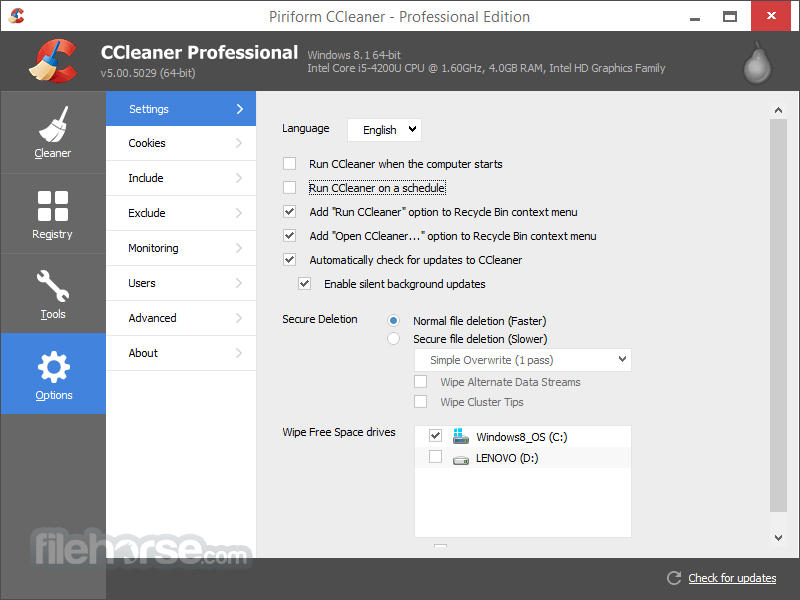
Go to "Options," select "Scheduling," and set up a routine for automatic cleaning based on your preferences.
Updating Applications
Use the "Software Updater" tool to scan for outdated applications and update them with a single click.
FAQ
Can CCleaner Professional harm my system by deleting essential files?
No. This program is designed to identify only unnecessary files. However, reviewing the items before confirming deletion is advisable.
Does CCleaner Professional support macOS?
Yes, but features vary slightly. The version reviewed here focuses on the Windows platform.
Is there a free version of CCleaner?
Yes, but it lacks several premium features like real-time monitoring, automatic updates, and scheduling.
Can CCleaner Professional speed up my PC?
Yes, by removing junk files, optimizing the registry, and disabling unnecessary startup programs.
Does CCleaner Professional work with older versions of Windows?
Yes, it supports Windows 7 and newer versions.
Alternatives
Ashampoo WinOptimizer: Provides similar cleaning and optimization tools at a competitive price.
Glary Utilities Pro: Offers a wide range of utilities for system maintenance.
Wise Care 365 Pro: A budget-friendly alternative with effective cleaning and speedup features.
Pricing
CCleaner Professional is available for $39.95 per year for a single PC license.
Piriform also offers CCleaner Professional Plus, which supports up to three PCs and includes additional tools for disk defragmentation and file recovery.
System Requirements
Download CCleaner Professional Latest Version Why is this app published on FileHorse? (More info)
Trusted by millions and critically acclaimed, there’s a reason why CCleaner Pro is the world’s favorite PC optimization tool! Easy to use, one-click cleaning so beginners can optimize their computers in seconds. Plus, it's packed with advanced features for power users.
- Faster Computer
- Privacy Protection
- Real-time Monitoring
- Scheduled Cleaning
- Automatic Updates
- Premium Support
What`s New
- Enhanced Uninstaller: Reliably remove apps using the upgraded uninstall engine, skip pop-ups, delete multiple programs at once, and clear leftover files.
- Improved Disk Analyzer: Detect and remove duplicate files in bulk with flexible deletion and preview options.
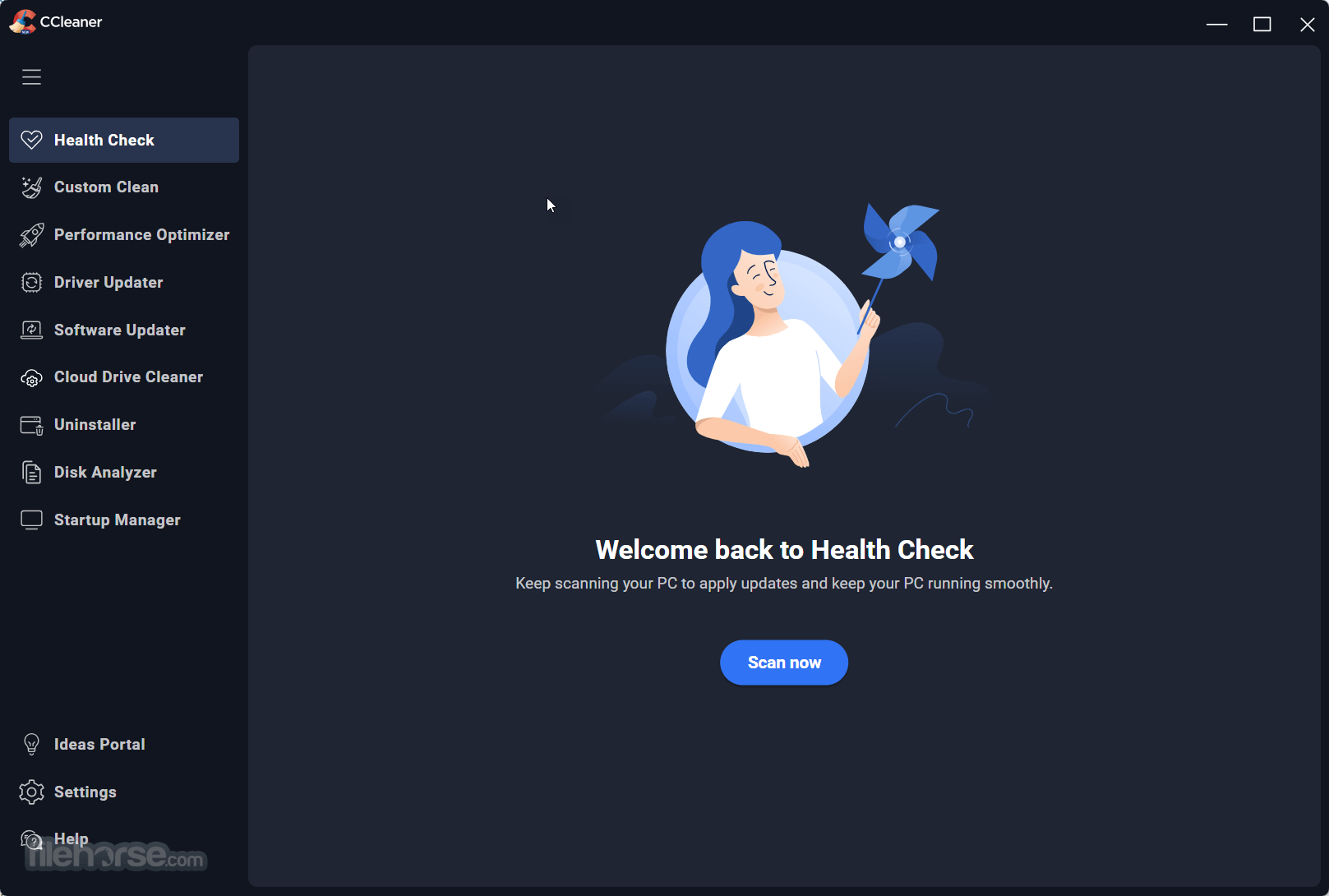
- Sleek New Design: A modern, responsive interface with full customization features, including the new dark mode.
- Expanded Support: Now fully compatible with ARM64 architecture for next-generation devices.
Take back control of your Google Drive cloud. Scan it for duplicates, large and old files. Quickly see how much space you can free up and choose what to delete. Reclaim valuable space easily and fast with Cloud Drive Cleaner.
These are some of the features you get with CCleaner Pro:
Automatic Updates
Windows and browsers constantly evolve. CCleaner Pro updates once a month to stay on top! Outdated apps are a security risk. Old software can have vulnerabilities, which are quickly discovered and shared amongst cybercriminals. The app updates your software automatically to close security holes before they can be found.
Faster Computer
Is your computer running slow? As it gets older it collects unused files and settings which take up hard drive space making it slower and slower. It cleans up these files and makes it faster instantly.
Safer Browsing
Advertisers and websites track your behavior online with cookies that stay on your computer. It erases your web browser search history and cookies so any internet browsing you do stays confidential and your identity remains anonymous.
Automatic Cleaning
Regularly cleans junk files to keep your computer running smoothly.
Automatic Privacy Protection
Clears history and cookies when you're not using your web browser.
Fewer Errors & Crashes
Over time your registry can become cluttered with errors and broken settings which lead to crashes. CCleaner’s patented registry cleaner clears out this clutter to make your PC more stable.
Quicker Startup
Many programs run silently in the background when you start up your computer. It helps you get to work or play faster by letting you disable unneeded programs.
Installation and Setup
- Download the app installer from the official website or FileHorse.
- Run the setup file and follow the on-screen instructions.
- Activate the Professional version by entering the license key sent via email.
- Once installed, the software launches with a guided walkthrough for first-time users, helping them understand key features.
Cleaning Your System
Navigate to the "Custom Clean" tab, select the areas you want to clean (e.g., browsers, system cache, recycle bin), and click "Analyze." Review the suggested items and click "Run Cleaner."
Optimizing the Registry
Access the "Registry" tab, scan for issues, and click "Fix Selected Issues" to repair registry errors. Always back up the registry when prompted.
Managing Startup Programs
Under the "Tools" tab, click on "Startup" to enable, disable, or delete programs from the startup list, speeding up boot times.
Scheduling Automated Cleaning
Go to "Options," select "Scheduling," and set up a routine for automatic cleaning based on your preferences.
Updating Applications
Use the "Software Updater" tool to scan for outdated applications and update them with a single click.
FAQ
Can CCleaner Professional harm my system by deleting essential files?
No. This program is designed to identify only unnecessary files. However, reviewing the items before confirming deletion is advisable.
Does CCleaner Professional support macOS?
Yes, but features vary slightly. The version reviewed here focuses on the Windows platform.
Is there a free version of CCleaner?
Yes, but it lacks several premium features like real-time monitoring, automatic updates, and scheduling.
Can CCleaner Professional speed up my PC?
Yes, by removing junk files, optimizing the registry, and disabling unnecessary startup programs.
Does CCleaner Professional work with older versions of Windows?
Yes, it supports Windows 7 and newer versions.
Alternatives
Ashampoo WinOptimizer: Provides similar cleaning and optimization tools at a competitive price.
Glary Utilities Pro: Offers a wide range of utilities for system maintenance.
Wise Care 365 Pro: A budget-friendly alternative with effective cleaning and speedup features.
Pricing
CCleaner Professional is available for $39.95 per year for a single PC license.
Piriform also offers CCleaner Professional Plus, which supports up to three PCs and includes additional tools for disk defragmentation and file recovery.
System Requirements
- Runs on Microsoft Windows 11, 10, 8.1, and 7. Including both 32-bit and 64-bit versions.
- Processor: Intel or AMD, 1 GHz or faster
- RAM: 1 GB minimum
- Disk Space: 50 MB free storage
- New Cloud Drive cleaner
- User-friendly interface
- Comprehensive cleaning and optimization features
- Real-time monitoring and automatic updates
- Affordable pricing for professional tools
- Reliable customer support
- Some features may feel redundant to advanced users
- Occasional false positives in registry scans
- Requires periodic manual review to avoid over-cleaning
Download CCleaner Professional Latest Version Why is this app published on FileHorse? (More info)
##
影片介紹
##
畫面截圖