Cent Browser 5.2.1168.83 (32-bit)
v 5.2.1168.83 (32-bit)
Windows
免費軟體
8.76/10 (301)
- 目前版本5.2.1168.83 (32-bit)
- 更新日期2025-08-28
- 檔案大小96.6 MB
- 檔案名稱centbrowser_5.2.1168.83.exe
- 作業系統Windows 7 / Windows 8 / Windows 10
- 支援語系English
- 授權型式免費軟體
- 開發商 Cent Studio
- 軟體分類Windows 軟體 / 瀏覽器與外掛
##
翻譯排程處理中,以下暫以英文原文呈現
軟體介紹
Cent Browser 32-bit is a free, enhanced web browser for Windows PCs, built upon the Chromium engine. It offers a range of additional features designed to improve user experience, customization, and efficiency.
The best alternative to this browser is Opera - Faster, Safer, Smarter - Download NOW!
Features
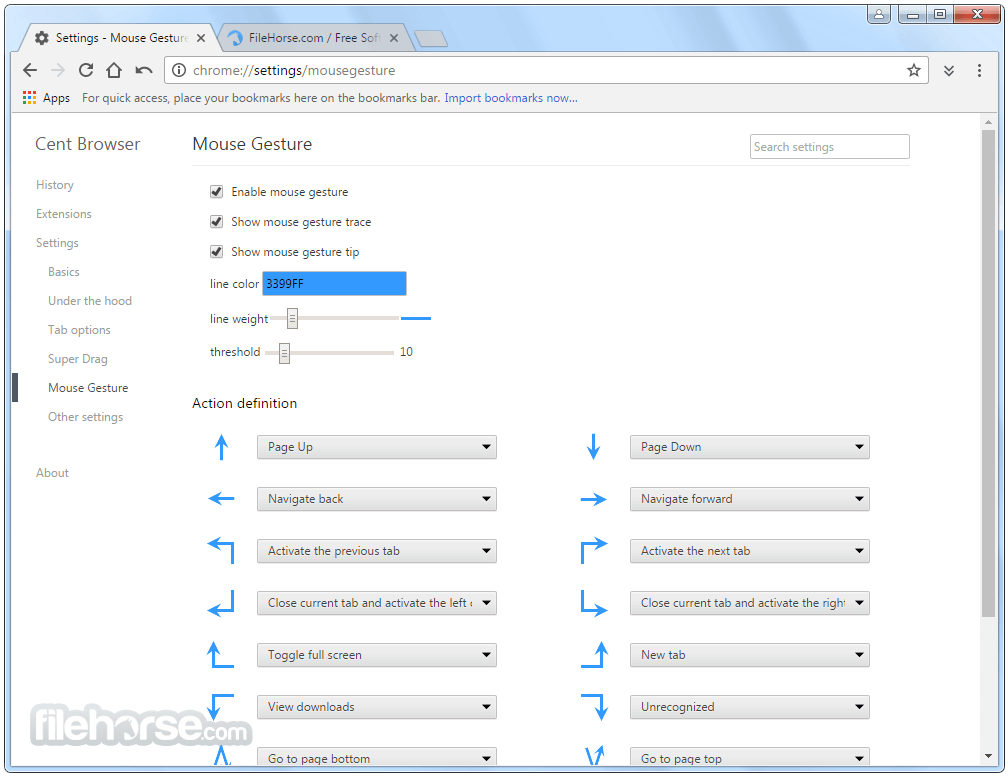
Mouse Gestures: Navigate the web effortlessly by holding the right mouse button and performing predefined movements to execute commands like forward, back, reload, and more.
Super Drag: Easily open links or search selected text by dragging and dropping with the left mouse button.
Scrollable Tab Bar: Manage numerous open tabs efficiently with a scrollable tab bar, allowing for easy navigation when tabs exceed the window's width.
Incognito Tab: Open private browsing sessions in new tabs instead of separate windows, streamlining the browsing experience.
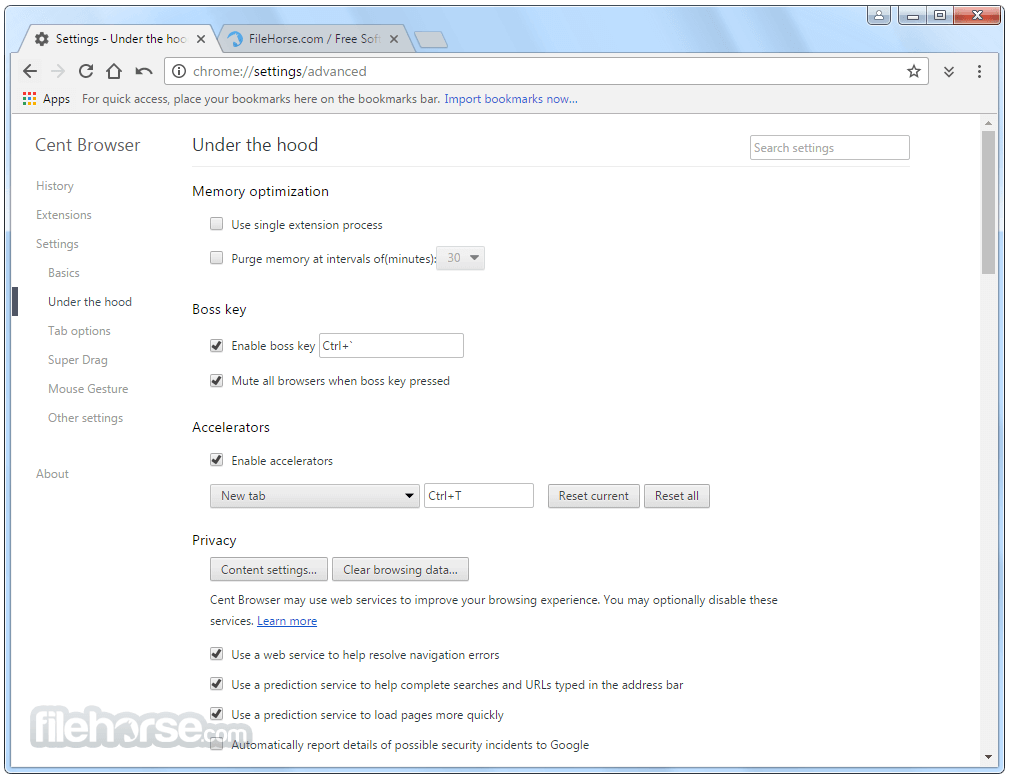
Memory Optimization: Features like lazy session loading and automatic memory optimization help reduce system resource usage.
User Interface
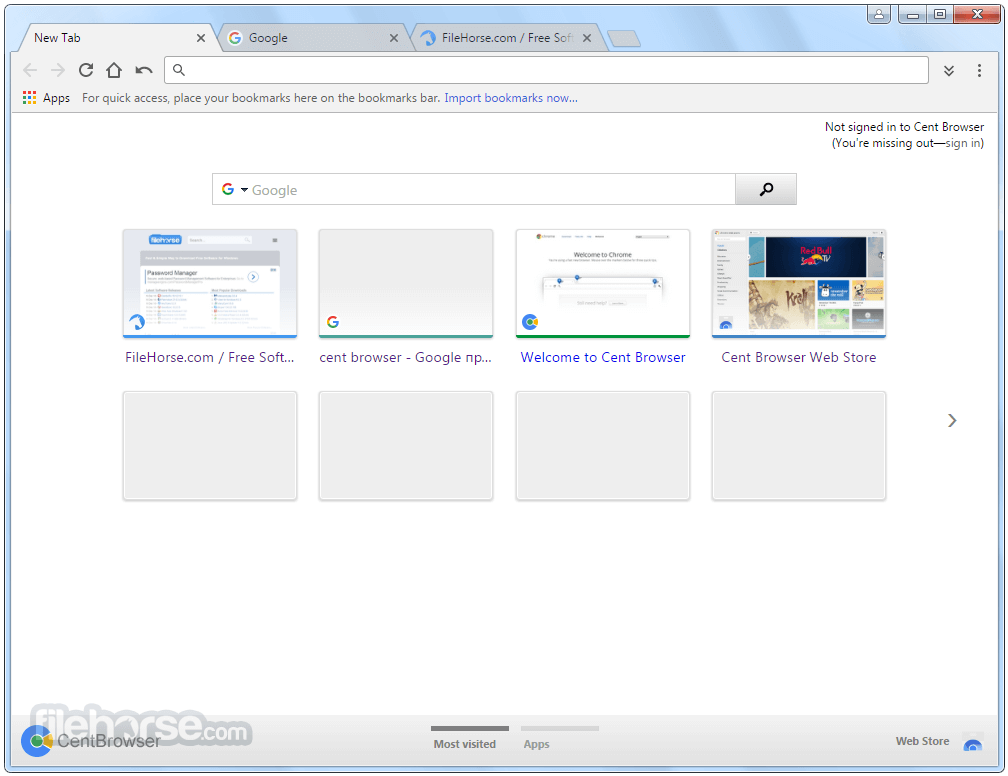
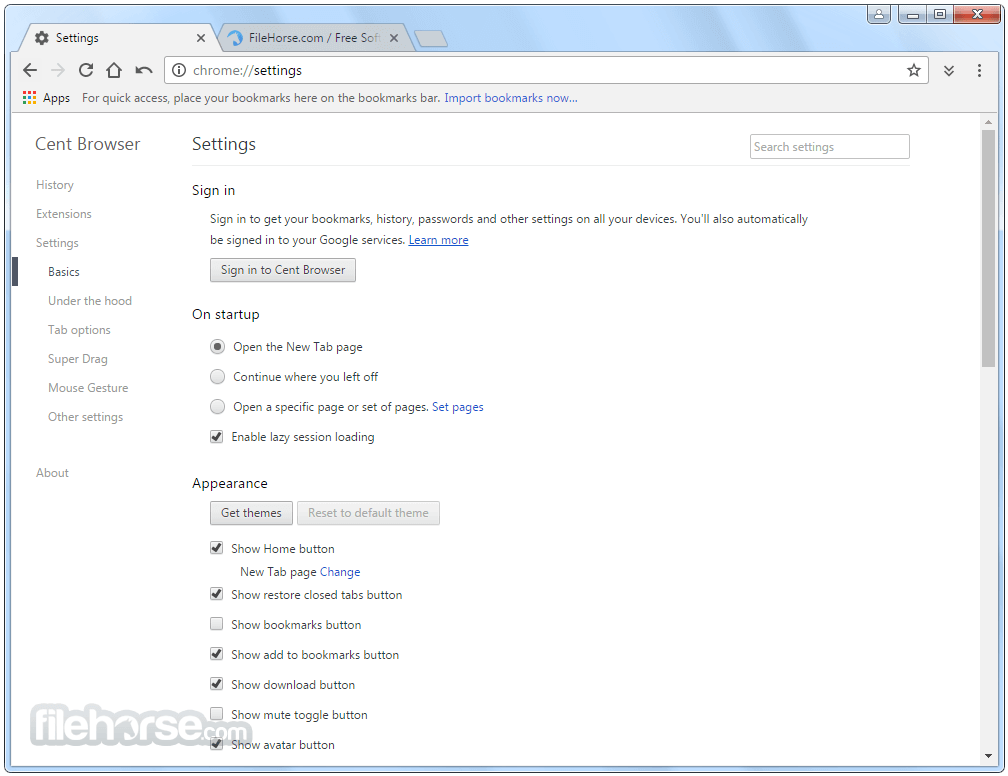
Cent Browser maintains a familiar Chromium interface with added customization options. Users can adjust tab behavior, enable or disable features like the bookmark bar, and personalize mouse gesture configurations to suit their browsing habits.
Installation and Setup
Download: Obtain the installer from the official website or FileHorse.
Install: Run the downloaded file and follow the on-screen instructions to complete the installation.
Launch: Open Cent Browser; it will import settings from your default browser, or you can customize preferences manually.
How to Use
Navigating with Mouse Gestures: Enable mouse gestures in settings. Hold the right mouse button and move the mouse in specific directions to perform actions like refreshing the page or opening a new tab.
Using Super Drag: Drag and drop links or selected text with the left mouse button to open them in a new tab or perform a quick search.
Managing Tabs: Scroll through open tabs using the mouse wheel when the cursor is over the tab bar.
FAQs
Is Cent Browser free to use?
Yes, Cent Browser 32bit is completely FREE for all users.
Can I install extensions from the Chrome Web Store?
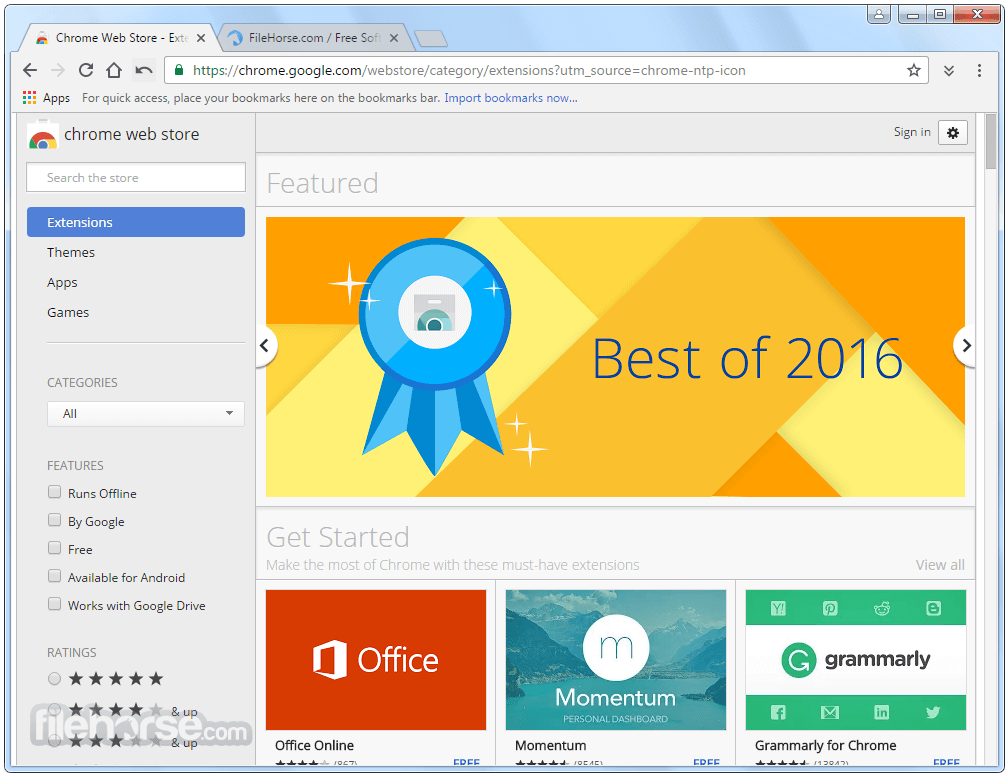
Yes, being Chromium-based, Cent Browser supports extensions from the Chrome Web Store.
How do I enable mouse gestures?
Go to Settings > Mouse > Enable Mouse Gesture.
Does Cent Browser support portable installation?
Yes, a portable version is available for use without installation.
How can I update Cent Browser?
Cent Browser includes an auto-update feature, or you can manually check for updates in the About section.
Alternatives
Google Chrome – The standard Chromium-based browser with Google services.
Microsoft Edge – Chromium-powered with enhanced security and performance.
Vivaldi – Highly customizable browser with a focus on privacy and productivity.
Brave – Privacy-focused browser with built-in ad-blocking and cryptocurrency integration.
System Requirements
Operating System: Windows 7, 8, 10 or 11
Processor: Intel Pentium 4 or later
RAM: 512 MB minimum
Disk Space: 200 MB of free space
PROS
Cent Browser (32-bit) offers a robust browsing experience with its enhanced features and customization options, making it a compelling choice for users seeking more control over their web interactions.
While it may lack extensive official support, its compatibility with Chrome extensions and user-friendly enhancements make it a noteworthy alternative in the browser landscape.
Also Available: Cent Browser (64-bit)
Download Cent Browser (32-bit) Latest Version Why is this app published on FileHorse? (More info)
The best alternative to this browser is Opera - Faster, Safer, Smarter - Download NOW!
Features
Mouse Gestures: Navigate the web effortlessly by holding the right mouse button and performing predefined movements to execute commands like forward, back, reload, and more.
Super Drag: Easily open links or search selected text by dragging and dropping with the left mouse button.
Scrollable Tab Bar: Manage numerous open tabs efficiently with a scrollable tab bar, allowing for easy navigation when tabs exceed the window's width.
Incognito Tab: Open private browsing sessions in new tabs instead of separate windows, streamlining the browsing experience.
Memory Optimization: Features like lazy session loading and automatic memory optimization help reduce system resource usage.
User Interface
Cent Browser maintains a familiar Chromium interface with added customization options. Users can adjust tab behavior, enable or disable features like the bookmark bar, and personalize mouse gesture configurations to suit their browsing habits.
Installation and Setup
Download: Obtain the installer from the official website or FileHorse.
Install: Run the downloaded file and follow the on-screen instructions to complete the installation.
Launch: Open Cent Browser; it will import settings from your default browser, or you can customize preferences manually.
How to Use
Navigating with Mouse Gestures: Enable mouse gestures in settings. Hold the right mouse button and move the mouse in specific directions to perform actions like refreshing the page or opening a new tab.
Using Super Drag: Drag and drop links or selected text with the left mouse button to open them in a new tab or perform a quick search.
Managing Tabs: Scroll through open tabs using the mouse wheel when the cursor is over the tab bar.
FAQs
Is Cent Browser free to use?
Yes, Cent Browser 32bit is completely FREE for all users.
Can I install extensions from the Chrome Web Store?
Yes, being Chromium-based, Cent Browser supports extensions from the Chrome Web Store.
How do I enable mouse gestures?
Go to Settings > Mouse > Enable Mouse Gesture.
Does Cent Browser support portable installation?
Yes, a portable version is available for use without installation.
How can I update Cent Browser?
Cent Browser includes an auto-update feature, or you can manually check for updates in the About section.
Alternatives
Google Chrome – The standard Chromium-based browser with Google services.
Microsoft Edge – Chromium-powered with enhanced security and performance.
Vivaldi – Highly customizable browser with a focus on privacy and productivity.
Brave – Privacy-focused browser with built-in ad-blocking and cryptocurrency integration.
System Requirements
Operating System: Windows 7, 8, 10 or 11
Processor: Intel Pentium 4 or later
RAM: 512 MB minimum
Disk Space: 200 MB of free space
PROS
- Rich feature set enhances browsing efficiency.
- Highly customizable to user preferences.
- Supports Chrome extensions.
- Limited official documentation may pose a learning curve.
- Less frequent updates compared to major browsers.
Cent Browser (32-bit) offers a robust browsing experience with its enhanced features and customization options, making it a compelling choice for users seeking more control over their web interactions.
While it may lack extensive official support, its compatibility with Chrome extensions and user-friendly enhancements make it a noteworthy alternative in the browser landscape.
Also Available: Cent Browser (64-bit)
Download Cent Browser (32-bit) Latest Version Why is this app published on FileHorse? (More info)
##
畫面截圖