- 目前版本6.4
- 更新日期2025-11-19
- 作業系統Windows 10 / Windows 11
- 支援語系English
- 授權型式未分類
- 開發商 Comsol Inc.
- 軟體分類Windows 軟體 / 影像設計
##
翻譯排程處理中,以下暫以英文原文呈現
軟體介紹
Comsol Multiphysics is a new entrant in the field of finite element analysis, solver, and multiphysics simulation software.
Built on top of the cross-platform base, this computer-aided engineering tool allows professional users to integrate their projects from the fields of electrical, mechanical, fluid, acoustics, and chemical applications into a single unified workflow of this advanced IDE (Integrated Development Environment) platform.
The powerful simulation engine of Comsol Multiphysics can be used for a complete evaluation of all steps in modeling workflows, from defining geometries, material properties, and all the physic forces present.
With all those elements present, complex physics emulation can provide you accurate and trustworthy results that describe all the effects of the specific coupled or multiphysics phenomena.
Today, this program is used by engineers, manufacturing designers, and from all four corners of the world.
To make this application easier to integrate into existing projects, this software can be controlled externally via Java and LiveLink for MATLAB APIs, and larger projects can be synchronized with the included COMSOL Server application.
This app comes with 30-addon products that can help you more easily define the initial parameters of your project, with full support for the custom expansion of the capabilities of the application with dedicated physics interfaces and addons for specific electrical, mechanical, fluid flow, chemical applications, technical computing, CAD and ECAD applications.
Features and Highlights
Installation and Use
Comsol Multiphysics is a large and comprehensive professional multiphysics simulation software. It comes in an installation package that is a bit over 4 GB in size, and it requires more than 5 GB of free space on your local storage.
It is also highly recommended to give it as much RAM memory as you can, or at least 4GB per processor core.
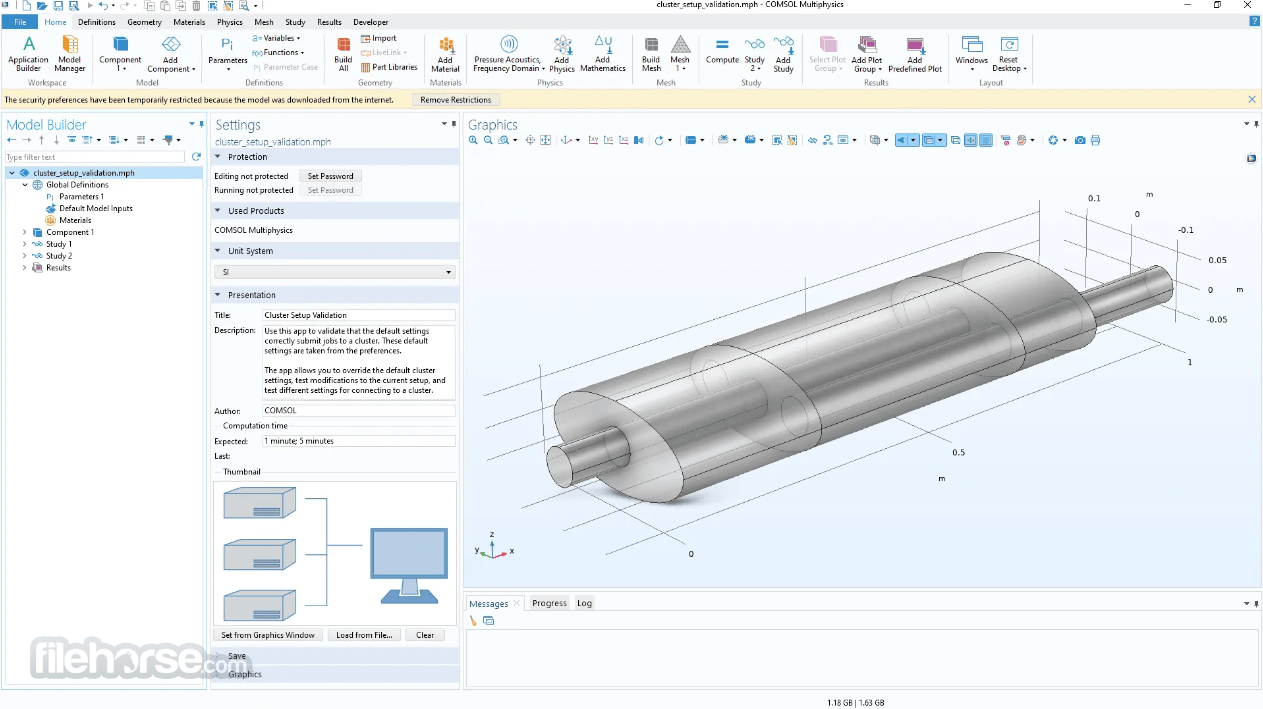
The user interface of the app is streamlined for easy use, but the presence of a wide variety of tools make it optimized for use by seasoned professionals who want to take full advantage from the detailed physics processing and various tools and service available inside this IDE.
General Updates
CAD and Mesh
Download Comsol Multiphysics Latest Version Why is this app published on FileHorse? (More info)
Built on top of the cross-platform base, this computer-aided engineering tool allows professional users to integrate their projects from the fields of electrical, mechanical, fluid, acoustics, and chemical applications into a single unified workflow of this advanced IDE (Integrated Development Environment) platform.
The powerful simulation engine of Comsol Multiphysics can be used for a complete evaluation of all steps in modeling workflows, from defining geometries, material properties, and all the physic forces present.
With all those elements present, complex physics emulation can provide you accurate and trustworthy results that describe all the effects of the specific coupled or multiphysics phenomena.
Today, this program is used by engineers, manufacturing designers, and from all four corners of the world.
To make this application easier to integrate into existing projects, this software can be controlled externally via Java and LiveLink for MATLAB APIs, and larger projects can be synchronized with the included COMSOL Server application.
This app comes with 30-addon products that can help you more easily define the initial parameters of your project, with full support for the custom expansion of the capabilities of the application with dedicated physics interfaces and addons for specific electrical, mechanical, fluid flow, chemical applications, technical computing, CAD and ECAD applications.
Features and Highlights
- Understand, predict, and optimize physics-based designs and processes with Comsol Multiphysics.
- Award-winning comprehensive multiphysics modeling.
- Simulate specific phenomena and get accurate and trustworthy results.
- Constant modeling workflow suitable for projects of all sizes.
- Wide application areas - Electrical, Mechanical, Fluid, Acoustic, Chemical, Multipurpose, and Interfacing
- Built-in Geometry Modeling and Interfacing with industry-leading CAD Software.
- Optimize and verify real-world devices and processes with trustworthy simulation.
- Predefined presets, interfaces, and features for Physics-Based Modeling.
- Extended visualization and postprocessing tools.
- Optimized for 64-bit Windows OS, including home (7/8.1/10/11) and Server (2012, 2012 R2, 2008 R2, and others) releases.
Installation and Use
Comsol Multiphysics is a large and comprehensive professional multiphysics simulation software. It comes in an installation package that is a bit over 4 GB in size, and it requires more than 5 GB of free space on your local storage.
It is also highly recommended to give it as much RAM memory as you can, or at least 4GB per processor core.
The user interface of the app is streamlined for easy use, but the presence of a wide variety of tools make it optimized for use by seasoned professionals who want to take full advantage from the detailed physics processing and various tools and service available inside this IDE.
General Updates
- Surrogate models for fast app execution
- Timer events for using apps as digital twins
- Add-ins for creating custom ribbon tabs with menus and buttons
- Visualization with floor shadows
- Streamline plots on curved surfaces
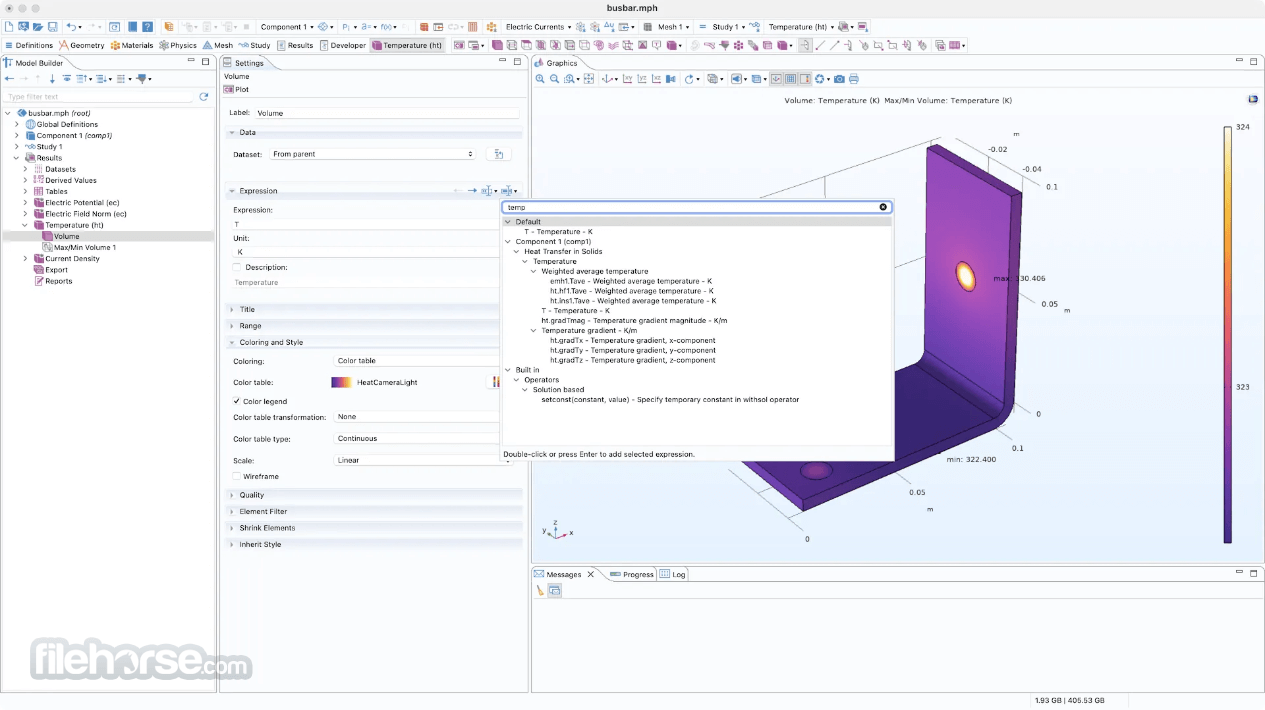
- Syntax highlighting for expressions
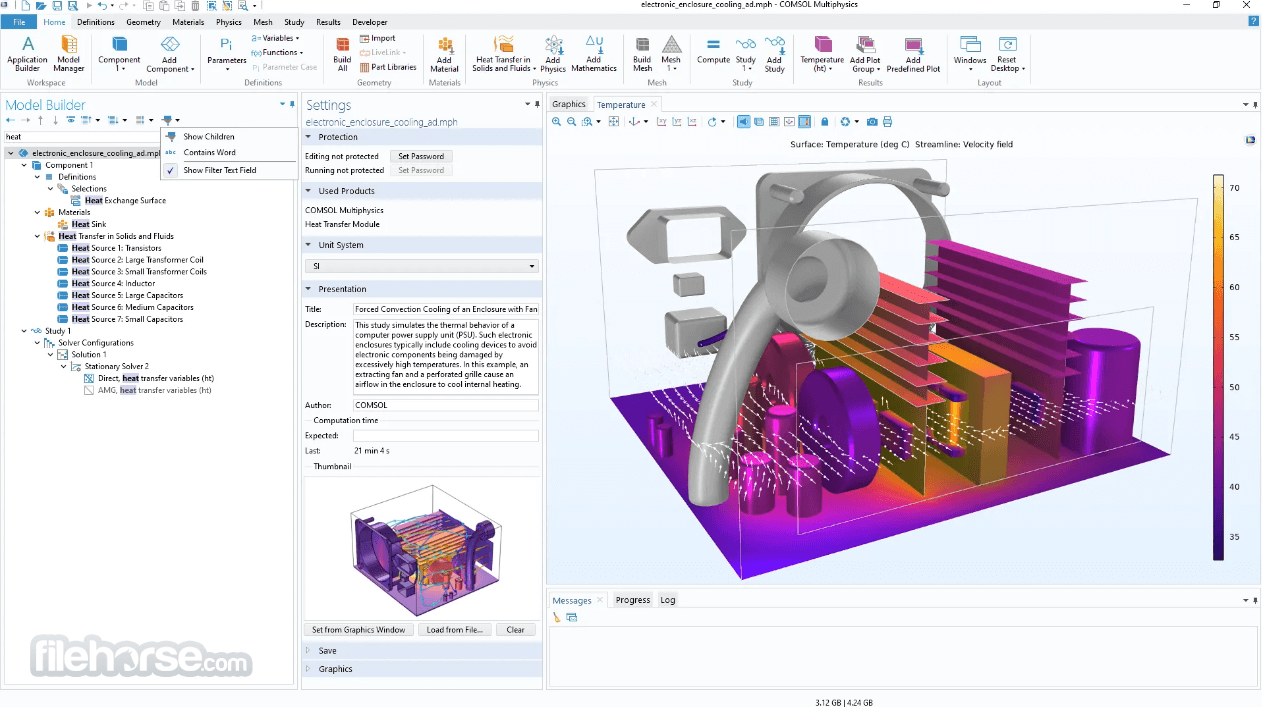
- Node filtering for the Model Builder tree
- Compare with Saved button for viewing all changes of a model since last saved
- General continuous tangent selections
- Improved search and maintenance operations for the Model Manager
- Application program interface (API) for Model Manager databases
- Uncertainty Quantification Module: correlated input parameters
- Optimization Module: eigenfrequency-based topology and shape optimization
CAD and Mesh
- New distance measurement and centroid measurement features
- Detailed control of twisting along a sweep path
- Logical expressions for selections
- More broadly applicable swept mesh feature
- Easier generation of meshes for periodic boundaries
- New surface remeshing method for imported stereolithography (STL) meshes
- Improved edge selection for cap faces
- CAD import supports the most recent file versions
- Automatic handling of interior copper layer positions for ECAD import
- Improvement to the offset faces and loft functionality
- Comprehensive Multiphysics Capabilities
- User-Friendly Interface
- High Customization and Flexibility
- Wide Range of Applications
- Robust Visualization Tools
- High License Cost
- Demanding System Requirements
- Occasional Performance Lag
- Limited Third-Party Integration
Download Comsol Multiphysics Latest Version Why is this app published on FileHorse? (More info)
##
影片介紹
##
畫面截圖