⚠ 這是歷史版本頁面 — 查看 CopyQ 最新版本 →

- 目前版本12.0.1
- 更新日期2025-09-30
- 檔案大小18.4 MB
- 檔案名稱copyq-12.0.1-setup.exe
- 作業系統Windows 7 / Windows 8 / Windows 10 / Windows 11
- 支援語系English
- 授權型式開源軟體
- 開發商 CopyQ Team
- 軟體分類Windows 軟體 / 桌面強化
##
編輯短評
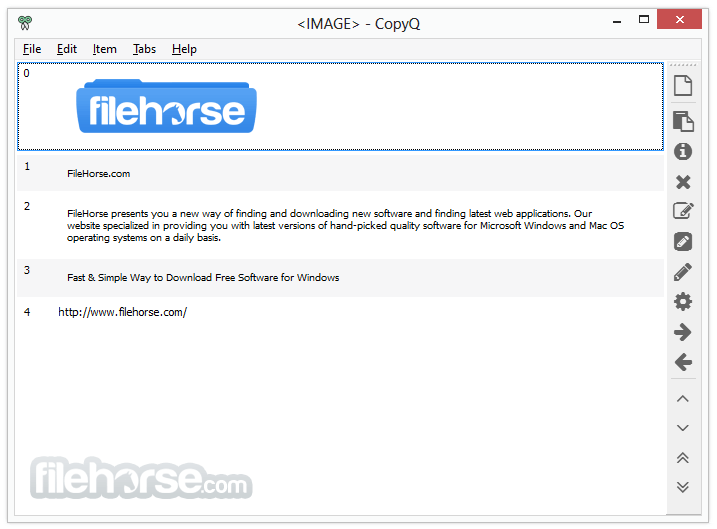
CopyQ 是一款進階的剪貼簿管理軟體,主要解決系統預設僅能儲存單一項目的限制。它能將使用者複製或剪切的文字與檔案全部記錄在擴展清單中,讓使用者可以隨時對項目進行管理、刪除或分組,並支援透過內部編輯器修改內容或直接拖放至應用程式。該工具目前維護相當活躍,在同類軟體中也是評價普遍不錯的選擇。
這款工具適合需要頻繁處理大量剪貼資訊的使用者,尤其在跨視窗搬移資料或整理碎片化內容時非常方便。相較於同分類中的其他選擇,CopyQ 提供更靈活的分頁管理與編輯功能。使用者在下載前需留意,此開源軟體目前僅提供英文版,支援平台則涵蓋 Windows 與 macOS。
##
翻譯排程處理中,以下暫以英文原文呈現
軟體介紹
CopyQ is an advanced clipboard software for Windows. It allows you to save more than the default one item into clipboard which is the limit for Windows.
Each time that you copy or cut something, it's gonna be saved to the expanded clipboard of the tool, both files and text can be saved.
From that point on, you can simply manage items from the clipboard, paste, remove, and group. CopyQ Free Download Latest Version for Windows PC. It is a full offline setup installer of CopyQ.
Items can be:
PROS
Download CopyQ Latest Version Why is this app published on FileHorse? (More info)
Each time that you copy or cut something, it's gonna be saved to the expanded clipboard of the tool, both files and text can be saved.
From that point on, you can simply manage items from the clipboard, paste, remove, and group. CopyQ Free Download Latest Version for Windows PC. It is a full offline setup installer of CopyQ.
Items can be:
- Edited with an internal editor or with a preferred text editor
- Moved to other tabs
- Drag’n’ dropped to applications
- Marked with tag or a note
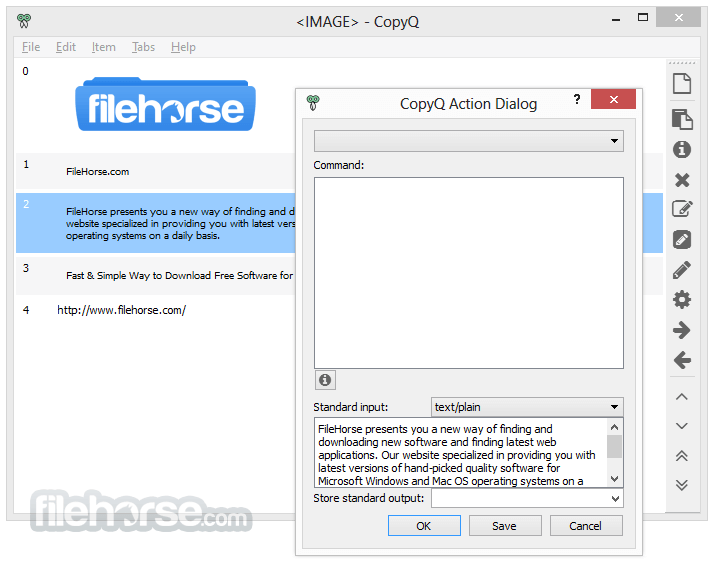
- Passed to or changed by custom commands
- Or simply removed
- Support for Linux, Windows 11/10 and macOS 10.9+
- Store text, HTML, images or any other custom formats
- Quickly browse and filter items in the clipboard history
- Sort, create, edit, remove, copy/paste, drag’n’drop items in tabs
- Add notes or tags to items
- System-wide shortcuts with customizable commands
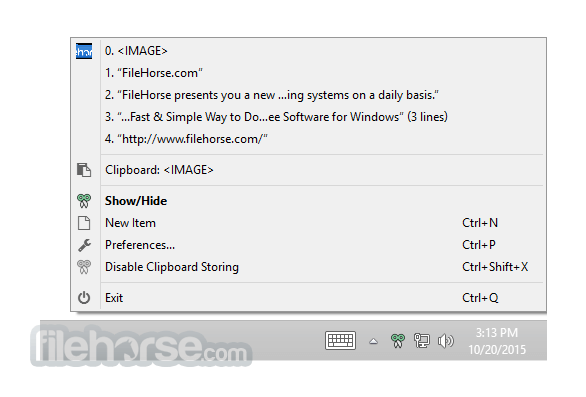
- Paste items with a shortcut or from a tray or main window
- Fully customizable appearance
- Advanced command-line interface and scripting
- Ignore clipboard copied from some windows or containing some text
- Support for simple Vim-like editor and shortcuts
- Many more features
PROS
- Customizable Clipboard Manager
- Supports Multiple Clipboard Formats
- Cross-Platform Compatibility
- Searchable Clipboard History
- Hotkeys for Quick Access
- Occasional Performance Issues
- Basic Interface Design
- Syncing Options Are Limited
Download CopyQ Latest Version Why is this app published on FileHorse? (More info)
##
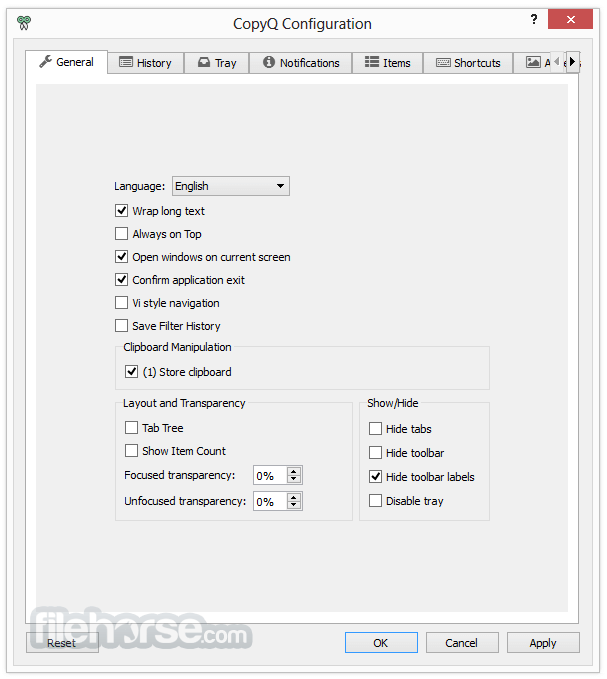
畫面截圖
- 2026-05-31 CopyQ 16.0.0 18.3 MB
- 2026-04-13 CopyQ 15.0.0 18.3 MB
- 2026-03-24 CopyQ 14.0.0 18.4 MB
- 2025-10-22 CopyQ 13.0.0 18.4 MB
- 2025-09-30 CopyQ 12.0.1 18.4 MB
- 2025-09-29 CopyQ 12.0.0 16.5 MB
- 2025-08-22 CopyQ 11.0.0 21.7 MB
- 2025-04-04 CopyQ 10.0.0 17.1 MB