
- 目前版本5 (for 3ds Max)
- 更新日期2020-04-20
- 檔案大小126 MB
- 檔案名稱corona-5-3dsmax-hotfix2.zip
- 作業系統Windows 10 / Windows 11
- 支援語系English
- 授權型式試用版
- 開發商 Chaos Software
- 軟體分類Windows 軟體 / 影像設計
編輯短評
Corona Renderer 是 Chaos 推出的寫實渲染器,主要用於 Autodesk 3ds Max,也支援 Cinema 4D 與獨立運作。它的核心訴求是讓使用者不必費心調整複雜參數,就能得到物理上合理、可預期的光影與材質結果,燈光與材質的預設表現就相當自然,這在建築視覺化與產品設計領域特別受用。這套軟體自 2019 年起持續收錄更新,近一年仍有維護,在同類工具中屬於評價普遍不錯的選擇,雖然評分人數不算多,但分數維持在良好水準。
如果你需要的是「開箱即用」的寫實渲染,又不想像其他渲染器那樣花大量時間微調,Corona 的學習曲線相對平緩,很適合從 V-Ray 或 Arnold 轉換過來的使用者。它允許針對個別燈光關閉焦散,並將焦散獨立輸出到 Render Element,這在後製調控上相當實用。不過要注意的是,目前僅提供英文介面,且為試用版授權,若需要長期使用得另外購買;平台方面除了 Windows 也有 macOS 版,但若你依賴 3ds Max 生態系,仍以 Windows 環境為主。
軟體介紹
It delivers predictable, reliable, and physically plausible results with no compromises in quality. Realistic lighting and materials are yours right out of the box.
For further control, you can choose to disable caustics for individual Corona Lights and render caustics to their own Render Element for manipulation in post-processing. Caustics also respect the include/exclude lists of Corona Lights.
No one calls themselves a “3D Technician” - everyone rightly calls themselves a 3D artist, and that means your tools should be as close to invisible as possible so they don’t get in the way of your creativity.
Speed is an important factor in any production environment, and a renderer must always deliver results as fast as possible. CoronaRenderer uses Intel Embree Ray Tracing Kernels, making the CPU–only Corona as fast as many GPU renderers but without any of the limitations of GPU–based solutions.
What’s New in Corona 14
Gaussian Splats support - Use “splats” to render realistic, memory-efficient 3D environments, ideal for placing buildings in real-world contexts or complex exterior scenes with rich volumetrics.
AI Material Generator - Upload a photo of a real-world surface and instantly get a full PBR material (albedo, normal, roughness, etc.) ready for rendering - very useful for fast texturing of environments and secondary materials.
AI Image Enhancer + AI Upscaler - Enhance textures (e.g. foliage, terrain, people) automatically, and upscale low-resolution renders to high-res, presentation-ready images - all without re-rendering.
Night Sky system - Realistic night-time lighting with moonlight, stars, and even the Milky Way. You can set real-world location/date/time or adjust celestials manually. Also fully animatable - ideal for cinematic or time-lapse scenes.
Procedural Fabric Material - Create realistic woven-fabric materials from scratch (threads, weave, displacement, opacity, etc.), without relying on external bitmaps. Great for cloth, curtains, upholstery, etc.
Improved Virtual Frame Buffer & Image Editor (VFB 2 + CIE) - More streamlined, user-friendly UI, with better workflow and consistency between rendering and post-processing tools.
Multiple-camera export to Chaos Vantage - Export several cameras at once to Vantage for real-time rendering/preview workflows.
Performance improvements & optimized rendering pipeline - Faster volume sampling, ability to render at double resolution and downscale automatically (for cleaner results with less time), plus a partially rewritten UI (QT-based) for better responsiveness.
Scatter Avoidance Groups (3ds Max only) - When scattering objects (trees, plants, rocks...), you can now define avoidance groups to prevent overlaps between different scatter sets, giving more control and realism.
Triplanar controls directly in Corona Bitmap & improved material conversion - Easier texture mapping and better material import/conversion (e.g., from Cosmos or V-Ray), reducing the need for manual fixes.
What's included
- Corona Renderer, which integrates into your 3D software (varies by the installer)
- Corona Distributed Rendering Server (3ds Max; for Cinema 4D, native Team Render is used)
- Corona Licensing Server
- Corona Image Editor
- Corona Standalone
- Corona Material Library
- Exposure - Controls the overall exposure of the image.
- Highlight Compression - Compresses highlights in the image to reduce/remove burned-out areas.
- White Balance - Controls the white balance of the image.
- Contrast - Adjust the contrast of the image.
- Saturation - Controls the overall color saturation.
- Filmic highlights - Controls a subtle highlight compression without loss of color saturation.
- Filmic shadows - Controls the richness/saturation of shadows in the image.
- Vignette intensity - Applies a subtle, realistic vignette.
- Color tint - Adjust the overall color tint of the image.
- Curves - Further fine-tune the tone mapping, using custom curves with a histogram.
- LUTs - Allows for quickly changing the overall look of the image by applying one of many ready-made LUTs. The strength of the LUT effect can be controlled using the LUT Opacity so that it is not “all or nothing”. A variety of LUTs is provided along with Corona.
- Bloom & Glare - Bloom is a large, soft glow around bright areas in the image, while Glare is a small, sharp glow with adjustable rays around bright areas. The color of these effects can be adjusted using the Color Intensity and Color Shift parameters.
- Sharpening/Blurring - This first blurs an image and then sharpens it, useful to remove “pixel–perfect” noise and give a more photographic look to the final image.
- Denoising - If Denoising was enabled, this allows you to blend between the fully Denoised image and the raw render.
Pricing
Corona Solo - €31.25 /month (billed annually €375)
- Corona rendering engine
- 3D asset collection
Corona Premium - €37.90 /month (billed annually €454.80)
- Enhanced realistic material library
- Image sequence player
- Fluid, smoke, fire, and liquid effects
ArchViz Collection: Corona edition - €74.90 /month (billed annually €898.80)
- 4,000+ lifelike 3D/4D characters
- Realistically, moving crowds and objects
- Real-time ray-traced rendering with Vantage
All Chaos licenses include:
- Free learning resources, support & community access
- 14-day money-back guarantee
- Continuous updates
Alternatives
If you are looking for Corona Renderer alternatives, we recommend downloading Autodesk Mudbox or ZBrush.
PROS
- User-Friendly Interface
- Photorealistic Render Quality
- Affordable Licensing Options
- Interactive Rendering Feedback
- Extensive Material Library
CONS
- Limited GPU Rendering Support
- Slower Than GPU Render Engines
- Requires High System Resources
- No Standalone Render Engine
- Smaller Community vs. Competitors
Note: These are the latest commercial releases of Corona Renderer. They come in a universal installer, which lets you activate Corona in both FairSaaS and Box license mode, or in the 30-day unlimited demo mode if you want to just try out Corona.
The demo has no resolution limitations or watermarks, and you can even use it for commercial purposes.
Also Available: Download Corona Renderer for Mac
Download Corona Renderer Latest Version
Why is this app published on FileHorse? (More info)
影片介紹
畫面截圖
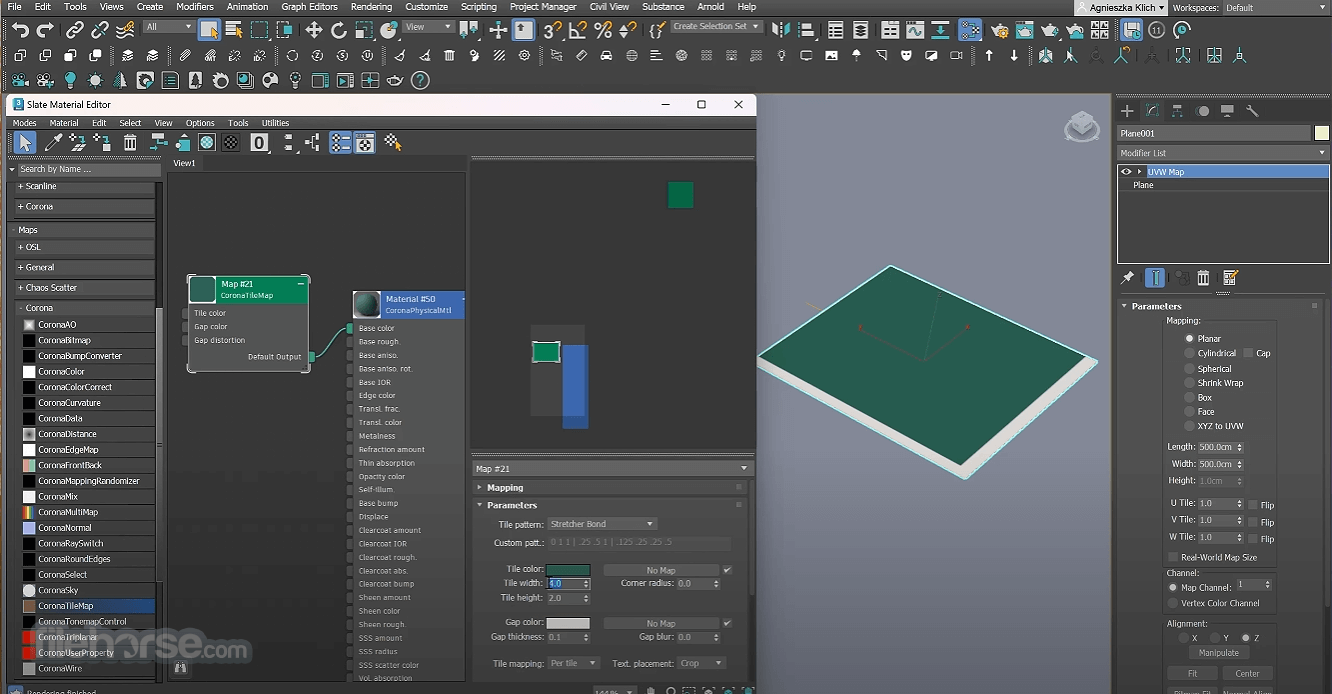
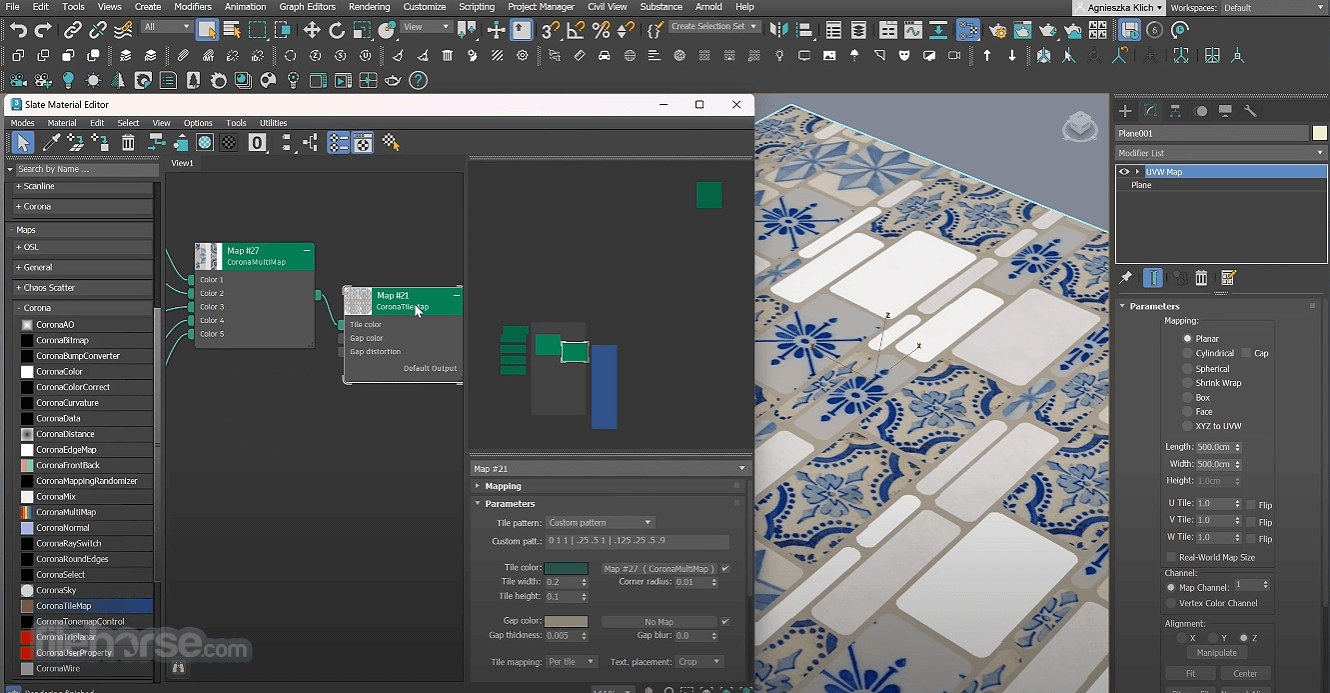
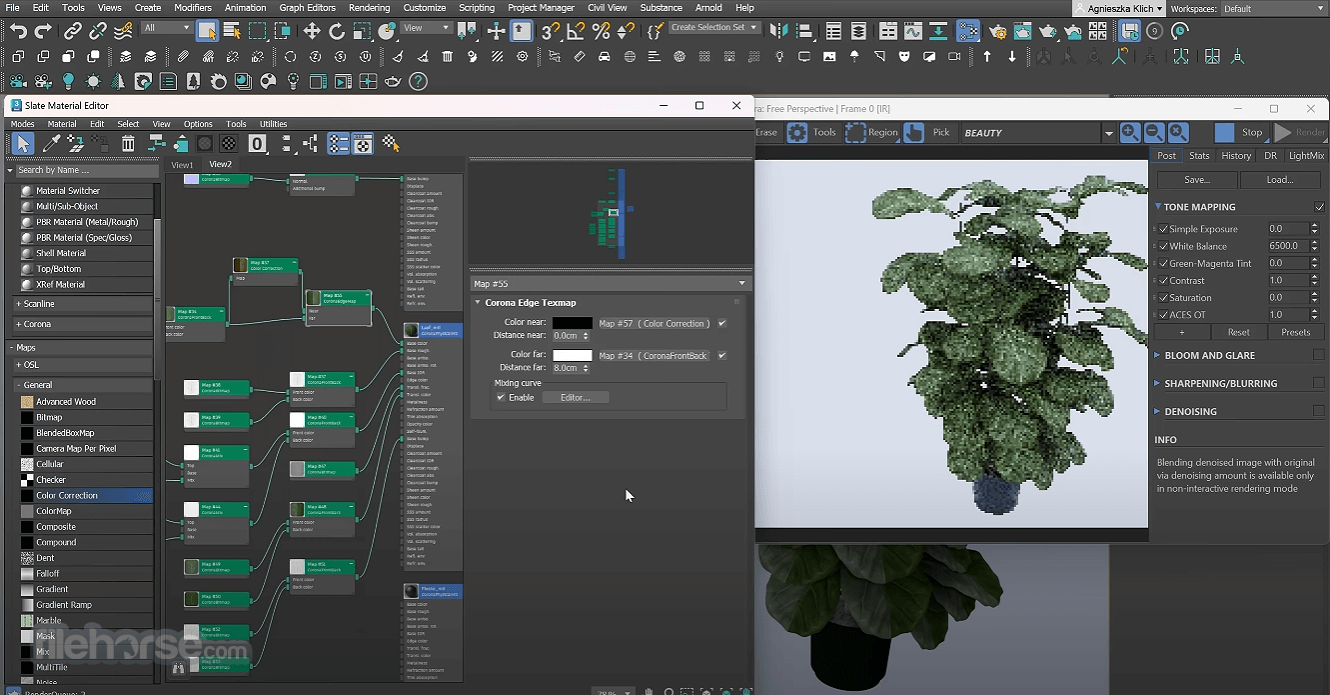
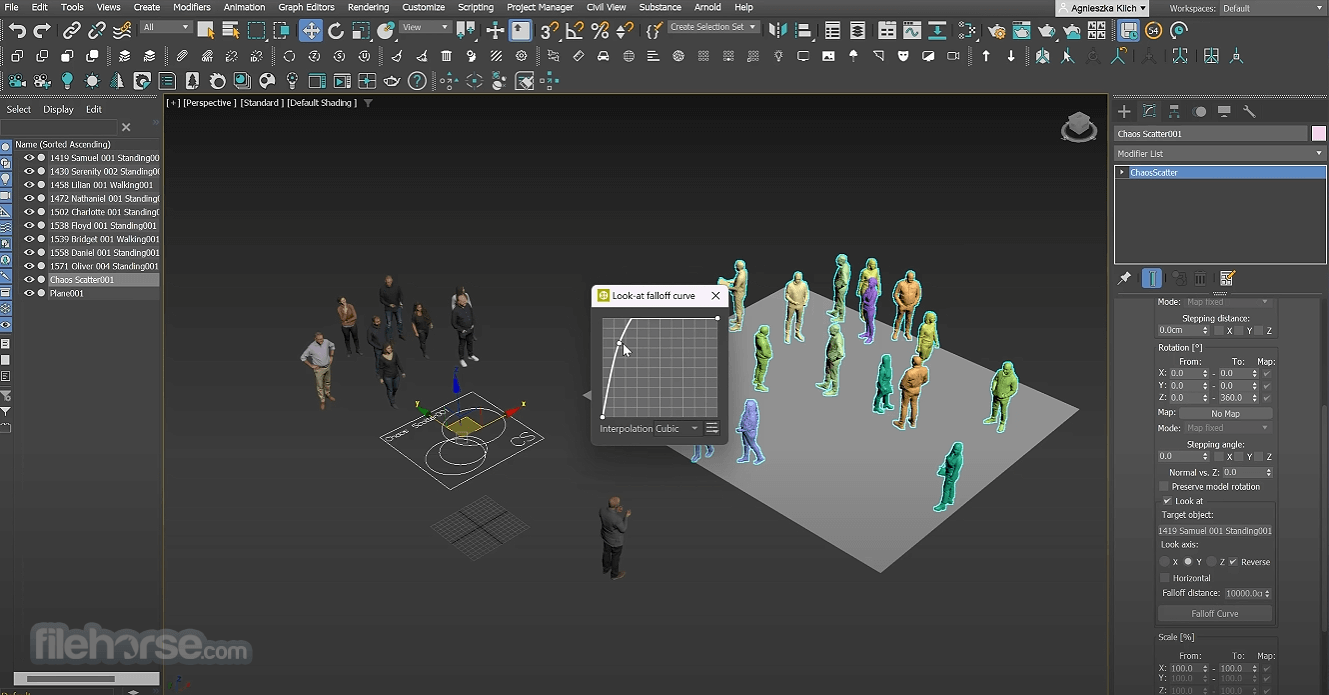
- 2025-11-26 Corona Renderer 14 (for 3ds Max) 1.01 GB
- 2025-11-12 Corona Renderer 14 (for Cinema 4D) 938.38 MB
- 2024-11-19 Corona Renderer 12 (for Cinema 4D) 891 MB
- 2024-11-19 Corona Renderer 12 (for 3ds Max) 1 GB
- 2024-01-15 Corona Renderer 11 (for 3ds Max) 646 MB
- 2023-12-06 Corona Renderer 10 (for 3ds Max) 651 MB
- 2023-11-30 Corona Renderer 11 (for Cinema 4D) 558 MB
- 2023-10-05 Corona Renderer 10 (for Cinema 4D) 561 MB