⚠ 這是歷史版本頁面 — 查看 Darktable 最新版本 →

- 目前版本3.8.1
- 更新日期2022-02-11
- 檔案大小113 MB
- 檔案名稱darktable-3.8.1-win64.exe
- 作業系統Windows 10 (64-bit) / Windows 11
- 支援語系English
- 授權型式開源軟體
- 開發商 Johannes Hanika
- 軟體分類Windows 軟體 / 影像設計
##
編輯短評
Darktable 是一款開源的攝影工作流應用程式與 RAW 檔開發工具,將虛擬的燈箱與暗房功能整合在軟體中。它主要解決攝影師處理相機原始影像的需求,讓使用者能透過可縮放的燈箱檢視並管理數位底片資料庫,進而對 RAW 影像進行後製強化。這款工具維護頻率高且評價普遍不錯,是開源社群中相當成熟的選擇。
這套軟體適合需要處理 RAW 檔的攝影愛好者,在需要對相機感光元件直接擷取的原始影像進行精細調整時非常實用。與 Adobe Photoshop 等主流商業軟體相比,Darktable 提供了一個免費且強大的開源替代方案,旨在填補現有免費轉換器之間的功能缺口。使用者下載前需留意其目前僅支援英文介面,並提供 Windows 與 macOS 平台版本。
##
翻譯排程處理中,以下暫以英文原文呈現
軟體介紹
Darktable for PC is an open source photography workflow application and RAW developer. A virtual lighttable and darkroom for photographers. It manages your digital negatives in a database, lets you view them through a zoomable lighttable and enables you to develop raw images and enhance them.
Raw is the unprocessed capture straight from the camera's sensor to the memory card, nothing has been altered. There are multiple alternatives in the open-source world for raw development (ufraw, dcraw, rawtherapee) but Darktable tries to fill the gap between the excellent existing free raw converters and image management tools (such as e.g. ufraw, rawstudio, f-spot, digikam, shotwell).
It focuses on the workflow to make it easier for the photographer to quickly handle the thousands of images a day of shooting can produce. It's also one of the very few FOSS projects able to do tethered shooting.
The internal architecture of Darktable allows users to easily add modules for all sorts of image processing, from the very simple (crop, exposure, spot removal) to the most advanced (simulation of human night vision).
The user interface is built around efficient caching of image metadata and mipmaps, all stored in a database. The main focus lies on user interaction, both in terms of smooth interface design as well as processing speed. The high-quality output is also one of the goals.
All photo editing is fully non-destructive and only operates on cached image buffers for display. The full image is only converted during export. Raw image loading is done using rawspeed, high-dynamic range, and standard image formats such as jpeg are also supported.
The core operates completely on floating-point values, so Dark table for Windows can not only be used for photography but also for scientifically acquired images or output of renderers (high dynamic range).
How to Use
Download Darktable Latest Version Why is this app published on FileHorse? (More info)
Raw is the unprocessed capture straight from the camera's sensor to the memory card, nothing has been altered. There are multiple alternatives in the open-source world for raw development (ufraw, dcraw, rawtherapee) but Darktable tries to fill the gap between the excellent existing free raw converters and image management tools (such as e.g. ufraw, rawstudio, f-spot, digikam, shotwell).
It focuses on the workflow to make it easier for the photographer to quickly handle the thousands of images a day of shooting can produce. It's also one of the very few FOSS projects able to do tethered shooting.
The internal architecture of Darktable allows users to easily add modules for all sorts of image processing, from the very simple (crop, exposure, spot removal) to the most advanced (simulation of human night vision).
The user interface is built around efficient caching of image metadata and mipmaps, all stored in a database. The main focus lies on user interaction, both in terms of smooth interface design as well as processing speed. The high-quality output is also one of the goals.
All photo editing is fully non-destructive and only operates on cached image buffers for display. The full image is only converted during export. Raw image loading is done using rawspeed, high-dynamic range, and standard image formats such as jpeg are also supported.
The core operates completely on floating-point values, so Dark table for Windows can not only be used for photography but also for scientifically acquired images or output of renderers (high dynamic range).
How to Use
- Install the setup file and launch the application
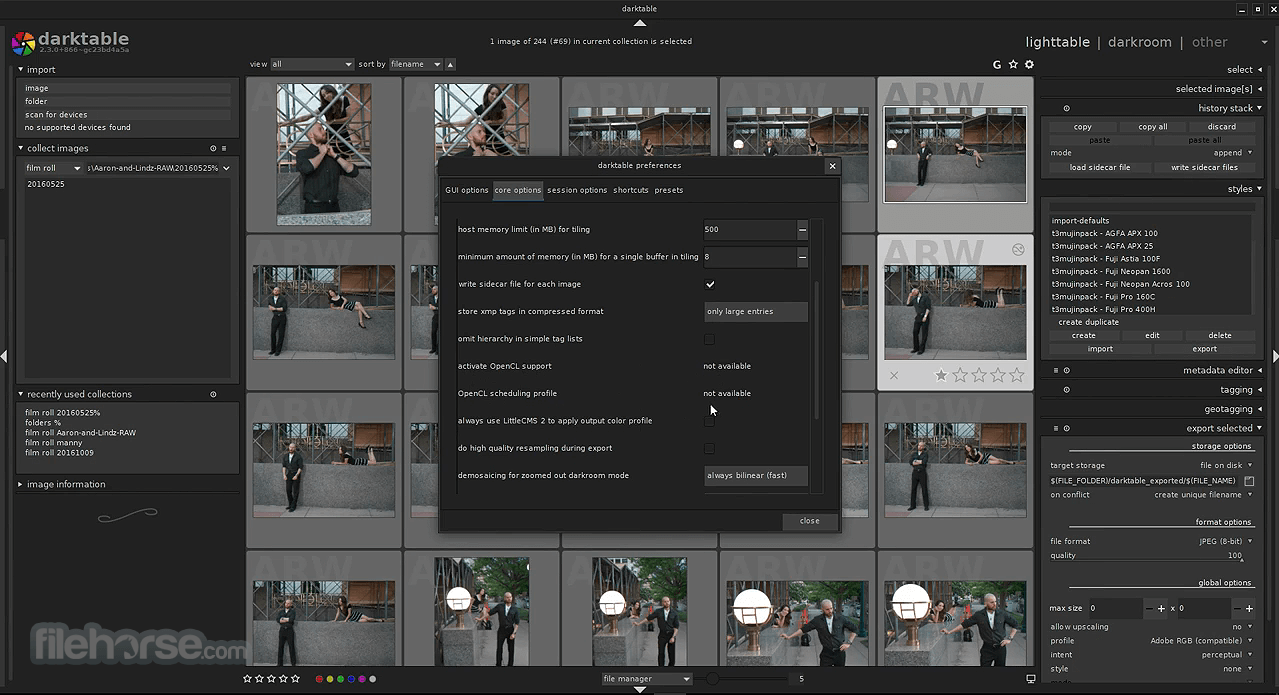
- Import your RAW images into the Lighttable view
- Use Lighttable to sort, rate, and organize photos
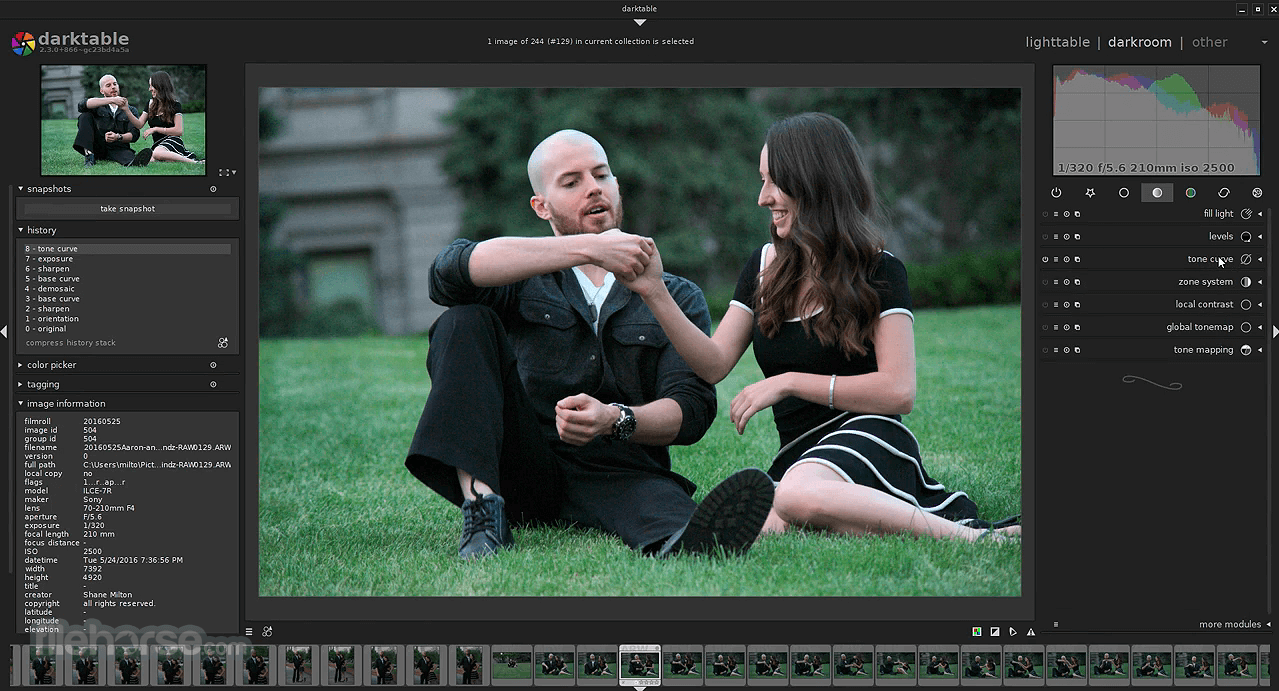
- Switch to Darkroom for detailed photo editing
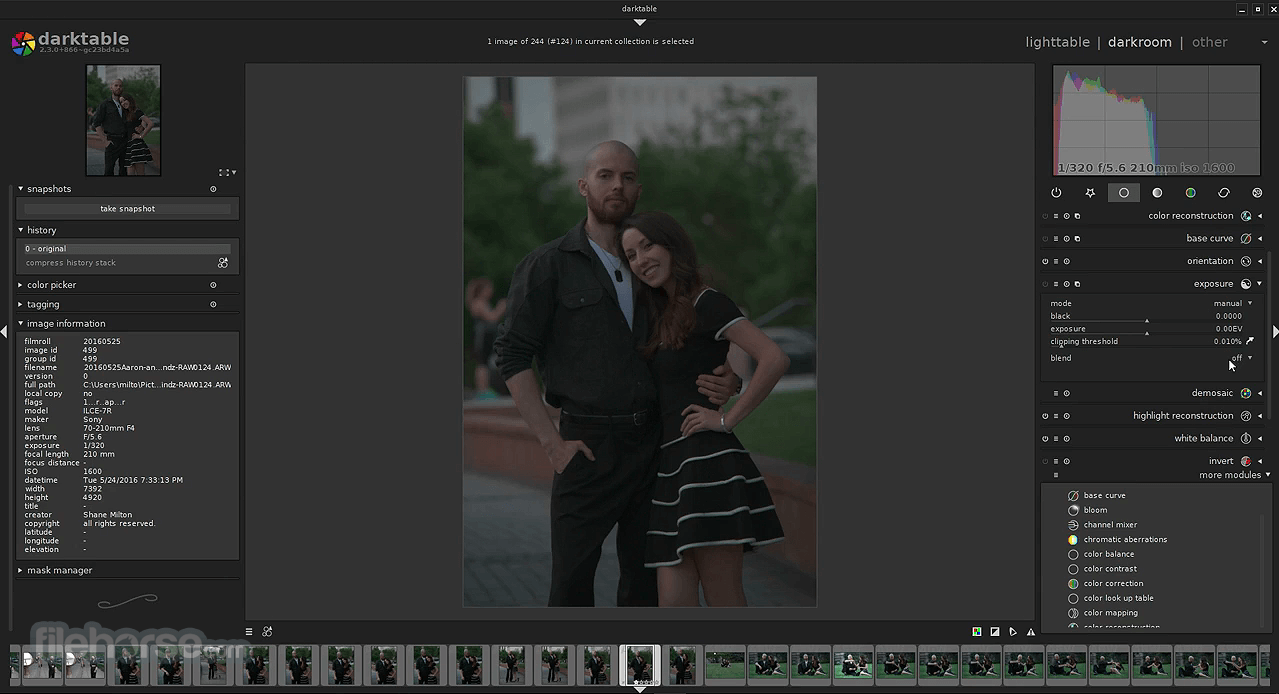
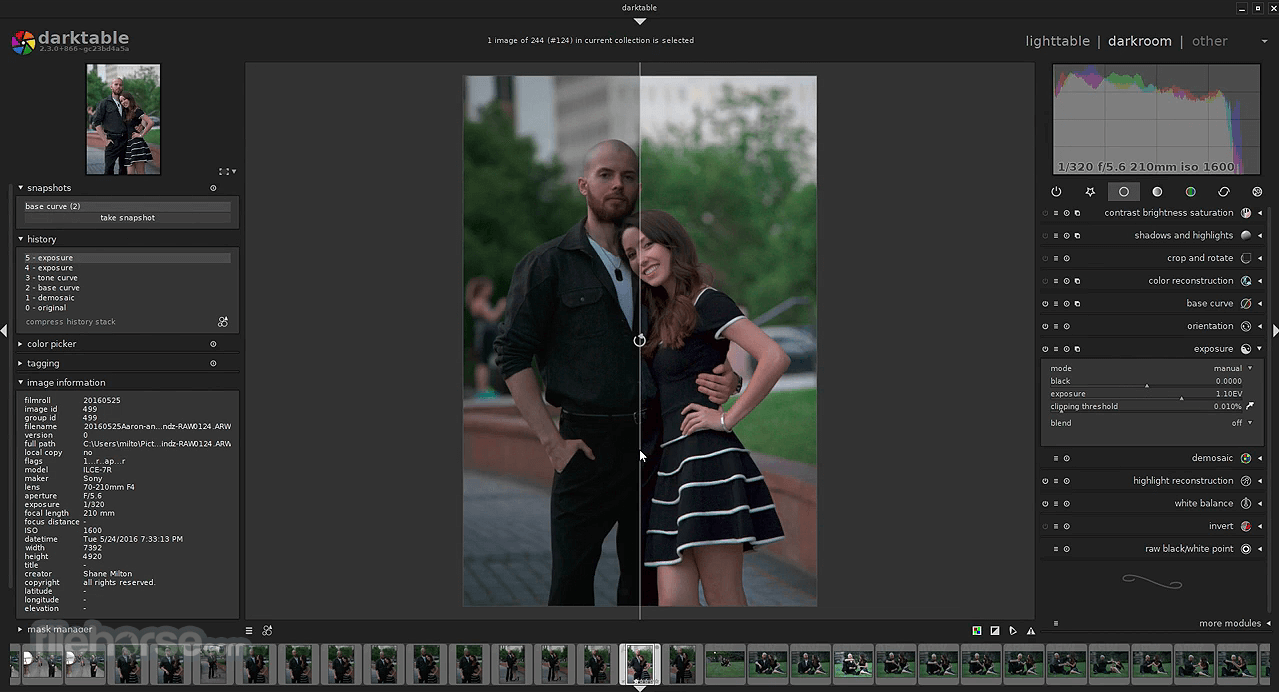
- Adjust exposure, contrast, tone curve, and colors
- Apply masks and local adjustments if needed
- Export the edited images in your desired format
- OS: Windows 11 or Windows 10 (64-bit)
- CPU: SSE2-capable processor (Intel/AMD)
- RAM: Minimum 4 GB (8 GB recommended)
- GPU: OpenCL support recommended for performance
- Storage: At least 500 MB free for installation
- Display: 1280x800 resolution or higher
- Fully open-source and free to use
- Non-destructive RAW photo editing
- Powerful and professional-grade tools
- Customizable interface and workflows
- Active community and plugin support
- Interface can feel overwhelming
- Limited support for non-RAW images
- Occasional performance slowdowns
- Documentation can be inconsistent
Download Darktable Latest Version Why is this app published on FileHorse? (More info)
##
畫面截圖
- 2026-06-22 Darktable 5.6.0 135 MB
- 2026-02-07 Darktable 5.4.1 120 MB
- 2025-12-20 Darktable 5.4.0 120 MB
- 2025-08-06 Darktable 5.2.1 124 MB
- 2025-06-22 Darktable 5.2.0 124 MB
- 2025-02-13 Darktable 5.0.1 122 MB
- 2024-12-22 Darktable 5.0.0 122 MB
- 2024-07-25 Darktable 4.8.1 115 MB