EVGA Precision XOC 6.2.7
v 6.2.7
Windows
免費軟體
7.36/10 (33)
- 目前版本6.2.7
- 更新日期2026-04-06
- 檔案大小49.5 MB
- 檔案名稱EVGA_PrecisionX_OC_Setup_v6.2.7.exe
- 作業系統Windows Vista / Windows 7 / Windows 8 / Windows 10
- 支援語系English
- 授權型式免費軟體
- 開發商 EVGA Corporation
- 軟體分類Windows 軟體 / 系統優化
##
編輯短評
EVGA Precision XOC 是 EVGA 推出的 NVIDIA 顯示卡超頻調校工具,主要用來微調 GPU 的時脈、電壓與風扇曲線,藉此在散熱與效能之間取得平衡。它最特別的地方是整合了 EVGA OC Scanner 的自動調校功能,能針對顯示卡進行掃描並套用超頻設定,省去手動反覆測試的麻煩。不過這套軟體目前已停止開發,官方也明確提醒可能無法在新環境正常運作,後續維護與相容性都得自行承擔;從評分人數與評價來看,它屬於小眾工具,口碑不算突出。
這套軟體適合還在用舊款 EVGA 顯示卡、且習慣舊版介面的使用者,尤其是想沿用 Precision 系列操作邏輯的人。若你用的是較新的 NVIDIA 顯示卡,官方建議直接改用後繼的 EVGA Precision X1,功能更完整也持續更新;兩者相比,XOC 的優勢在於輕量、免安裝即可執行,但缺點就是沒有後續支援。軟體本身免費,僅提供英文介面,下載前記得確認你的顯示卡型號是否在支援清單內,以免裝了卻無法辨識。
##
翻譯排程處理中,以下暫以英文原文呈現
軟體介紹
The next generation of EVGA Precision has arrived with EVGA Precision XOC. This software allows you to fine-tune your NVIDIA graphics card, maximizing cooling and performance.
⚠️ Note: This product is not developed anymore and might not function properly.
If you are looking for an alternative, we recommend downloading EVGA Precision X1.
This new version of Precision is built for the latest NVIDIA graphics cards and combines the best of EVGA Precision and EVGA OC Scanner to give you never-before-seen overclocking features and built-in automatic tuning.
Sync your EVGA RGB Graphics Card, CLC Cooler, or Chassis together with EVGA LED SYNC, now built into this tool.
Precision XOC is a powerful overclocking utility designed specifically for EVGA graphics cards. Developed by EVGA Corporation, a renowned manufacturer of high-performance PC components, it provides users with advanced controls and monitoring tools to maximize the performance of their graphics cards.
Exclusive features for EVGA graphics cards! These features will automatically enable on an EVGA graphics card:
User Interface
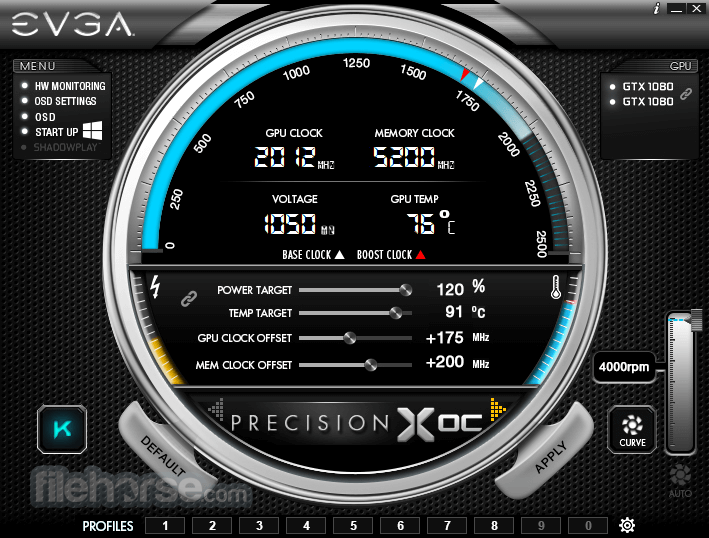
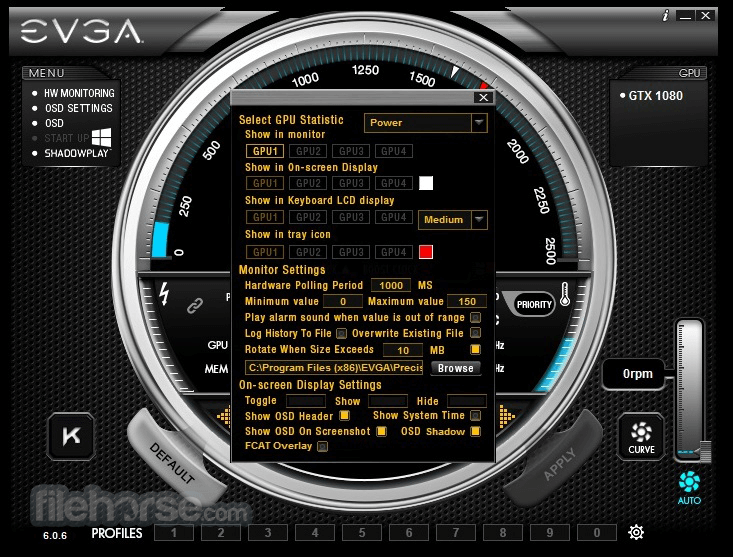
It features a sleek and intuitive user interface, with easy-to-navigate tabs and sliders for adjusting overclocking parameters. The software provides ample customization options, allowing users to resize and rearrange elements to their liking.
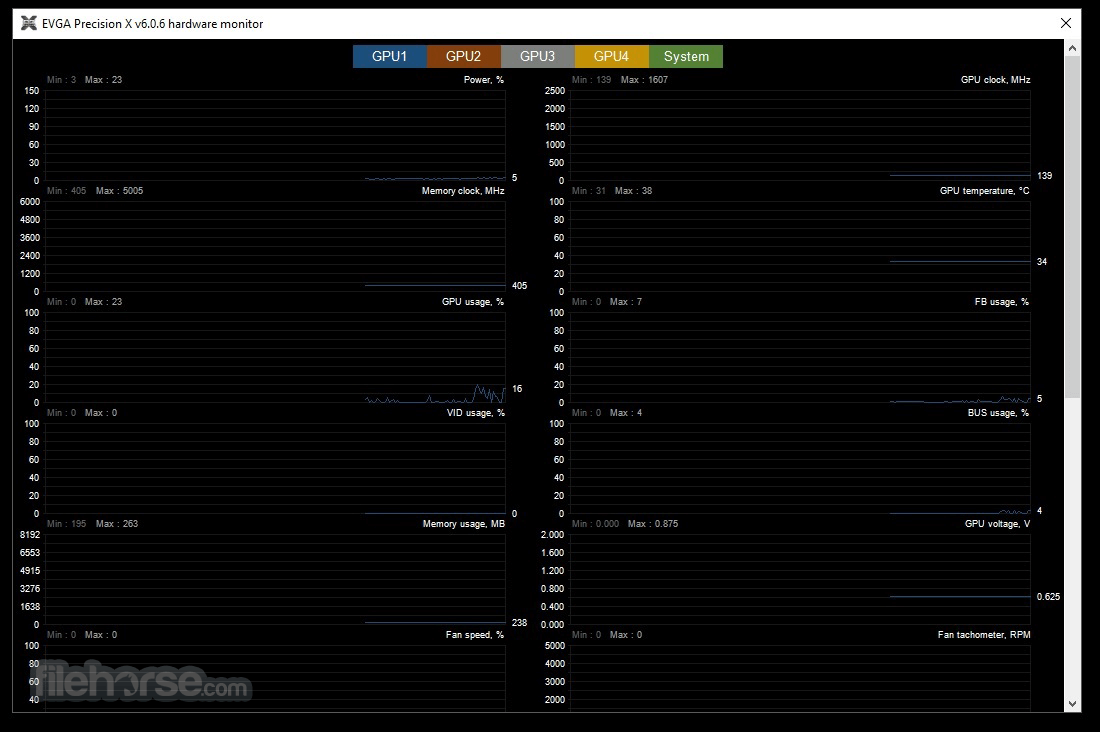
Real-time monitoring graphs and statistics are displayed prominently, providing users with instant feedback on their system's performance.
Installation and Setup
Installing this tool is straightforward; simply download the software from the EVGA website or FileHorse and follow the on-screen instructions.
Once installed, the software automatically detects compatible EVGA graphics cards and prompts users to configure their settings.
How to Use
FAQs
Is Precision XOC compatible with non-EVGA graphics cards?
No, the program is specifically designed for use with EVGA graphics cards and may not work properly with cards from other manufacturers.
Does overclocking with Precision XOC void my warranty?
Overclocking may void the warranty provided by EVGA, so proceed with caution and consult the terms of your warranty agreement.
Can Precision XOC be used to control RGB lighting on non-EVGA components?
No, Precision XOC's RGB LED control feature is only compatible with EVGA graphics cards that support RGB lighting.
Why is my graphics card running hotter after overclocking?
Overclocking increases the workload on your graphics card, which can result in higher temperatures. Ensure that your cooling solution is adequate to handle the increased heat output.
Will overclocking with Precision XOC improve my gaming performance?
Overclocking can potentially improve gaming performance by increasing clock speeds and memory bandwidth, but results may vary depending on your specific hardware configuration and the demands of the game.
Alternatives
MSI Afterburner - A popular overclocking utility with support for a wide range of graphics cards, including those from EVGA.
ASUS GPU Tweak II - Similar to this app, GPU Tweak II offers overclocking and monitoring tools for ASUS graphics cards.
System Requirements
Download EVGA Precision XOC Latest Version Why is this app published on FileHorse? (More info)
⚠️ Note: This product is not developed anymore and might not function properly.
If you are looking for an alternative, we recommend downloading EVGA Precision X1.
This new version of Precision is built for the latest NVIDIA graphics cards and combines the best of EVGA Precision and EVGA OC Scanner to give you never-before-seen overclocking features and built-in automatic tuning.
Sync your EVGA RGB Graphics Card, CLC Cooler, or Chassis together with EVGA LED SYNC, now built into this tool.
Precision XOC is a powerful overclocking utility designed specifically for EVGA graphics cards. Developed by EVGA Corporation, a renowned manufacturer of high-performance PC components, it provides users with advanced controls and monitoring tools to maximize the performance of their graphics cards.
Exclusive features for EVGA graphics cards! These features will automatically enable on an EVGA graphics card:
- DirectX 12 OSD Support – See the on-screen display on DirectX 12 games.
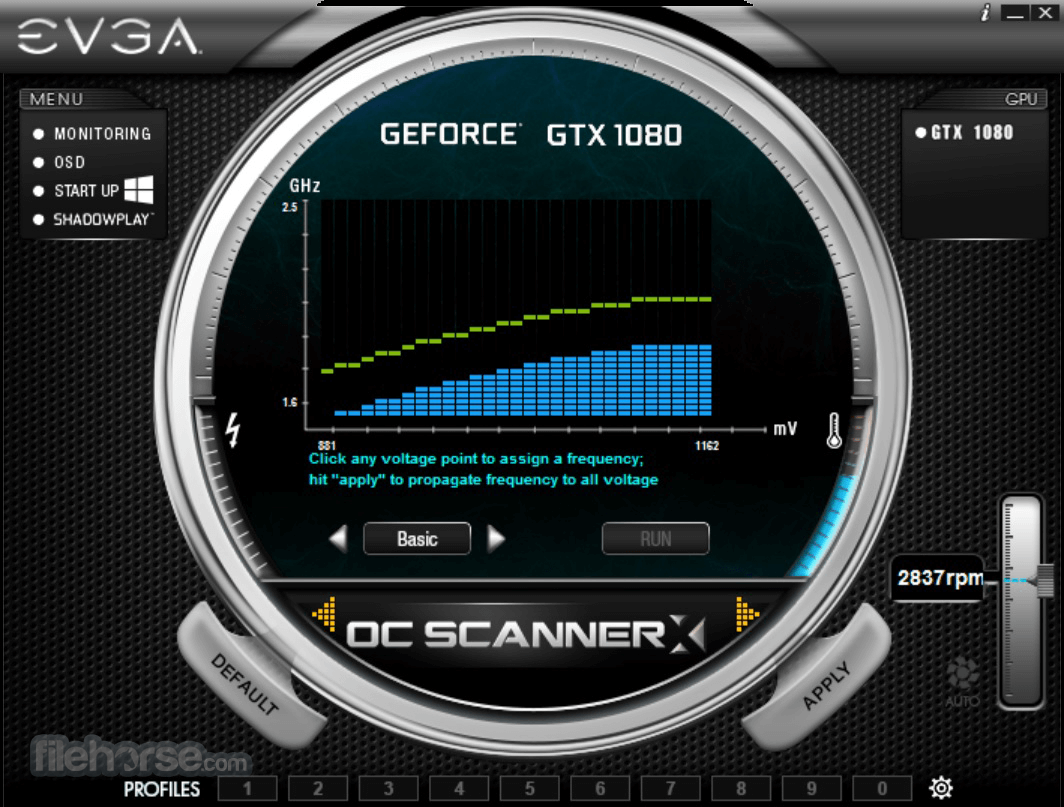
- EVGA GeForce 10 Series Only - EVGA OC ScannerX Integration – Automatically find your optimal voltage/frequency curve!
- K-Boost Function – Maximize your clocks with this exclusive feature.
- Select EVGA Cards - RGB LED control (on EVGA GeForce GTX 1080/1070 FTW)
- Full support for NVIDIA GeForce GTX graphics cards
- Dynamically set independent voltage/frequency points for ultimate control
- Linear mode gives you one-click overclocking
- Use the Scan mode to find the optimal voltage/frequency curve for your card!
- Full support for Microsoft DirectX 12 (EVGA card required)
- OSD interface with RGB color support
- GPU, Memory, and Voltage Control
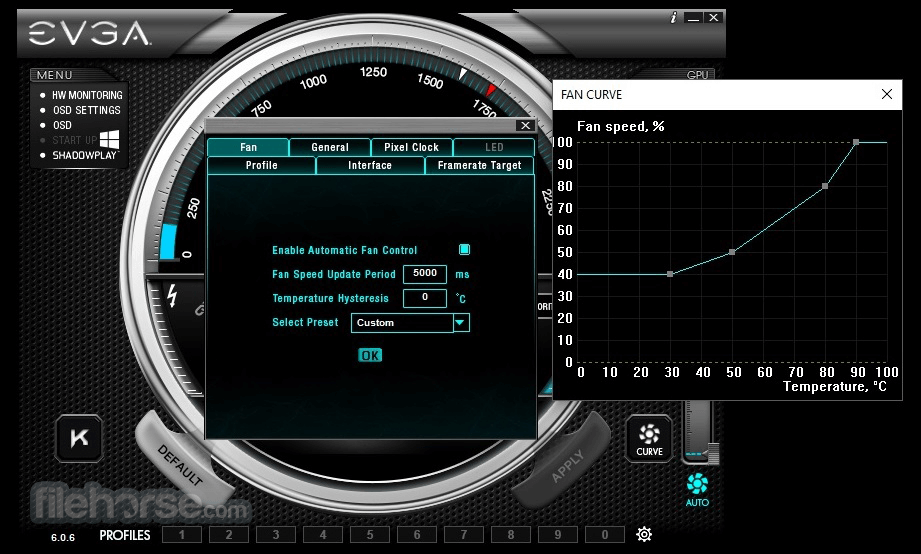
- Custom Fan Control/Fan Curve
- A profiling system allowing up to 10 profiles with a hotkey
- In-game screenshot hotkey supports BMP and JPG
- Much more!
- Overclocking: Adjust core clock, memory clock, voltage, and fan speed settings to push your graphics card beyond its factory specifications.
- Custom Fan Profiles: Create personalized fan speed curves to optimize cooling performance while minimizing noise levels.
- On-Screen Display (OSD): Real-time monitoring of key metrics such as GPU temperature, clock speeds, and usage directly within your game or application.
- Customizable User Interface: Tailor the appearance and layout of this tool to suit your preferences.
- Frame Rate Target Control: Set a specific frame rate limit to ensure smoother gameplay and reduce power consumption.
- RGB LED Control: Customize the RGB lighting on compatible EVGA graphics cards to match your system's aesthetic.
- Benchmarking: Run performance tests to evaluate the impact of your overclocking settings and compare results with other users.
User Interface
It features a sleek and intuitive user interface, with easy-to-navigate tabs and sliders for adjusting overclocking parameters. The software provides ample customization options, allowing users to resize and rearrange elements to their liking.
Real-time monitoring graphs and statistics are displayed prominently, providing users with instant feedback on their system's performance.
Installation and Setup
Installing this tool is straightforward; simply download the software from the EVGA website or FileHorse and follow the on-screen instructions.
Once installed, the software automatically detects compatible EVGA graphics cards and prompts users to configure their settings.
How to Use
- Launch the tool and familiarize yourself with the various tabs and options.
- Navigate to the overclocking tab to adjust core clock, memory clock, voltage, and fan speed settings.
- Use the OSD tab to enable on-screen display of performance metrics while gaming.
- Experiment with different settings and monitor system stability using the built-in stress test feature.
- Once satisfied with your overclock, save your settings and enjoy improved performance in your favorite games and applications.
FAQs
Is Precision XOC compatible with non-EVGA graphics cards?
No, the program is specifically designed for use with EVGA graphics cards and may not work properly with cards from other manufacturers.
Does overclocking with Precision XOC void my warranty?
Overclocking may void the warranty provided by EVGA, so proceed with caution and consult the terms of your warranty agreement.
Can Precision XOC be used to control RGB lighting on non-EVGA components?
No, Precision XOC's RGB LED control feature is only compatible with EVGA graphics cards that support RGB lighting.
Why is my graphics card running hotter after overclocking?
Overclocking increases the workload on your graphics card, which can result in higher temperatures. Ensure that your cooling solution is adequate to handle the increased heat output.
Will overclocking with Precision XOC improve my gaming performance?
Overclocking can potentially improve gaming performance by increasing clock speeds and memory bandwidth, but results may vary depending on your specific hardware configuration and the demands of the game.
Alternatives
MSI Afterburner - A popular overclocking utility with support for a wide range of graphics cards, including those from EVGA.
ASUS GPU Tweak II - Similar to this app, GPU Tweak II offers overclocking and monitoring tools for ASUS graphics cards.
System Requirements
- GeForce GTX graphics card (EVGA card required for full version)
- Microsoft Windows 11, 10, 8.1, 8, 7
- Easy-to-use interface
- Extensive overclocking and monitoring features
- Customizable fan profiles
- On-screen display for real-time performance monitoring
- Free to download and use
- This application has been discontinued
- Limited compatibility with non-EVGA graphics cards
- Overclocking may void the warranty
- Requires careful monitoring to avoid system instability
Download EVGA Precision XOC Latest Version Why is this app published on FileHorse? (More info)
##
畫面截圖