- 目前版本2.16.0 (64-bit)
- 更新日期2026-06-09
- 檔案大小55.4 MB
- 檔案名稱FireAlpaca64_setup_2_16_0.exe
- 作業系統Windows 7 / Windows 8 / Windows 10 / Windows 11
- 支援語系English
- 授權型式免費軟體
- 開發商 FireAlpaca Team
- 軟體分類Windows 軟體 / 影像設計
##
翻譯排程處理中,以下暫以英文原文呈現
軟體介紹
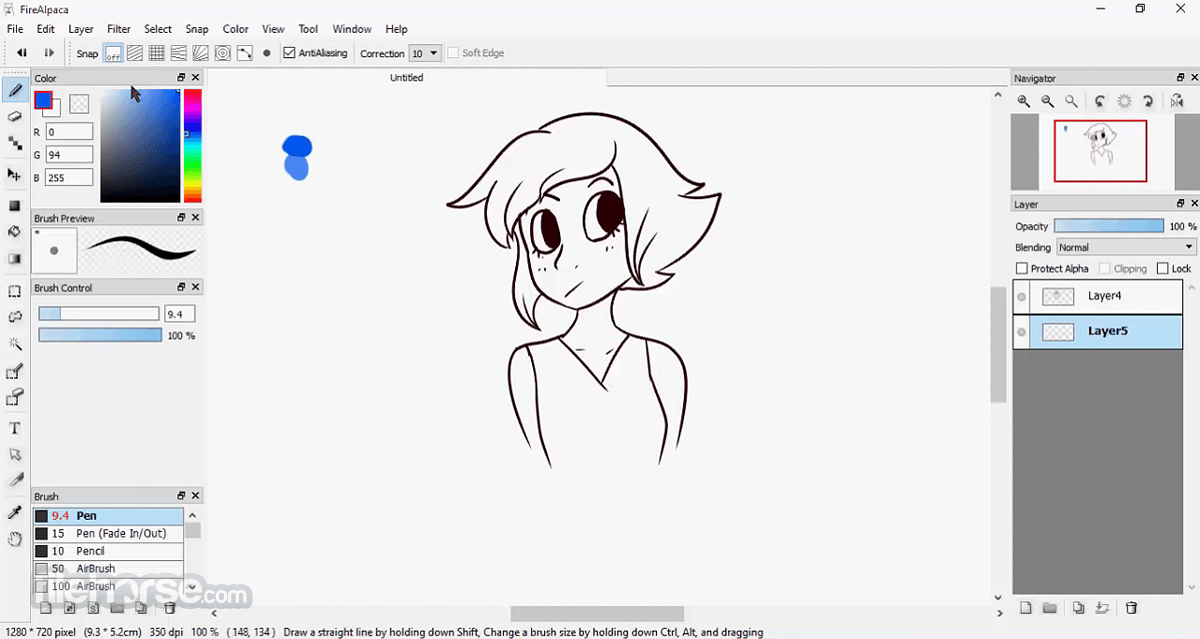
FireAlpaca is a completely free digital painting tool that works seamlessly on Windows computers. With its intuitive interface and simple tools, anyone—from beginners to experienced artists—can easily create stunning illustrations.
FireAlpaca for Windows is available in 10 different languages, making it accessible to users around the world.
🖌️ Clean, Crisp Strokes with Watercolor Effects
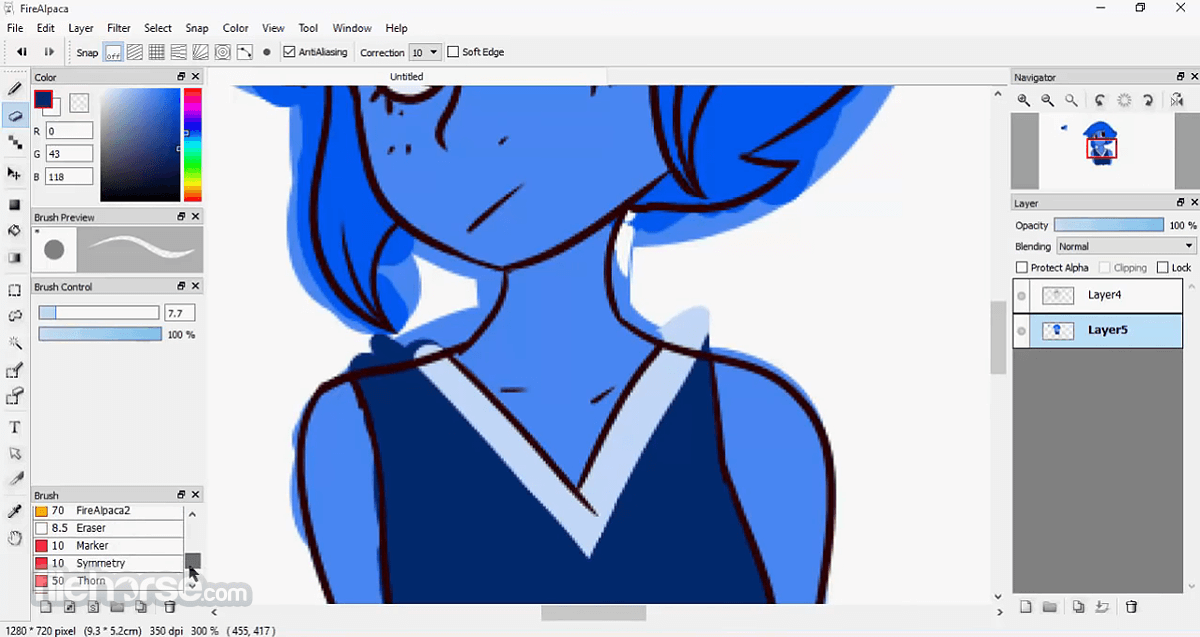
FireAlpaca comes with a variety of brushes ready to use out of the box—Pen, Pencil, AirBrush, and Watercolor. The Pen offers sharp, clean strokes, while the Watercolor brush gives a soft, blended effect. You can also customize and create your own brushes to suit your style.
⚡ Lightweight & Fast Performance
Optimized for speed, FireAlpaca runs smoothly even on older computers. Its lightweight footprint ensures a lag-free drawing experience.
🎨 Easy to Use
FireAlpaca is incredibly user-friendly, making it perfect for beginners. There's no complicated setup or controls—just launch and start drawing. It’s also a solid choice for advanced users looking for a straightforward yet capable tool.
🍏 Mac-Friendly
Free art software options for Mac are limited, but FireAlpaca fills that gap. It’s fully compatible with both macOS and Windows, and files can be shared between platforms without any issues.
🌐 Free Forever
Yes, really. FireAlpaca is 100% free—no subscriptions, no hidden costs. All you need is a computer to get started.
Standout Features
Comic Templates Built-In
Easily start your comic projects with ready-made templates available by default.
Perspective Tools
Draw accurate perspective lines or snap to 3D shapes like cubes using the 3D Perspective feature.
Custom Brushes & Effects
Add unique effect brushes using your own patterns or images. Try out symmetric and rotational brushes to create surprising results.
Concentration Lines Tool
Perfect for comic and manga artists—add focus lines with just a few clicks.
Create Animations with AlpacaDouga
Turn your PNG, JPG, or GIF frames into animated GIFs. AlpacaDouga makes the animation process simple and approachable.
How to Use
System Requirements
Download FireAlpaca Latest Version Why is this app published on FileHorse? (More info)
FireAlpaca for Windows is available in 10 different languages, making it accessible to users around the world.
🖌️ Clean, Crisp Strokes with Watercolor Effects
FireAlpaca comes with a variety of brushes ready to use out of the box—Pen, Pencil, AirBrush, and Watercolor. The Pen offers sharp, clean strokes, while the Watercolor brush gives a soft, blended effect. You can also customize and create your own brushes to suit your style.
⚡ Lightweight & Fast Performance
Optimized for speed, FireAlpaca runs smoothly even on older computers. Its lightweight footprint ensures a lag-free drawing experience.
🎨 Easy to Use
FireAlpaca is incredibly user-friendly, making it perfect for beginners. There's no complicated setup or controls—just launch and start drawing. It’s also a solid choice for advanced users looking for a straightforward yet capable tool.
🍏 Mac-Friendly
Free art software options for Mac are limited, but FireAlpaca fills that gap. It’s fully compatible with both macOS and Windows, and files can be shared between platforms without any issues.
🌐 Free Forever
Yes, really. FireAlpaca is 100% free—no subscriptions, no hidden costs. All you need is a computer to get started.
Standout Features
Comic Templates Built-In
Easily start your comic projects with ready-made templates available by default.
Perspective Tools
Draw accurate perspective lines or snap to 3D shapes like cubes using the 3D Perspective feature.
Custom Brushes & Effects
Add unique effect brushes using your own patterns or images. Try out symmetric and rotational brushes to create surprising results.
Concentration Lines Tool
Perfect for comic and manga artists—add focus lines with just a few clicks.
Create Animations with AlpacaDouga
Turn your PNG, JPG, or GIF frames into animated GIFs. AlpacaDouga makes the animation process simple and approachable.
How to Use
- Run the installer and follow the setup instructions
- Launch the software after installation
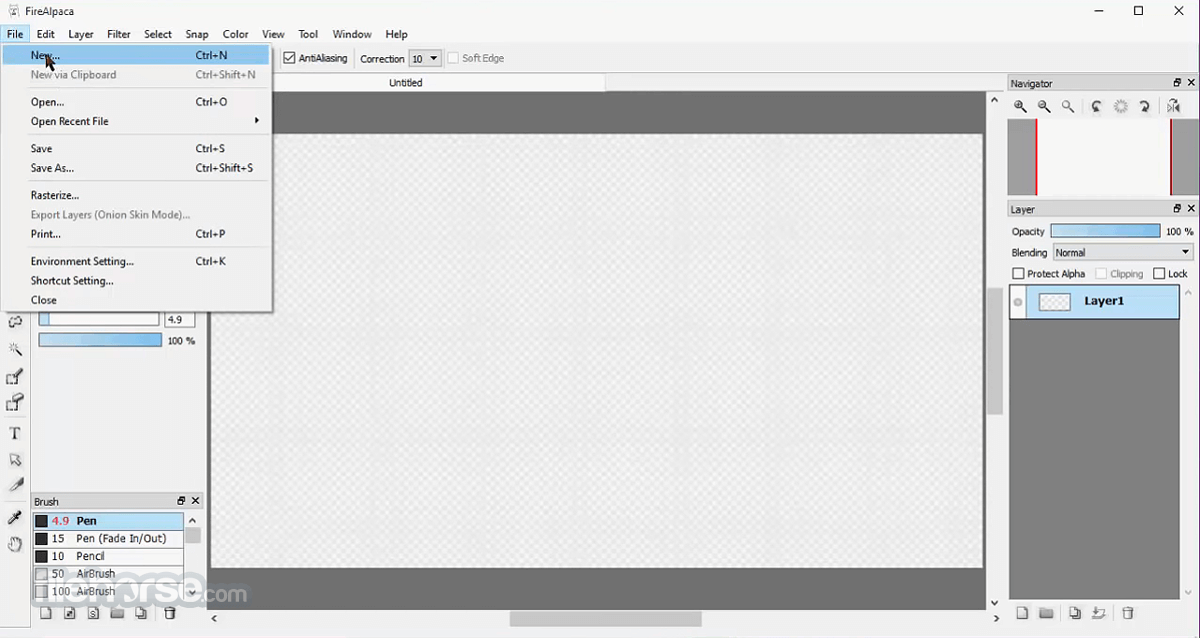
- Choose canvas size or open an existing file
- Use the toolbar to select brushes and tools
- Customize brush settings as needed
- Use layers to separate different parts of your work
- Save your project in .mdp or export as image files
System Requirements
- OS: Windows 7, 8, 10, or 11
- CPU: Intel Pentium 4 or later
- RAM: 2 GB minimum
- Storage: 100 MB of free space
- Graphics: Compatible with OpenGL 2.0 or higher
- Lightweight and fast performance
- User-friendly interface
- Free to download and use
- Supports layer-based editing
- Good for beginners and hobbyists
- Limited advanced features
- No animation tools
- Lacks vector support
- Occasional brush lag
- Limited customization options
Download FireAlpaca Latest Version Why is this app published on FileHorse? (More info)
##
畫面截圖