FontCreator 16.0.0.3077 (64-bit)
v 16.0.0.3077 (64-bit)
Windows
商業試用
7.7/10 (24)
- 目前版本16.0.0.3077 (64-bit)
- 更新日期2026-07-18
- 檔案大小29.1 MB
- 檔案名稱FontCreatorSetup-x64.exe
- 作業系統Windows 7 64 / Windows 8 64 / Windows 10 64 / Windows 11
- 支援語系English
- 授權型式商業試用
- 開發商 High-Logic
- 軟體分類Windows 軟體 / 影像設計
##
翻譯排程處理中,以下暫以英文原文呈現
軟體介紹
If you want to create new fonts from the ground up or modify previously available fonts, your first choice should be FontCreator 64bit.
Used by over 5 million users worldwide and celebrated as the most comprehensive editing suite for creating and optimizing fonts, The program is a tool designed to satisfy both novices and professionals.
Even though it features numerous quality-of-life options, its intensive user interface and presence of complex UI elements make this tool best suited for professionals and seasoned design enthusiasts who want to take advantage of every possible tool to achieve their goals.
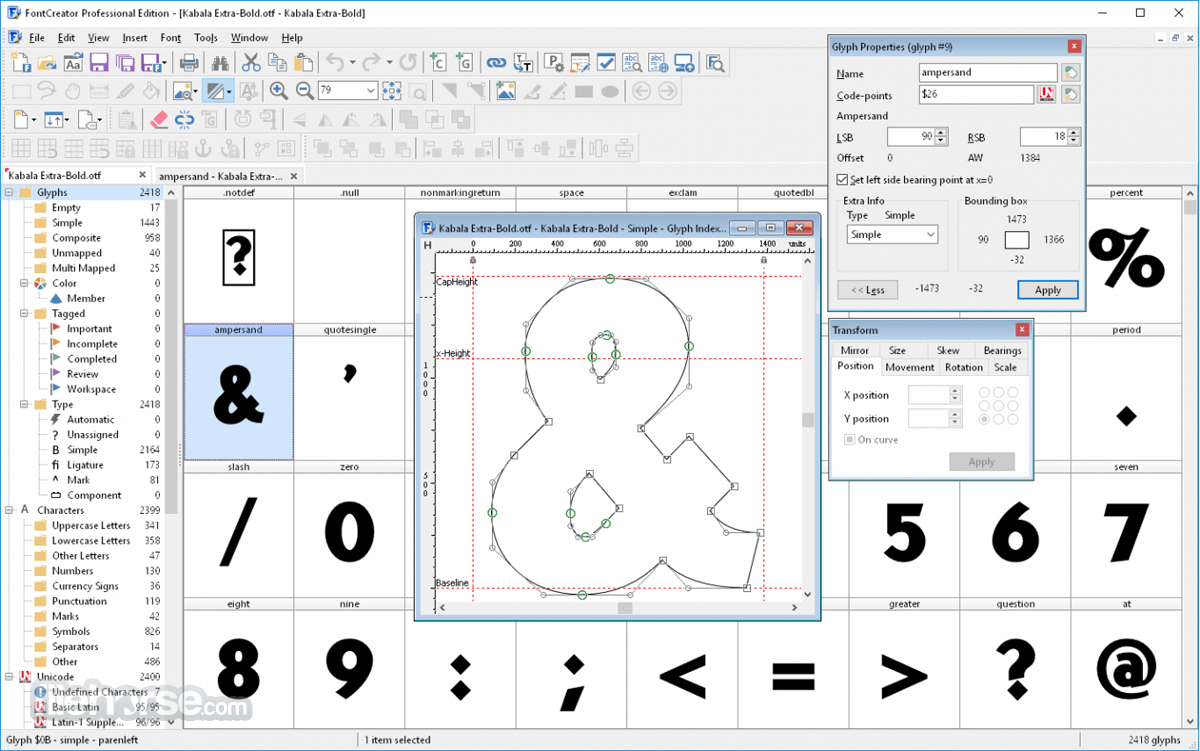
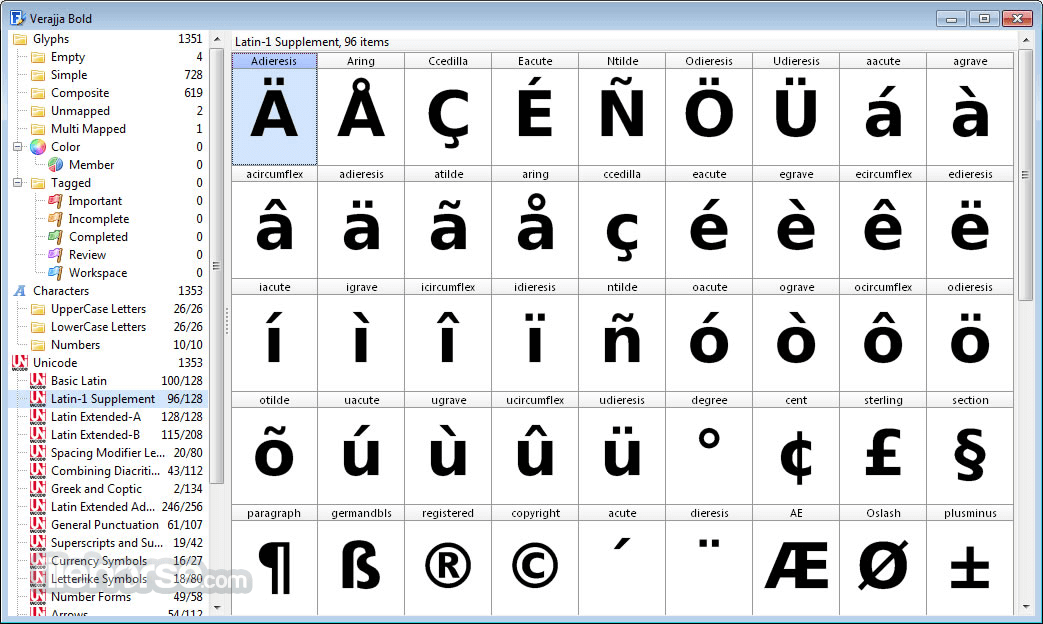
During the creation of the brand-new font, FontCreator 64 bit will present you with the overview of all available characters, enabling you to easily add missing characters, or modify existing ones.
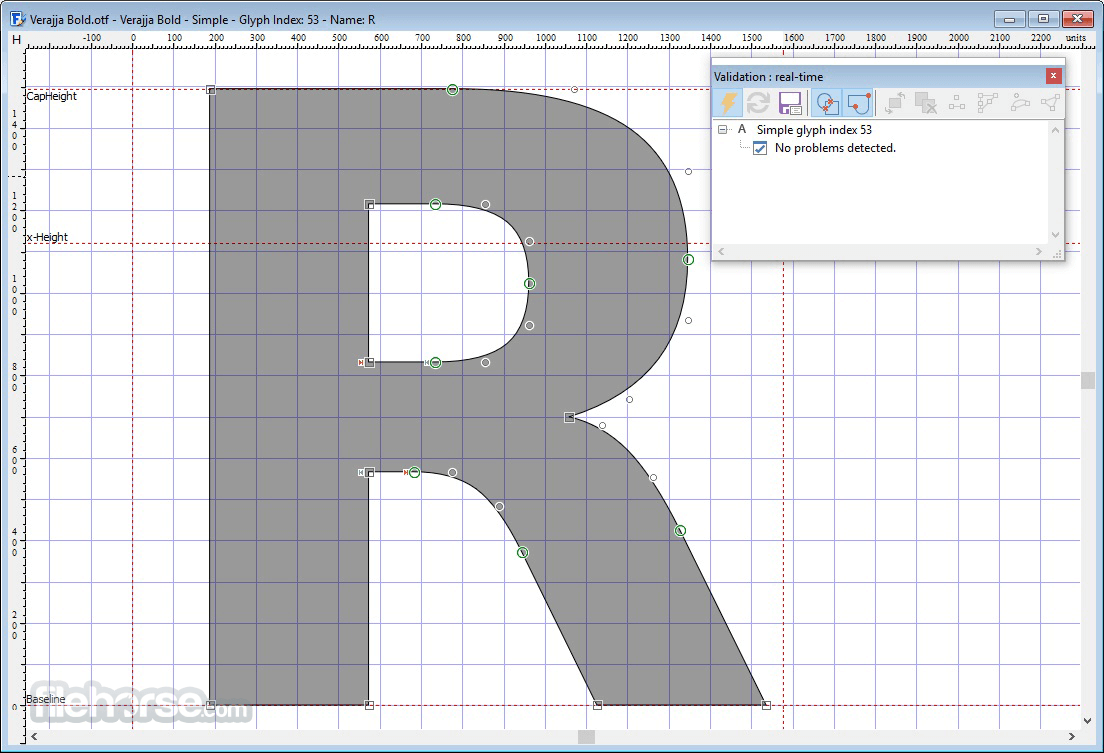
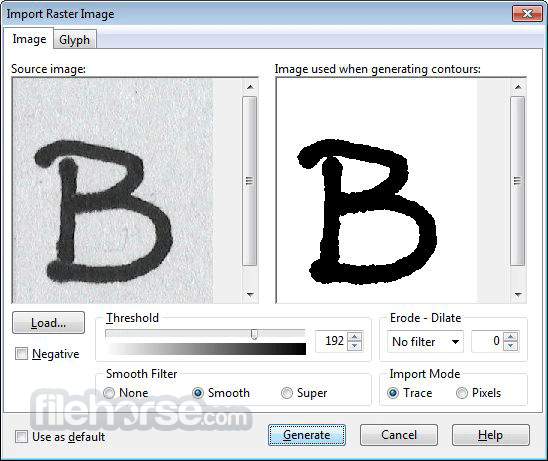
To make character creation easier, FontCreator supports tools for manual drawing, streamlined image import feature, live preview, font outline validation, and more.
Features and Highlights
More expensive ‘Standard’ version opens up the support for Advanced contour operations, Automatic kerning and Real-time glyph validation, while the most expensive “Professional” tier unlocks the full potential of this app, including support for advanced Copy and Import tools and Optical metrics.
How to Use
Launch the application and create a new font project
Import or draw glyphs using the built-in design tools
Edit font metrics, kerning, and OpenType features
Validate the font to detect and fix any errors
Generate and export the final font file
Install your font on Windows or distribute it
System Requirements
Download FontCreator Latest Version Why is this app published on FileHorse? (More info)
Used by over 5 million users worldwide and celebrated as the most comprehensive editing suite for creating and optimizing fonts, The program is a tool designed to satisfy both novices and professionals.
Even though it features numerous quality-of-life options, its intensive user interface and presence of complex UI elements make this tool best suited for professionals and seasoned design enthusiasts who want to take advantage of every possible tool to achieve their goals.
During the creation of the brand-new font, FontCreator 64 bit will present you with the overview of all available characters, enabling you to easily add missing characters, or modify existing ones.
To make character creation easier, FontCreator supports tools for manual drawing, streamlined image import feature, live preview, font outline validation, and more.
Features and Highlights
- Font Overview with Categories – Built-in listing tool for easy access to a wide array of glyphs, character subsets, and Unicode ranges.
- OpenType, TrueType, and Web fonts – Full support for all the major font standards for Windows, macOS, Linux, and all modern web browsers.
- Design High-Quality Fonts – Wide array of tools for font validation and error detection.
- Optimize Contours – Built-in tool for glyph outline optimization and reduction of line points.
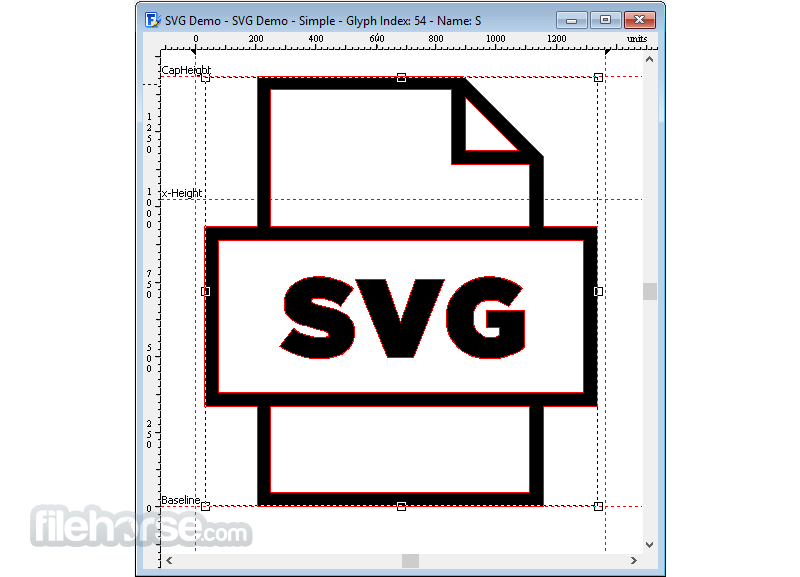
- Powerful import option – Support for importing not only high-quality vector graphics image files but also raster (bitmap) images that can be converted into glyphs.
- Handwriting conversion – Create a new font by scanning images of your own handwriting style.
- Scalable Color Fonts – Full support for the creation of multi-colored glyphs, with backward compatibility support for systems that support only single-colored fonts.
- Visual OpenType Designer – Take advantage of the built-manager to easily add or modify OpenType Layout Features for both glyph substitutions and glyph positioning.
- Kerning – Automatically or manually take control over kern pair positioning.
- Powerful Transform Wizard – Single-click solution for transforming the desired font into Italics or Bold.
- Advanced Shaping Engine – Full support for the creation of Arabic, Syriac, Hebrew, and other advanced fonts, with a special tool for shaping and tweaking such complex glyphs.
- Optical Metrics – Exclusive feature of the professional version of the app that automatically set the character spacing (left and right side-bearings) for each of your glyphs.
- Complete Composites – Intelligent creation of outlines for your glyphs.
- Extensive preview and Windows font installation features
- And much more…
More expensive ‘Standard’ version opens up the support for Advanced contour operations, Automatic kerning and Real-time glyph validation, while the most expensive “Professional” tier unlocks the full potential of this app, including support for advanced Copy and Import tools and Optical metrics.
How to Use
Launch the application and create a new font project
Import or draw glyphs using the built-in design tools
Edit font metrics, kerning, and OpenType features
Validate the font to detect and fix any errors
Generate and export the final font file
Install your font on Windows or distribute it
System Requirements
- Operating System: Windows 11 or Windows 10 (64-bit)
- Processor: Dual-core processor or better
- RAM: 4 GB minimum (8 GB or more recommended)
- Display: 1280x800 resolution or higher
- Disk Space: At least 100 MB free space
- Internet: Required for software activation and updates
- Comprehensive glyph editing tools
- Supports OpenType feature creation
- Visual TrueType editing support
- Batch import of glyphs and images
- Built-in font validation and repair
- Interface may feel dated to some users
- Limited documentation for advanced features
- No macOS version available
- Higher cost compared to basic font editors
Download FontCreator Latest Version Why is this app published on FileHorse? (More info)
##
畫面截圖