
- 目前版本3.10
- 更新日期2015-07-24
- 檔案大小5.90MB
- 檔案名稱FotoSketcher_3.10_setup.exe
- 作業系統Windows 7 64 / Windows 8 64 / Windows 10 64 / Windows 11
- 支援語系English
- 授權型式免費軟體
- 開發商 David Thoiron
- 軟體分類Windows 軟體 / 影像設計
軟體介紹
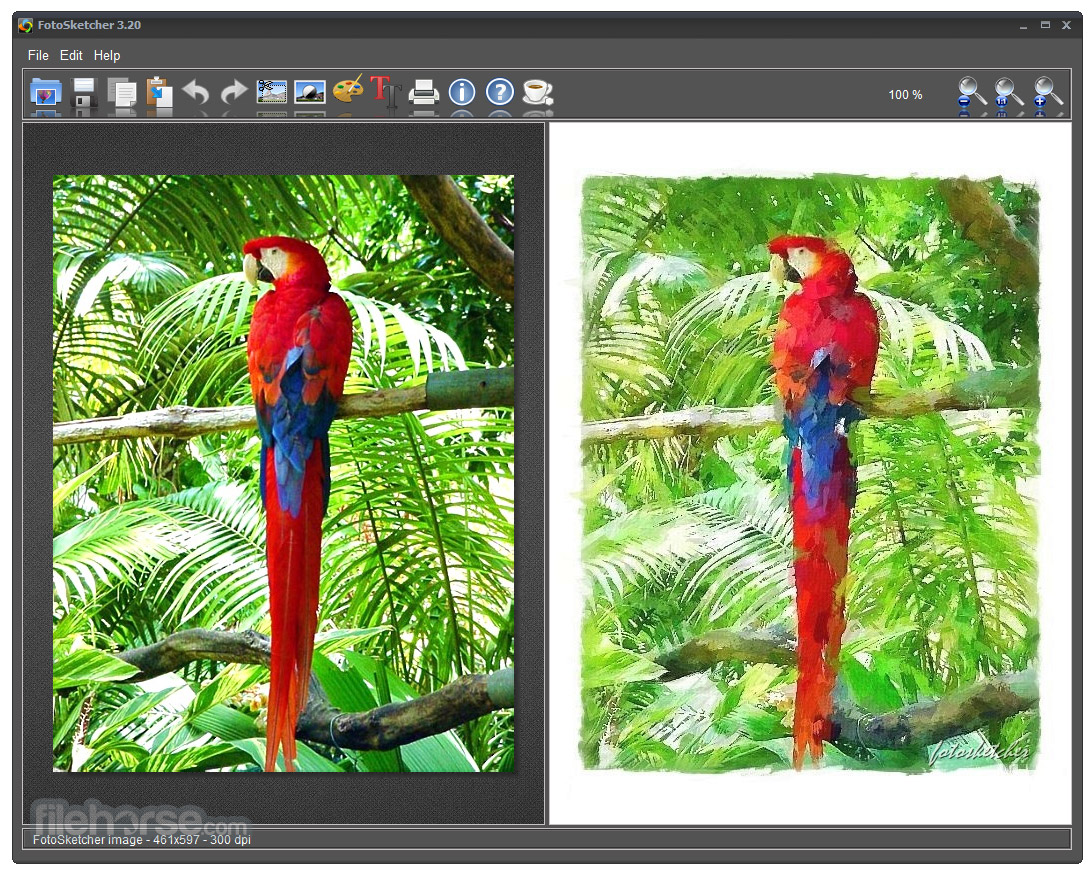
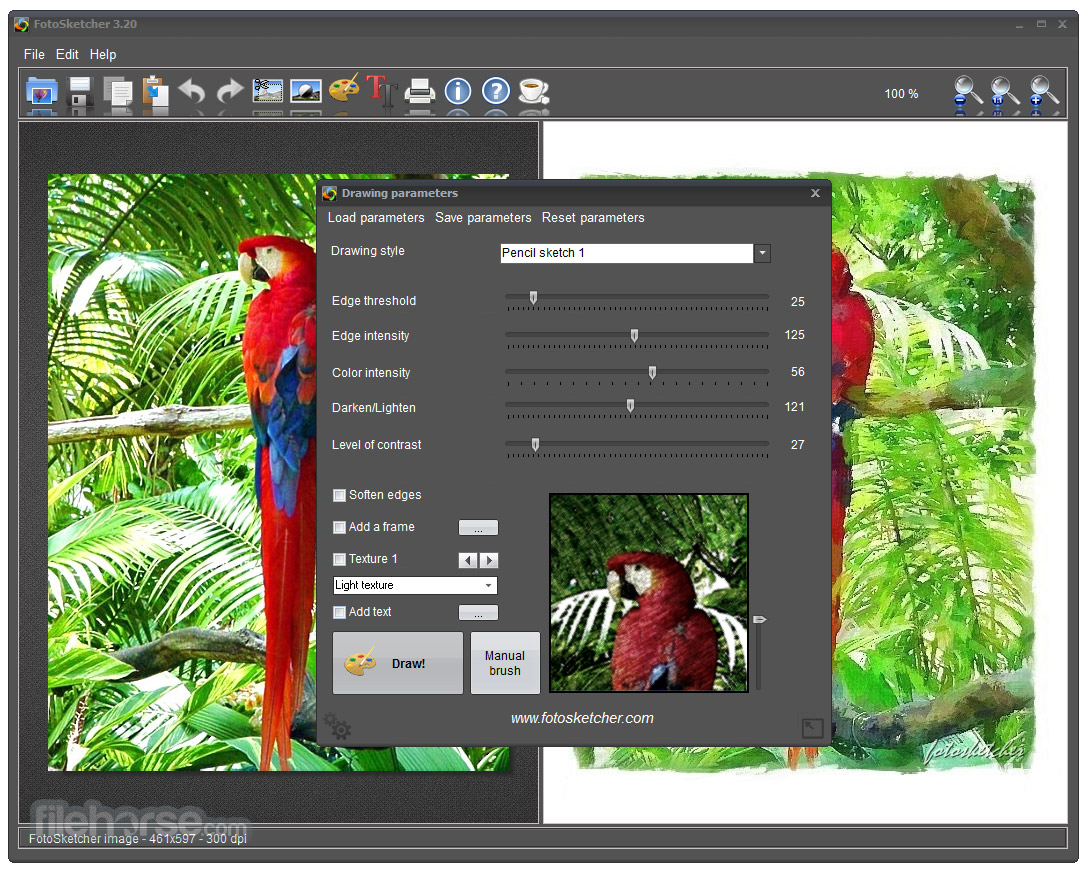
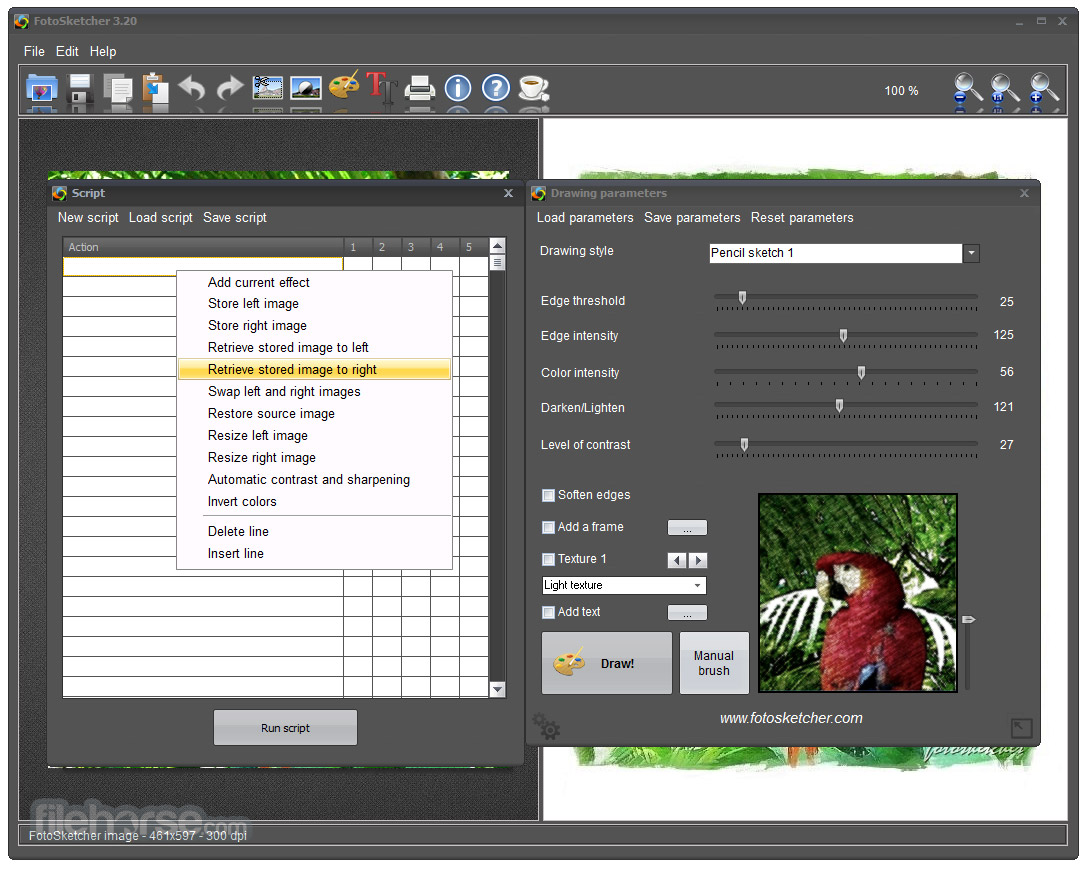
- 選擇繪畫風格:鋼筆素描、鉛筆素描(彩色、黑白)、油畫……等。
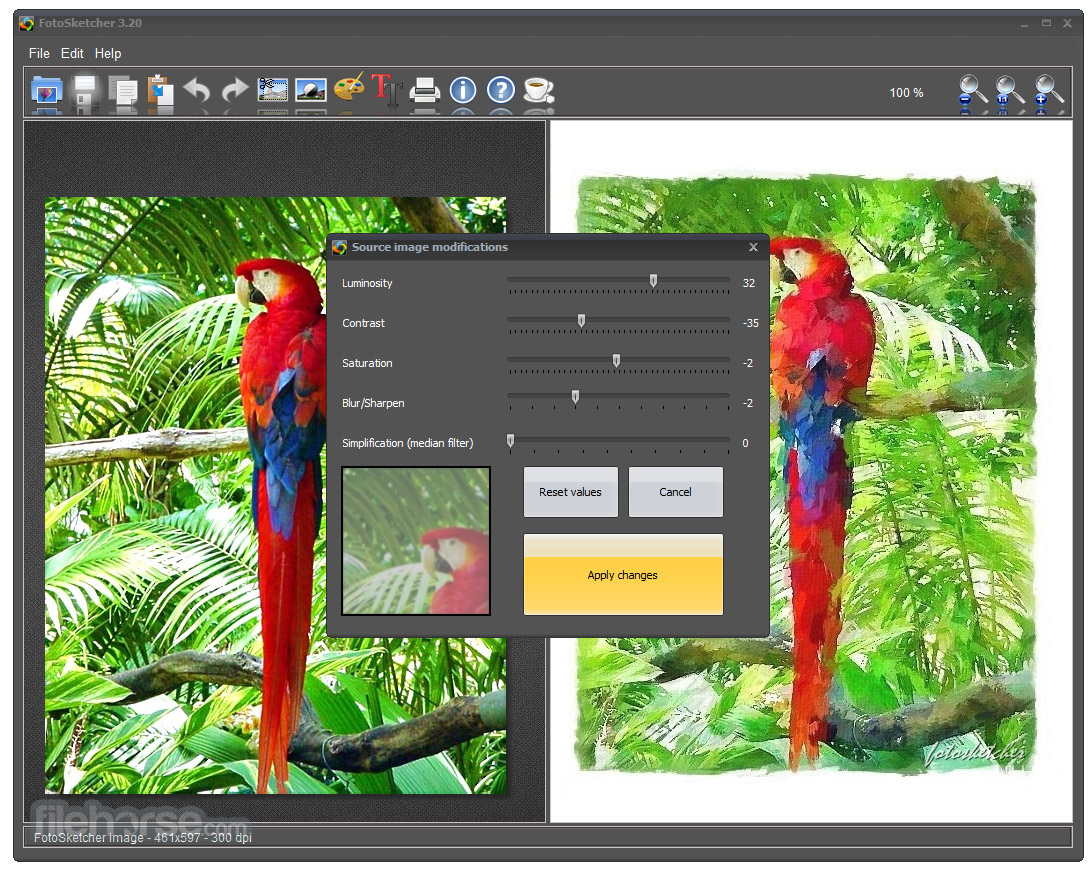
- 調整顏色強度、對比等級、亮度及深度。
- 加入畫框:樸素、線形、仿真、彩色。
- 選擇圖片材質。
- 可在圖片上加入文字註解。
- 設定好效果後,按下[Draw it],即變更完成。
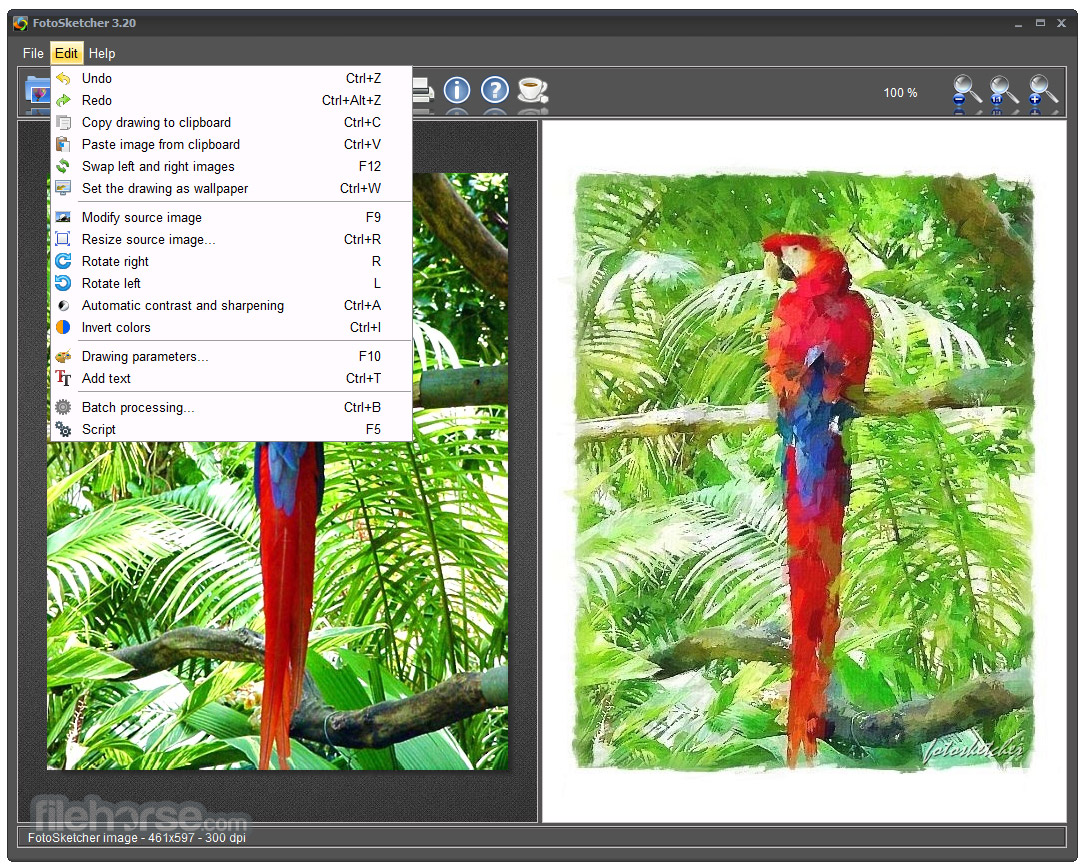
- 批次處理:可一次變更大量的圖片。
畫面截圖
更新日誌
3.10 - The DPI default value has been set to 300 for better printing quality.
- Although transparency in PNG images (alpha channel) is not supported by FotoSketcher, transparent pixels will no longer appear black. They will now be converted to white pixels (much prettier!).
- The donation screen (coffee cup icon) has been simplified and will lead to a unified PayPal screen.
- When using JPG images, the compression quality has been improved for fewer artifacts (save to PNG or BMP if you want maximum image quality).
- A visual bug with the Emergence 2 effect has been corrected. Sometimes the preview image would be pasted to the main result image in the top left corner.
- Some z-order problems have been solved.
- A memory leak has been hunted down and solved.
- When running a script (F5), FotoSketcher will be automatically minimized until the end of the process. If you wish to see the script running, just click on the FotoSketcher icon in the Windows task bar.
- 2026-07-28 FotoSketcher 4.50 35 MB
- 2026-07-09 FotoSketcher 4.40 34.9 MB
- 2026-06-16 FotoSketcher 4.30 55.9 MB
- 2026-05-02 FotoSketcher 4.20 51.1 MB
- 2026-04-11 FotoSketcher 4.10 53.1 MB
- 2026-03-25 FotoSketcher 4.00 43.6 MB
- 2025-04-02 FotoSketcher 3.98 13.7 MB
- 2024-12-16 FotoSketcher 3.97 13.6 MB