- 目前版本74.0
- 更新日期2026-07-09
- 檔案大小26.1 MB
- 檔案名稱mmail.exe
- 作業系統Windows 7 / Windows 8 / Windows 10 / Windows 11
- 支援語系English
- 授權型式商業試用
- 開發商 Gammadyne Corp.
- 軟體分類Windows 軟體 / 社群通訊
##
翻譯排程處理中,以下暫以英文原文呈現
軟體介紹
Gammadyne Mailer is essential software for automating a business's email marketing and other types of email operations. Without automation, email marketing is slow, tedious, and ineffective.
Gammadyne Mailer solves these problems by automating three key tasks: Sending Emails, Receiving Emails, and List Management.
By using desktop software like the Gammadyne Mailer app, you can save a fortune compared to email services which charge by email. Users pay no per-email fee and no monthly fee.
All you need is a mail server to relay the emails, and these can be rented for a few dollars per month. Or you can simply use the mail server that comes with your website. The Mailer program is the only practical solution for large mailing lists.
In addition, Gammadyne Mailer for Windows PC can track opens and clicks, providing a wealth of marketing information. Understanding your customers is critical to successful marketing.
With the tracking report, you'll see how interested each recipient was in the message, where they are located, and what language they prefer. This knowledge allows you to focus your marketing efforts on the best prospects, again translating to more sales.
Features and Highlights
Sending Email
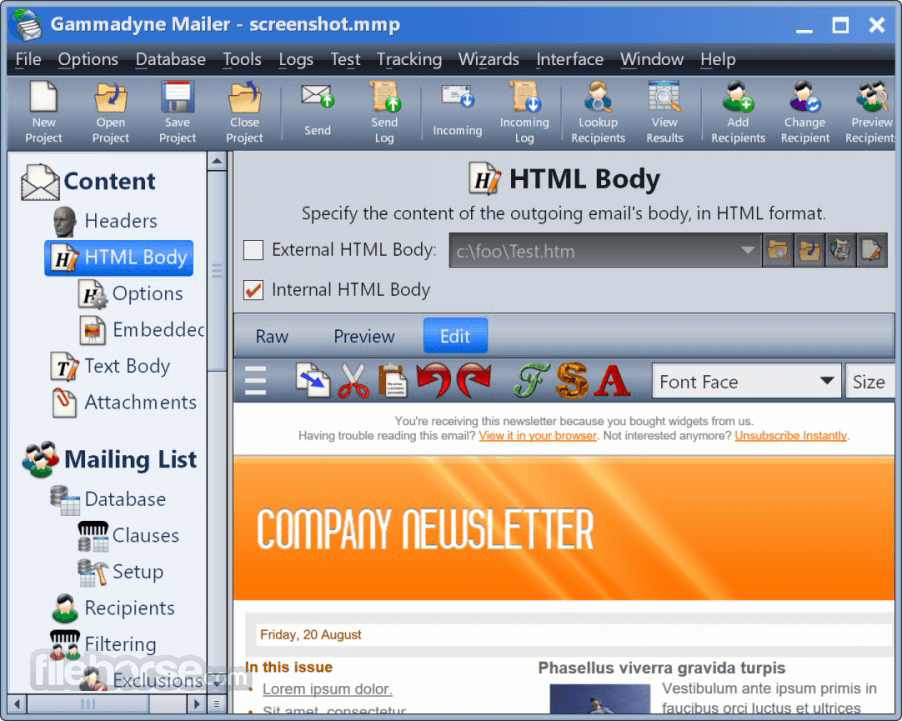
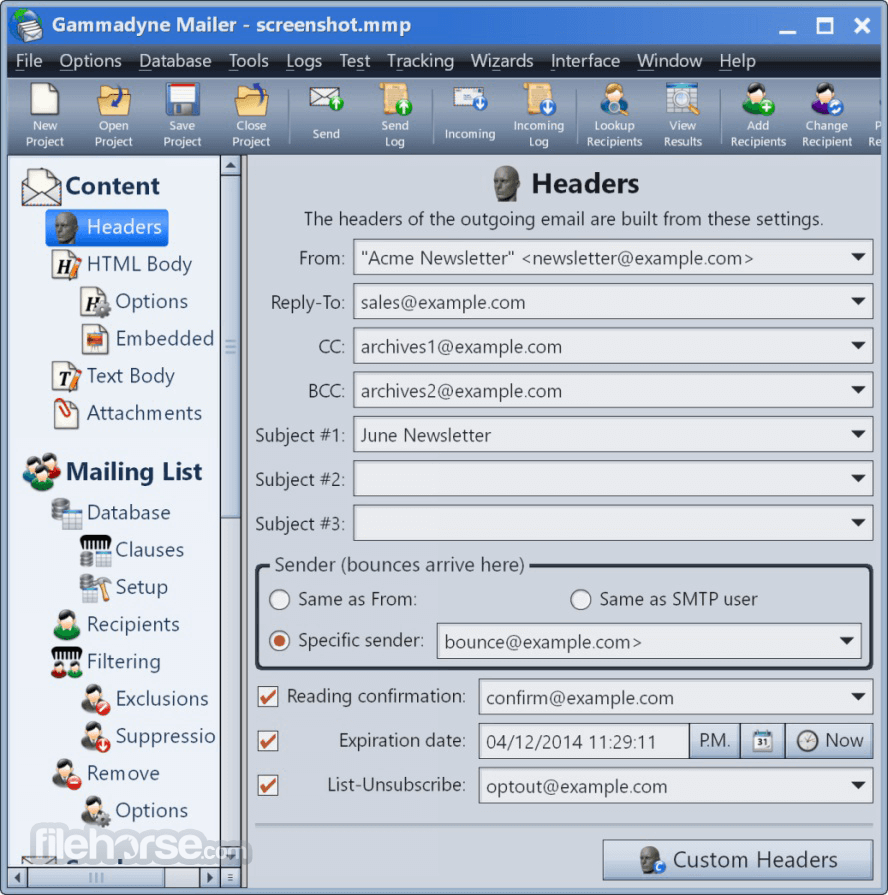
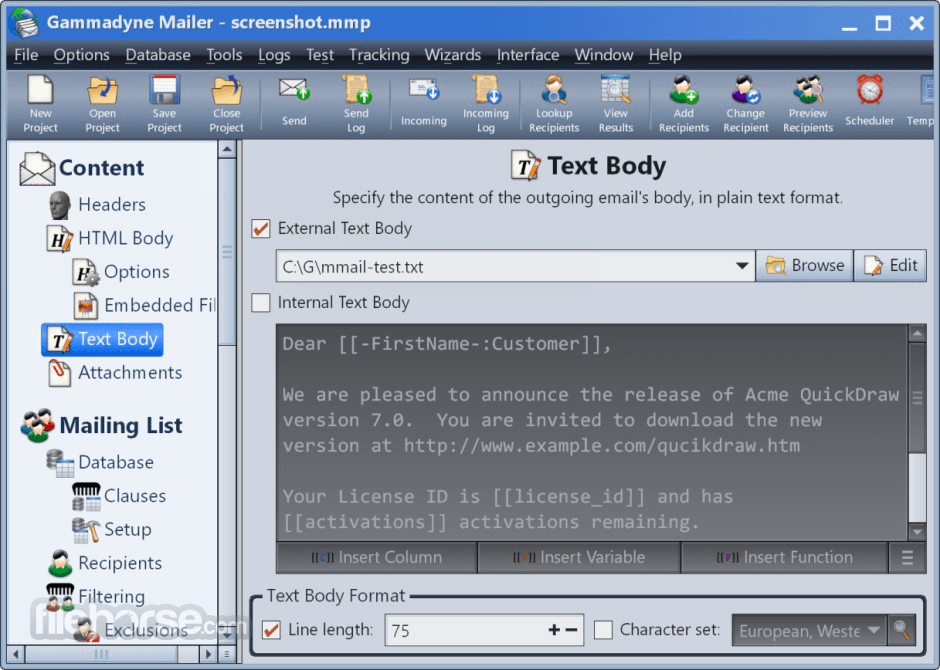
Sending personalized emails will greatly improve your response rate. It would take enormous effort to manually create and personalize each individual email. But with Gammadyne Mailer, you only need to specify a message template and a mailing list. The mailing list can be located in a database, CSV file, Excel spreadsheet, or plain text file.
Receiving Email
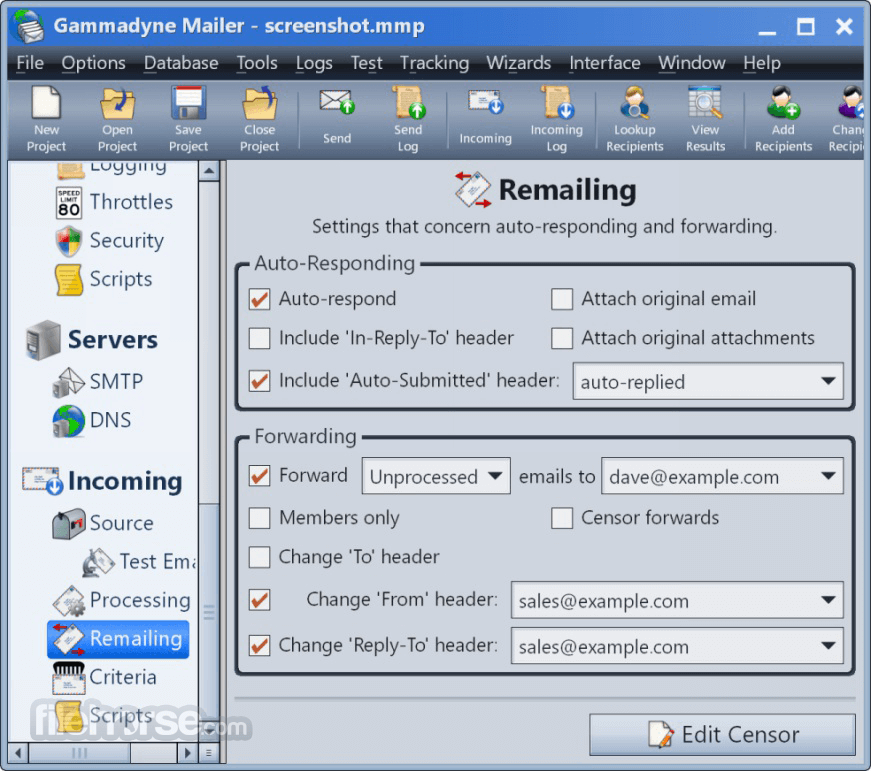
Dealing with a flood of sign-ups, opt-outs, and bounce-backs can be a monumental chore. It can automate the processing of these and many other types of incoming emails, saving you much time and tedium.
List Management
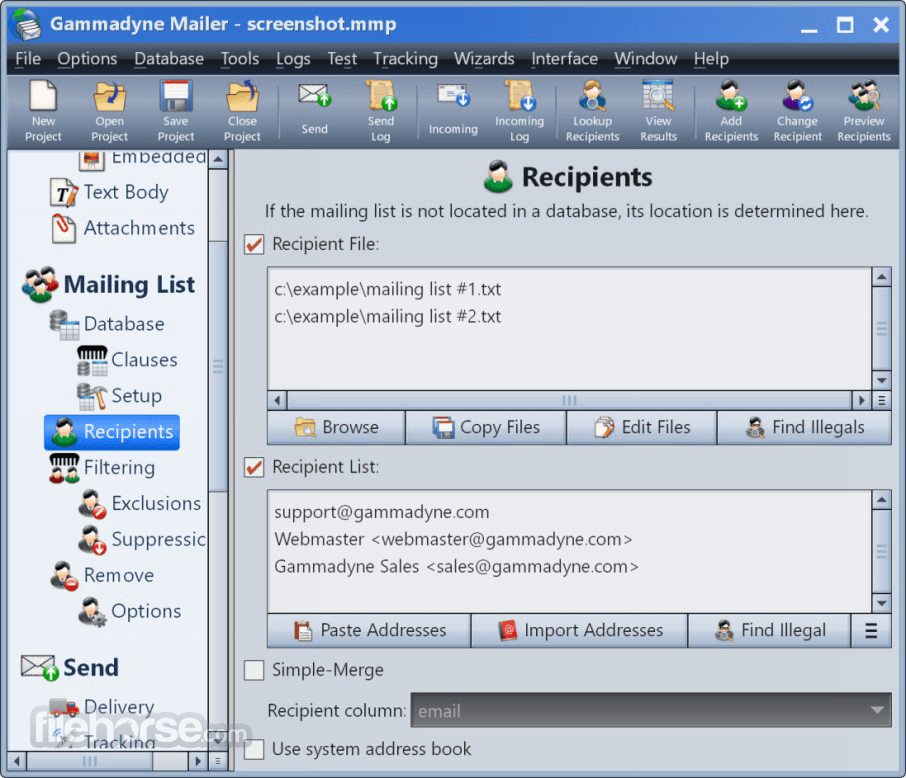
It includes a full set of tools for manipulating the mailing list. Adding, changing, and removing addresses has never been easier. And for mailing lists located in a database, Gammadyne Mailer's database integration allows you to edit data directly (no importing/exporting necessary).
The download is a free trial with the following limitations:
Download Gammadyne Mailer Latest Version Why is this app published on FileHorse? (More info)
Gammadyne Mailer solves these problems by automating three key tasks: Sending Emails, Receiving Emails, and List Management.
By using desktop software like the Gammadyne Mailer app, you can save a fortune compared to email services which charge by email. Users pay no per-email fee and no monthly fee.
All you need is a mail server to relay the emails, and these can be rented for a few dollars per month. Or you can simply use the mail server that comes with your website. The Mailer program is the only practical solution for large mailing lists.
In addition, Gammadyne Mailer for Windows PC can track opens and clicks, providing a wealth of marketing information. Understanding your customers is critical to successful marketing.
With the tracking report, you'll see how interested each recipient was in the message, where they are located, and what language they prefer. This knowledge allows you to focus your marketing efforts on the best prospects, again translating to more sales.
Features and Highlights
Sending Email
Sending personalized emails will greatly improve your response rate. It would take enormous effort to manually create and personalize each individual email. But with Gammadyne Mailer, you only need to specify a message template and a mailing list. The mailing list can be located in a database, CSV file, Excel spreadsheet, or plain text file.
Receiving Email
Dealing with a flood of sign-ups, opt-outs, and bounce-backs can be a monumental chore. It can automate the processing of these and many other types of incoming emails, saving you much time and tedium.
List Management
It includes a full set of tools for manipulating the mailing list. Adding, changing, and removing addresses has never been easier. And for mailing lists located in a database, Gammadyne Mailer's database integration allows you to edit data directly (no importing/exporting necessary).
The download is a free trial with the following limitations:
- The mailing list is limited to 100 recipients.
- There is a limit of 50 Send Operations and 50 Incoming Operations.
- The Tracking feature is disabled.
- The "Send Preprepared Emails" and "Check Blacklisting" tools are disabled.
- The "Write Email To Files" feature is disabled.
- The "Begin With Recipient" and "Send Only To Range Of Recipients" options are disabled.
- Third-party programs cannot use GMCOM.DLL.
- Launch Gammadyne Mailer and select a project type
- Import or create your mailing list
- Compose your email using the built-in editor
- Set delivery settings like SMTP server details
- Configure tracking, bounce handling, and autoresponders
- Run a test send to verify formatting and delivery
- Start the full email campaign
- View delivery reports and analytics
- Save and reuse project settings for future campaigns
- Operating System: Windows 7, 8, 10, 11 (32/64-bit)
- Processor: 1 GHz or faster
- RAM: Minimum 2 GB
- Hard Disk: 100 MB of available space
- Display: 1024x768 resolution or higher
- Internet Connection: Required for email delivery and tracking
- Extensive automation capabilities
- Advanced bounce handling tools
- Powerful built-in scripting language
- Supports unlimited recipients
- No recurring subscription fees
- Outdated user interface design
- Limited modern email templates
- No mobile app or web version
- Reports can be complex to analyze
Download Gammadyne Mailer Latest Version Why is this app published on FileHorse? (More info)
##
畫面截圖