⚠ 這是歷史版本頁面 — 查看 Inkscape 1.3.2 (32-bit) 最新版本 →

Inkscape 0.48.5
v 0.48.5
Windows
開源軟體
7.98/10 (99)
- 目前版本0.48.5
- 更新日期2014-06-23
- 檔案大小32.97 MB
- 檔案名稱inkscape-0.48.5-1-win32.exe
- 作業系統Windows 8 / Windows 10 / Windows 11
- 支援語系English
- 授權型式開源軟體
- 開發商 Inkscape Team
- 軟體分類Windows 軟體 / 影像設計
##
編輯短評
Inkscape 是一套開放原始碼的向量繪圖軟體,定位上與 Adobe Illustrator、CorelDRAW 同級,但完全免費。它以 SVG 作為原生格式,提供完整的向量編輯工具,從基本形狀、路徑編輯到文字排版都涵蓋,能直接產出可縮放的圖形,解決了專業向量繪圖軟體價格高昂的門檻問題。這套軟體自本世紀初問世以來,一直由社群持續維護,更新相當活躍,在同類開源工具中屬於主流首選,評價普遍不錯。
它適合預算有限但需要專業向量繪圖能力的使用者,例如平面設計師、網頁設計師或插畫工作者,在製作 Logo、插圖、UI 素材等情境下都能派上用場。與 Adobe Illustrator 相比,Inkscape 的功能完整度已相當接近,但在部分進階功能與操作流暢度上仍有取捨,且介面與慣用快捷鍵需要一些時間適應。授權為開源免費,Windows 平台可正常使用,不過目前僅提供英文介面,對中文使用者來說,操作上可能需要先熟悉英文選單。
##
翻譯排程處理中,以下暫以英文原文呈現
軟體介紹
Inkscape for PC is an open-source vector graphics editor, similar to Adobe Illustrator, CorelDRAW, and Affinity Designer. It allows users to create scalable graphics using SVG (Scalable Vector Graphics) as its primary format.
The software supports advanced vector editing tools, making it suitable for professional graphic designers, web designers, and illustrators.
Originally released in 2003, Inkscape 32bit is continuously updated by a community of developers, ensuring that it remains competitive with commercial alternatives. Its key selling point is that it is completely free, making professional-grade design accessible to everyone.
Key Features
1. Vector Editing Tools
Pen tool (Bezier and Spiro curves)
Pencil tool (freehand drawing with smoothing options)
Calligraphy tool for artistic strokes
Shape tools (rectangles, circles, stars, spirals, and polygons)
2. Path Operations and Boolean Functions
Union, Difference, Intersection, Exclusion, and Division tools
Node editing to refine vector paths
Advanced path effects for artistic manipulation
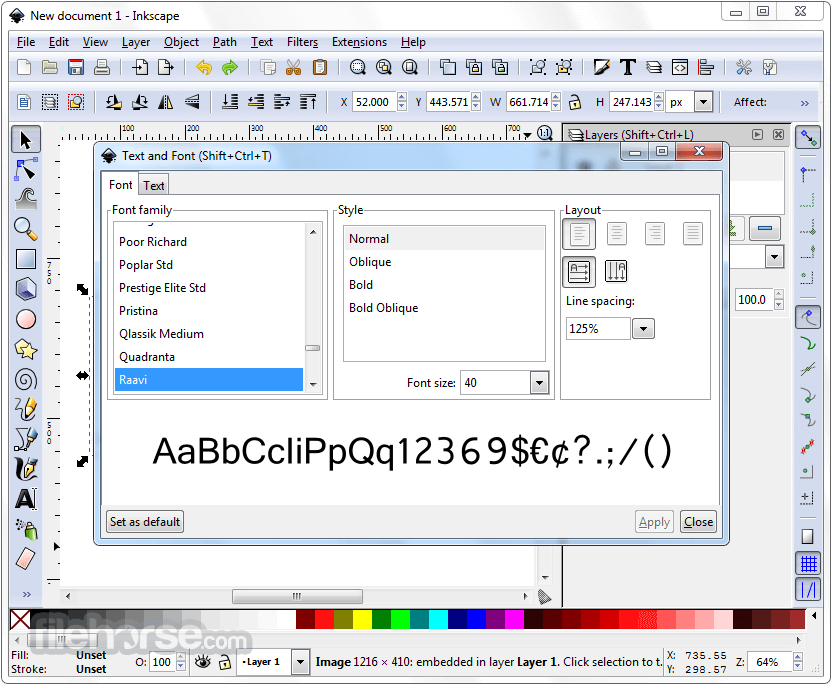
3. Text and Typography Support
Full SVG text editing with kerning, spacing, and text-on-path options
Support for OpenType features
4. Fill and Stroke Capabilities
Gradient, pattern, and texture fills
Transparency and blending modes
Custom stroke styles
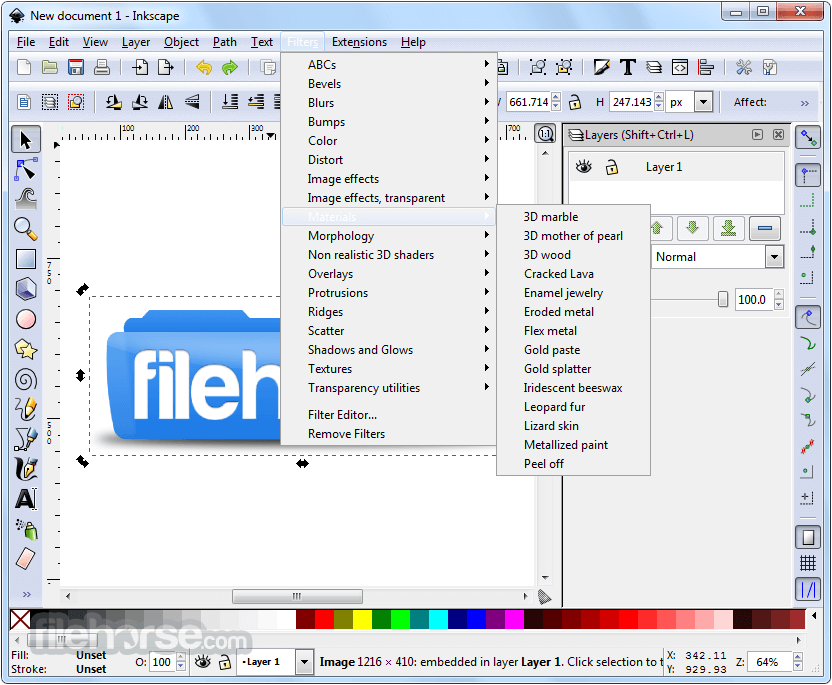
5. Filters and Effects
Drop shadows, blurs, and distortions
Custom filter editor for advanced effects
6. Import and Export Options
Supports SVG, PDF, EPS, PNG, DXF, and more
Can export to various file formats, making it versatile for different design needs
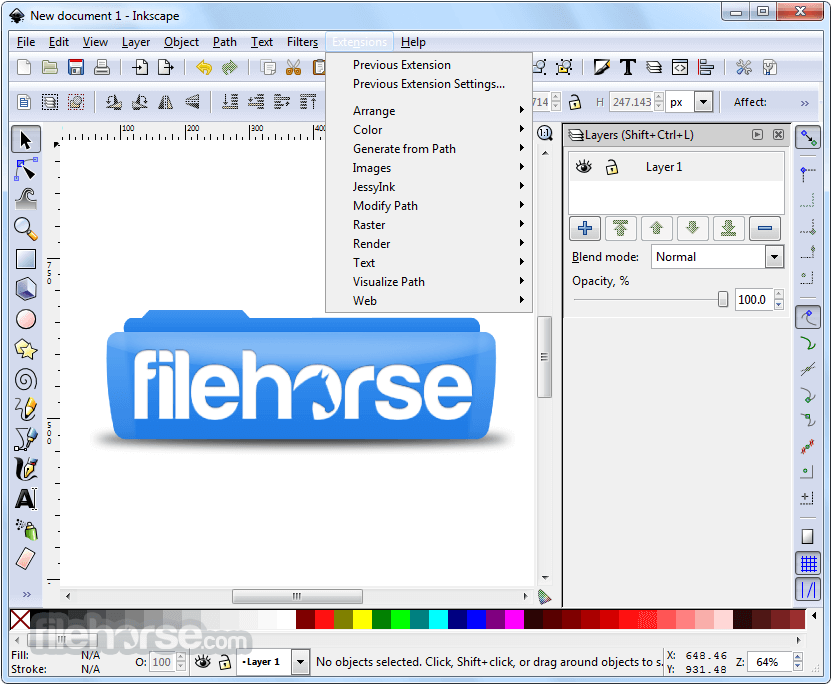
7. Extensions and Customization
Extensive support for plugins and extensions
Highly customizable interface
Installation and Setup
Getting StartedOpen the program and create a new document. Select a shape tool (rectangle, ellipse, or polygon) and draw on the canvas. Use the Fill and Stroke panel to adjust colors and outlines. Apply transformations such as scaling, rotating, and skewing. Creating a Simple Logo
Is Inkscape suitable for professional design work?
Yes. Inkscape is widely used for professional vector illustration, logo design, technical drawings, and web graphics. While it may lack some high-end publishing or proprietary ecosystem features found in Adobe Illustrator, it offers powerful vector editing tools suitable for most professional workflows.
Can Inkscape open Adobe Illustrator (AI) files?
Inkscape can import many AI files, particularly those saved with PDF compatibility enabled. However, complex Illustrator features (such as advanced effects or proprietary tools) may not translate perfectly. For best compatibility, exporting files as SVG or PDF from Illustrator is recommended.
Does Inkscape still support 32-bit systems?
No. Modern Inkscape development focuses on 64-bit versions for Windows, macOS, and Linux. The 32-bit Windows version is no longer actively developed, as the project prioritizes performance, stability, and compatibility with modern operating systems through 64-bit builds.
Can Inkscape be used for print design?
Yes, with some considerations. Inkscape primarily works in RGB color space, but it supports professional print workflows through PDF export and color management tools. CMYK output can be handled via export settings or external tools, making it viable for many print projects when properly prepared.
Alternatives
Adobe Illustrator – The industry standard for vector graphics.
CorelDRAW – A feature-rich alternative for professionals.
Affinity Designer – A budget-friendly yet powerful choice.
Corel Vector – A browser-based vector editor.
Krita – Free and open-source painting software.
Pricing
Inkscape is completely free and open-source, with no subscription fees or paid versions. It can be downloaded and used at no cost for personal, educational, or commercial purposes.
System Requirements
Download Inkscape (32-bit) Latest Version Why is this app published on FileHorse? (More info)
The software supports advanced vector editing tools, making it suitable for professional graphic designers, web designers, and illustrators.
Originally released in 2003, Inkscape 32bit is continuously updated by a community of developers, ensuring that it remains competitive with commercial alternatives. Its key selling point is that it is completely free, making professional-grade design accessible to everyone.
Key Features
1. Vector Editing Tools
Pen tool (Bezier and Spiro curves)
Pencil tool (freehand drawing with smoothing options)
Calligraphy tool for artistic strokes
Shape tools (rectangles, circles, stars, spirals, and polygons)
2. Path Operations and Boolean Functions
Union, Difference, Intersection, Exclusion, and Division tools
Node editing to refine vector paths
Advanced path effects for artistic manipulation
3. Text and Typography Support
Full SVG text editing with kerning, spacing, and text-on-path options
Support for OpenType features
4. Fill and Stroke Capabilities
Gradient, pattern, and texture fills
Transparency and blending modes
Custom stroke styles
5. Filters and Effects
Drop shadows, blurs, and distortions
Custom filter editor for advanced effects
6. Import and Export Options
Supports SVG, PDF, EPS, PNG, DXF, and more
Can export to various file formats, making it versatile for different design needs
7. Extensions and Customization
Extensive support for plugins and extensions
Highly customizable interface
Installation and Setup
- Download this app from the official website or FileHorse.
- Choose the appropriate version for Windows, macOS, or Linux.
- Run the installer and follow the on-screen instructions.
- Launch this program and configure preferences as needed.
- Since the app is open-source, no activation or subscription is required.
Getting Started
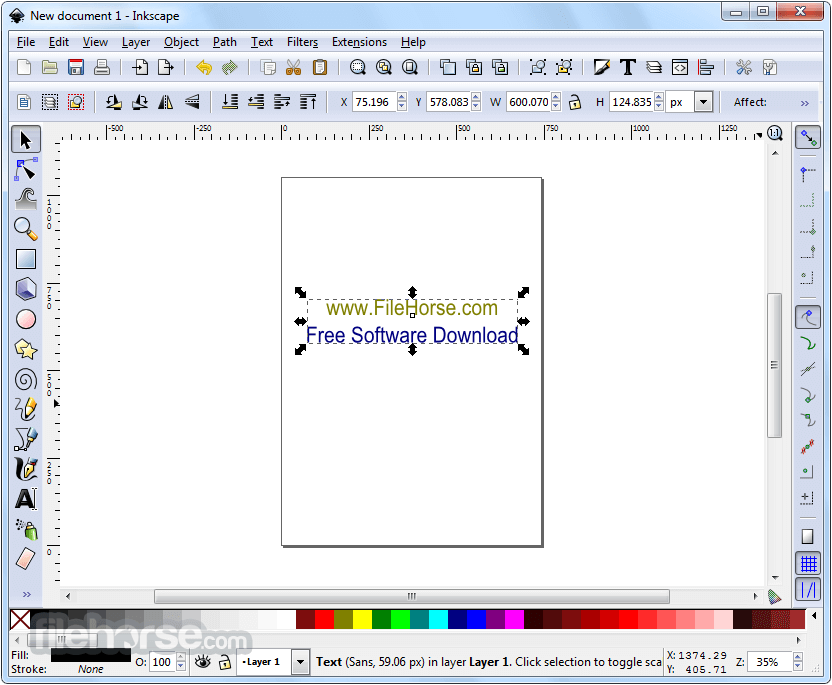
- Use the text tool to type a brand name.
- Customize the font and size in the text properties panel.
- Convert text to a path (Path > Object to Path) for further manipulation.
- Add a simple icon using the shape or pen tool.
- Export the final design as an SVG or PNG file.
Is Inkscape suitable for professional design work?
Yes. Inkscape is widely used for professional vector illustration, logo design, technical drawings, and web graphics. While it may lack some high-end publishing or proprietary ecosystem features found in Adobe Illustrator, it offers powerful vector editing tools suitable for most professional workflows.
Can Inkscape open Adobe Illustrator (AI) files?
Inkscape can import many AI files, particularly those saved with PDF compatibility enabled. However, complex Illustrator features (such as advanced effects or proprietary tools) may not translate perfectly. For best compatibility, exporting files as SVG or PDF from Illustrator is recommended.
Does Inkscape still support 32-bit systems?
No. Modern Inkscape development focuses on 64-bit versions for Windows, macOS, and Linux. The 32-bit Windows version is no longer actively developed, as the project prioritizes performance, stability, and compatibility with modern operating systems through 64-bit builds.
Can Inkscape be used for print design?
Yes, with some considerations. Inkscape primarily works in RGB color space, but it supports professional print workflows through PDF export and color management tools. CMYK output can be handled via export settings or external tools, making it viable for many print projects when properly prepared.
Alternatives
Adobe Illustrator – The industry standard for vector graphics.
CorelDRAW – A feature-rich alternative for professionals.
Affinity Designer – A budget-friendly yet powerful choice.
Corel Vector – A browser-based vector editor.
Krita – Free and open-source painting software.
Pricing
Inkscape is completely free and open-source, with no subscription fees or paid versions. It can be downloaded and used at no cost for personal, educational, or commercial purposes.
System Requirements
- OS: Windows 11, 10, 8, or 7
- RAM: 2GB (4GB or more recommended)
- Storage: At least 500MB free space
- Free and open-source
- Powerful vector design tools
- Supports various file formats
- Active community and frequent updates
- Lightweight and does not require a high-end system
- The 32-bit version is no longer being developed, while the 64-bit version continues to receive updates and active support.
- Learning curve for beginners
- Lacks some advanced features of Illustrator
Download Inkscape (32-bit) Latest Version Why is this app published on FileHorse? (More info)
##
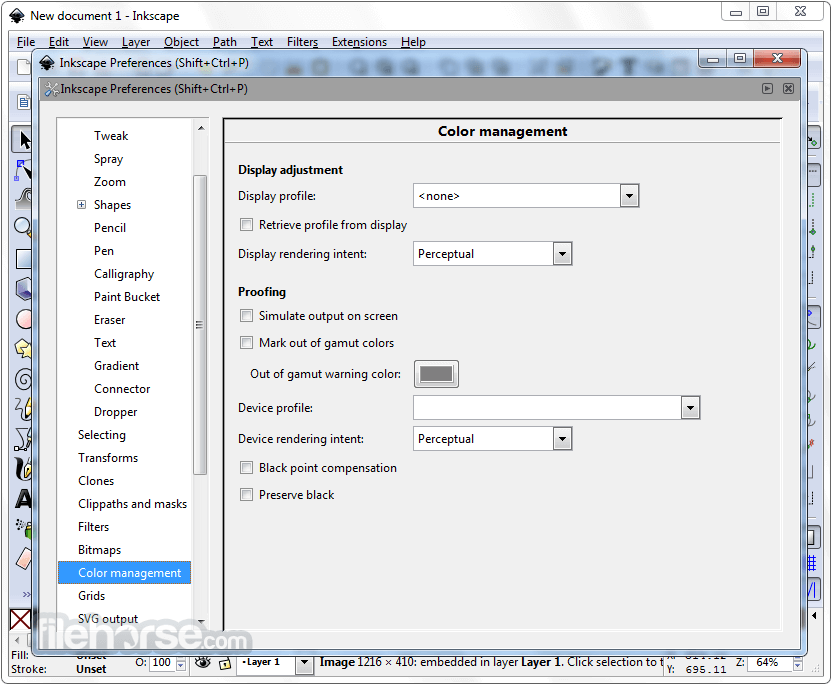
畫面截圖
- 2026-02-18 Inkscape 1.3.2 (32-bit) 142.48 MB
- 2023-11-19 Inkscape 1.3.1 (32-bit) 142.5 MB
- 2023-07-24 Inkscape 1.3 (32-bit) 128.93 MB
- 2022-12-06 Inkscape 1.2.2 (32-bit) 136.78 MB
- 2022-07-15 Inkscape 1.2.1 (32-bit) 132.9 MB
- 2022-05-17 Inkscape 1.2 (32-bit) 130.52 MB
- 2022-02-06 Inkscape 1.1.2 (32-bit) 130.56 MB
- 2021-09-28 Inkscape 1.1.1 (32-bit) 120.59 MB