⚠ 這是歷史版本頁面 — 查看 Internet Download Accelerator 最新版本 →

Internet Download Accelerator 7.1.1.1729
v 7.1.1.1729
Windows
試用版
7.8/10 (69)
- 目前版本7.1.1.1729
- 更新日期2024-02-03
- 檔案大小8.5 MB
- 檔案名稱idasetup.exe
- 作業系統Windows 7 / Windows 8 / Windows 10 / Windows 11
- 支援語系English
- 授權型式試用版
- 開發商 WestByte Software
- 軟體分類Windows 軟體 / 檔案傳輸與網路
##
編輯短評
Internet Download Accelerator 是一款專為 Windows 設計的下載加速工具,主要解決下載速度慢、連線中斷後需重新下載,以及下載檔案管理不易等問題。它透過將檔案分割成多個部分同時下載來提升速度,並支援 HTTP、HTTPS 與 FTP 協定的續傳功能。軟體持續有更新,但頻率不算密集;在眾多同類工具中,它的評價中上,並非最熱門,但仍有穩定的使用者。
這套軟體適合經常下載大型檔案、或網路環境不穩定的使用者,尤其需要續傳功能時相當實用。它與常見瀏覽器整合良好,能自動捕捉下載連結。相較於 Internet Download Manager 等主流選擇,IDA 的介面與功能較為樸實,但基本需求都能滿足。要注意的是,它僅提供英文介面,且為試用版,若需長期使用可能需考慮授權費用。
##
翻譯排程處理中,以下暫以英文原文呈現
軟體介紹
Internet Download Accelerator effectively solves three of the biggest problems when downloading files: speed, resuming broken downloads, and management of downloaded files.
Internet Download Accelerator (IDA) for Windows significantly enhances file download speeds from the internet using HTTP, HTTPS, and FTP protocols.
How It Works
The acceleration is achieved by splitting files into multiple parts and downloading them simultaneously. The program also resumes interrupted downloads from where they left off on HTTP, HTTPS, and FTP servers.
To improve usability, IDA integrates seamlessly with popular browsers like Edge, Chrome, Firefox, Mozilla, Opera, Safari, and Vivaldi, replacing standard download modules.
Additionally, it monitors the system clipboard to detect URLs automatically and allows downloading and saving videos from popular streaming services.
Regardless of your connection type, IDA optimizes bandwidth usage for maximum download speeds.
Key Features
User-Friendly Interface: Intuitive, customizable, and easy to use.
Download Management:
Why Go Pro?
Download Internet Download Accelerator Latest Version Why is this app published on FileHorse? (More info)
Internet Download Accelerator (IDA) for Windows significantly enhances file download speeds from the internet using HTTP, HTTPS, and FTP protocols.
How It Works
The acceleration is achieved by splitting files into multiple parts and downloading them simultaneously. The program also resumes interrupted downloads from where they left off on HTTP, HTTPS, and FTP servers.
To improve usability, IDA integrates seamlessly with popular browsers like Edge, Chrome, Firefox, Mozilla, Opera, Safari, and Vivaldi, replacing standard download modules.
Additionally, it monitors the system clipboard to detect URLs automatically and allows downloading and saving videos from popular streaming services.
Regardless of your connection type, IDA optimizes bandwidth usage for maximum download speeds.
Key Features
User-Friendly Interface: Intuitive, customizable, and easy to use.
Download Management:
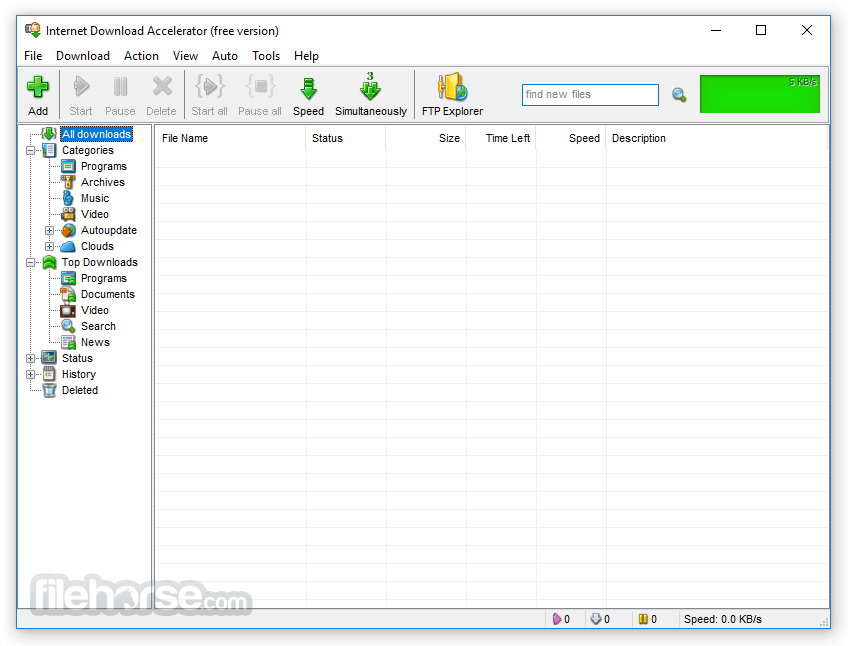
- Supports categorized downloads with automatic file sorting.
- Unlimited categories and hierarchy levels.
- Smart pause/start function to temporarily halt and resume downloads.
- Dynamic multi-threaded downloading.
- Resumes broken downloads.
- Scheduled downloads with auto PC shutdown, sleep, or standby.
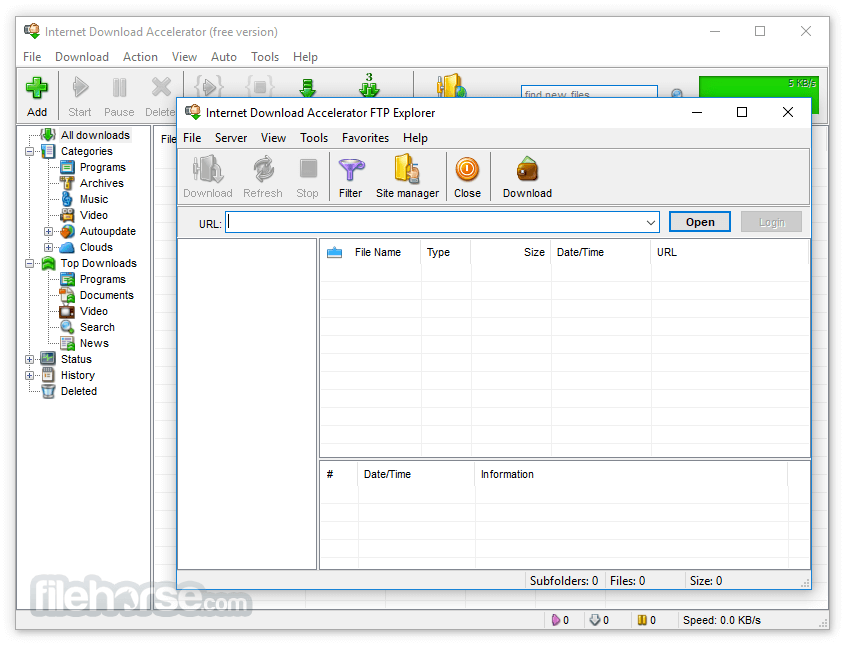
- FTP Explorer and download mirror support.
- Download entire folders (including subfolders) via FTP.
- Preview and selectively download files from ZIP archives.
- Check and repair ZIP and RAR archives.
- Play streaming audio and video while downloading.
- Automatically retrieve MP3 metadata.
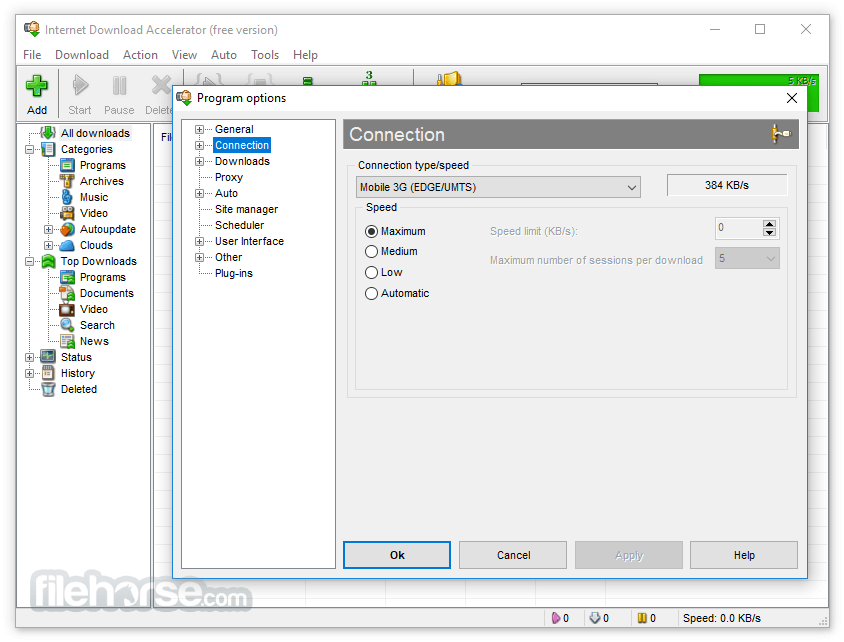
- Download speed control with automatic and manual modes.
- Smart bandwidth allocation for a seamless web-browsing experience.
- Automatic restart for downloads when speed drops to prevent stoppages.
- Works with HTTP and FTP proxy servers, supporting NTLM authentication.
- Auto-detects browser proxy settings.
- Drag and drop text from browsers or other applications to extract download links.
- Auto-sync files on servers and local machines.
- Export/import download lists in multiple formats (.txt, .lst, .urls, etc.).
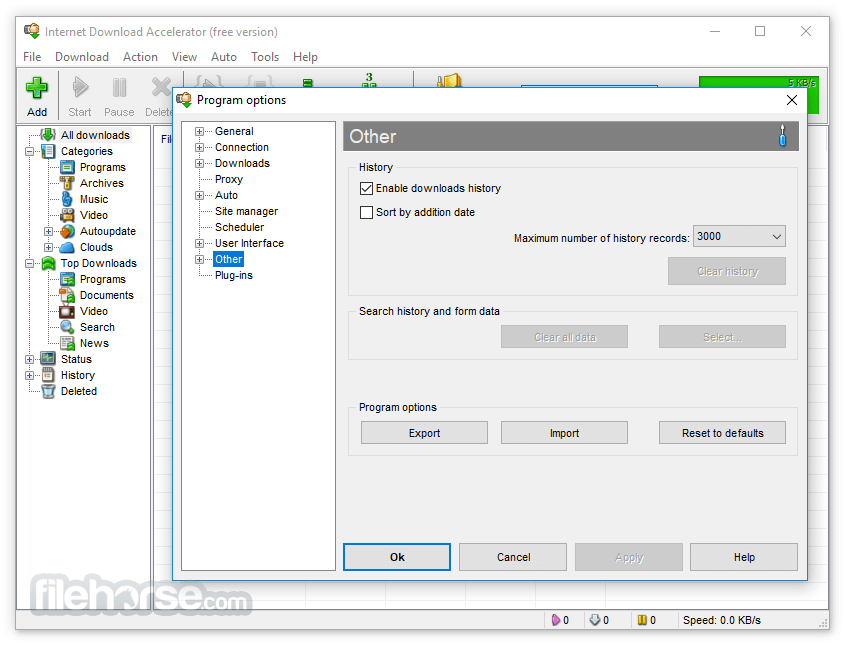
- Site manager for password and folder management.
- Search functionality within the download list.
- Detailed log files for tracking downloads.
Why Go Pro?
- You can use PRO version for commercial purposes;
- You can use functions inaccessible in the demo basic version;
- All the "PRO Promotion" windows will be removed;
- You get extended technical support;
- You'll get all future versions for free;
- You'll be able to buy other WestByte programs at a discount;
- You support further development and improvement of Internet Download Accelerator.
- Launch the application and configure settings
- Copy the download link and paste it into the software
- Click "Start" to begin downloading files
- Manage and monitor downloads in the main window
- OS: Windows 7, 8, 10, 11
- Processor: 1 GHz or faster
- RAM: 512 MB or more
- Storage: 50 MB free disk space
- Internet connection for downloading
- Fast download speeds
- Resume interrupted downloads
- Simple and user-friendly interface
- Supports multiple file formats
- Browser integration support
- Ads in the free version
- Limited features without premium
- Can slow down browsing speed
- Occasional compatibility issues
- No support for macOS
Download Internet Download Accelerator Latest Version Why is this app published on FileHorse? (More info)
##
畫面截圖
- 2025-12-12 Internet Download Accelerator 7.3.1.1745 8.5 MB
- 2025-09-13 Internet Download Accelerator 7.2.1.1737 8.5 MB
- 2024-11-20 Internet Download Accelerator 7.1.3.1733 8.5 MB
- 2024-02-03 Internet Download Accelerator 7.1.1.1729 8.5 MB
- 2023-09-16 Internet Download Accelerator 7.0.1.1711 7.65 MB
- 2023-03-09 Internet Download Accelerator 6.27.1.1699 7.6 MB