⚠ 這是歷史版本頁面 — 查看 Internet Explorer 11.0 (Windows 7 64-bit) 最新版本 →

Internet Explorer 9.0 (Windows 7 64-bit)
v 9.0 (Windows 7 64-bit)
Windows
免費軟體
7.08/10 (162)
- 目前版本9.0 (Windows 7 64-bit)
- 更新日期2011-03-15
- 檔案大小34.7 MB
- 檔案名稱IE9-Windows7-x64-enu.exe
- 作業系統Windows 7 (64-bit)
- 支援語系English
- 授權型式免費軟體
- 開發商 Microsoft Corporation
- 軟體分類Windows 軟體 / 瀏覽器與外掛
##
編輯短評
Internet Explorer 是由 Microsoft Corporation 開發的 Windows 平台瀏覽器,主打提升頁面載入速度與效能,並支援新一代網站標準,且內建重新設計的 F12 開發者工具。雖然目前已停止更新,但在同類軟體中仍具有一定的知名度,使用者評價普遍不錯。
這款免費軟體適合在特定舊環境下有瀏覽需求的使用者。與 Edge、Chrome 或 Firefox 等現代主流選擇相比,其功能與相容性已較落後,但對於某些特殊情境仍是必要的工具。下載前請注意此版本僅支援英文語系,且因開發已停止,部分網頁可能無法正常運作。
##
翻譯排程處理中,以下暫以英文原文呈現
軟體介紹
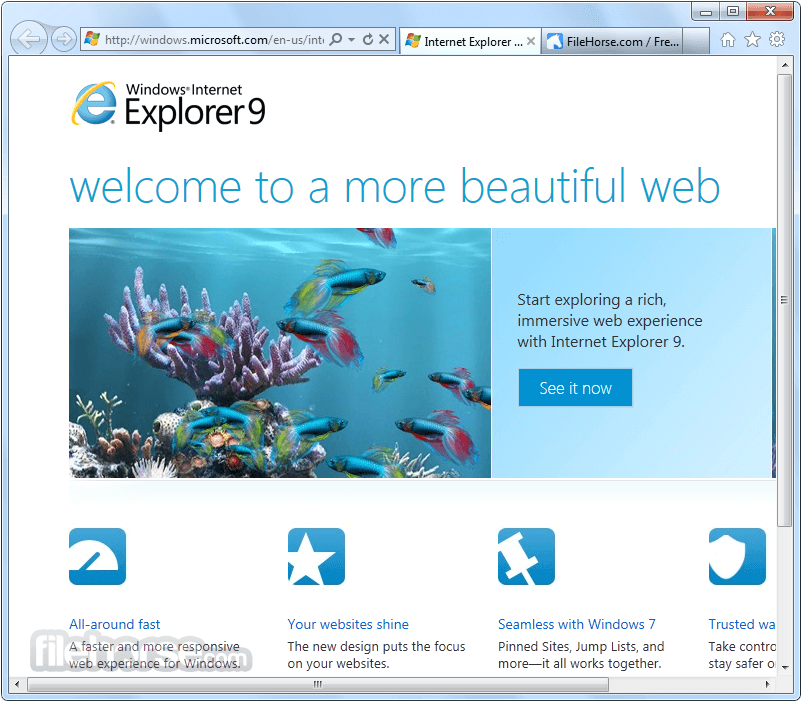
Internet Explorer 64bit is the web browser from Microsoft with improved performance, faster page load times, new standards support for next-generation sites, and completely revised F12 developer tools.
The best alternative to this browser is Opera - Faster, Safer, Smarter - Download NOW!
Note: This product is not developed anymore and might not function properly.
Alternatives
Edge - A modern and efficient browser with excellent compatibility and integrated Microsoft services.
Opera - Feature-rich browser offering a built-in ad blocker, VPN, and unique tools for faster browsing.
Chrome - The fast, free browser that`s built for the modern web.
Firefox - Fast and customizable browser with a strong focus on privacy and security.
Brave - Privacy-focused browser that blocks ads and trackers by default, ensuring a faster and more secure browsing experience.
It includes new capabilities to improve real-world website performance, support for the well-defined and commonly used features of the emerging ECMAScript 6 standard, support for WebGL, and high-quality, power-efficient HTML5 video without plugins.
Support for Internet Explorer 11 ended on June 15, 2022. If any site you visit needs Internet Explorer 11, you can reload it with Internet Explorer mode in Microsoft Edge.
IE, developed by Microsoft, was once the dominant web browser for Windows users. It first debuted in 1995 and became the default browser for Microsoft's operating systems for many years.
Internet Explorer's goal was to provide users with a fast, reliable, and secure browsing experience.
Internet Explorer is compatible with existing sites, which just run faster and look better in IE.
Wherever you are, the internet browser is the ideal way to play games, catch up on your reading, watch videos, and browse the web, of course. Use fast and fluid InternetExplorer across all your Windows devices - tablet, Windows Phone, or TV. Enjoy!
Key Features
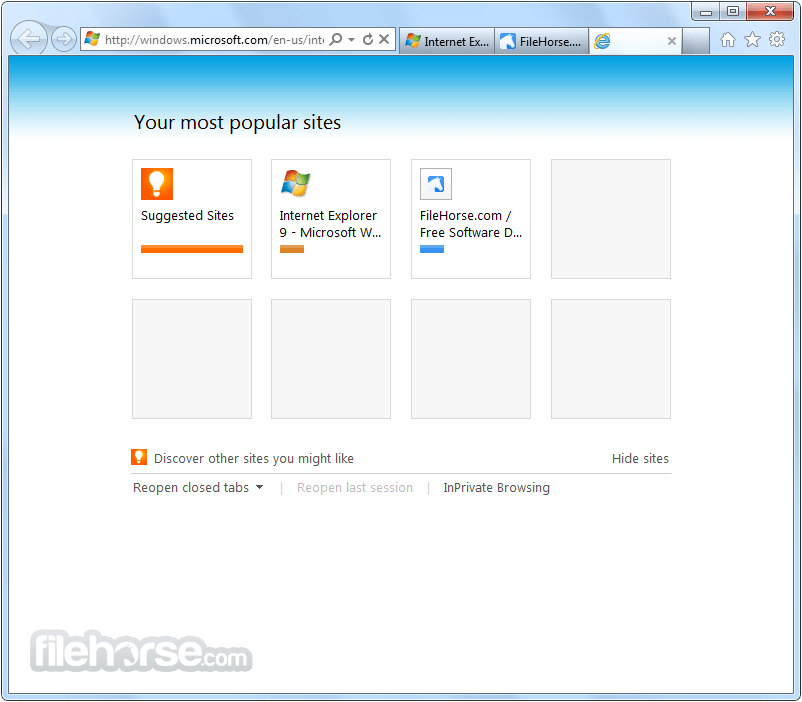
Launch the application. Enter the desired website URL or search query in the address bar. Navigate through web pages using the back, forward, and refresh buttons. Customize the browser settings by accessing the options menu. Utilize the various features and tools available to enhance your browsing experience. Install Instructions
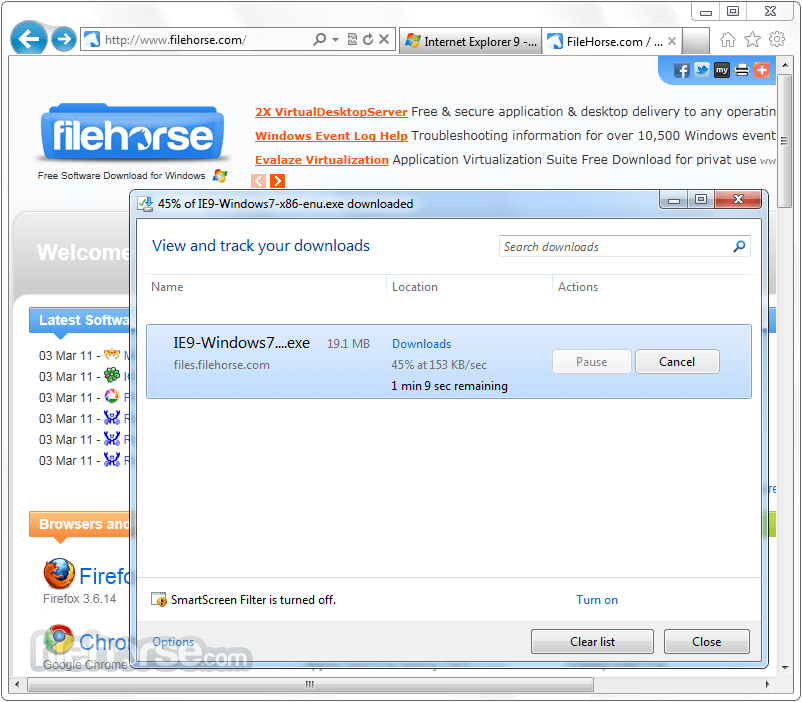
Click the Download button on this page to start the download.
Do one of the following:
Is Internet Explorer still supported?
No, Microsoft officially discontinued support for Internet Explorer on June 15, 2022. It is recommended to switch to a modern browser for better security and compatibility.
Can I use Internet Explorer on non-Windows systems?
Internet Explorer is exclusively available for Windows operating systems. However, Microsoft Edge, which replaced Internet Explorer, is compatible with Windows, macOS, iOS, and Android.
Are there any known compatibility issues with Internet Explorer?
A: It may encounter compatibility issues with modern web technologies and websites optimized for other browsers. This can result in rendering errors or limited functionality.
How can I clear my browsing history in Internet Explorer?
To clear your browsing history, open the IE app, click on the gear icon (Tools) in the top-right corner, select "Safety," and choose "Delete browsing history." Follow the prompts to clear your desired data.
Can I import my bookmarks from another browser to Internet Explorer?
Yes, it provides an option to import bookmarks from other browsers. Navigate to the gear icon (Tools) > "Import and Export," select "Import from another browser," and follow the instructions provided.
Pricing
Internet Explorer 11 for IT Professionals and Developers, Windows 7 64-bit Edition, and Windows Server 2008 R2 64-bit Edition a free web browser bundled with Windows operating systems.
Users can download and install it without any additional charges.
System Requirements
Internet Explorer 64bit has undeniably left an indelible mark on the history of web browsing. While it once dominated the market, its prominence has waned due to newer, more feature-rich alternatives.
IE's user-friendly interface, compatibility with legacy systems, and developer tools were among its strengths.
However, its lack of support, security vulnerabilities, and limited compatibility with modern web technologies make it less suitable for today's browsing needs. It is recommended to transition to a modern browser, such as Google Chrome or Microsoft Edge, to ensure better security, improved performance, and enhanced browsing experiences.
Also Available: Internet Explorer for Mac
Download Internet Explorer (64-bit) Latest Version Why is this app published on FileHorse? (More info)
The best alternative to this browser is Opera - Faster, Safer, Smarter - Download NOW!
Note: This product is not developed anymore and might not function properly.
Alternatives
Edge - A modern and efficient browser with excellent compatibility and integrated Microsoft services.
Opera - Feature-rich browser offering a built-in ad blocker, VPN, and unique tools for faster browsing.
Chrome - The fast, free browser that`s built for the modern web.
Firefox - Fast and customizable browser with a strong focus on privacy and security.
Brave - Privacy-focused browser that blocks ads and trackers by default, ensuring a faster and more secure browsing experience.
It includes new capabilities to improve real-world website performance, support for the well-defined and commonly used features of the emerging ECMAScript 6 standard, support for WebGL, and high-quality, power-efficient HTML5 video without plugins.
Support for Internet Explorer 11 ended on June 15, 2022. If any site you visit needs Internet Explorer 11, you can reload it with Internet Explorer mode in Microsoft Edge.
IE, developed by Microsoft, was once the dominant web browser for Windows users. It first debuted in 1995 and became the default browser for Microsoft's operating systems for many years.
Internet Explorer's goal was to provide users with a fast, reliable, and secure browsing experience.
Internet Explorer is compatible with existing sites, which just run faster and look better in IE.
Wherever you are, the internet browser is the ideal way to play games, catch up on your reading, watch videos, and browse the web, of course. Use fast and fluid InternetExplorer across all your Windows devices - tablet, Windows Phone, or TV. Enjoy!
Key Features
- User-Friendly Interface: It boasts a straightforward interface, making it accessible for users of all levels of experience.
- Enhanced Security: Over the years, it has introduced various security measures to protect users from malicious websites and potential threats.
- Compatibility: It was designed to work seamlessly with Windows operating systems, offering reliable performance and compatibility with numerous websites and web technologies.
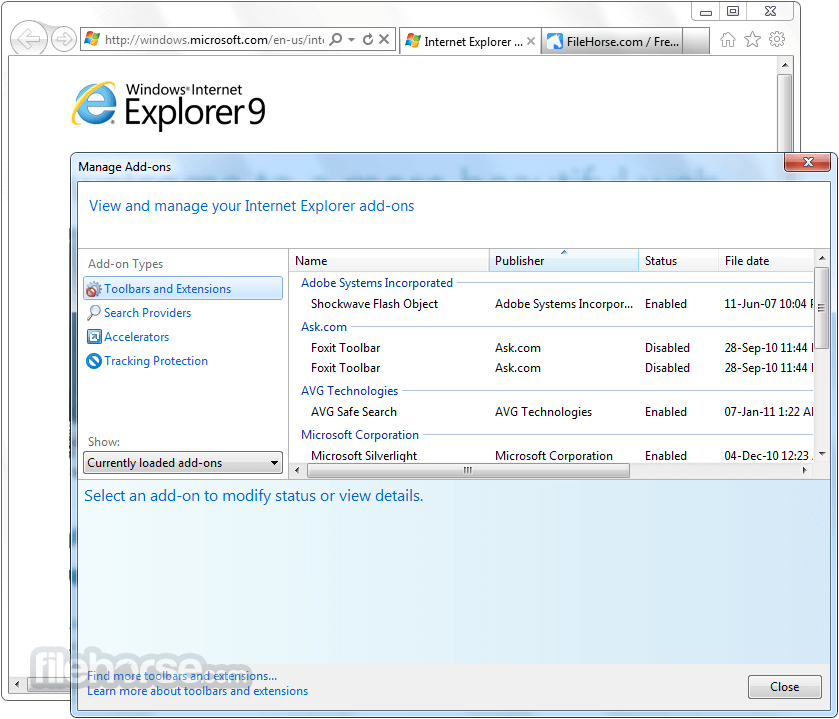
- Add-Ons and Extensions: It supports a range of add-ons and extensions to enhance the browsing experience, allowing users to customize the browser to their preferences.
- Developer Tools: It offers a comprehensive set of tools for web developers, aiding in debugging, performance optimization, and web page analysis.
Click the Download button on this page to start the download.
Do one of the following:
- To start the installation immediately, click Open or Run this program from its current location
- To copy the download to your computer for installation at a later time, click Save or Save this program to disk
Is Internet Explorer still supported?
No, Microsoft officially discontinued support for Internet Explorer on June 15, 2022. It is recommended to switch to a modern browser for better security and compatibility.
Can I use Internet Explorer on non-Windows systems?
Internet Explorer is exclusively available for Windows operating systems. However, Microsoft Edge, which replaced Internet Explorer, is compatible with Windows, macOS, iOS, and Android.
Are there any known compatibility issues with Internet Explorer?
A: It may encounter compatibility issues with modern web technologies and websites optimized for other browsers. This can result in rendering errors or limited functionality.
How can I clear my browsing history in Internet Explorer?
To clear your browsing history, open the IE app, click on the gear icon (Tools) in the top-right corner, select "Safety," and choose "Delete browsing history." Follow the prompts to clear your desired data.
Can I import my bookmarks from another browser to Internet Explorer?
Yes, it provides an option to import bookmarks from other browsers. Navigate to the gear icon (Tools) > "Import and Export," select "Import from another browser," and follow the instructions provided.
Pricing
Internet Explorer 11 for IT Professionals and Developers, Windows 7 64-bit Edition, and Windows Server 2008 R2 64-bit Edition a free web browser bundled with Windows operating systems.
Users can download and install it without any additional charges.
System Requirements
- OS: Windows 7 Service Pack 1, Windows Server 2008 R2 SP1
- Processor: Computer with a 233MHz processor or higher (Pentium processor recommended)
- Memory: 512MB
- Drive Space:70MB
- Display: Super VGA (800 x 600) or higher-resolution monitor with 256 colors.
- Peripherals: Modem or Internet connection; Microsoft Mouse, Microsoft IntelliMouse, or compatible pointing device.
- Familiar and user-friendly interface.
- Extensive compatibility with legacy websites and applications.
- Strong integration with Windows operating systems.
- Developer-friendly features and tools.
- Good security measures against web-based threats.
- Discontinued support and updates from Microsoft.
- Lack of modern web technologies and standards support.
- Reduced performance compared to contemporary browsers.
- Limited extension ecosystem and customization options.
Internet Explorer 64bit has undeniably left an indelible mark on the history of web browsing. While it once dominated the market, its prominence has waned due to newer, more feature-rich alternatives.
IE's user-friendly interface, compatibility with legacy systems, and developer tools were among its strengths.
However, its lack of support, security vulnerabilities, and limited compatibility with modern web technologies make it less suitable for today's browsing needs. It is recommended to transition to a modern browser, such as Google Chrome or Microsoft Edge, to ensure better security, improved performance, and enhanced browsing experiences.
Also Available: Internet Explorer for Mac
Download Internet Explorer (64-bit) Latest Version Why is this app published on FileHorse? (More info)
##
畫面截圖
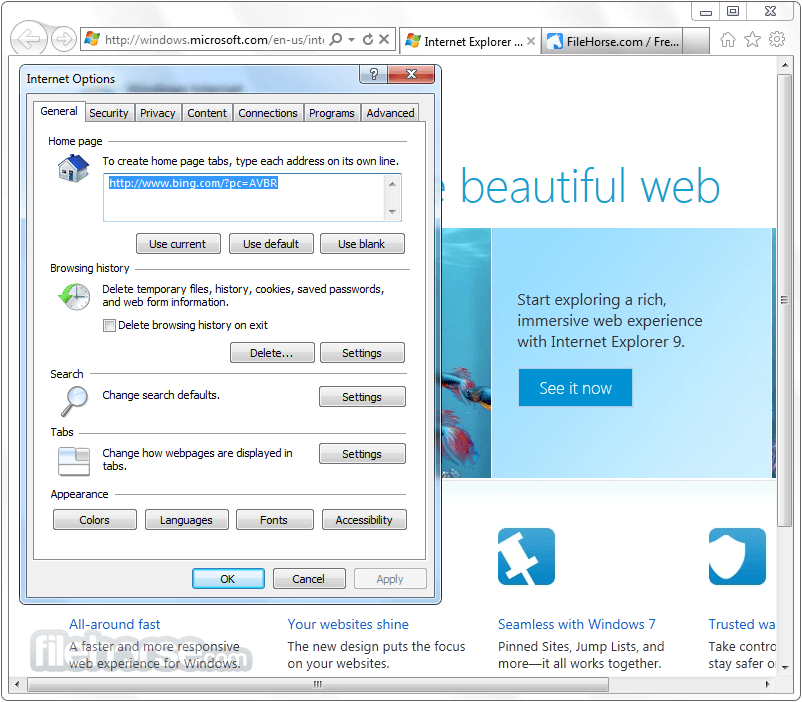
- 2025-11-30 Internet Explorer 11.0 (Windows 7 64-bit) 53.32 MB
- 2013-02-27 Internet Explorer 10.0 (Windows 7 64-bit) 42.28 MB
- 2011-03-15 Internet Explorer 9.0 (Vista 64-bit) 34.46 MB
- 2011-03-15 Internet Explorer 9.0 (Windows 7 64-bit) 34.7 MB