- 目前版本iSpring Suite
- 更新日期2026-08-13
- 作業系統Windows 7 / Windows 8 / Windows 10 / Windows 11
- 支援語系English
- 授權型式未分類
- 開發商 iSpring Solutions Inc
- 軟體分類Windows 軟體 / 辦公商務
##
翻譯排程處理中,以下暫以英文原文呈現
軟體介紹
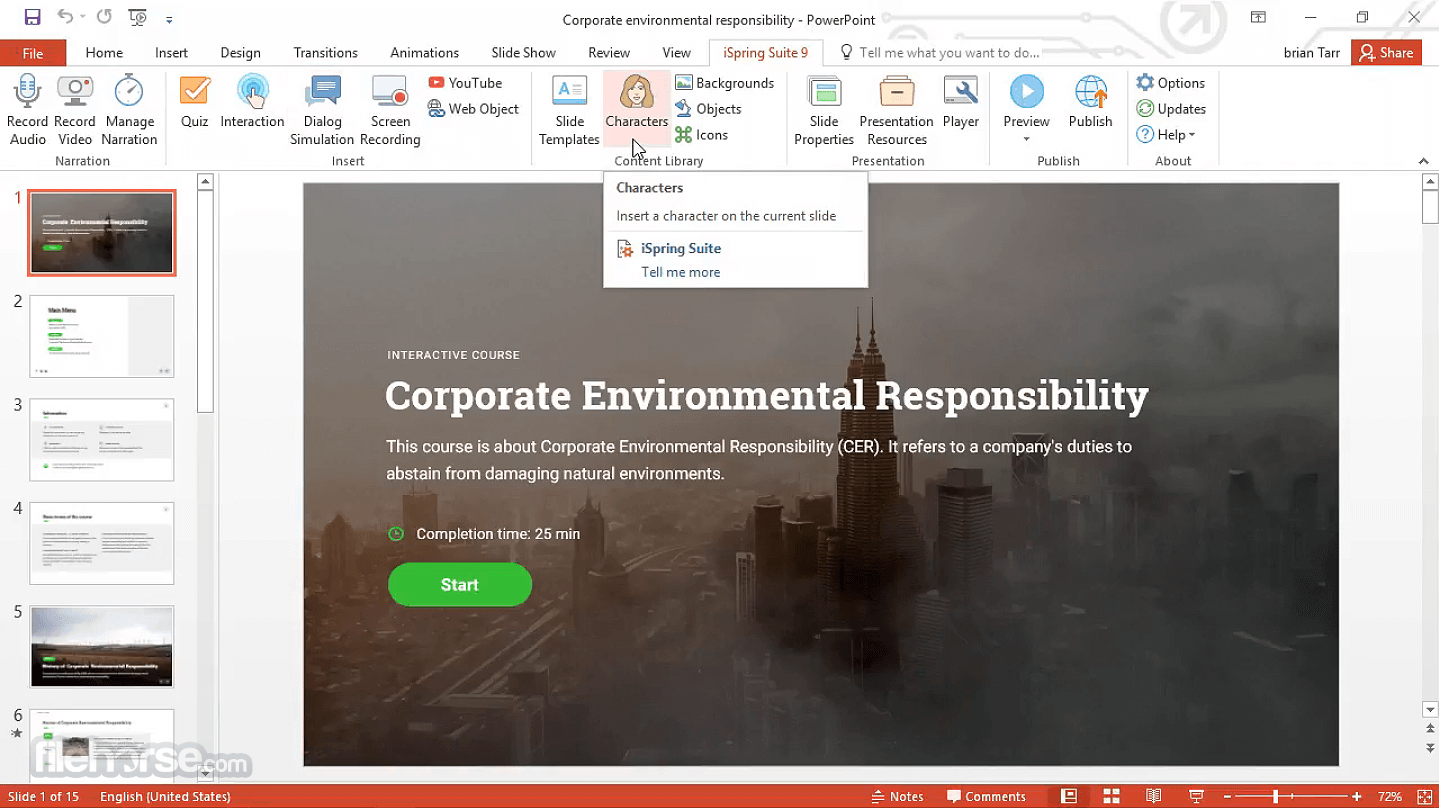
Developing eLearning content has never been so fast and easy! With iSpring Suite, you can turn your PowerPoint presentations into e-courses and upload them to your LMS or iSpring Learn LMS.
Take advantage of the most powerful eLearning toolkit for PowerPoint to develop quality courses, video lectures, and assessments that will work on any desktop, laptop, and mobile platform.
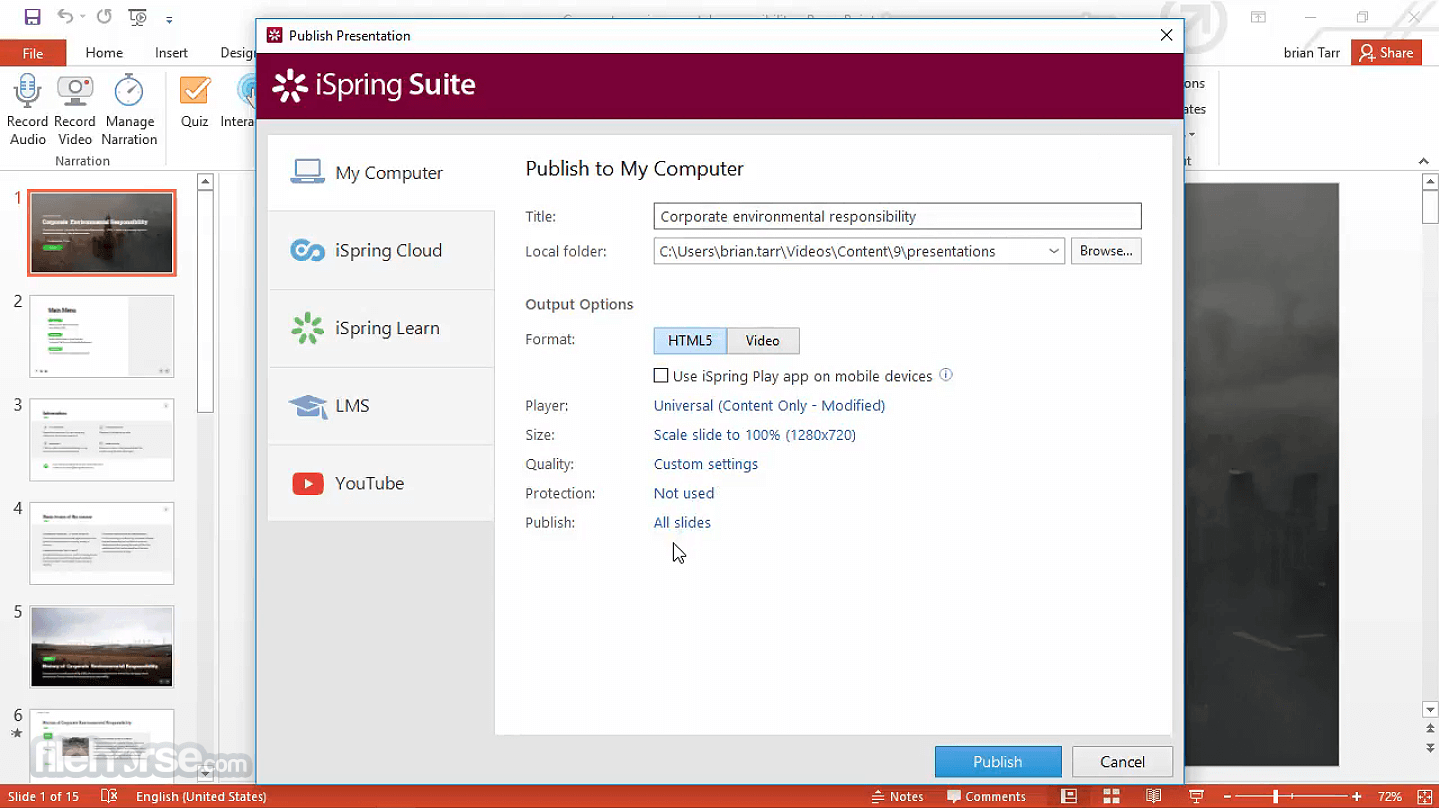
Your PPT presentations and Word documents are a sound foundation for your future courses. To create an eLearning course, just open a file and click on Publish. The course will play seamlessly on any device your learners use.
Convert your existing presentations into eLearning courses. Use your PowerPoint skills to create tons of quality eLearning content fast and easy without special training.
Turn your Word and PDF files into e-books with a realistic page flip effect. Create interactive books in a few clicks without spending time on manual tweaking in the editor.
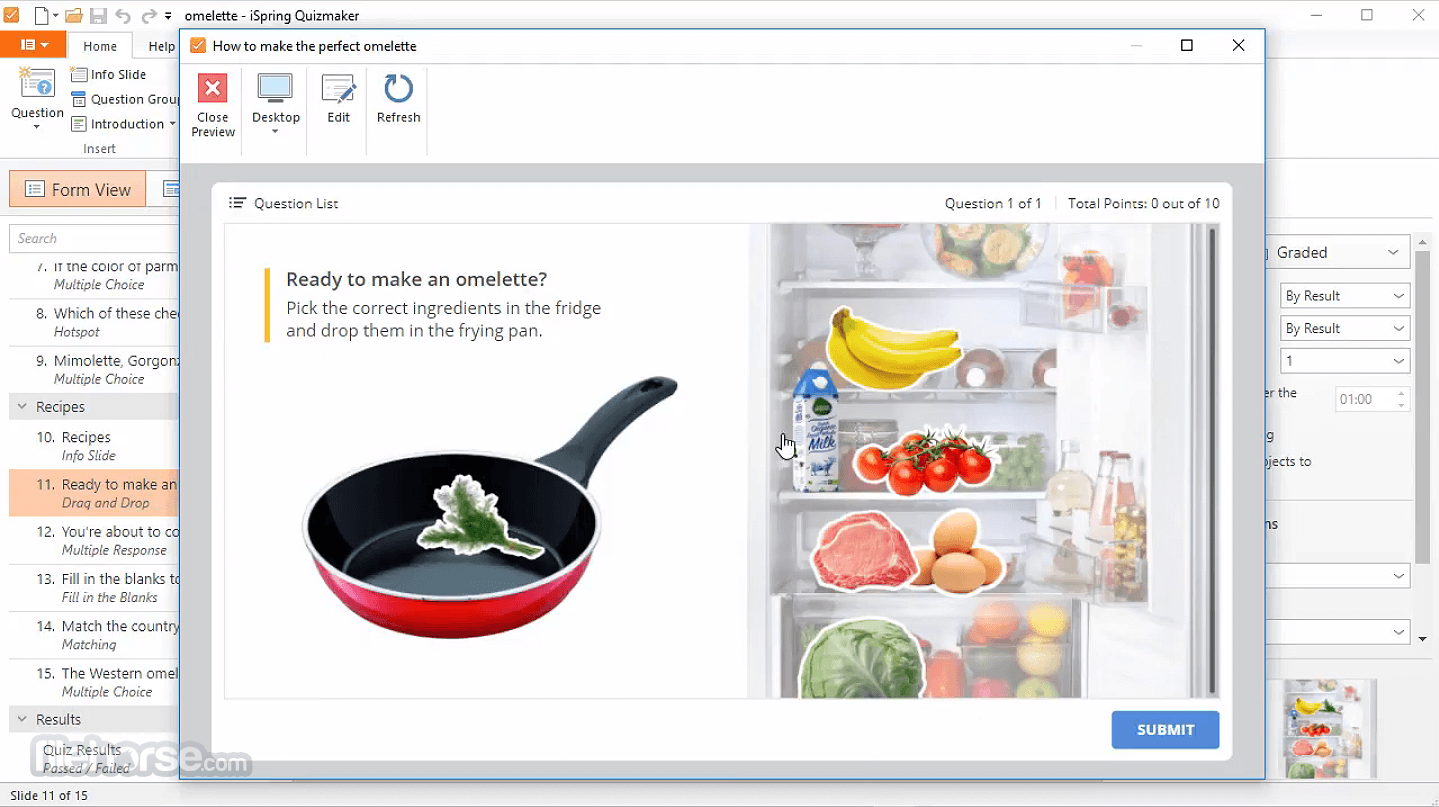
Use state-of-the-art iSpring tools to create interactive assessments with rich media, video, drag and drops, branching, and flexible scoring and testing rules.
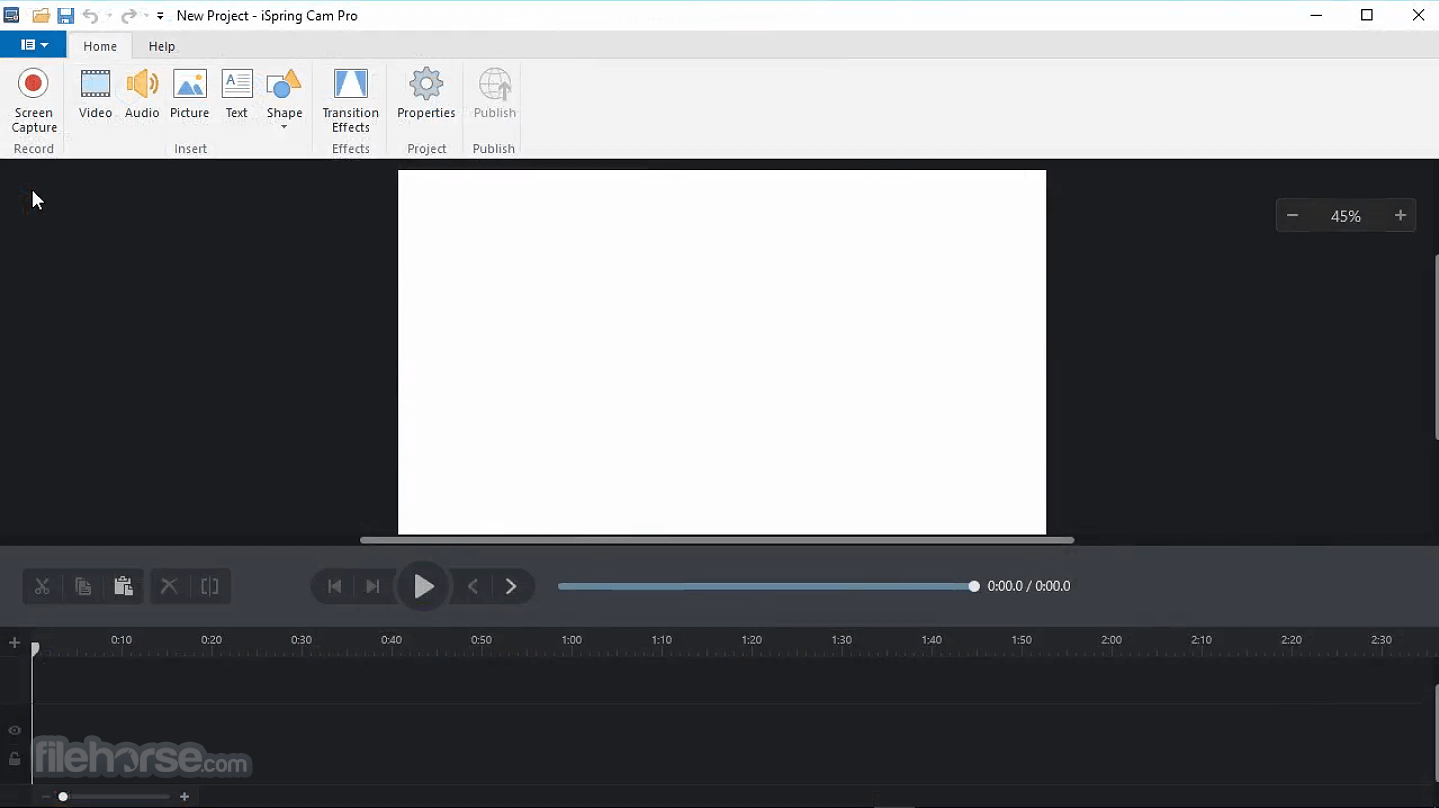
Now you can record screencasts right in iSpring Suite for PC without using any third-party tools. Capture all or part of your screen with the built-in iSpring Cam tool and paste the video on your slides, or use it as standalone training material. Create conversation simulations to practice your team’s communication skills.
The built-in TalkMaster tool includes a library of backgrounds and characters to develop realistic dialogue simulations with branching and assessments.
Your private cloud for safely sharing courses, presentations, and extensive video lectures online. iSpring Suite publishes your content directly to the Cloud.
Then you can put your eLearning content on a website, post it on social media, or send it via messengers. iSpring Cloud helps you easily track viewers’ activity on every channel.
Features and Highlights
PowerPoint Conversion
Convert your presentations into online, mobile-ready courses.
Video Lectures
Easily create video narrations and synchronize them with your slides.
Interactive Assessments
Develop comprehensive tests with branching and flexible scoring.
Screen Recordings
Record and fine-tune training videos with the integrated screen recorder.
Dialogue Simulations
Build realistic dialogue simulations to train communication skills.
eLearning Interactions
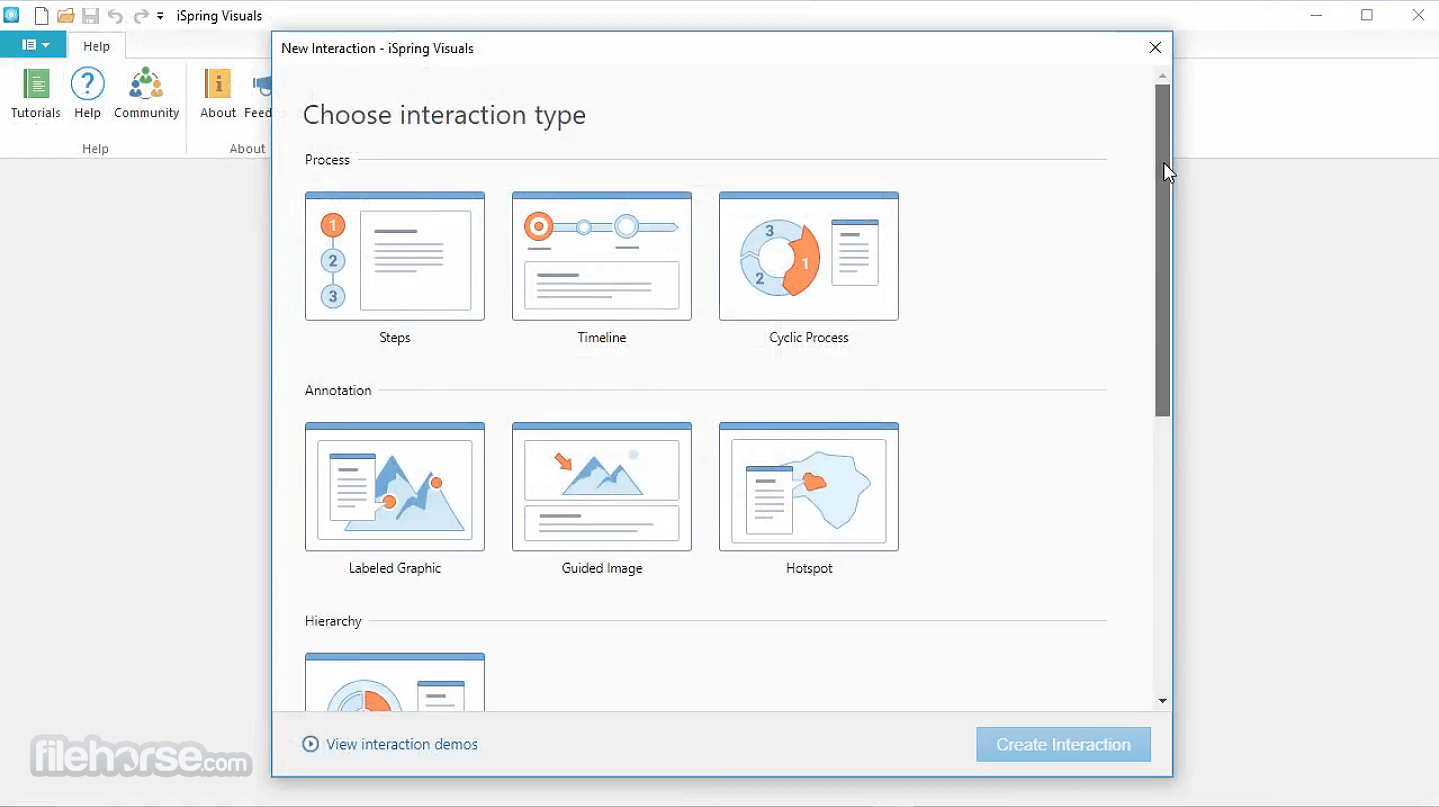
Present your eLearning materials in the form of engaging interactions.
Extensive LMS Support
Publish iSpring content to your learning management system.
Adaptive player
Create a course once, enjoy perfect playback on all mobiles and desktops.
Mobile App
Allow your learners to study on the go. Even offline.
FAQs
What is iSpring Suite and what is it used for?
iSpring Suite is an eLearning authoring tool that works directly inside Microsoft PowerPoint. It enables users to create interactive online courses, quizzes, role-play simulations, video lectures, screencasts, and assessments, then publish them in SCORM, xAPI, cmi5, HTML5, or MP4 formats for use in virtually any learning management system (LMS).
Why do many organizations choose iSpring Suite?
One of iSpring Suite's biggest advantages is its PowerPoint integration, allowing users to transform existing presentations into interactive eLearning courses with very little training. It also includes a large content library, AI-assisted course creation, quizzes, dialogue simulations, screen recording, and support for over 160 LMS platforms.
What AI features does iSpring Suite offer in 2026?
In 2026, iSpring Suite includes AI-powered tools for generating complete course drafts, creating quiz questions, producing images, translating courses, and generating natural-sounding voiceovers with ElevenLabs. Recent updates have also improved publishing speed and expanded AI-assisted content creation workflows.
Is iSpring Suite suitable for beginners?
Yes. Because it operates within PowerPoint, iSpring Suite has a much gentler learning curve than many traditional authoring tools. It's especially popular among trainers, teachers, and corporate learning teams that want to create professional eLearning content without learning complex software. However, users who need highly advanced interactions and custom logic may still prefer dedicated tools like Articulate Storyline.
Is iSpring Suite still worth using in 2026?
Yes. iSpring Suite remains one of the leading eLearning authoring platforms, particularly for organizations that already rely on PowerPoint. Continuous AI enhancements, regular feature updates, broad LMS compatibility, and fast content creation keep it competitive. While some professionals note it offers less customization than tools like Articulate Storyline, many consider its ease of use and productivity to be major strengths.
Pricing
iSpring offers separate pricing for Individual and Business users. All plans are billed annually and include a free trial. Business purchases made online are also eligible for a 5% discount.
Individual Plans
iSpring Suite — $720 /year
Everything in iSpring Suite, plus:
iSpring Suite — $970 /year per author
Everything in iSpring Suite, plus:
PROS
Download iSpring Suite Latest Version Why is this app published on FileHorse? (More info)
Take advantage of the most powerful eLearning toolkit for PowerPoint to develop quality courses, video lectures, and assessments that will work on any desktop, laptop, and mobile platform.
Your PPT presentations and Word documents are a sound foundation for your future courses. To create an eLearning course, just open a file and click on Publish. The course will play seamlessly on any device your learners use.
Convert your existing presentations into eLearning courses. Use your PowerPoint skills to create tons of quality eLearning content fast and easy without special training.
Turn your Word and PDF files into e-books with a realistic page flip effect. Create interactive books in a few clicks without spending time on manual tweaking in the editor.
Use state-of-the-art iSpring tools to create interactive assessments with rich media, video, drag and drops, branching, and flexible scoring and testing rules.
Now you can record screencasts right in iSpring Suite for PC without using any third-party tools. Capture all or part of your screen with the built-in iSpring Cam tool and paste the video on your slides, or use it as standalone training material. Create conversation simulations to practice your team’s communication skills.
The built-in TalkMaster tool includes a library of backgrounds and characters to develop realistic dialogue simulations with branching and assessments.
Your private cloud for safely sharing courses, presentations, and extensive video lectures online. iSpring Suite publishes your content directly to the Cloud.
Then you can put your eLearning content on a website, post it on social media, or send it via messengers. iSpring Cloud helps you easily track viewers’ activity on every channel.
Features and Highlights
PowerPoint Conversion
Convert your presentations into online, mobile-ready courses.
Video Lectures
Easily create video narrations and synchronize them with your slides.
Interactive Assessments
Develop comprehensive tests with branching and flexible scoring.
Screen Recordings
Record and fine-tune training videos with the integrated screen recorder.
Dialogue Simulations
Build realistic dialogue simulations to train communication skills.
eLearning Interactions
Present your eLearning materials in the form of engaging interactions.
Extensive LMS Support
Publish iSpring content to your learning management system.
Adaptive player
Create a course once, enjoy perfect playback on all mobiles and desktops.
Mobile App
Allow your learners to study on the go. Even offline.
FAQs
What is iSpring Suite and what is it used for?
iSpring Suite is an eLearning authoring tool that works directly inside Microsoft PowerPoint. It enables users to create interactive online courses, quizzes, role-play simulations, video lectures, screencasts, and assessments, then publish them in SCORM, xAPI, cmi5, HTML5, or MP4 formats for use in virtually any learning management system (LMS).
Why do many organizations choose iSpring Suite?
One of iSpring Suite's biggest advantages is its PowerPoint integration, allowing users to transform existing presentations into interactive eLearning courses with very little training. It also includes a large content library, AI-assisted course creation, quizzes, dialogue simulations, screen recording, and support for over 160 LMS platforms.
What AI features does iSpring Suite offer in 2026?
In 2026, iSpring Suite includes AI-powered tools for generating complete course drafts, creating quiz questions, producing images, translating courses, and generating natural-sounding voiceovers with ElevenLabs. Recent updates have also improved publishing speed and expanded AI-assisted content creation workflows.
Is iSpring Suite suitable for beginners?
Yes. Because it operates within PowerPoint, iSpring Suite has a much gentler learning curve than many traditional authoring tools. It's especially popular among trainers, teachers, and corporate learning teams that want to create professional eLearning content without learning complex software. However, users who need highly advanced interactions and custom logic may still prefer dedicated tools like Articulate Storyline.
Is iSpring Suite still worth using in 2026?
Yes. iSpring Suite remains one of the leading eLearning authoring platforms, particularly for organizations that already rely on PowerPoint. Continuous AI enhancements, regular feature updates, broad LMS compatibility, and fast content creation keep it competitive. While some professionals note it offers less customization than tools like Articulate Storyline, many consider its ease of use and productivity to be major strengths.
Pricing
iSpring offers separate pricing for Individual and Business users. All plans are billed annually and include a free trial. Business purchases made online are also eligible for a 5% discount.
Individual Plans
iSpring Suite — $720 /year
- PowerPoint-based eLearning authoring tool
- Works offline (no internet required)
- 24/7 technical support
Everything in iSpring Suite, plus:
- Built-in AI tools
- Content Library
- iSpring Cloud AI
- 24/7 technical support
- Cloud-native course authoring
- AI-powered features
- Real-time collaboration
- 24/7 technical support
iSpring Suite — $970 /year per author
- PowerPoint-based eLearning authoring tool
- Works offline (no internet required)
- 24/7 technical support
Everything in iSpring Suite, plus:
- Built-in AI tools
- Content Library
- iSpring Cloud AI
- 24/7 technical support
- Cloud-native course authoring
- AI-powered features
- Real-time collaboration
- 24/7 technical support
PROS
- PPT to SCORM conversion for mobile-ready courses.
- Easy integration of video lectures with slides.
- 14 interactive templates for engaging eLearning.
- Flexible quiz building with 14 question templates.
- Video editor with editing capabilities.
- Quick screen recording options.
- Creation of scenario-based role-plays.
- Text-to-speech for 42 languages.
- Access to a content library for quick course creation.
- Seamless playback on all devices.
- Online collaboration and content sharing.
- Extensive LMS compatibility with SCORM, xAPI, cmi5, and AICC standards.
- Learning curve for utilizing all features.
- Compatibility may vary for certain LMSs.
- Potential need for additional training and support.
- Possible limitations on customization options.
Download iSpring Suite Latest Version Why is this app published on FileHorse? (More info)
##
影片介紹
##
畫面截圖