⚠ 這是歷史版本頁面 — 查看 Julia Language 1.12.5 (64-bit) 最新版本 →

Julia Language 1.12.2 (64-bit)
v 1.12.2 (64-bit)
Windows
開源軟體
8.56/10 (20)
- 目前版本1.12.2 (64-bit)
- 更新日期2025-11-23
- 檔案大小209 MB
- 檔案名稱julia-1.12.2-win64.exe
- 作業系統Windows 7 64 / Windows 8 64 / Windows 10 64 / Windows 11
- 支援語系English
- 授權型式開源軟體
- 開發商 The Julia Project
- 軟體分類Windows 軟體 / 開發者工具
##
編輯短評
Julia Language 是一套開源的高階程式語言,專為高效能的數值與科學計算所設計。它試圖在動態語言的易用性與靜態語言的執行效率之間取得平衡,透過 LLVM 編譯技術,能將程式碼最佳化到接近 C 語言的速度。這讓它在數據科學、機器學習與計算科學領域相當受歡迎,尤其適合需要大量運算的場景。目前專案更新相當活躍,持續有版本釋出,使用者評價普遍不錯,在同類工具中屬於專業取向的選擇。
這套語言適合從事科學研究、資料分析或需要高效能運算的開發者,特別是在撰寫原型後仍要求執行速度的情境。相較於同分類的熱門工具如 BlueStacks 或 Turbo C++,Julia 更聚焦於數值運算,但生態系與周邊工具仍在成長中,學習曲線可能稍陡。它採用開源授權,目前僅提供英文介面,在 Windows 平台上運作,使用前需留意文件與社群資源以英文為主。
##
翻譯排程處理中,以下暫以英文原文呈現
軟體介紹
Julia is an open-source, high-level programming language designed for high-performance numerical and scientific computing.
Built with speed and usability in mind, it combines the ease of dynamic languages like Python with the efficiency of statically typed languages like C.
Julia Language for Windows is widely used in data science, machine learning, and computational science due to its optimized execution speed and rich ecosystem.
Main Features
High Performance: Compiles to efficient machine code using LLVM, delivering near-C speed.
Dynamic Typing: Offers flexibility similar to Python and MATLAB.
Multiple Dispatch: Enables powerful function overloading based on argument types.
Built-in Parallelism: Supports multi-threading and distributed computing.
Interoperability: Works seamlessly with C, Python, R, and other languages.
Rich Ecosystem: Includes packages for AI, data visualization, and numerical computing.
User Interface
Julia Language is primarily a command-line tool, but it integrates with IDEs like Juno (Atom) and VS Code. The Julia REPL provides an interactive shell for quick testing and debugging.
Installation and Setup
Is Julia free?
Yes, Julia is open-source and free to use under the MIT license.
How does Julia compare to Python?
Julia is generally faster than Python for numerical computations but has a smaller ecosystem.
Can Julia replace MATLAB?
Yes, Julia offers similar functionality with better performance and open-source flexibility.
Does Julia support GPU computing?
Yes, libraries like CUDA.jl and Metal.jl enable GPU acceleration.
Where can I find learning resources?
Official documentation, MOOCs, and courses on platforms like Coursera and Udemy.
Alternatives
Python (slower but larger ecosystem)
MATLAB (better UI but expensive)
R (better for statistics, less performance-oriented)
System Requirements
Julia is a powerful programming language designed for high-performance computing, making it ideal for data scientists, researchers, and engineers.
Its ease of use and computational speed set it apart, though its smaller ecosystem may be a drawback for general-purpose programming. If you work with numerical analysis, machine learning, or scientific computing, Julia Language is a great tool to explore.
Download Julia Language Latest Version Why is this app published on FileHorse? (More info)
Built with speed and usability in mind, it combines the ease of dynamic languages like Python with the efficiency of statically typed languages like C.
Julia Language for Windows is widely used in data science, machine learning, and computational science due to its optimized execution speed and rich ecosystem.
Main Features
High Performance: Compiles to efficient machine code using LLVM, delivering near-C speed.
Dynamic Typing: Offers flexibility similar to Python and MATLAB.
Multiple Dispatch: Enables powerful function overloading based on argument types.
Built-in Parallelism: Supports multi-threading and distributed computing.
Interoperability: Works seamlessly with C, Python, R, and other languages.
Rich Ecosystem: Includes packages for AI, data visualization, and numerical computing.
User Interface
Julia Language is primarily a command-line tool, but it integrates with IDEs like Juno (Atom) and VS Code. The Julia REPL provides an interactive shell for quick testing and debugging.
Installation and Setup
- Download the latest Windows installer from julialang.org.
- Run the installer and follow the on-screen instructions.
- Add Julia to the system PATH for easy access from the command line.
- Optionally, install Julia extensions for VS Code or Juno for a richer development experience.
- Launch Julia REPL from the Start Menu or Command Prompt.
- Type Julia commands directly for interactive execution.
- Use .jl files for script-based execution.
- Leverage libraries like DataFrames.jl for data science or Flux.jl for deep learning.
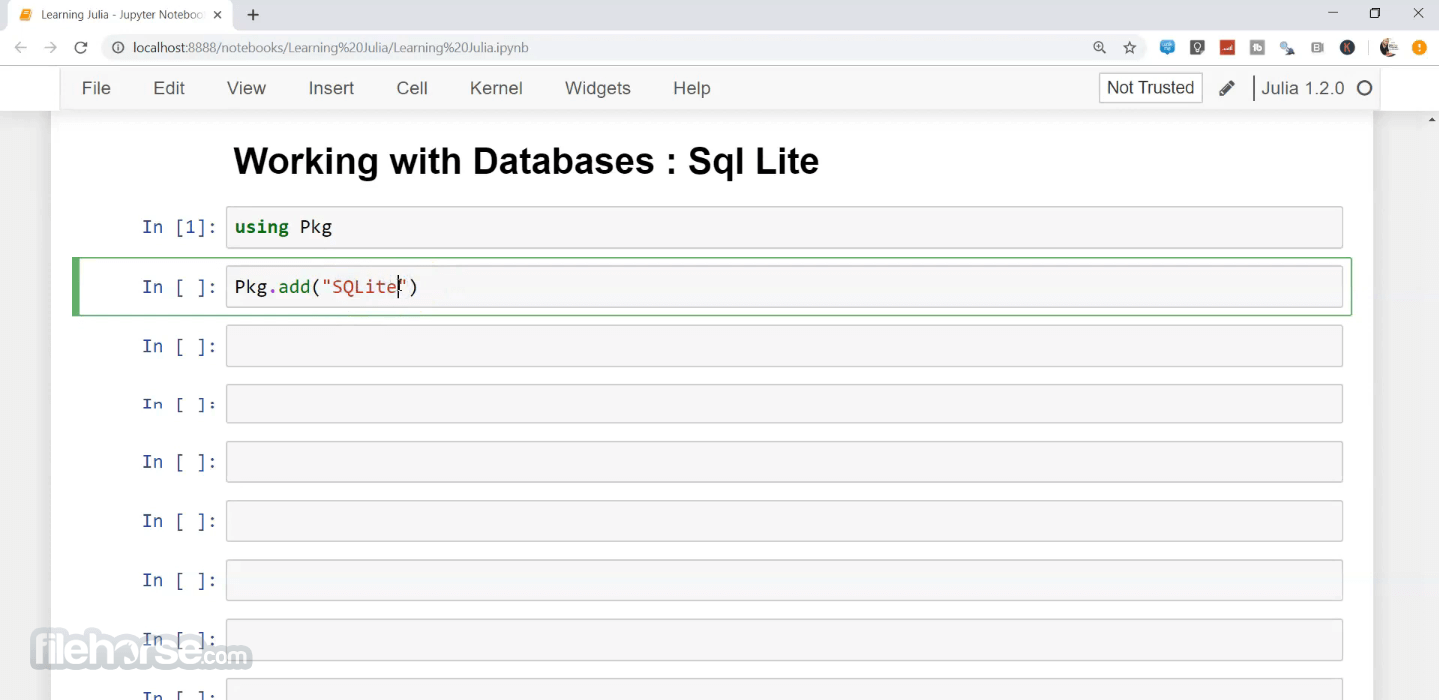
- Integrate Julia with Jupyter Notebook for enhanced visualization and analysis.
Is Julia free?
Yes, Julia is open-source and free to use under the MIT license.
How does Julia compare to Python?
Julia is generally faster than Python for numerical computations but has a smaller ecosystem.
Can Julia replace MATLAB?
Yes, Julia offers similar functionality with better performance and open-source flexibility.
Does Julia support GPU computing?
Yes, libraries like CUDA.jl and Metal.jl enable GPU acceleration.
Where can I find learning resources?
Official documentation, MOOCs, and courses on platforms like Coursera and Udemy.
Alternatives
Python (slower but larger ecosystem)
MATLAB (better UI but expensive)
R (better for statistics, less performance-oriented)
System Requirements
- Windows 11 or Windows 10 (64-bit)
- 2GB RAM (4GB recommended)
- 500MB disk space
- Optional: GPU for acceleration (NVIDIA CUDA-supported cards)
- High-performance execution
- Easy syntax for scientific computing
- Strong support for parallel computing
- Interoperability with other languages
- Free and open-source
- Smaller community compared to Python
- Limited third-party library support
- Not ideal for general-purpose applications
- Slower startup time due to JIT compilation
Julia is a powerful programming language designed for high-performance computing, making it ideal for data scientists, researchers, and engineers.
Its ease of use and computational speed set it apart, though its smaller ecosystem may be a drawback for general-purpose programming. If you work with numerical analysis, machine learning, or scientific computing, Julia Language is a great tool to explore.
Download Julia Language Latest Version Why is this app published on FileHorse? (More info)
##
畫面截圖
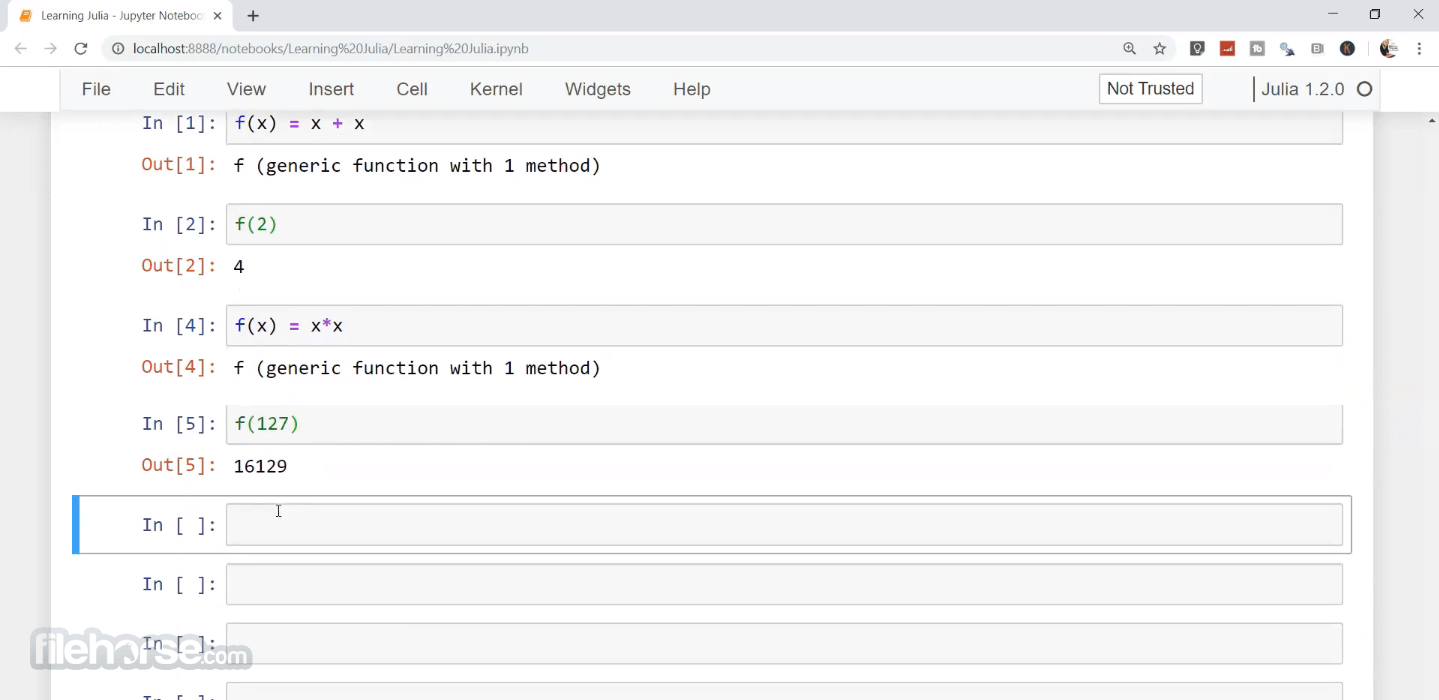
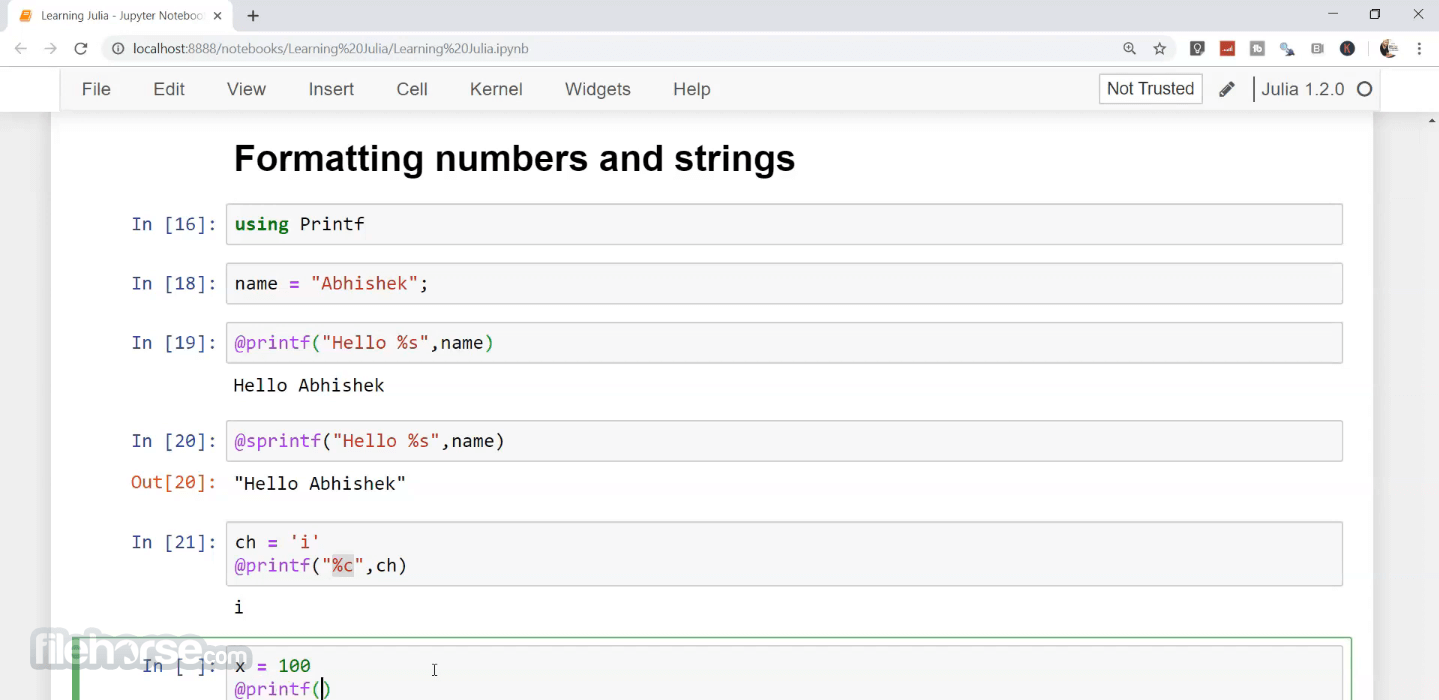
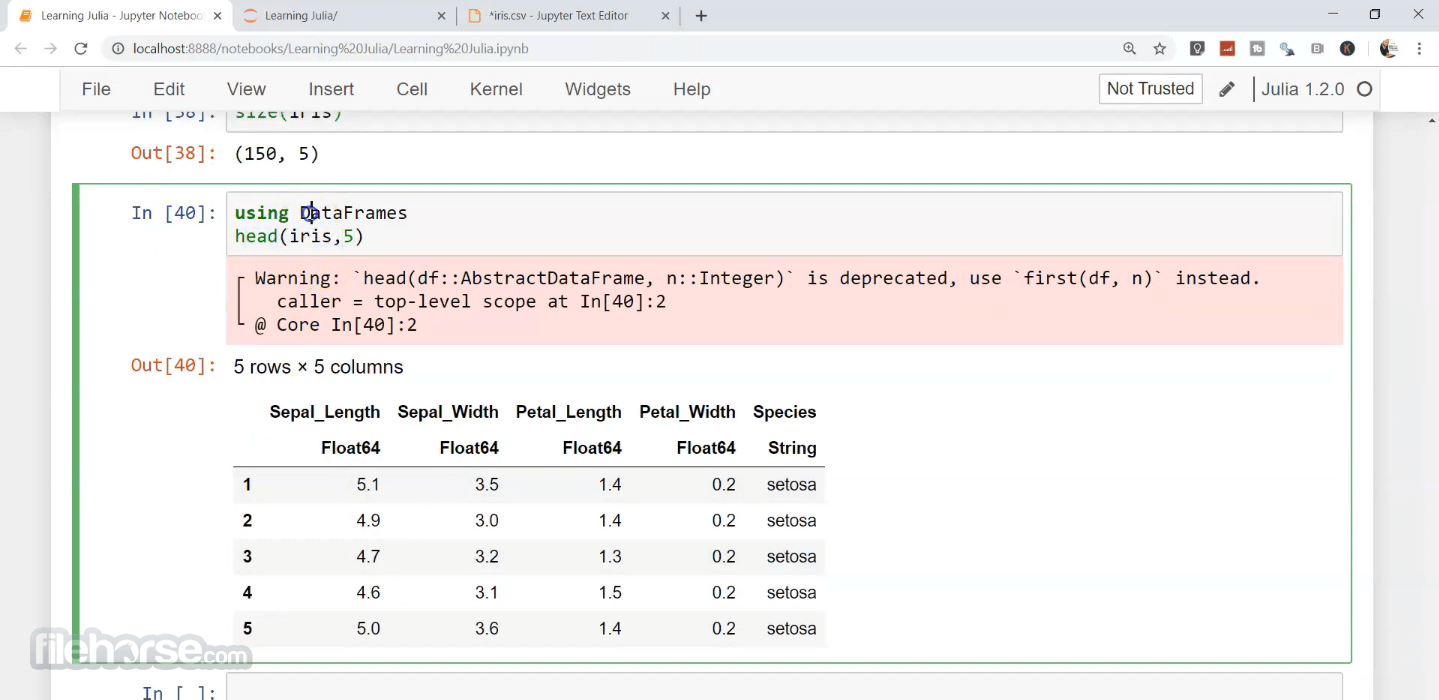
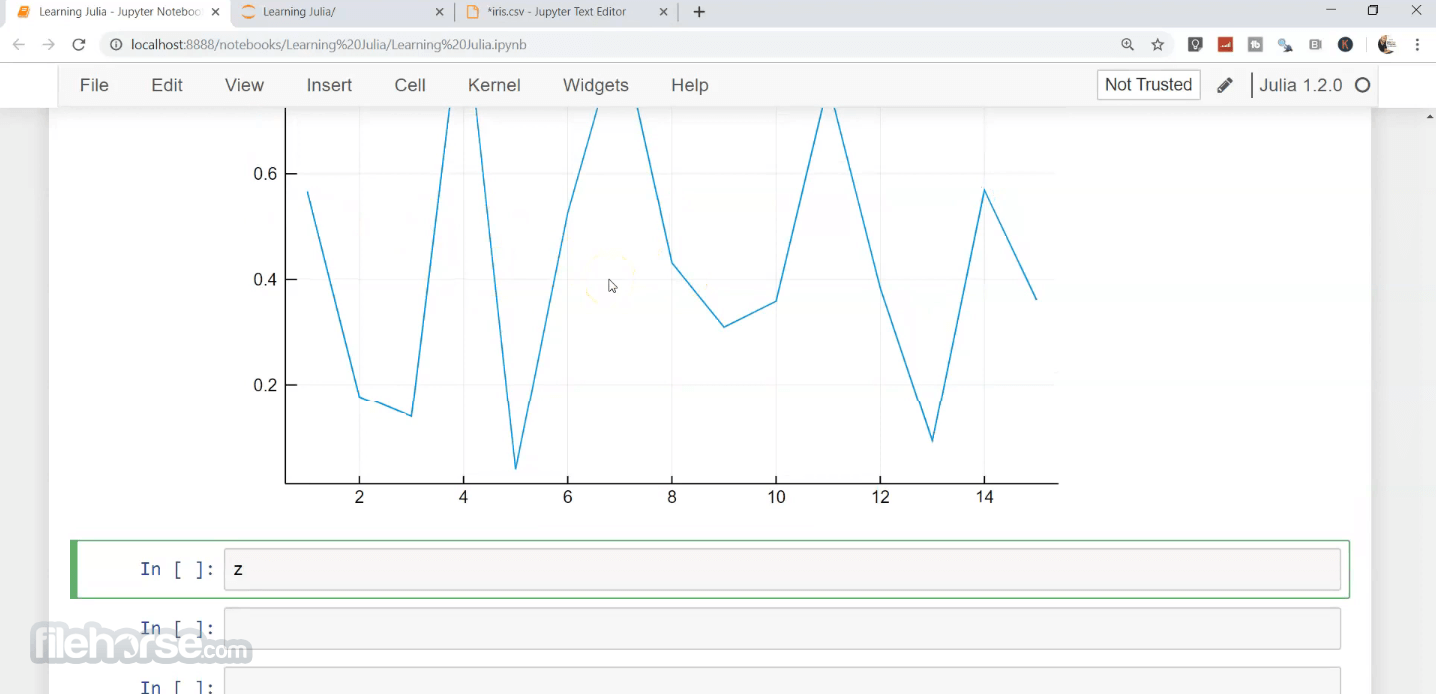
- 2026-03-03 Julia Language 1.12.5 (32-bit) 117 MB
- 2026-03-03 Julia Language 1.12.5 (64-bit) 156 MB
- 2026-01-05 Julia Language 1.12.3 (32-bit) 147 MB
- 2026-01-05 Julia Language 1.12.3 (64-bit) 207 MB
- 2025-11-23 Julia Language 1.12.2 (32-bit) 147 MB
- 2025-11-23 Julia Language 1.12.2 (64-bit) 209 MB
- 2025-09-17 Julia Language 1.11.7 (32-bit) 119 MB
- 2025-09-17 Julia Language 1.11.7 (64-bit) 156 MB