⚠ 這是歷史版本頁面 — 查看 Capture One 最新版本 →

- 目前版本16.7.7
- 更新日期2026-04-20
- 檔案大小1.2 GB
- 檔案名稱CaptureOne.Mac.16.7.7.19.dmg
- 作業系統macOS 10.15 Catalina or later
- 支援語系English
- 授權型式商業試用
- 開發商 Phase One
- 軟體分類Mac 軟體 / 影像設計
##
編輯短評
Capture One 是 Phase One 推出的專業級照片編輯與管理工具,核心強項在於先進的 RAW 檔處理能力,能讓攝影師從拍攝、傳輸、後製到建立大型影像資料庫,完整掌握整個工作流程。它在專業攝影師之間口碑相當不錯,是同類工具中的主流選擇之一,且更新相當頻繁,顯示開發團隊持續投入維護,並非放生狀態。
這套軟體適合追求高階色彩管理與精確 RAW 調整的攝影工作者,尤其是棚拍、商業攝影等需要嚴謹控管畫質的場合。與 Adobe 系列相比,它更聚焦在「攝影工作流」本身,而非廣泛的影像合成設計,取捨上較為明確。目前提供試用版,僅有英文介面,macOS 與 Windows 皆有版本,使用前需留意語系與授權限制。
##
翻譯排程處理中,以下暫以英文原文呈現
軟體介紹
Capture One for Mac is a photo editing and management software enabling professional photographers to take full control over the entire photography workflow, from capturing photos, transferring RAW files, processing photos, storing, and cataloging large libraries of content, and more.
With its advanced RAW processing capabilities, this app has become one of the favorite software solutions among professional photographers, providing them with the tools they need to bring their images to life.
For a seasoned photographer or a hobbyist, Capture One's comprehensive set of features and user-friendly interface make it an excellent choice for anyone looking to take their photo editing to the next level.
The app provides a full stack of tools for connecting Mac computers with modern photography gear (cameras, lights, and other photoshoot equipment), with a reliable and secure file transfer service that will automatically sync storage without missing a single shot.
All collected RAW files can be processed directly on the shoot or in any collaborative environment, enabling photographers and editors to maximize the potential of each visual project.
Collaboration tools include full web access to credentialed users, viewers, ratings, tagging, feedback services, and more. For all of that, users of this app are not required to manually upload or download any photos.
In addition to standalone photo project management, this software is also fully integrated with many popular external solutions, including popular Adobe Creative Cloud applications (Photoshop and Lightroom), which make it very appealing to photographers who already have set workflows.
Key Features
To install Capture One, simply download the app from the official website or the secure FileHorse website and follow the prompts to install it on your Mac.
The installation process is straightforward and should take only a few minutes. Once installed and authenticated with the Capture One account, users can launch the app and start using it immediately.
The app is optimized for all modern Mac configurations, including both Intel and Apple Silicon processors.
How to Use
To use this app, simply launch it and import RAW files. Users who want to monitor and remotely capture photographs during shoots can start the service by connecting the app with an external camera.
While some models support wireless connection, many require a physical USB connection. Once the digital handshake between the Mac and camera hardware is established, this app will automatically transfer all captured RAW files to the Mac storage.
Even in the event that the physical connection gets disconnected, the file transfer will automatically be restarted when the connection gets back up and running.
The app's intuitive interface makes it easy to navigate and access the various editing tools and features. Users can start by making basic adjustments, such as exposure and white balance, and then move on to more advanced edits, such as color grading and local adjustments. The app also offers a range of presets and profiles to help users achieve their desired look quickly.
Newly added AI tools can dramatically increase daily productivity workflows, enabling fast optimization of large photo libraries.
User Interface
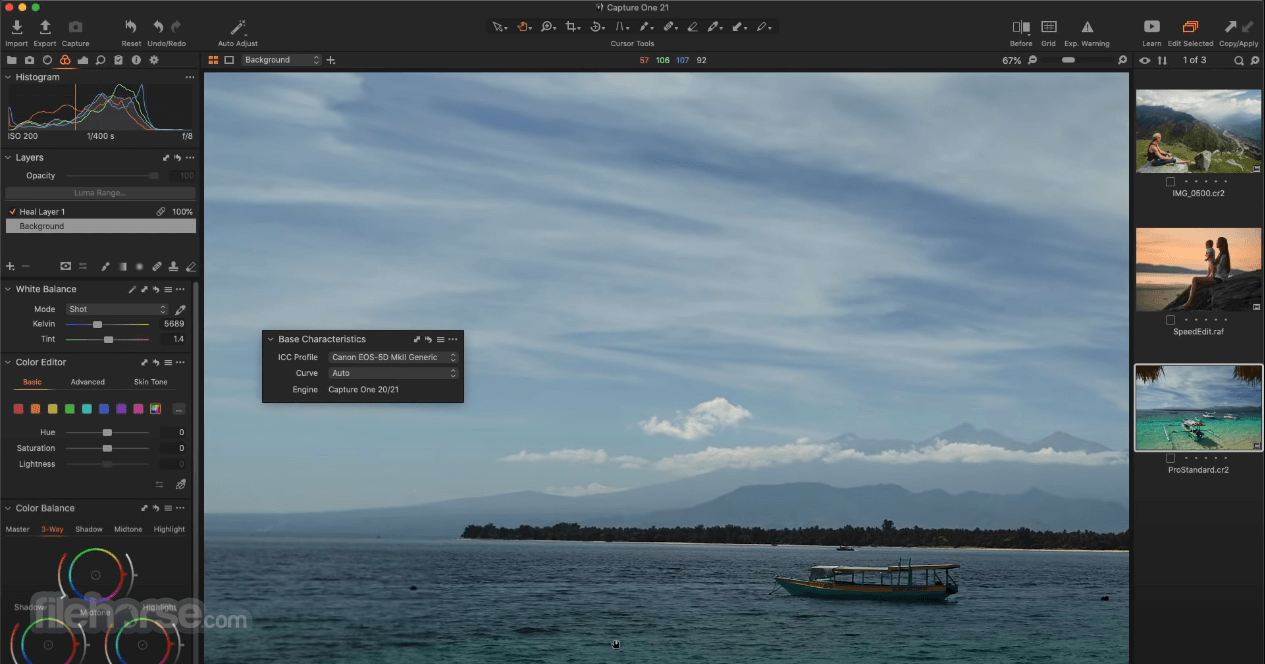
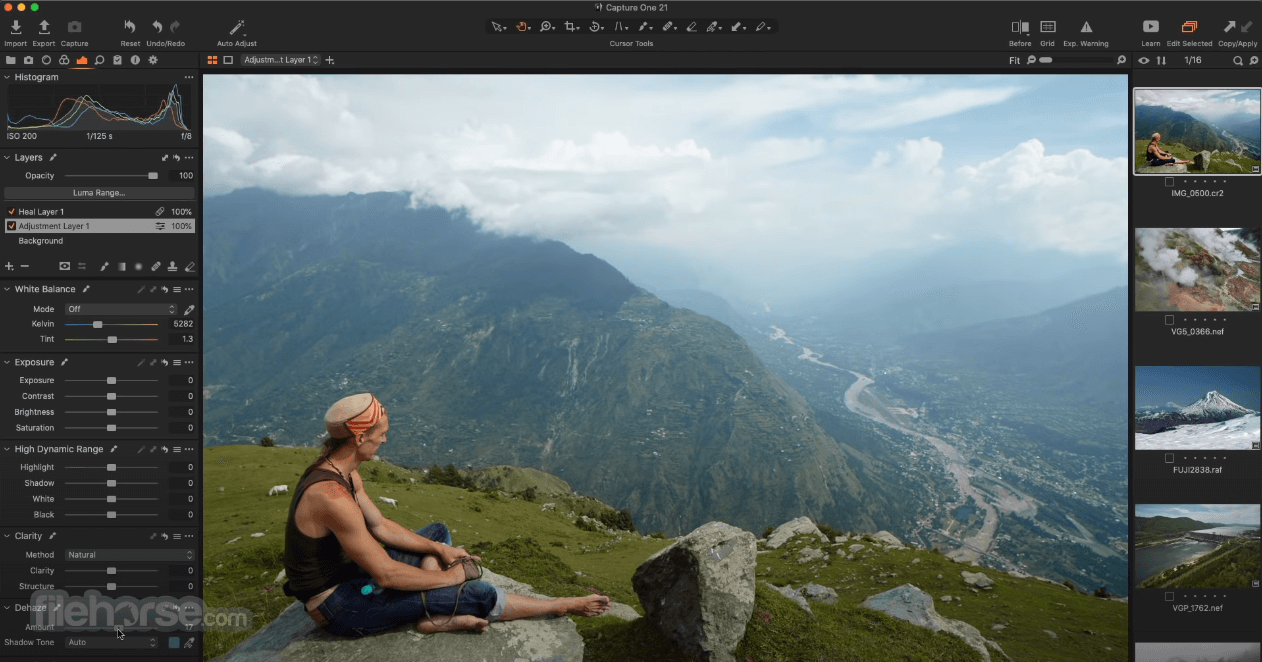
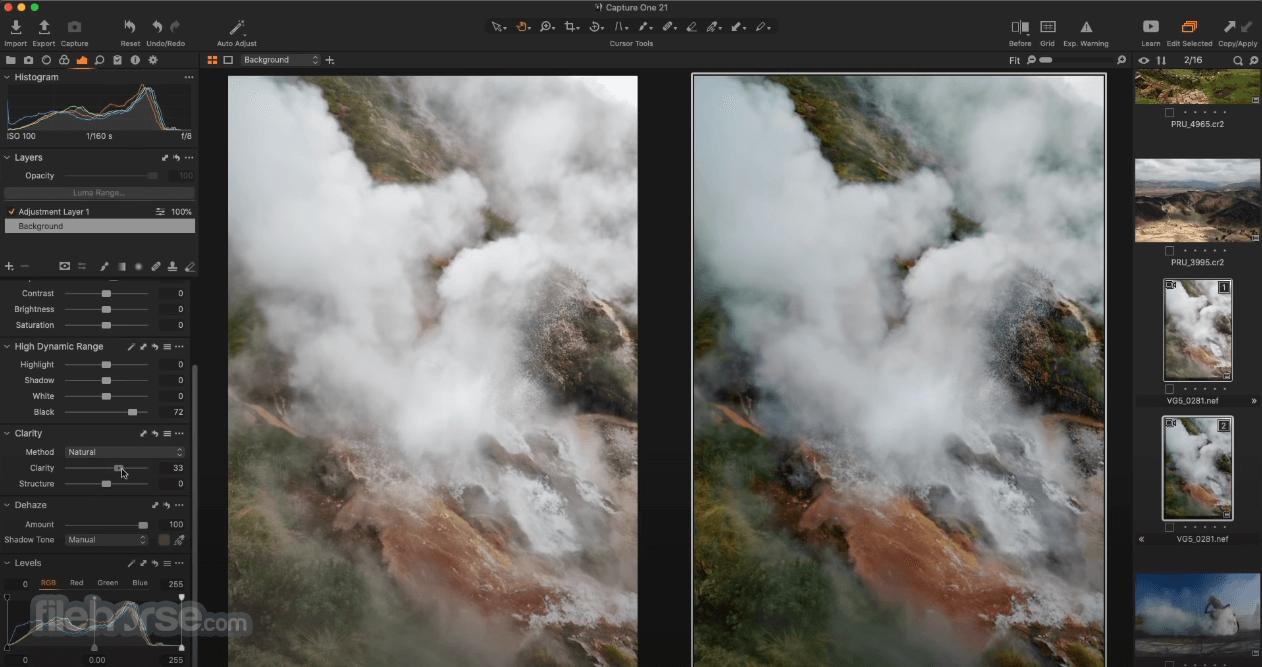
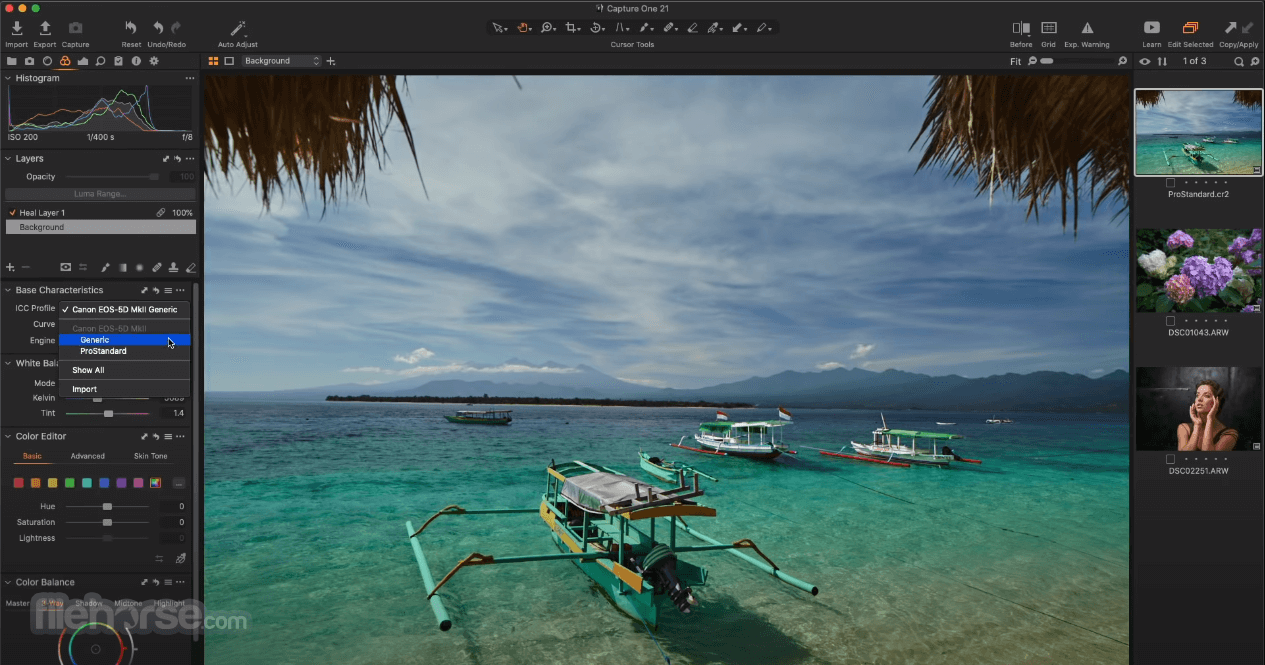
The app’s user interface is designed to be both powerful and user-friendly. The main dark-themed layout is clean and organized, with a range of dynamic panels and tools that are easily accessible. Users can customize the workspace to suit their needs, rearranging and resizing the various panels as needed.
The app's preview window is also highly responsive, providing users with a real-time view of their edits.
All projects managed by this app can also be viewed via mobile applications, with an optimized viewing experience on iPhone and iPad devices.
FAQ
What is Capture One?
It is a powerful and versatile photo editing software designed for Mac computers, offering extensive photography workflow enhancement.
Is it safe?
This is a safe, trusted, and secure app that receives regular content and security updates.
Alternatives
Affinity Photo for Mac – A professional-grade photo editing software that offers a range of advanced features and tools for photographers and designers.
Adobe Lightroom for Mac – A popular photo editing and management software from the Creative Cloud suite.
DxO PhotoLab for Mac – A versatile photo editing software that specializes in RAW processing and lens correction.
Darktable for Mac – A free and open-source photography workflow software and raw developer, designed for professional photographers to manage and edit their photos with non-destructive editing capabilities.
Pricing
Capture One for Mac is an excellent photo editing software that offers an advanced set of features for photography professionals.
Its comprehensive RAW processing capabilities, powerful color editing tools, AI tools, tethered shooting platform, and robust asset management features make it an excellent choice for professional photographers and serious hobbyists alike.
Note: 30 days trial version.
Also Available: Download Capture One for Windows
Download Capture One for Mac Latest Version Why is this app published on FileHorse? (More info)
With its advanced RAW processing capabilities, this app has become one of the favorite software solutions among professional photographers, providing them with the tools they need to bring their images to life.
For a seasoned photographer or a hobbyist, Capture One's comprehensive set of features and user-friendly interface make it an excellent choice for anyone looking to take their photo editing to the next level.
The app provides a full stack of tools for connecting Mac computers with modern photography gear (cameras, lights, and other photoshoot equipment), with a reliable and secure file transfer service that will automatically sync storage without missing a single shot.
All collected RAW files can be processed directly on the shoot or in any collaborative environment, enabling photographers and editors to maximize the potential of each visual project.
Collaboration tools include full web access to credentialed users, viewers, ratings, tagging, feedback services, and more. For all of that, users of this app are not required to manually upload or download any photos.
In addition to standalone photo project management, this software is also fully integrated with many popular external solutions, including popular Adobe Creative Cloud applications (Photoshop and Lightroom), which make it very appealing to photographers who already have set workflows.
Key Features
- Comprehensive RAW Processing – Extract exceptional image quality from every shot.
- Live Color Editing – Take full advantage of custom camera profiling and advanced color grading services.
- Asset Management – All photos managed by this app are signed tags, and smart album metadata in order to be more easily searched and organized.
- Tethered Shooting – Monitor, preview, and capture images directly into the software wirelessly or via hard connection.
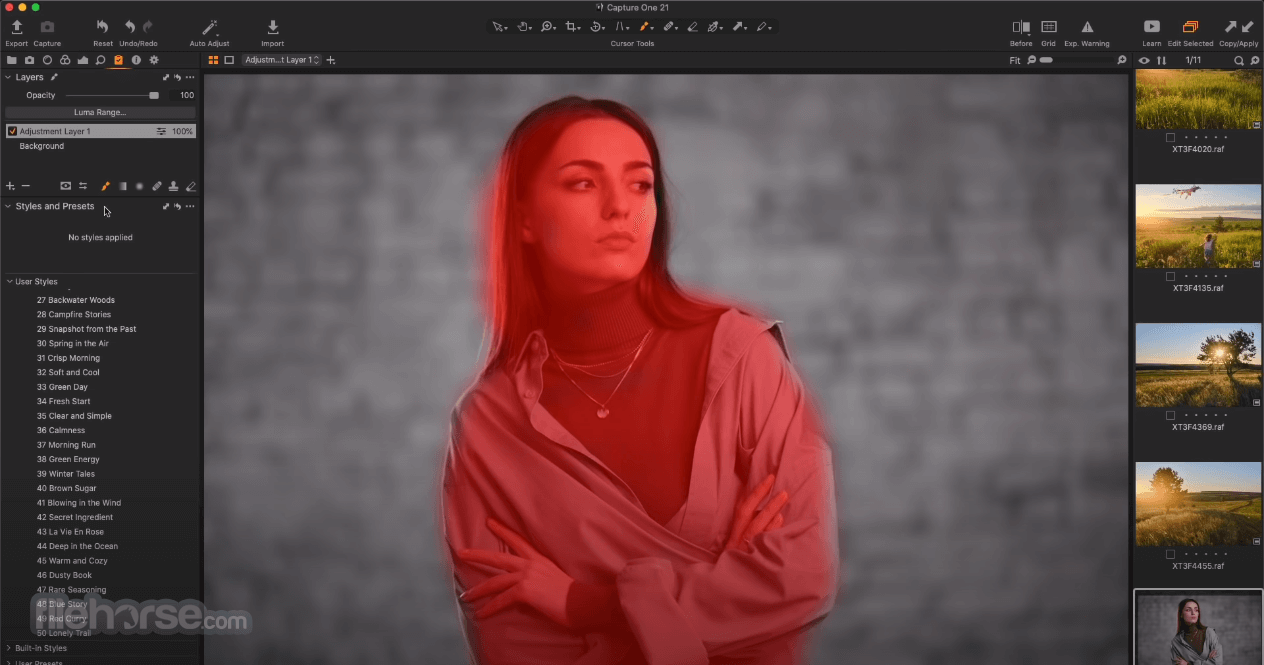
- Layers and Masking – Automatically generated layers enable precise adjustments of specific areas of images.
- Customizable Workspace – Make the main dashboard your own.
- AI Smart Tools – Automate many complicated tasks with tools that can instantly make smart adjustments, remove dust, perform AI masking tasks, and more.
- Online Collaboration – Take projects automatically online and invite collaborators to organize, edit, and finalize projects.
- Work on the Go – Available as both a desktop and mobile app.
To install Capture One, simply download the app from the official website or the secure FileHorse website and follow the prompts to install it on your Mac.
The installation process is straightforward and should take only a few minutes. Once installed and authenticated with the Capture One account, users can launch the app and start using it immediately.
The app is optimized for all modern Mac configurations, including both Intel and Apple Silicon processors.
How to Use
To use this app, simply launch it and import RAW files. Users who want to monitor and remotely capture photographs during shoots can start the service by connecting the app with an external camera.
While some models support wireless connection, many require a physical USB connection. Once the digital handshake between the Mac and camera hardware is established, this app will automatically transfer all captured RAW files to the Mac storage.
Even in the event that the physical connection gets disconnected, the file transfer will automatically be restarted when the connection gets back up and running.
The app's intuitive interface makes it easy to navigate and access the various editing tools and features. Users can start by making basic adjustments, such as exposure and white balance, and then move on to more advanced edits, such as color grading and local adjustments. The app also offers a range of presets and profiles to help users achieve their desired look quickly.
Newly added AI tools can dramatically increase daily productivity workflows, enabling fast optimization of large photo libraries.
User Interface
The app’s user interface is designed to be both powerful and user-friendly. The main dark-themed layout is clean and organized, with a range of dynamic panels and tools that are easily accessible. Users can customize the workspace to suit their needs, rearranging and resizing the various panels as needed.
The app's preview window is also highly responsive, providing users with a real-time view of their edits.
All projects managed by this app can also be viewed via mobile applications, with an optimized viewing experience on iPhone and iPad devices.
FAQ
What is Capture One?
It is a powerful and versatile photo editing software designed for Mac computers, offering extensive photography workflow enhancement.
Is it safe?
This is a safe, trusted, and secure app that receives regular content and security updates.
Alternatives
Affinity Photo for Mac – A professional-grade photo editing software that offers a range of advanced features and tools for photographers and designers.
Adobe Lightroom for Mac – A popular photo editing and management software from the Creative Cloud suite.
DxO PhotoLab for Mac – A versatile photo editing software that specializes in RAW processing and lens correction.
Darktable for Mac – A free and open-source photography workflow software and raw developer, designed for professional photographers to manage and edit their photos with non-destructive editing capabilities.
Pricing
- Mobile App Only: Free for individual users.
- Capture One Pro plan: €18.25 per month for access to the local Mac app and basic editing toolset.
- Capture One Pro lifetime license: € 349.00 fee for permanent access to the app.
- All in One bundle: $24.92 per month for a complete offering of Capture One apps and services.
- OS: macOS 12.7 and newer
- CPU: Intel® Core™ i3 (quadcore i5 is recommended), or M1+ Apple Silicon
- GPU: NVIDIA or AMD GPU with 8 GB of VRAM
- RAM: 8GB of RAM (16GB is recommended)
- Storage: 10GB of free space (SSD is recommended)
- Exceptional RAW processing.
- Powerful color editing tools.
- Robust asset management.
- Tethered shooting capabilities.
- Native mobile apps.
- Extensive collaboration support.
- Flexible pricing options.
- Expensive.
- Steep learning curve.
Capture One for Mac is an excellent photo editing software that offers an advanced set of features for photography professionals.
Its comprehensive RAW processing capabilities, powerful color editing tools, AI tools, tethered shooting platform, and robust asset management features make it an excellent choice for professional photographers and serious hobbyists alike.
Note: 30 days trial version.
Also Available: Download Capture One for Windows
Download Capture One for Mac Latest Version Why is this app published on FileHorse? (More info)
##
影片介紹
##
畫面截圖
- 2026-07-16 Capture One 16.8.4 1.7 GB
- 2026-07-02 Capture One 16.8.3 1.7 GB
- 2026-06-04 Capture One 16.8.1 1.7 GB
- 2026-05-29 Capture One 16.8.0 1.7 GB
- 2026-05-13 Capture One 16.7.8 1.2 GB
- 2026-04-20 Capture One 16.7.7 1.2 GB
- 2026-03-13 Capture One 16.7.5 1.2 GB
- 2026-03-09 Capture One 16.7.4 1.2 GB