- 目前版本4.0.0.87
- 更新日期2026-08-11
- 檔案大小51.9 MB
- 檔案名稱IDrive.dmg
- 作業系統macOS 10.13 High Sierra or later
- 支援語系English
- 授權型式試用版
- 開發商 IDrive Inc.
- 軟體分類Mac 軟體 / 備份還原
##
翻譯排程處理中,以下暫以英文原文呈現
軟體介紹
IDrive for Mac is an application with minimal user interface to backup your personal or business computers. Users can manage and monitor backups of their computers from the web-interface.
The Dashboard is a centralized web-console which serves as a single point of remote management for your computers.
Once the thin client is set up on your computers, you can perform the following operations via the Dashboard:
Quick backup and retrieval of your data in less than a week via physical storage shipment, ensuring no bandwidth usage. Backup entire drive including OS, settings, programs, files/folders, with contents and information structure intact.
Web-based console helps you manage data backups, restores, application settings and more, on your far-away computers. Transfer and store your files with 256-bit AES encryption using a user-defined key that is not stored anywhere on the servers.
Incremental and compressed backups will ease your network bandwidth by transferring the modified portions of a file. It automatically recognizes the modified parts of files and backs them up.
Access files backed up from PCs and Macs or synced from connected devices; protect your mobile data with apps for iOS and Android. Search and restore files from the desktop application or via any browser; provision to recover deleted files from Trash within a period of 30 days. Manage data backups of all your remote computers with robust reporting tools in near real time response.
Create new user accounts within your storage space and more.
Secure online backups for running databases and servers - For MS SQL Server, MS Exchange Server, Hyper-V, MS SharePoint Server, Oracle Server, Office 365 Mailbox, Linux Servers and VMware.
Onsite Bare-Metal Disaster Recovery with Cloud Replication solution for SMBs. Create multiple accounts using your storage space and monitor backups from a single administrator console.
Remotely install the application from Windows Server, to multiple computers, by using Microsoft Active Directory Group Policy. Get free physical data transfer, 3 times a year for quick backup of business data via IDrive Express™.
Setup and login
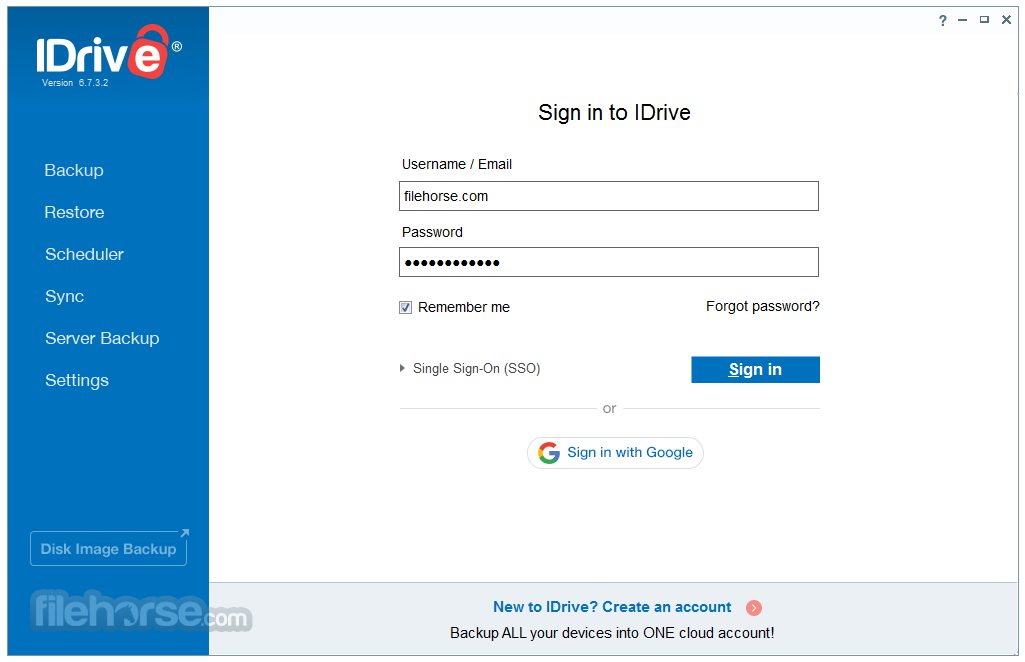
Download and install the Thin Client application on your Windows or Mac machine. Manage backups by logging to your account from the web interface.
Computer list
All computers connected to your account appear in the Computers tab in the web interface.
Backup and restore
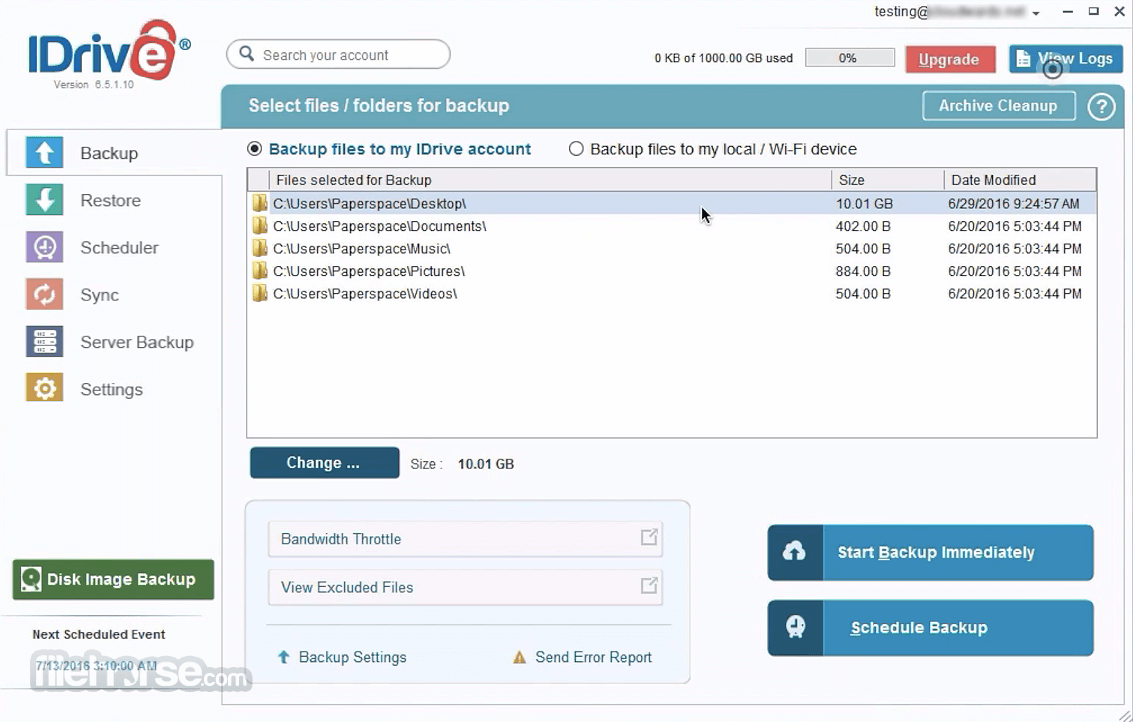
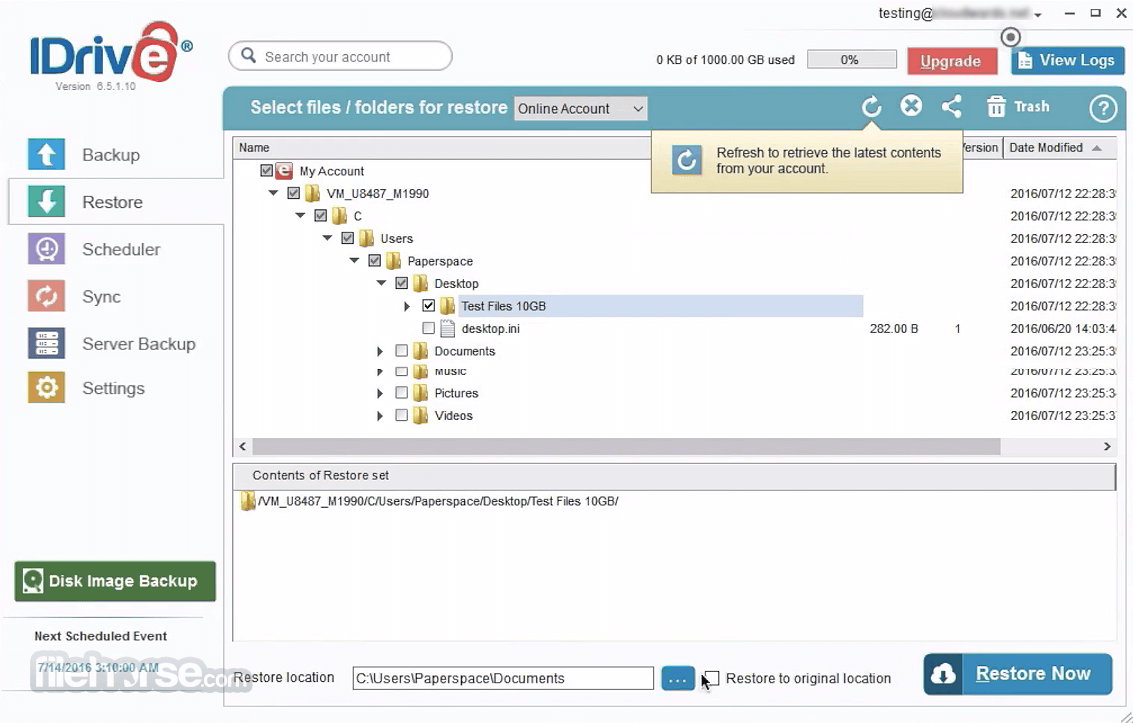
Backup data on your computer to your IDrive Desktop account via the web. Restore files/folders from your account instantly to your computer. Use Snapshots to perform point-in-time recovery with historical view of your backed up data.
Settings
You can configure your settings and push changes to all the connected computers from the Settings tab.
Alternatives
Google Drive: Popular for general use but lacks the advanced encryption.
pCloud: Includes client-side encryption as an add-on but lacks some of Tresorit’s business features.
Box: Enterprise-focused with robust collaboration tools but weaker encryption compared to this app.
Sync.com: A cost-effective alternative with strong security but limited business-oriented features.
PROS
Also Available: Download IDrive for Windows
Download IDrive for Mac Latest Version Why is this app published on FileHorse? (More info)
The Dashboard is a centralized web-console which serves as a single point of remote management for your computers.
Once the thin client is set up on your computers, you can perform the following operations via the Dashboard:
- Perform immediate backups or schedule backup jobs, restore data and more.
- Modify your backup sets or settings and push the changes across all devices.
- Remotely upgrade to the latest version of the app on any computer.
- Create policies with required settings and propagate them.
- Monitor and keep track of the status of your backup activities.
Quick backup and retrieval of your data in less than a week via physical storage shipment, ensuring no bandwidth usage. Backup entire drive including OS, settings, programs, files/folders, with contents and information structure intact.
Web-based console helps you manage data backups, restores, application settings and more, on your far-away computers. Transfer and store your files with 256-bit AES encryption using a user-defined key that is not stored anywhere on the servers.
Incremental and compressed backups will ease your network bandwidth by transferring the modified portions of a file. It automatically recognizes the modified parts of files and backs them up.
Access files backed up from PCs and Macs or synced from connected devices; protect your mobile data with apps for iOS and Android. Search and restore files from the desktop application or via any browser; provision to recover deleted files from Trash within a period of 30 days. Manage data backups of all your remote computers with robust reporting tools in near real time response.
Create new user accounts within your storage space and more.
Secure online backups for running databases and servers - For MS SQL Server, MS Exchange Server, Hyper-V, MS SharePoint Server, Oracle Server, Office 365 Mailbox, Linux Servers and VMware.
Onsite Bare-Metal Disaster Recovery with Cloud Replication solution for SMBs. Create multiple accounts using your storage space and monitor backups from a single administrator console.
Remotely install the application from Windows Server, to multiple computers, by using Microsoft Active Directory Group Policy. Get free physical data transfer, 3 times a year for quick backup of business data via IDrive Express™.
Setup and login
Download and install the Thin Client application on your Windows or Mac machine. Manage backups by logging to your account from the web interface.
Computer list
All computers connected to your account appear in the Computers tab in the web interface.
Backup and restore
Backup data on your computer to your IDrive Desktop account via the web. Restore files/folders from your account instantly to your computer. Use Snapshots to perform point-in-time recovery with historical view of your backed up data.
Settings
You can configure your settings and push changes to all the connected computers from the Settings tab.
Alternatives
Google Drive: Popular for general use but lacks the advanced encryption.
pCloud: Includes client-side encryption as an add-on but lacks some of Tresorit’s business features.
Box: Enterprise-focused with robust collaboration tools but weaker encryption compared to this app.
Sync.com: A cost-effective alternative with strong security but limited business-oriented features.
PROS
- Affordable Pricing Plans
- Cross-Platform Compatibility
- Generous Cloud Storage
- Continuous Data Backup
- File Versioning Support
- Slower Initial Backup
- Limited Collaboration Features
- Limited Speed for Restores
Also Available: Download IDrive for Windows
Download IDrive for Mac Latest Version Why is this app published on FileHorse? (More info)
##
畫面截圖