⚠ 這是歷史版本頁面 — 查看 Apache OpenOffice 最新版本 →

- 目前版本4.1.8
- 更新日期2020-11-11
- 檔案大小168.63 MB
- 檔案名稱Apache_OpenOffice_4.1.8_MacOS_x86-64_install_en-US.dmg
- 作業系統Mac OS X 10.7 or later
- 支援語系English
- 授權型式開源軟體
- 開發商 Apache Software Foundation
- 軟體分類Mac 軟體 / 辦公商務
##
編輯短評
Apache OpenOffice 是一套歷史悠久的開源辦公套件,涵蓋文書處理、試算表、簡報、繪圖與資料庫等常用功能。它最大的特色是採用國際開放標準格式儲存資料,同時也能讀寫其他主流辦公軟體的檔案,而且完全免費、不限用途使用。這套軟體由 Apache 基金會長期維護,雖然更新步調較慢,但在開源社群中仍是經典選擇,使用者評價普遍不錯,屬於同類中的小眾但穩健的選項。
如果你需要一套免付費、可跨平台使用的辦公軟體,又不想被綁在特定商業產品上,Apache OpenOffice 就很適合。它特別適合處理舊版 Office 文件,或是在資源有限的電腦上執行。與 Microsoft Office 相比,它的介面較為樸素、部分進階功能較精簡,但換來的是完全開源與零成本。要注意的是,此版本僅提供英文介面,且官方支援語系未含中文,但檔案內容仍可正常處理多語言文字。macOS 使用者可直接下載安裝,另有 Windows 版本可選。
##
翻譯排程處理中,以下暫以英文原文呈現
軟體介紹
Apache OpenOffice for Mac is the leading open-source office software suite for word processing, spreadsheets, presentations, graphics, databases and more.
It is available in many languages and works on all common computers. It stores all your data in an international open standard format and can also read and write files from other common office software packages. It can be downloaded and used completely free of charge for any purpose.
Apache OpenOffice for macOS is the result of over twenty years' software engineering.
Designed from the start as a single piece of software, it has a consistency other products cannot match. A completely open development process means that anyone can report bugs, request new features, or enhance the software.
The result: Apache OpenOffice does everything you want your office software to do, the way you want it to.
The app is easy to learn, and if you're already using another office software package, you'll take to the app straight away. World-wide native-language community means that the app is probably available and supported in your own language.
And if you already have files from another office package - the tool will probably read them with no difficulty.
What`s New
Product
Compatible with other major office suites, Open Office for Mac is free to download, use, and distribute.
Writer
A word processor you can use for anything from writing a quick letter to producing an entire book.
Calc
A powerful spreadsheet with all the tools you need to calculate, analyze, and present your data in numerical reports or sizzling graphics.
Impress
The fastest, most powerful way to create effective multimedia presentations.
Draw
Lets you produce everything from simple diagrams to dynamic 3D illustrations.
Base
Lets you manipulate databases seamlessly. Create and modify tables, forms, queries, and reports, all from within OpenOffice.org
Math
Lets you create mathematical equations with a graphic user interface or by directly typing your formulas into the equation editor.
How to Use
Getting Started
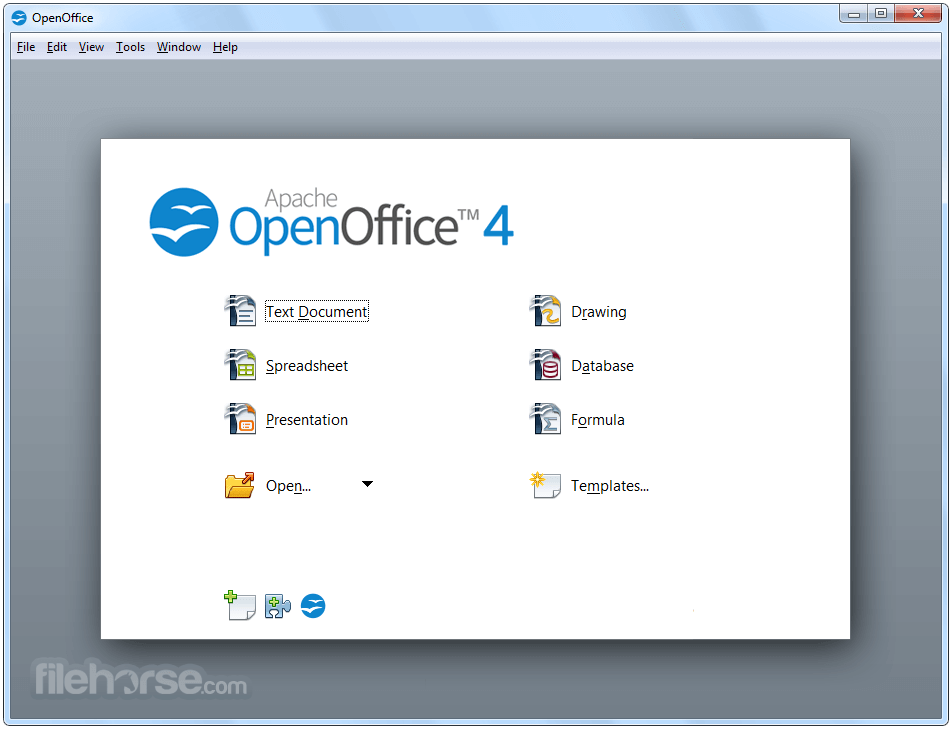
Launch the application and select the desired module (e.g., Writer for documents).
Use templates or create a blank document to begin.
Creating a Document
Utilize the toolbar for quick access to formatting tools.
Save work in your preferred file format by selecting “File” > “Save As.”
Collaboration
While OpenOffice doesn’t have real-time collaboration, you can track changes, add comments, and save documents in widely compatible formats for sharing.
FAQ
Can Apache OpenOffice open Microsoft Office files?
Yes, it supports .docx, .xlsx, and .pptx formats, though formatting issues may occasionally arise.
Is Apache OpenOffice truly free?
Yes, it’s completely free and open-source.
How does OpenOffice handle updates?
Updates are released periodically and must be downloaded manually from the official website.
Does it support cloud storage integration?
The app lacks native cloud storage integration, but files can be manually uploaded to cloud services like Google Drive or Dropbox.
Is Apache OpenOffice secure?
Yes, it’s secure, provided you download it from the official website. Regular updates enhance security.
Alternatives
LibreOffice: A popular fork of this app, featuring a more modern interface and frequent updates.
Microsoft Office: The industry standard with advanced features, but requires a subscription.
Google Workspace: Cloud-based office tools with real-time collaboration.
Pricing
This desktop software is entirely free to use, with no subscription or hidden costs. Contributions and donations are welcomed to support its development.
System Requirements
Also Available: Download OpenOffice for Windows
Download Apache OpenOffice for Mac Latest Version Why is this app published on FileHorse? (More info)
It is available in many languages and works on all common computers. It stores all your data in an international open standard format and can also read and write files from other common office software packages. It can be downloaded and used completely free of charge for any purpose.
Apache OpenOffice for macOS is the result of over twenty years' software engineering.
Designed from the start as a single piece of software, it has a consistency other products cannot match. A completely open development process means that anyone can report bugs, request new features, or enhance the software.
The result: Apache OpenOffice does everything you want your office software to do, the way you want it to.
The app is easy to learn, and if you're already using another office software package, you'll take to the app straight away. World-wide native-language community means that the app is probably available and supported in your own language.
And if you already have files from another office package - the tool will probably read them with no difficulty.
What`s New
- Improved stability with numerous bug fixes across all modules.
- Enhanced compatibility with Microsoft Office file formats.
- Updated dictionaries and language packs for broader localization support.
- Performance optimizations for faster document loading and saving.
- Writer improvements with refined formatting and layout handling.
- Calc updates for better formula accuracy and spreadsheet reliability.
- Impress enhancements with smoother presentation playback.
- Security patches addressing reported vulnerabilities.
- Updated third-party libraries for improved system compatibility.
- General UI refinements for a more consistent user experience.
Product
Compatible with other major office suites, Open Office for Mac is free to download, use, and distribute.
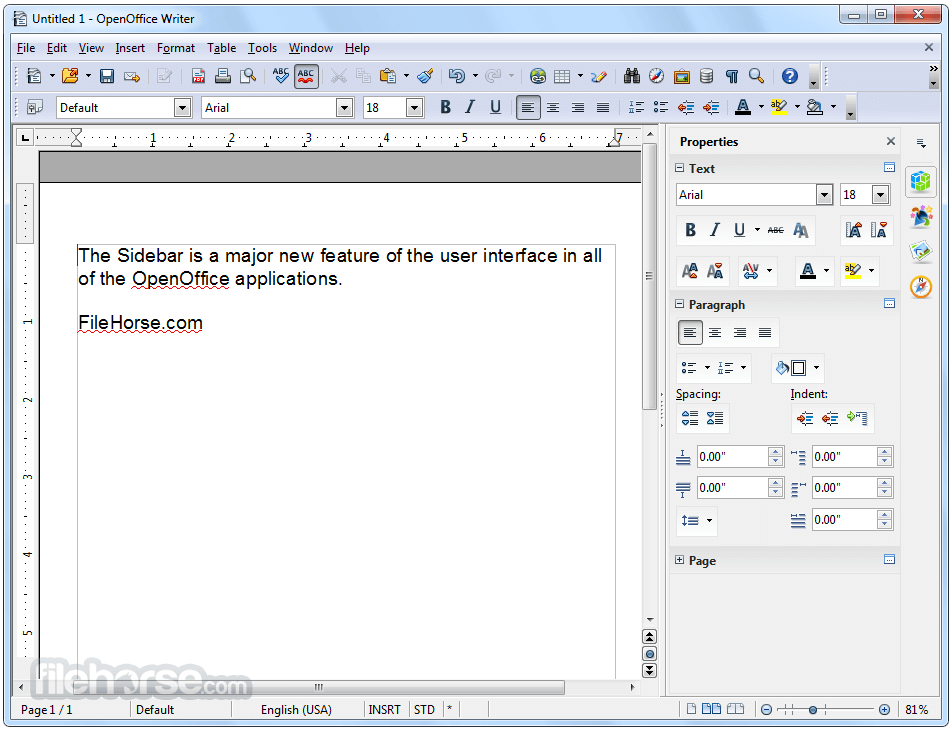
Writer
A word processor you can use for anything from writing a quick letter to producing an entire book.
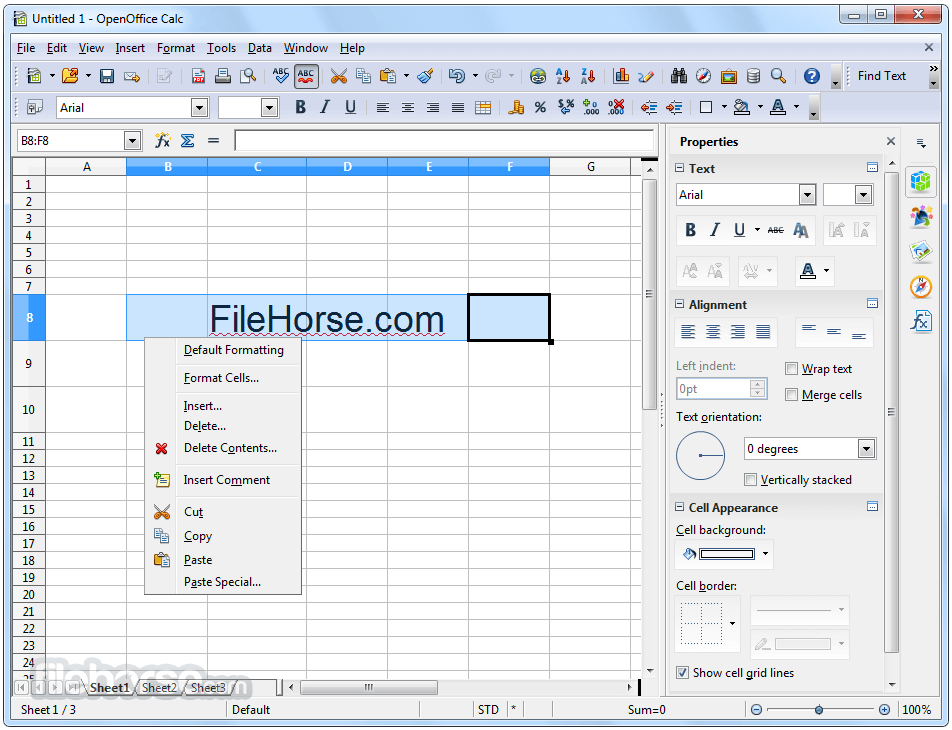
Calc
A powerful spreadsheet with all the tools you need to calculate, analyze, and present your data in numerical reports or sizzling graphics.
Impress
The fastest, most powerful way to create effective multimedia presentations.
Draw
Lets you produce everything from simple diagrams to dynamic 3D illustrations.
Base
Lets you manipulate databases seamlessly. Create and modify tables, forms, queries, and reports, all from within OpenOffice.org
Math
Lets you create mathematical equations with a graphic user interface or by directly typing your formulas into the equation editor.
How to Use
Getting Started
Launch the application and select the desired module (e.g., Writer for documents).
Use templates or create a blank document to begin.
Creating a Document
Utilize the toolbar for quick access to formatting tools.
Save work in your preferred file format by selecting “File” > “Save As.”
Collaboration
While OpenOffice doesn’t have real-time collaboration, you can track changes, add comments, and save documents in widely compatible formats for sharing.
FAQ
Can Apache OpenOffice open Microsoft Office files?
Yes, it supports .docx, .xlsx, and .pptx formats, though formatting issues may occasionally arise.
Is Apache OpenOffice truly free?
Yes, it’s completely free and open-source.
How does OpenOffice handle updates?
Updates are released periodically and must be downloaded manually from the official website.
Does it support cloud storage integration?
The app lacks native cloud storage integration, but files can be manually uploaded to cloud services like Google Drive or Dropbox.
Is Apache OpenOffice secure?
Yes, it’s secure, provided you download it from the official website. Regular updates enhance security.
Alternatives
LibreOffice: A popular fork of this app, featuring a more modern interface and frequent updates.
Microsoft Office: The industry standard with advanced features, but requires a subscription.
Google Workspace: Cloud-based office tools with real-time collaboration.
Pricing
This desktop software is entirely free to use, with no subscription or hidden costs. Contributions and donations are welcomed to support its development.
System Requirements
- OS: It supports Apple MacOS X version 10.7 (Lion) - 10.11 (El Capitan) and macOS 10.12 (Sierra) - 10.13 (High Sierra).
- Processor: Intel Processor
- RAM: 256 MB (512 MB recommended)
- Disk Space: 400 MB
- Free and open-source.
- Compatible with multiple operating systems.
- Wide file format support.
- Active community support and forums.
- Outdated user interface.
- Occasional compatibility issues with Microsoft Office files.
- No native cloud integration.
- Infrequent updates compared to alternatives.
Also Available: Download OpenOffice for Windows
Download Apache OpenOffice for Mac Latest Version Why is this app published on FileHorse? (More info)
##
畫面截圖
- 2026-02-16 Apache OpenOffice 4.1.16 167.23 MB
- 2023-12-23 Apache OpenOffice 4.1.15 168.57 MB
- 2023-02-27 Apache OpenOffice 4.1.14 168.61 MB
- 2021-05-07 Apache OpenOffice 4.1.10 168.64 MB
- 2021-02-07 Apache OpenOffice 4.1.9 168.63 MB
- 2020-11-11 Apache OpenOffice 4.1.8 168.63 MB
- 2019-09-23 Apache OpenOffice 4.1.7 165.4 MB
- 2018-11-19 Apache OpenOffice 4.1.6 165.81 MB