⚠ 這是歷史版本頁面 — 查看 Pacifist 最新版本 →

- 目前版本4.1.2
- 更新日期2025-01-07
- 檔案大小36 MB
- 檔案名稱Pacifist_4.1.2.dmg
- 作業系統macOS 10.14 Mojave or later
- 支援語系English
- 授權型式商業試用
- 開發商 CharlesSoft
- 軟體分類Mac 軟體 / 備份還原
##
翻譯排程處理中,以下暫以英文原文呈現
軟體介紹
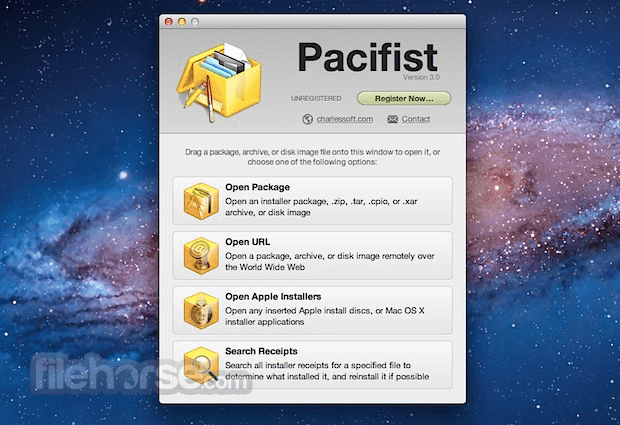
Pacifist for Mac is a shareware application that opens macOS .pkg package files, .dmg disk images, and .zip, .tar, .tar.gz, .tar.bz2, and .xar archives and allows you to extract individual files and folders out of them.
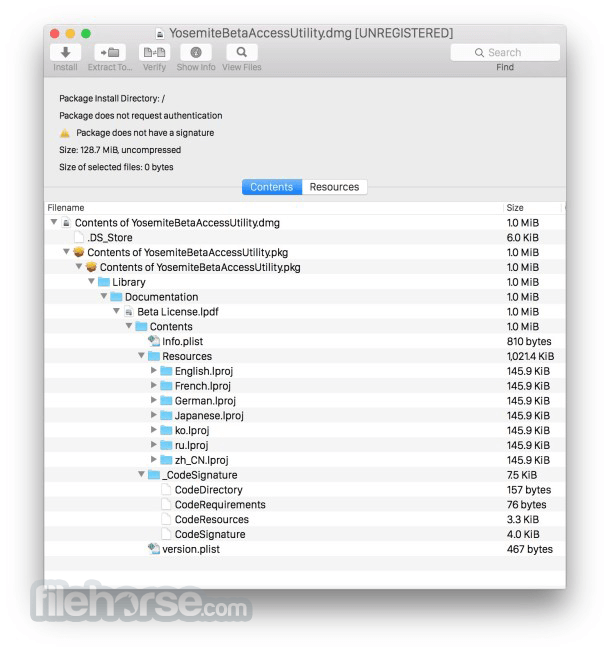
This is useful, for instance, if an application that is installed by the operating system becomes damaged and needs to be reinstalled without the hassle of reinstalling all of macOS, or if you want to inspect a downloaded package to see what it will install before installing it.
Pacifist is also able to verify existing installations and find missing or altered files*, and Pacifist for macOS can also examine the kernel extensions installed in your system to let you see what installer installed them and whether the installer was made by Apple or a third-party.
How to Use
Install the app by dragging it to Applications
Open Pacifist and choose a package or archive
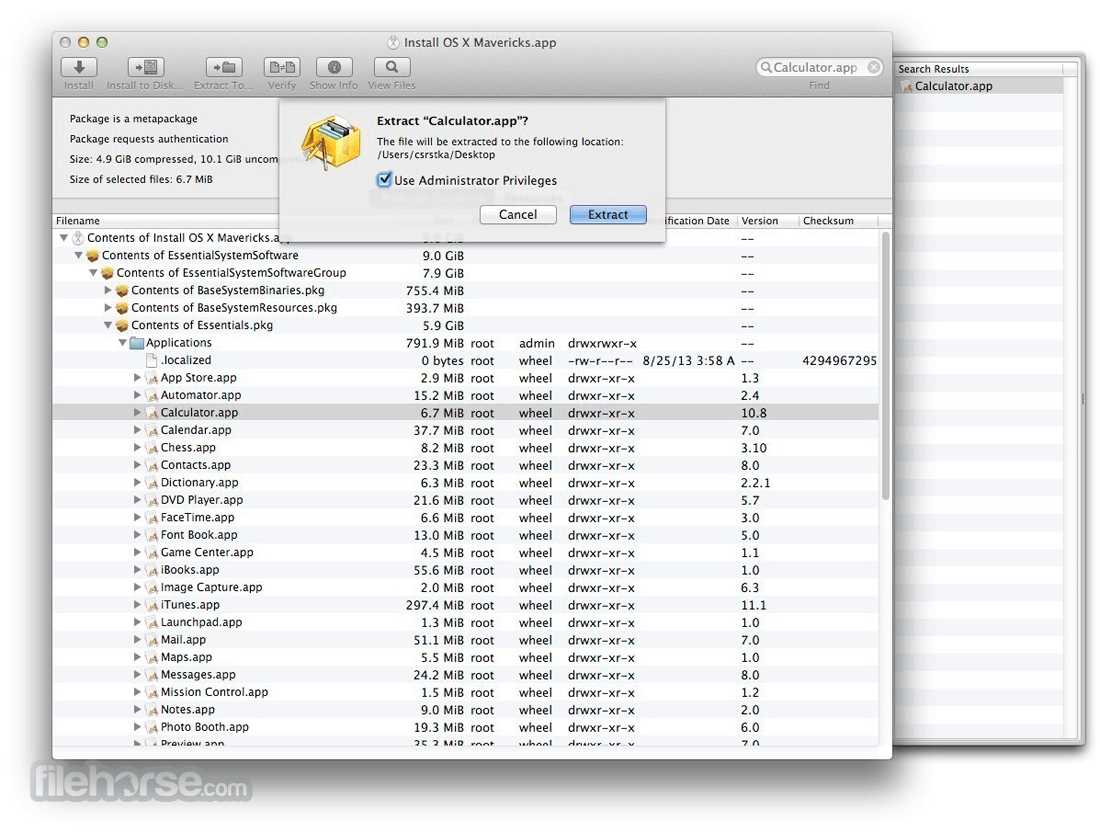
Browse contents or extract specific files
Use "Open with Pacifist" for .pkg or .dmg files
Verify package contents and installation details
Drag and drop archives into the Pacifist window
Use search to find files inside packages
Right-click items to extract or install
Check permissions and file locations before action
System Requirements
Download Pacifist for Mac Latest Version Why is this app published on FileHorse? (More info)
This is useful, for instance, if an application that is installed by the operating system becomes damaged and needs to be reinstalled without the hassle of reinstalling all of macOS, or if you want to inspect a downloaded package to see what it will install before installing it.
Pacifist is also able to verify existing installations and find missing or altered files*, and Pacifist for macOS can also examine the kernel extensions installed in your system to let you see what installer installed them and whether the installer was made by Apple or a third-party.
How to Use
Install the app by dragging it to Applications
Open Pacifist and choose a package or archive
Browse contents or extract specific files
Use "Open with Pacifist" for .pkg or .dmg files
Verify package contents and installation details
Drag and drop archives into the Pacifist window
Use search to find files inside packages
Right-click items to extract or install
Check permissions and file locations before action
System Requirements
- macOS 10.13 High Sierra or later
- Intel or Apple Silicon Mac
- 50 MB of available disk space
- Internet connection for updates
- Extract specific files from installers
- View and open .pkg and .dmg packages
- Bypass broken or locked installers
- Verify contents before installation
- Supports many archive types
- Limited free version features
- Interface may feel outdated
- Not optimized for beginners
- No real-time monitoring tools
- Occasional crashes with large files
Download Pacifist for Mac Latest Version Why is this app published on FileHorse? (More info)
##
畫面截圖
- 2026-01-19 Pacifist 4.1.4 39 MB
- 2025-01-10 Pacifist 4.1.3 36 MB
- 2025-01-07 Pacifist 4.1.2 36 MB
- 2024-09-24 Pacifist 4.1.1 36 MB
- 2023-12-08 Pacifist 4.1.0 36 MB
- 2022-08-24 Pacifist 4.0.5 51.6 MB
- 2022-02-28 Pacifist 4.0.3 51.62 MB
- 2022-01-03 Pacifist 4.0.2 51.59 MB