- 目前版本9.0.82
- 更新日期2026-08-05
- 作業系統macOS 11.0 Big Sur or later
- 支援語系English
- 授權型式未分類
- 開發商 Polaris Office Corp
- 軟體分類Mac 軟體 / 辦公商務
##
翻譯排程處理中,以下暫以英文原文呈現
軟體介紹
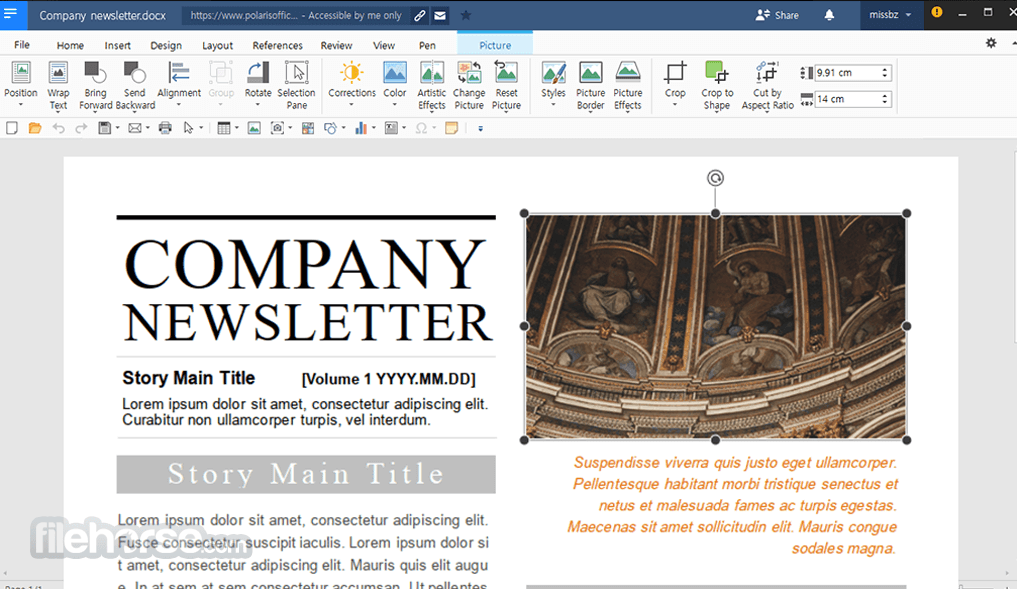
Polaris Office for Mac is the only solution for opening and editing all kinds of documents. Edit any Microsoft Office, PDF, TXT, or other document formats with Polaris Office for macOS without having to install any other applications.
Polaris Office for Mac is a free office software with an all-in-one feature to view, edit, share, memo, and archive all types of documents anytime and anywhere.
The software can be used on different devices such as Macs, iPhones, and MacBooks with a single account. No matter which device you choose to start a document, My Polaris Drives allows you to continue the work on any device regardless of the location.
Editing capabilities for all document formats in a single program: Edit Microsoft Office Word, Powerpoint, Excel, Google Docs, Spreadsheet, Slide, TXT, ODF, and Adobe PDF.
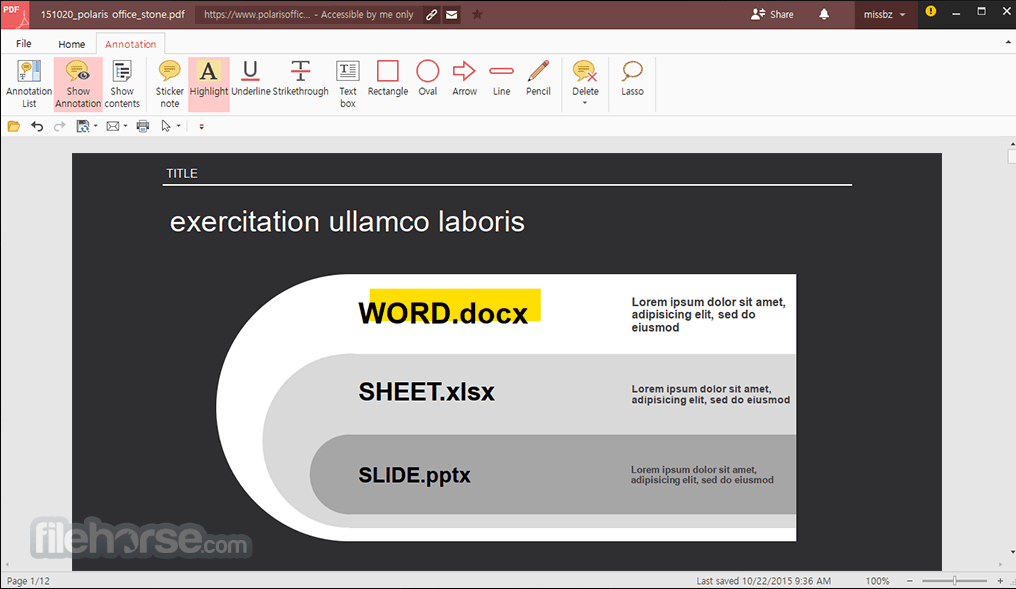
Powerful PDF reader, editor, and converter: View PDF on your desktop and mobile anytime and annotate important notes on PDF. Document collaboration and co-authoring: Easily share files with a link and real-time Co-authoring to work simultaneously with colleagues.
A seamless experience on all devices: Collaborate anytime, anywhere on all devices--starting free of charge. Auto-sync through all devices: Automatically synchronize documents throughout devices on all platforms including iOS, Android, Amazon Fire, Windows, and macOS through Polaris Drive.
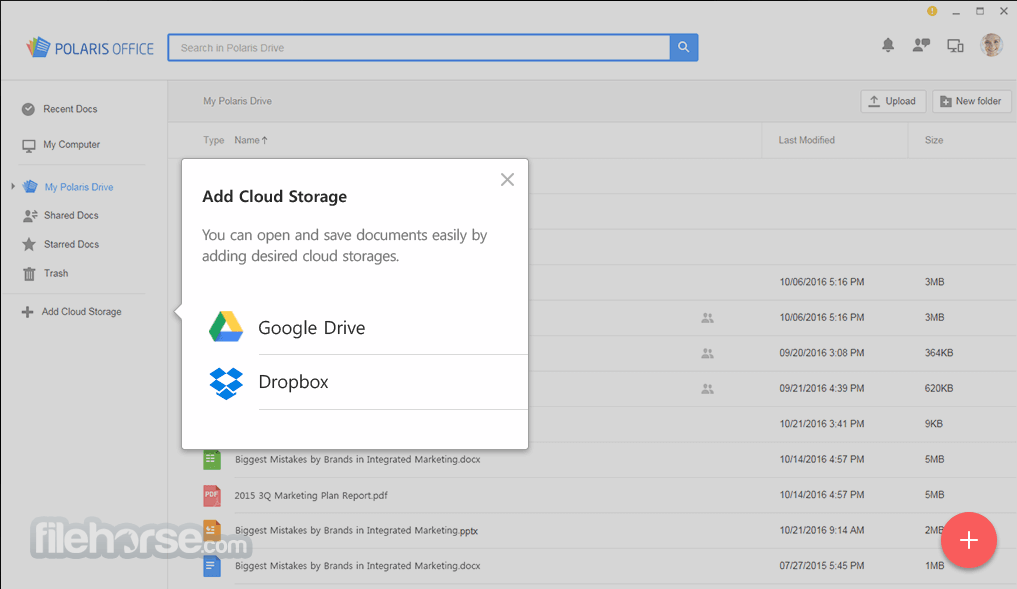
Easy cloud connectivity: Access documents in multiple cloud storages, including Google Drive, Dropbox, and Box, among others. Search for all your documents: Search for all your documents with filename, and text within a document and provide a variety of sorting options to find a document easily.
Smallest in size, yet powerful features: Enjoy powerful editing features including PDF annotation, memo, note-taking, and cloud-based file management with the smallest app.
Share your document: Share your document via a link, email, instant messaging, Facebook, and Twitter, view the up-to-date document with the shared link, leave comments within the document and discuss ideas with others.
Features and Highlights
Perfect compatibility with all document formats
With the Office, you can open and edit files in all commercial formats such as Microsoft Office, PDF, ODF, and TXT.
Convert and edit PDF documents
Non-editable PDF documents can be converted to Microsoft Office documents and edited conveniently.
Unlimited document work on diverse devices
Your work can be synchronized on Windows desktop PCs, Macs, Android devices, and iOS devices to ensure business continuity regardless of location.
Differentiated collaboration tool
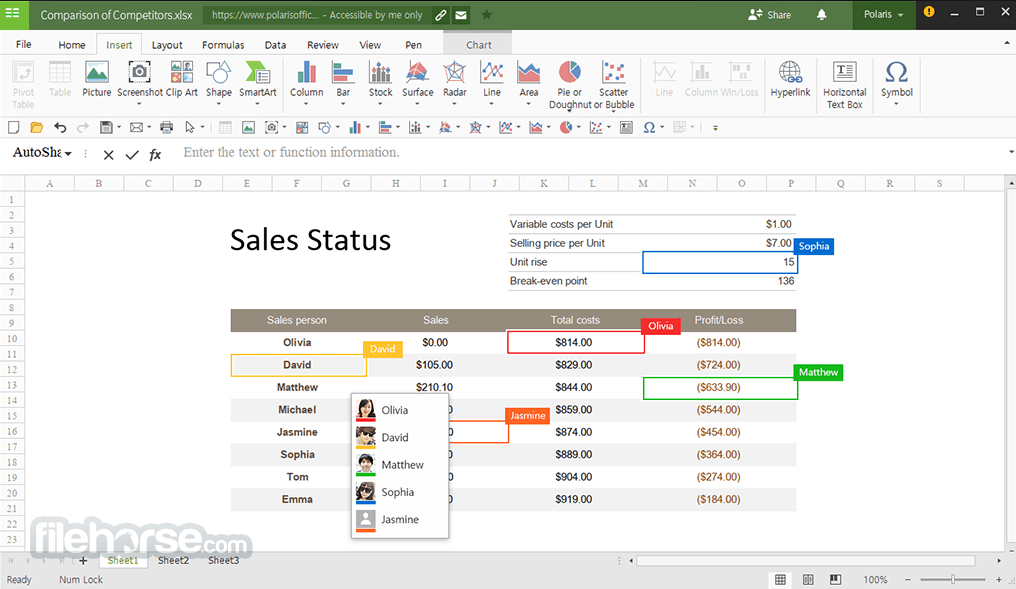
Documents can be easily shared via email or a link. Multiple users can access the same document and edit it simultaneously to maximize the productivity of the team.
Safe data protection
PolarisOffice values customer information not only by protecting important data from leakage but also by blocking access to customers’ documents. Your data is secured with AWS, the most secure and reliable web service platform.
Convert image and voice files to documents
Images or photographs can be converted into editable office file formats. Also, voice can be converted into text easily to boost convenience and reduce unnecessary documentation work.
How to Use
macOS 10.14 Mojave or later
Intel or Apple Silicon (M1/M2) Mac
At least 4 GB of RAM
Minimum 500 MB of free disk space
Internet connection required for cloud sync
PROS
Also Available: Download Polaris Office for Windows
Download Polaris Office for Mac Latest Version Why is this app published on FileHorse? (More info)
Polaris Office for Mac is a free office software with an all-in-one feature to view, edit, share, memo, and archive all types of documents anytime and anywhere.
The software can be used on different devices such as Macs, iPhones, and MacBooks with a single account. No matter which device you choose to start a document, My Polaris Drives allows you to continue the work on any device regardless of the location.
Editing capabilities for all document formats in a single program: Edit Microsoft Office Word, Powerpoint, Excel, Google Docs, Spreadsheet, Slide, TXT, ODF, and Adobe PDF.
Powerful PDF reader, editor, and converter: View PDF on your desktop and mobile anytime and annotate important notes on PDF. Document collaboration and co-authoring: Easily share files with a link and real-time Co-authoring to work simultaneously with colleagues.
A seamless experience on all devices: Collaborate anytime, anywhere on all devices--starting free of charge. Auto-sync through all devices: Automatically synchronize documents throughout devices on all platforms including iOS, Android, Amazon Fire, Windows, and macOS through Polaris Drive.
Easy cloud connectivity: Access documents in multiple cloud storages, including Google Drive, Dropbox, and Box, among others. Search for all your documents: Search for all your documents with filename, and text within a document and provide a variety of sorting options to find a document easily.
Smallest in size, yet powerful features: Enjoy powerful editing features including PDF annotation, memo, note-taking, and cloud-based file management with the smallest app.
Share your document: Share your document via a link, email, instant messaging, Facebook, and Twitter, view the up-to-date document with the shared link, leave comments within the document and discuss ideas with others.
Features and Highlights
Perfect compatibility with all document formats
With the Office, you can open and edit files in all commercial formats such as Microsoft Office, PDF, ODF, and TXT.
Convert and edit PDF documents
Non-editable PDF documents can be converted to Microsoft Office documents and edited conveniently.
Unlimited document work on diverse devices
Your work can be synchronized on Windows desktop PCs, Macs, Android devices, and iOS devices to ensure business continuity regardless of location.
Differentiated collaboration tool
Documents can be easily shared via email or a link. Multiple users can access the same document and edit it simultaneously to maximize the productivity of the team.
Safe data protection
PolarisOffice values customer information not only by protecting important data from leakage but also by blocking access to customers’ documents. Your data is secured with AWS, the most secure and reliable web service platform.
Convert image and voice files to documents
Images or photographs can be converted into editable office file formats. Also, voice can be converted into text easily to boost convenience and reduce unnecessary documentation work.
How to Use
- Sign in or create a free Polaris account
- Click “New” to start a document, sheet, or presentation
- Use toolbar to format, edit, and insert content
- Open cloud files via integrated drive options
- Save files locally or sync to cloud storage
- Export files as PDF, DOCX, XLSX, or PPTX
- Share documents directly via link or email
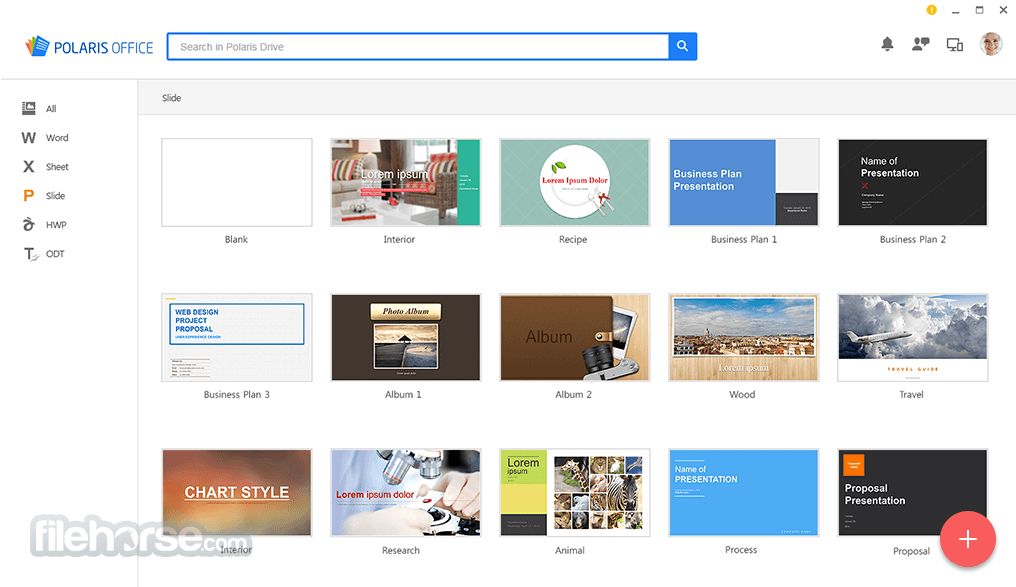
- Use templates for quick document creation
- Access recent files from the home dashboard
macOS 10.14 Mojave or later
Intel or Apple Silicon (M1/M2) Mac
At least 4 GB of RAM
Minimum 500 MB of free disk space
Internet connection required for cloud sync
PROS
- All-in-one document editor
- Supports multiple cloud storage
- Clean and modern user interface
- Cross-platform synchronization
- Free plan includes essential tools
- Limited offline functionality
- Free version includes ads
- Fewer features than Microsoft Office
- Occasional sync delays with cloud
- No advanced spreadsheet functions
Also Available: Download Polaris Office for Windows
Download Polaris Office for Mac Latest Version Why is this app published on FileHorse? (More info)
##
畫面截圖