⚠ 這是歷史版本頁面 — 查看 Scribus 最新版本 →

- 目前版本1.6.2
- 更新日期2024-06-16
- 檔案大小226.04 MB
- 檔案名稱scribus-1.6.2.dmg
- 作業系統Mac OS X 10.5 or later
- 支援語系English
- 授權型式開源軟體
- 開發商 Scribus Team
- 軟體分類Mac 軟體 / 辦公商務
##
編輯短評
Scribus 是一套開放原始碼的桌面排版軟體,主要用來編輯文件、設定版面、進行排版與製作互動式元素,最終可輸出成 PDF、Postscript 等格式,甚至能當作雜誌、報紙、海報、書籍與手冊的送印前文件。它最大的辨識度在於免費開源,卻能提供接近專業排版軟體的功能,且長期持續維護、更新仍算活躍,在同類工具中是頗受歡迎的主流選擇。
Scribus 適合有排版需求的個人或小型團隊,無論是學生製作報告、學校社團刊物,還是職場上需要產出印刷等級的 DM 或手冊,都能派上用場。與 Microsoft Word 等文書軟體相比,它在版面控制與印刷輸出上更有優勢,但學習曲線相對陡峭;若與 Adobe InDesign 等商業軟體相比,它免費且跨平台,但部分進階功能與外掛生態較為精簡。目前僅提供英文介面,macOS 使用者需留意中文排版與字型支援可能需要額外調整。
##
翻譯排程處理中,以下暫以英文原文呈現
軟體介紹
Scribus for Mac is free software for editing documents, setting up layouts, typesetting, and crafting of interactive elements, which allows you to create professional-looking documents in PDF, Postscript, and other formats that can be even used as pre-printing documents for distribution of magazines, newspapers, newsletters, posters, books, and brochures.
Scribus for macOS can be used by professionals and novice users alike who want to create eye-catching documents and interactive PDFs that they can distribute both for their personal projects, for school or work.
To enable everyone to learn about all features of this highly capable app, users can contact an enthusiastic and friendly community around the app that assists beginner and pro alike through mailing lists, IRC channel, wiki, contracted support, and the bug-tracker.
The tool supports many formats like MS Word documents, PDF, OASIS (Open Document), and more.
The first version of the app was released to the public in June of 2003, and ever since then, it managed to land on a truly astounding number of operating systems, including Windows, Linux, Unix, macOS, OpenBSD, Solaris, and many others.
As one of the most popular open-source professional document building applications in the world, the tool managed to attract large attention of the public and even creation of several books that describe all of its functions and provide clear tutorials and examples for extracting everything that this app offers.
If you are interested in infusing your business with excellent software for the preparation of professional documents that will not break your budget, then you have to take a real close look at Scribus.
Features and Highlights
The easiest to point out aspect - the software is Free. You don't pay us a dime. The app is licensed under the General Public License, which makes it free and legal for use in any setting including commercial and governmental organizations.
Professionals and amateurs are producing top-quality publications with the tool, which is why the list of Scribus success stories keeps growing year after year.
Scribus produced PDF files are RIP-ready. Scribus PDFs are being constantly tested on both cutting edge printing house equipment and low-budget printers. The Team makes it its highest priority to respond to PDF generation inquiries without delay. The app was the first software to support several new generations of Adobe's PDF specifications well ahead of the commercial software.
Scribus User Mailing List is very active. Many Team members and professional DTP specialists frequently answer questions posted on the list.
A wealth of documentation including How-Tos, Tutorials, and articles on just about any aspect of DTP and the tool in several languages are present in professional made Wiki.
Several books in three languages have been published about the app, so you could probably find one that'll get you started right away.
How to Use
Install the application via the DMG file
Launch Scribus and select a new document template
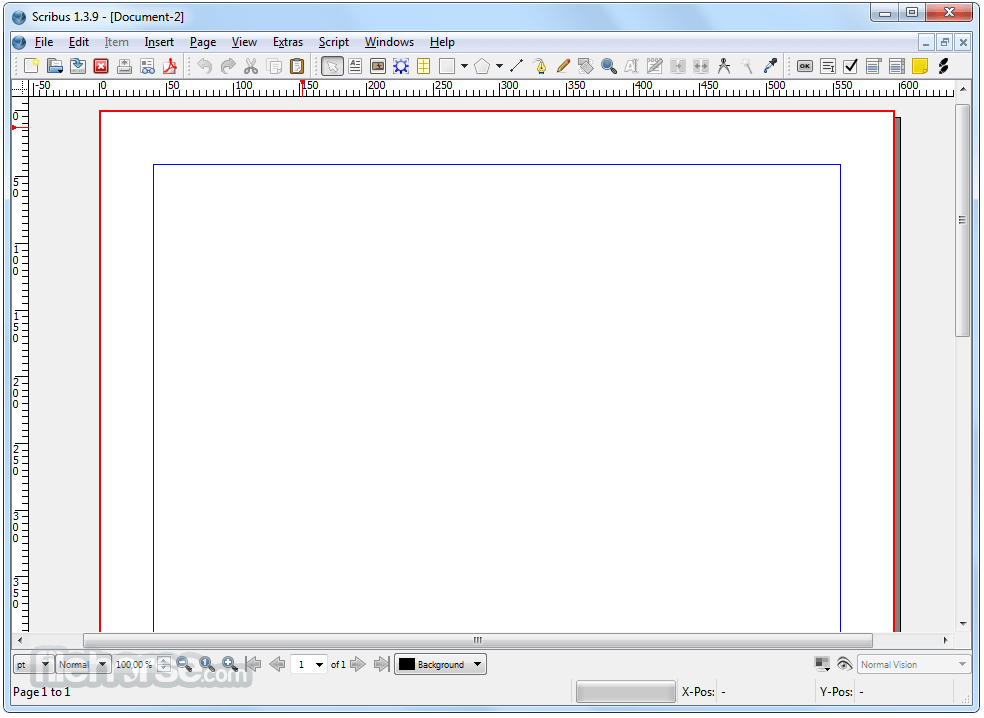
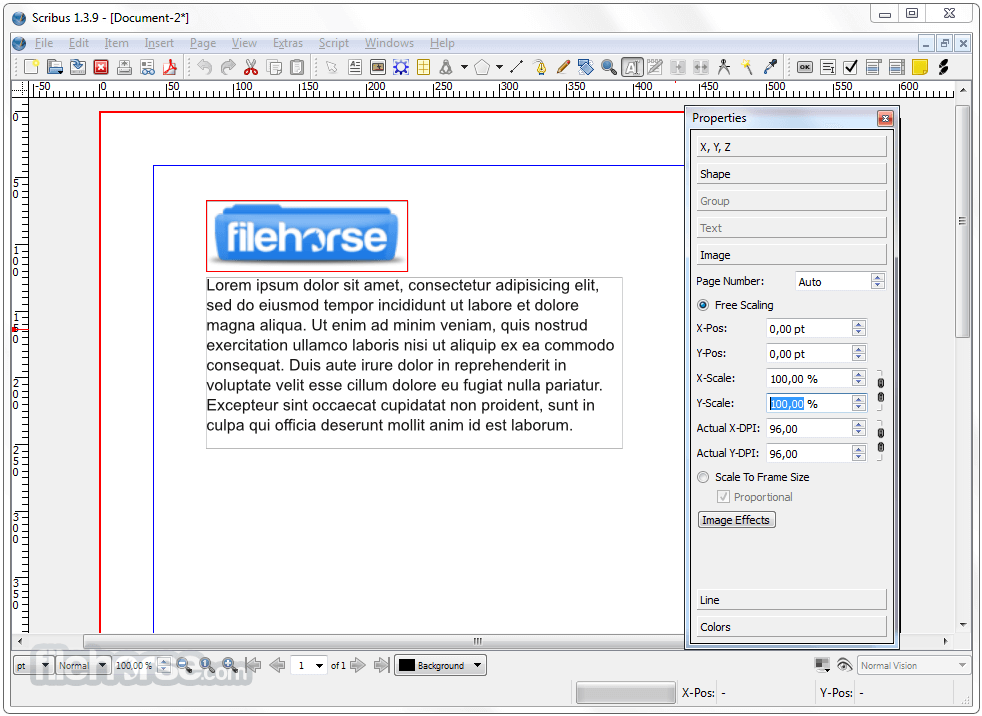
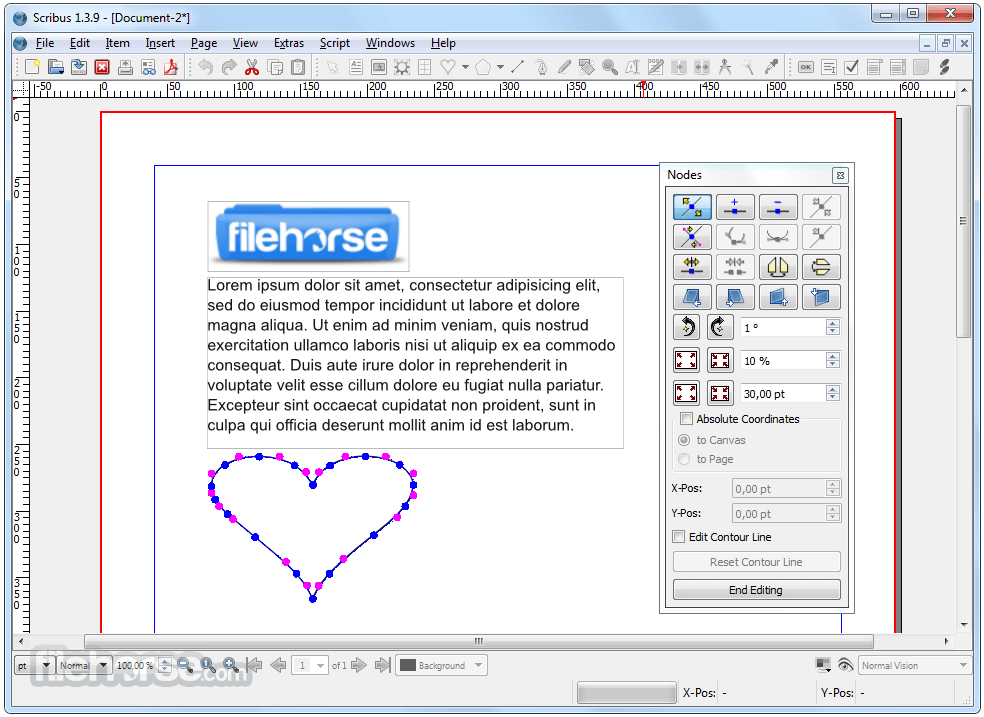
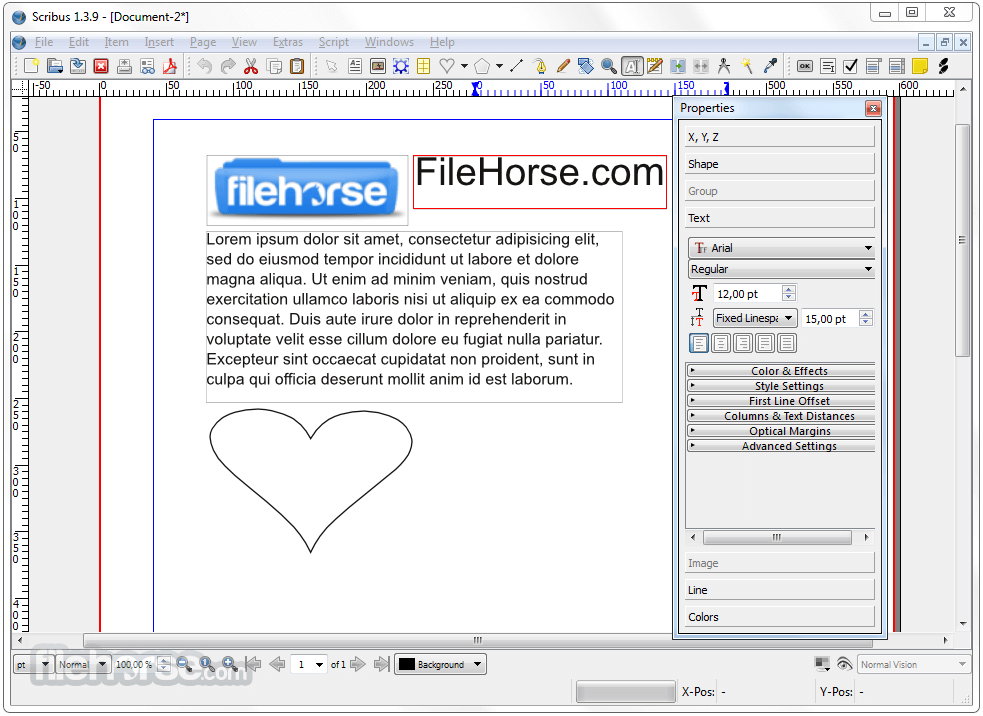
Use the toolbar to add text, images, and shapes
Customize layout using properties and layers panels
Save projects in SLA format or export as PDF
Use preflight verifier before final publishing
System Requirements
Download Scribus for Mac Latest Version Why is this app published on FileHorse? (More info)
Scribus for macOS can be used by professionals and novice users alike who want to create eye-catching documents and interactive PDFs that they can distribute both for their personal projects, for school or work.
To enable everyone to learn about all features of this highly capable app, users can contact an enthusiastic and friendly community around the app that assists beginner and pro alike through mailing lists, IRC channel, wiki, contracted support, and the bug-tracker.
The tool supports many formats like MS Word documents, PDF, OASIS (Open Document), and more.
The first version of the app was released to the public in June of 2003, and ever since then, it managed to land on a truly astounding number of operating systems, including Windows, Linux, Unix, macOS, OpenBSD, Solaris, and many others.
As one of the most popular open-source professional document building applications in the world, the tool managed to attract large attention of the public and even creation of several books that describe all of its functions and provide clear tutorials and examples for extracting everything that this app offers.
If you are interested in infusing your business with excellent software for the preparation of professional documents that will not break your budget, then you have to take a real close look at Scribus.
Features and Highlights
The easiest to point out aspect - the software is Free. You don't pay us a dime. The app is licensed under the General Public License, which makes it free and legal for use in any setting including commercial and governmental organizations.
Professionals and amateurs are producing top-quality publications with the tool, which is why the list of Scribus success stories keeps growing year after year.
Scribus produced PDF files are RIP-ready. Scribus PDFs are being constantly tested on both cutting edge printing house equipment and low-budget printers. The Team makes it its highest priority to respond to PDF generation inquiries without delay. The app was the first software to support several new generations of Adobe's PDF specifications well ahead of the commercial software.
Scribus User Mailing List is very active. Many Team members and professional DTP specialists frequently answer questions posted on the list.
A wealth of documentation including How-Tos, Tutorials, and articles on just about any aspect of DTP and the tool in several languages are present in professional made Wiki.
Several books in three languages have been published about the app, so you could probably find one that'll get you started right away.
How to Use
Install the application via the DMG file
Launch Scribus and select a new document template
Use the toolbar to add text, images, and shapes
Customize layout using properties and layers panels
Save projects in SLA format or export as PDF
Use preflight verifier before final publishing
System Requirements
- macOS 10.14 or later
- Intel or Apple Silicon processor
- At least 1 GB RAM (4 GB recommended)
- 200 MB of available disk space
- 1024x768 display resolution or higher
- Supports professional desktop publishing
- Free and open-source software
- PDF export with advanced settings
- Wide template and layout flexibility
- Cross-platform file compatibility
- Interface may feel outdated
- Limited advanced typography tools
- Performance can lag with large files
- Fewer features than Adobe InDesign
Download Scribus for Mac Latest Version Why is this app published on FileHorse? (More info)
##
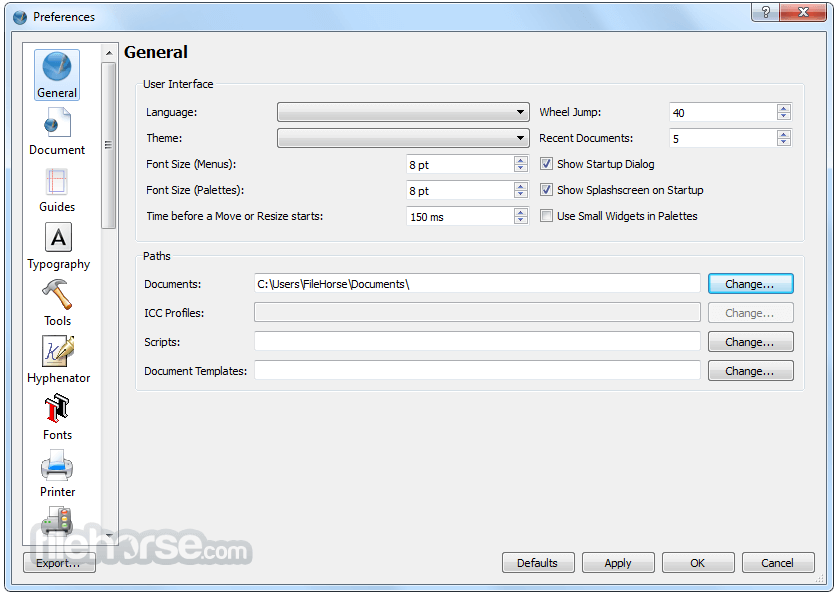
畫面截圖
- 2026-04-15 Scribus 1.6.6 218.24 MB
- 2025-12-15 Scribus 1.6.5 239.06 MB
- 2025-04-22 Scribus 1.6.4 228.88 MB
- 2025-01-09 Scribus 1.6.3 234.4 MB
- 2024-06-16 Scribus 1.6.2 226.04 MB
- 2024-01-08 Scribus 1.6.1 225.25 MB
- 2024-01-01 Scribus 1.6.0 217.2 MB
- 2019-03-06 Scribus 1.4.8 105.54 MB