⚠ 這是歷史版本頁面 — 查看 Sketchbook Pro 最新版本 →

- 目前版本8.7.1
- 更新日期2019-11-20
- 檔案大小74.63 MB
- 檔案名稱SketchBook_v8.7.1_mac.dmg
- 作業系統Mac OS X 10.8 or later
- 支援語系English
- 授權型式未分類
- 開發商 Sketchbook, Inc.
- 軟體分類Mac 軟體 / 影像設計
##
編輯短評
Sketchbook Pro 是一款功能多元的素描、繪圖與插畫軟體,主要為藝術家和設計師解決數位創作的需求。它曾由 Autodesk 與 Adobe 發行,現已轉型為獨立開發且長期維護的應用程式,功能日益豐富。在同類影像設計工具中屬於熱門選擇,評價普遍不錯,能讓使用者在不同環境下輕鬆進行繪畫創作。
這款軟體適合專業插畫師、藝術工作者或初學者,無論是在學校、辦公室或是居家創作時都能派上用場。相較於 Photoshop 或 Illustrator 等功能更龐大的替代方案,它提供了更專注且直覺的繪圖體驗。使用者在下載前需留意,目前僅支援英文語系,平台則涵蓋 macOS 與 Windows。
##
翻譯排程處理中,以下暫以英文原文呈現
軟體介紹
Sketchbook Pro for Mac is a versatile sketching, painting, and illustration software that caters to artists, illustrators, and designers.
Note: Autodesk SketchBook is now Sketchbook Pro for Mac.
Originally developed by Autodesk and distributed under the name Adobe Sketchbook, this popular app left the Adobe CC platform in the summer of 2021, becoming a standalone application maintained by a new team of developers.
This evolution in its development enabled it to become even more feature-rich, providing both novices and seasoned designers new tools for effortless painting at home, school, work, and on the go.
The UWP version of Sketchbook previously distributed by Autodesk through the Microsoft Store could not be transferred due to technical dependencies on the store backend.
Today, this app offers everyone a professional-grade feature set and highly customizable tools that are available not only on Mac, but also on Windows, iOS, and Android. This makes it one of the most natural drawing tools on the market with a wide offering of both natural drawing and cloud-powered features.
Owners of the app who purchased it during the time it was offered by Adobe can find official support at its new official website, with regular downloads for Business and Education users still being offered by Adobe.
Main Features
This app can be downloaded on any modern Mac computer by simply visiting its official App Store web page and purchasing it.
After an automated installation is finished, users are not required to set up the app since it will automatically detect all connected hardware (such as drawing pads).
How to Use
Once inside the app, users can start exploring its stylish interface and create new sketches. Projects can be started from scratch, or they can be imported from outer sources.
The main canvas for painting allows users full freedom to express their creativity, with the use of either official drawing tools or fully customized brushes or color palettes.
Overall, the app provides a natural environment for painting with smart tools that are always just a click away.
User Interface
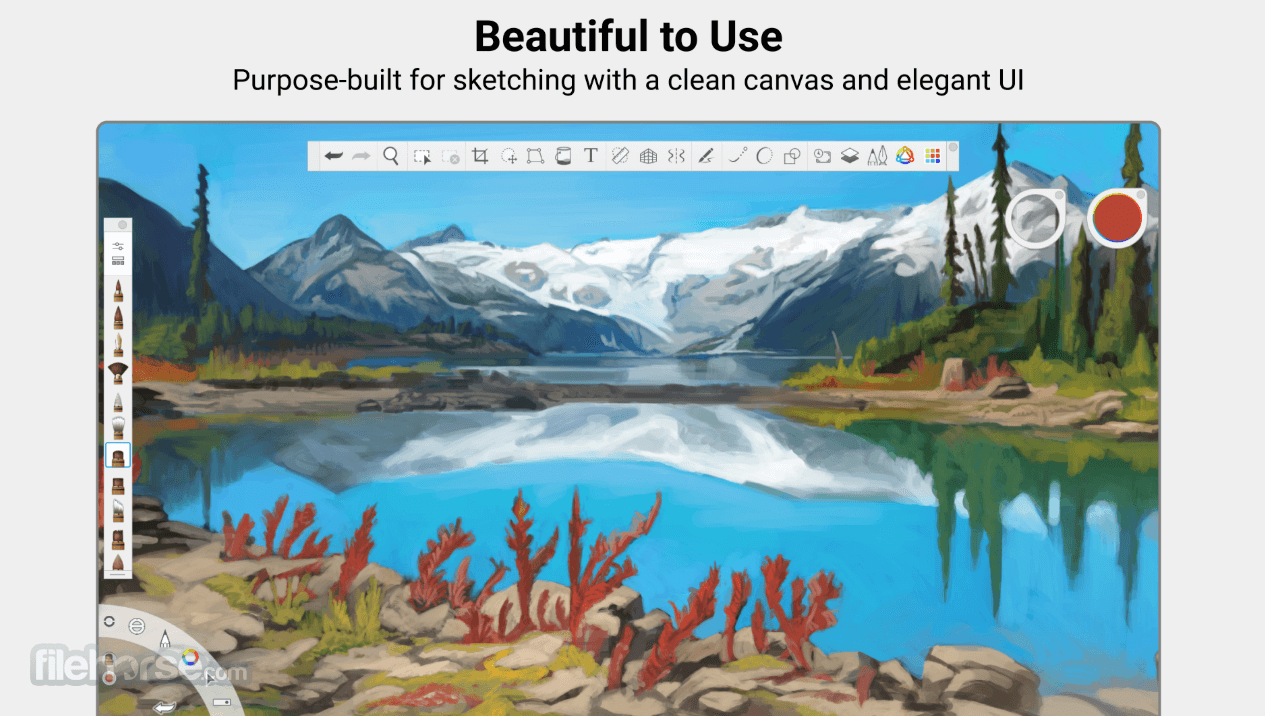
SketchBook features a clean and unobtrusive interface, with a large canvas, extensive toolbars, smart radial menus, and customizable elements that can enable users to dramatically boost their drawing workflows.
The app's design is intended to minimize distractions, allowing users to focus on their creative work.
In addition to the full optimization of modern Mac hardware, the official version of this app for touch-friendly mobile platforms (iOS and Android) enables talented designers to bring all their projects on the go and take advantage of instant inspiration for drawing no matter where they are.
FAQ
What is SketchBook?
SketchBook is an advanced digital drawing and painting application designed for artists, illustrators, and designers, with an extensive offering of professional-grade tools.
Is it safe?
Yes. This is a reliable app supported by a reputable software team.
Alternatives
Corel Painter – A versatile raster-based digital art editor with a large catalog of tools for novices and professionals.
Krita for Mac – A free and open-source digital painting software designed for illustrators and concept artists, offering advanced brushes, an intuitive user interface, and robust layer management.
Adobe Fresco – A feature-rich drawing tool for Macs and iPads with a large offering of brushes and pens.
Procreate – A popular digital illustration app available only for modern iPad devices.
Pricing
This premium app can be purchased on the Mac App Store for $24.99. It comes with a Family Sharing plan that allows up to six family members to use this app simultaneously.
System Requirements
This app is compatible with macOS 11.0 or later.
PROS
Sketchbook Pro for Mac is a popular digital drawing and painting application that offers all users a chance to experience a natural drawing feel on their home, school, or work Mac computers.
Featuring a wide variety of modern digital painting tools, this app is today regarded as one of the best choices for artists, illustrators, and designers of all skill levels.
Note: 7-day trial version. Works on all devices. Autodesk ID required after the trial.
Also Available: Download Autodesk SketchBook for Windows
Download Sketchbook Pro for Mac Latest Version Why is this app published on FileHorse? (More info)
Note: Autodesk SketchBook is now Sketchbook Pro for Mac.
Originally developed by Autodesk and distributed under the name Adobe Sketchbook, this popular app left the Adobe CC platform in the summer of 2021, becoming a standalone application maintained by a new team of developers.
This evolution in its development enabled it to become even more feature-rich, providing both novices and seasoned designers new tools for effortless painting at home, school, work, and on the go.
The UWP version of Sketchbook previously distributed by Autodesk through the Microsoft Store could not be transferred due to technical dependencies on the store backend.
Today, this app offers everyone a professional-grade feature set and highly customizable tools that are available not only on Mac, but also on Windows, iOS, and Android. This makes it one of the most natural drawing tools on the market with a wide offering of both natural drawing and cloud-powered features.
Owners of the app who purchased it during the time it was offered by Adobe can find official support at its new official website, with regular downloads for Business and Education users still being offered by Adobe.
Main Features
- Professional drawing tools for novices and seasoned designers.
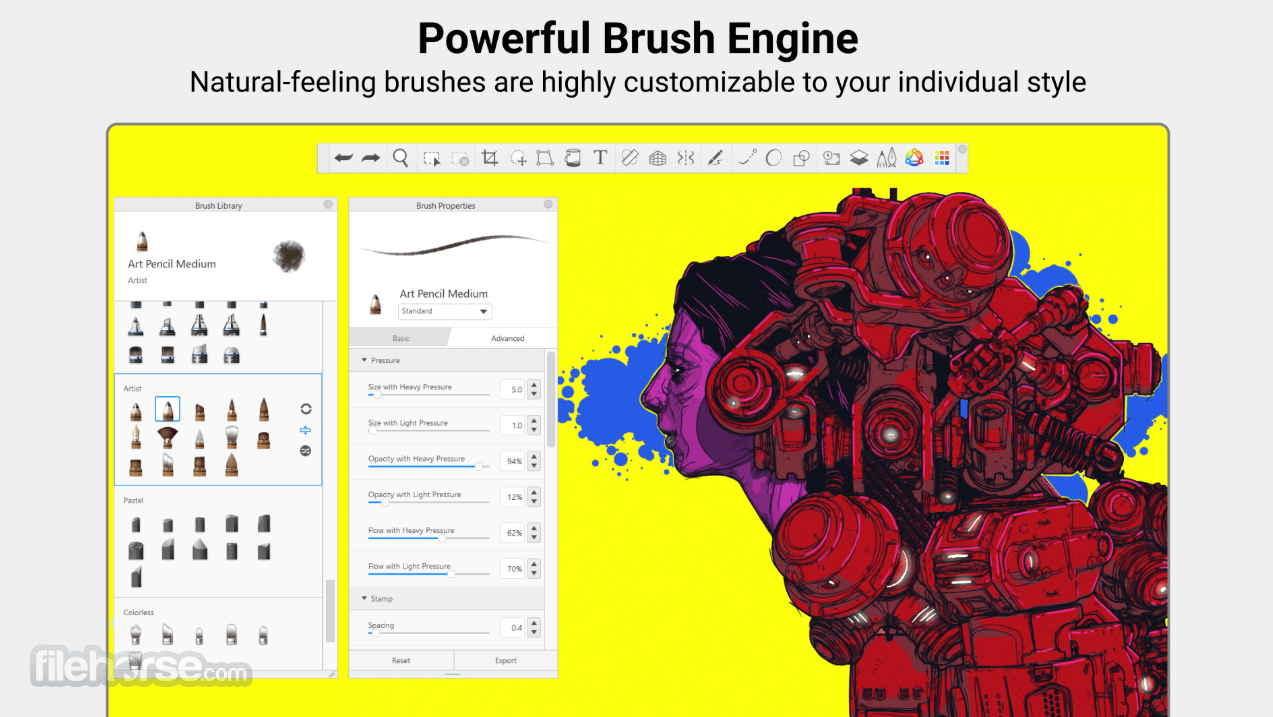
- Large offering of customizable digital pencils, markers, brushes, and color palettes.
- Pressure-sensitive input, mimicking natural drawing.
- Versatile radial/pie-menu user interface for easy access to advanced tools.
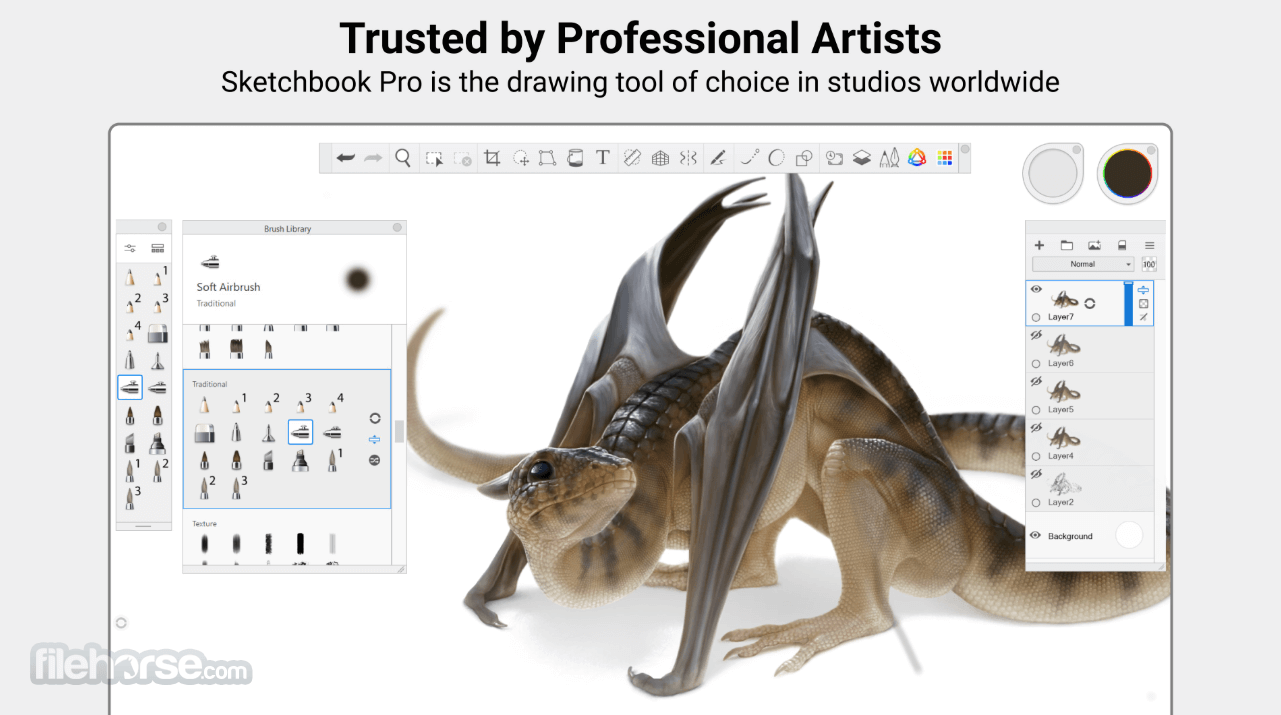
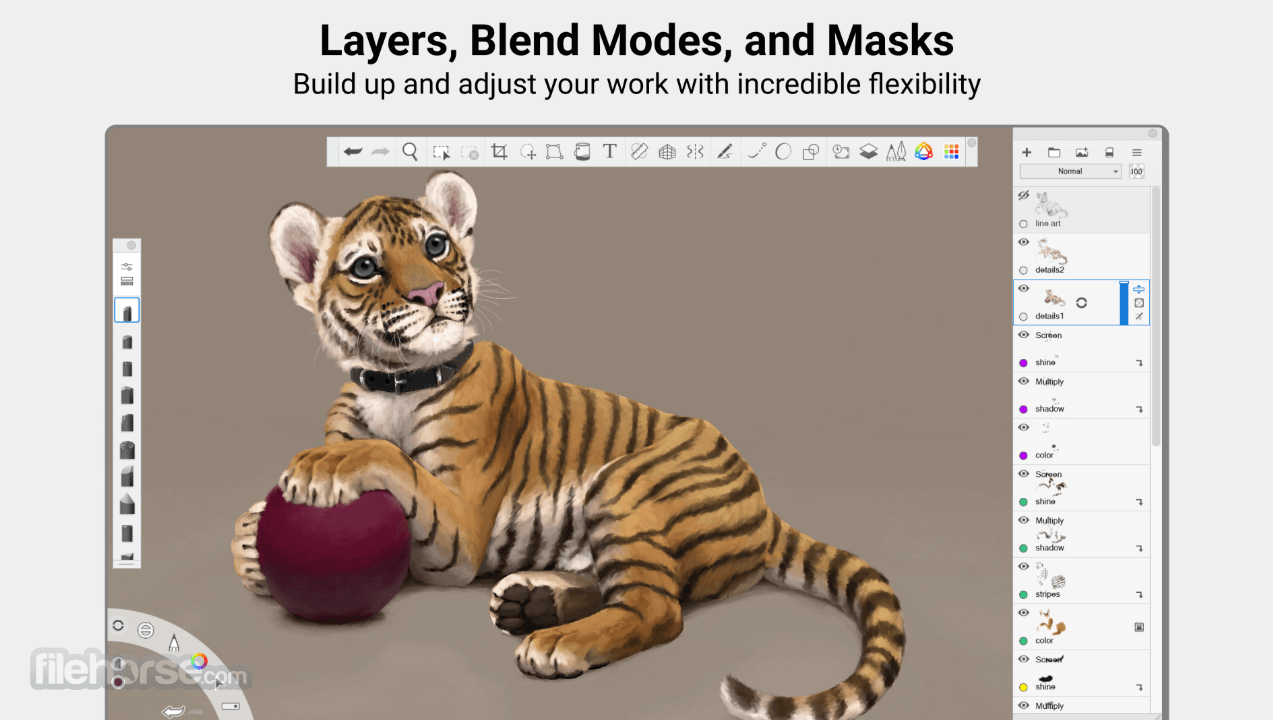
- Full support for layers and advanced drawing projects.
- Compatible with all modern image file formats, including Adobe Photoshop’s PSD.
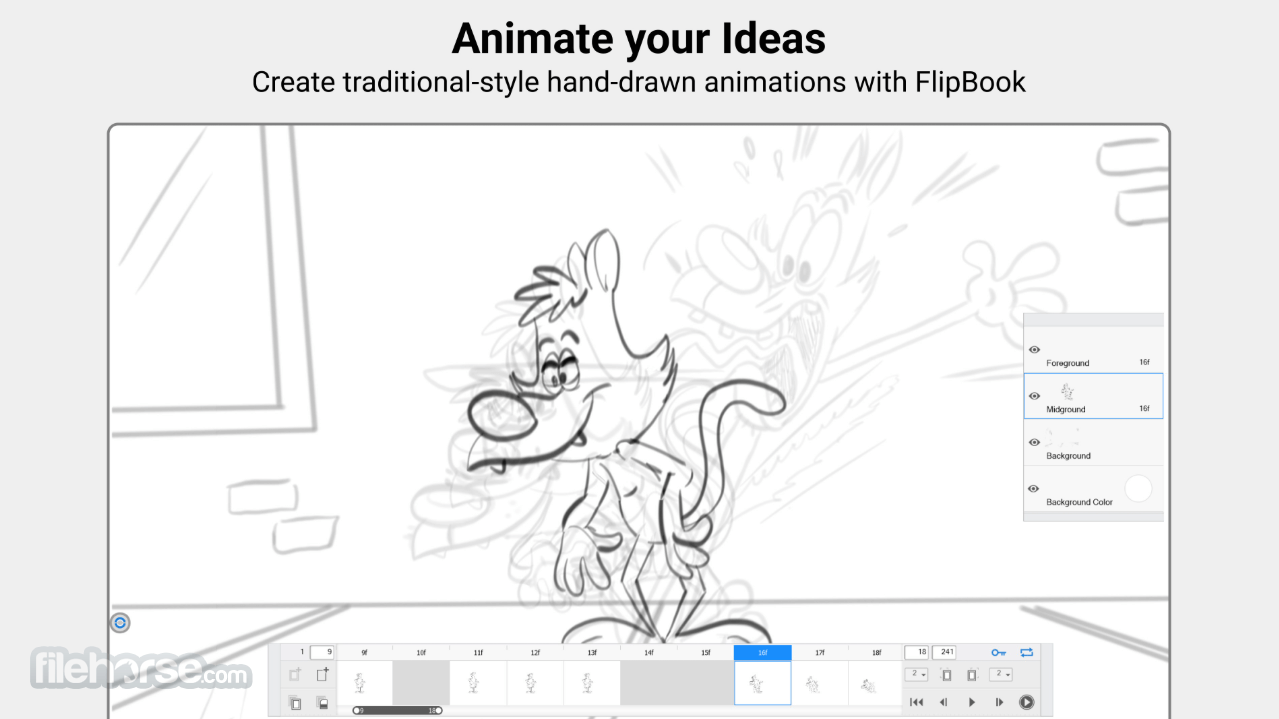
- Advanced Flipbook feature for automated creating traditional-style hand-drawn 2D animations.
- Stylish UI with ease-to-reach guides, rulers, and other precision tools.
This app can be downloaded on any modern Mac computer by simply visiting its official App Store web page and purchasing it.
After an automated installation is finished, users are not required to set up the app since it will automatically detect all connected hardware (such as drawing pads).
How to Use
Once inside the app, users can start exploring its stylish interface and create new sketches. Projects can be started from scratch, or they can be imported from outer sources.
The main canvas for painting allows users full freedom to express their creativity, with the use of either official drawing tools or fully customized brushes or color palettes.
Overall, the app provides a natural environment for painting with smart tools that are always just a click away.
User Interface
SketchBook features a clean and unobtrusive interface, with a large canvas, extensive toolbars, smart radial menus, and customizable elements that can enable users to dramatically boost their drawing workflows.
The app's design is intended to minimize distractions, allowing users to focus on their creative work.
In addition to the full optimization of modern Mac hardware, the official version of this app for touch-friendly mobile platforms (iOS and Android) enables talented designers to bring all their projects on the go and take advantage of instant inspiration for drawing no matter where they are.
FAQ
What is SketchBook?
SketchBook is an advanced digital drawing and painting application designed for artists, illustrators, and designers, with an extensive offering of professional-grade tools.
Is it safe?
Yes. This is a reliable app supported by a reputable software team.
Alternatives
Corel Painter – A versatile raster-based digital art editor with a large catalog of tools for novices and professionals.
Krita for Mac – A free and open-source digital painting software designed for illustrators and concept artists, offering advanced brushes, an intuitive user interface, and robust layer management.
Adobe Fresco – A feature-rich drawing tool for Macs and iPads with a large offering of brushes and pens.
Procreate – A popular digital illustration app available only for modern iPad devices.
Pricing
This premium app can be purchased on the Mac App Store for $24.99. It comes with a Family Sharing plan that allows up to six family members to use this app simultaneously.
System Requirements
This app is compatible with macOS 11.0 or later.
PROS
- Professional-grade drawing tools and features.
- Customizable brushes and color palettes.
- Advanced pressure-sensitive features that provide a natural drawing feel.
- Optimized for touch-friendly accessories and tablet platforms.
- No free tier of use.
Sketchbook Pro for Mac is a popular digital drawing and painting application that offers all users a chance to experience a natural drawing feel on their home, school, or work Mac computers.
Featuring a wide variety of modern digital painting tools, this app is today regarded as one of the best choices for artists, illustrators, and designers of all skill levels.
Note: 7-day trial version. Works on all devices. Autodesk ID required after the trial.
Also Available: Download Autodesk SketchBook for Windows
Download Sketchbook Pro for Mac Latest Version Why is this app published on FileHorse? (More info)
##
畫面截圖
- 2025-11-11 Sketchbook Pro 9.3.21
- 2019-11-20 Autodesk SketchBook 8.7.1 74.63 MB
- 2018-05-11 Autodesk SketchBook 8.6.1 74.91 MB
- 2018-05-01 Autodesk SketchBook 8.6.0 74.91 MB
- 2017-10-23 Autodesk SketchBook 8.5.1 72.96 MB
- 2017-09-29 Autodesk SketchBook 8.5.0 72.98 MB
- 2017-06-28 Autodesk SketchBook 8.4.3 80.71 MB
- 2017-05-22 Autodesk SketchBook 8.4.2 80.79 MB